LG-6089 Add location page to in-person flow#6624
Conversation


…t-location-page-retry
changelog: Upcoming Features, In-Person Proofing, Add the location page to the IPP flow (LG-6089)

app/javascript/packages/document-capture/components/in-person-location-step.tsx
Outdated
Show resolved
Hide resolved


 kellular
left a comment
kellular
left a comment
kellular
left a comment
There was a problem hiding this comment.
The updated screenshots LGTM. Thanks!


app/javascript/packages/document-capture/components/in-person-location-step.tsx
Outdated
Show resolved
Hide resolved
app/javascript/packages/document-capture/components/in-person-prepare-step.tsx
Show resolved
Hide resolved


|
I created LG-7026 to add tests for both the location and prepare step components. |

…github.com/18F/identity-idp into shannon/lg-6089-select-location-page-retry

 NavaTim
left a comment
NavaTim
left a comment
NavaTim
left a comment
There was a problem hiding this comment.
Looks good to me 😄
I did notice an issue with the back button, but that seems to be out of scope & was not caused by these changes. IIRC @svalexander agreed to create a story covering the back button issue. I am also under the impression that further tests for this page have been added to a separate story.
…t-location-page-retry

| @media screen and (max-width: 480px) { | ||
| .usa-button-mobile-hidden { | ||
| display: none; | ||
| } | ||
| } | ||
|
|
||
| @media screen and (min-width: 481px) { | ||
| .usa-button-desktop-hidden { | ||
| display: none; | ||
| } | ||
| } |

There was a problem hiding this comment.
(Non-blocking) Typically for this sort of thing I would encourage the use of display utility classes with responsive modifiers.
For example:
<!-- Hide below tablet breakpoint -->
<button class="usa-button display-none tablet:display-inline-block"></button>

<!-- Hide above tablet breakpoint -->
<button class="usa-button tablet:display-none"></button>| } | ||
| } | ||
|
|
||
| @media screen and (max-width: 480px) { |
There was a problem hiding this comment.
(Non-blocking) We try to standardize on the "tablet" breakpoint (640px) everywhere else in the application. Is that not possible?

There was a problem hiding this comment.
this max-width is to make sure when we're on a mobile device the 'select' button to the right of the post office name is hidden. so the class usa-button-mobile-hidden signifies "hide the desktop placement of the button when on mobile". I wonder now if it should be renamed for better clarity?
app/javascript/packages/document-capture/components/in-person-location-step.tsx
Show resolved
Hide resolved
app/javascript/packages/document-capture/components/in-person-location-step.tsx
Show resolved
Hide resolved
|
|
||
| module Idv | ||
| module InPerson | ||
| class UspsLocationsController < ApplicationController |
There was a problem hiding this comment.
(Non-blocking) We have some precedent for namespacing or naming routes as "API" when they talk exclusively JSON. Should we do that here?
There was a problem hiding this comment.
For clarification - is the suggestion here that the controller should be renamed to "UspsLocationsAPIController"?
There was a problem hiding this comment.
I was thinking in the module namespace, so e.g. Api::Verify::InPerson::UspsLocationsController. This is similar to what's done elsewhere.
module Api
  module Verify
    module InPerson
      class UspsLocationsController
And then we'd have the route be something like /api/verify/in_person/usps_locations.
app/javascript/packages/document-capture/components/in-person-prepare-step.tsx
Show resolved
Hide resolved
I will fix this in a follow-on |


6 participants


This PR replaces #6607
Add the new "Select a location to verify your ID" page to the in-person proofing flow. Specifically, add as a page to the DocAuth React app so that the user can return to the image upload step without losing information.
screenshots
Desktop
Location Page:Location Page (error/no results):
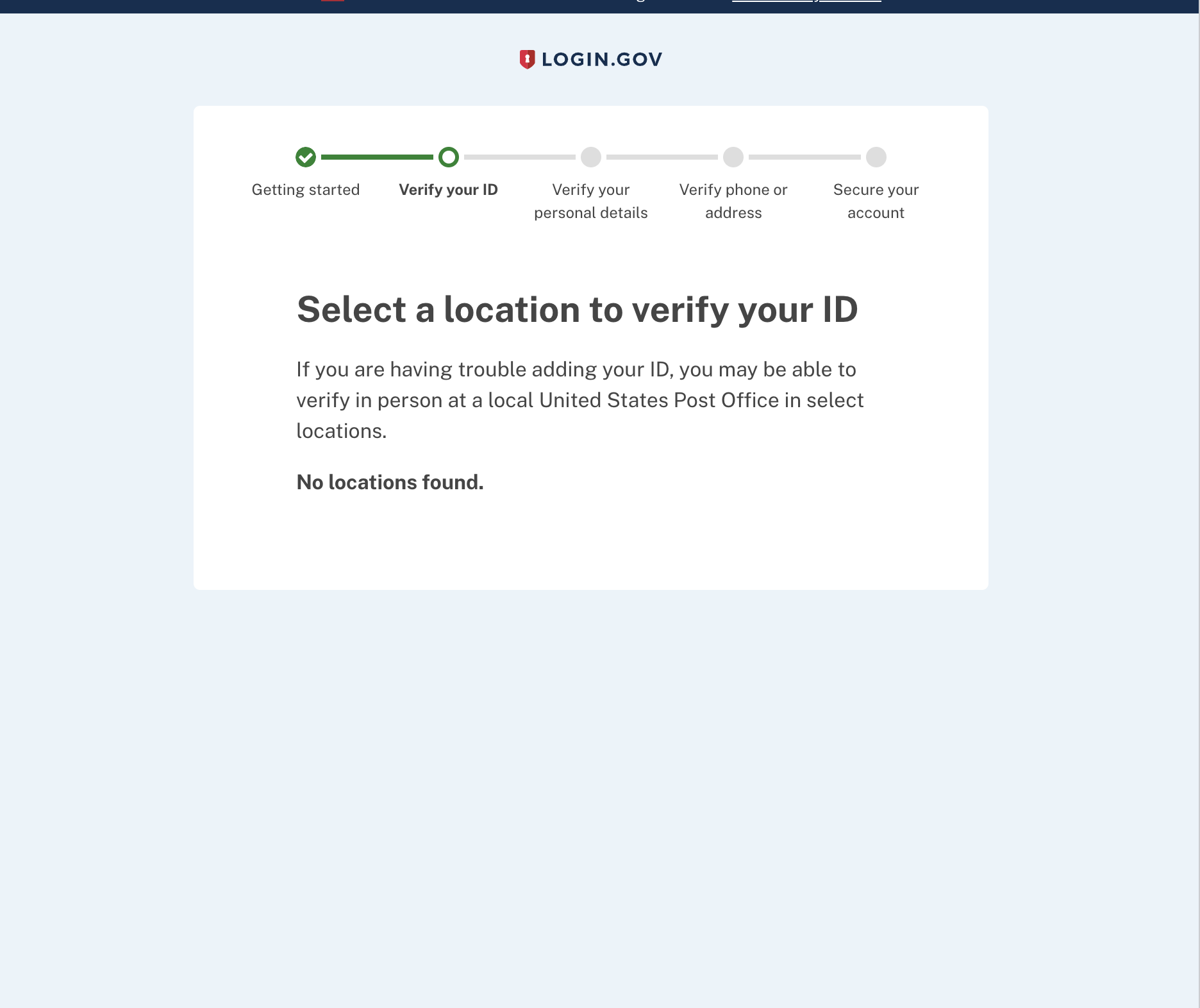
Location Page (loading):
Prepare Step:
Mobile
Location Page:
Location Page (loading):
Location Page (error/no results):
Prepare Step: