Remove requirement to specify icon class in umb-icon directive#10805
Remove requirement to specify icon class in umb-icon directive#10805nathanwoulfe merged 47 commits intoumbraco:v8/contribfrom
Conversation


|
Hi there @bjarnef, thank you for this contribution! 👍 While we wait for one of the Core Collaborators team to have a look at your work, we wanted to let you know about that we have a checklist for some of the things we will consider during review:
Don't worry if you got something wrong. We like to think of a pull request as the start of a conversation, we're happy to provide guidance on improving your contribution. If you realize that you might want to make some changes then you can do that by adding new commits to the branch you created for this work and pushing new commits. They should then automatically show up as updates to this pull request. Thanks, from your friendly Umbraco GitHub bot 🤖 🙂 |


|
@nathanwoulfe @nul800sebastiaan this would clean a lot of stuff 😁
|
|
With these changes we also need to check font icons and SVG icons can be used in actions menu: #10757 |
…nto v8/feature/umb-icon-svg-legacy

# Conflicts:
#	src/Umbraco.Web.UI.Client/src/views/components/umb-mini-search.html
|
|

|
This is awesome @bjarnef! Always bugged me that we had to pass in the same value in two places (obvs didn't bug me enough to jump in and fix it 🙄) Will try find the time to test |
|
Further it should be possible to use
The directive also use The SVG here is the source of
|
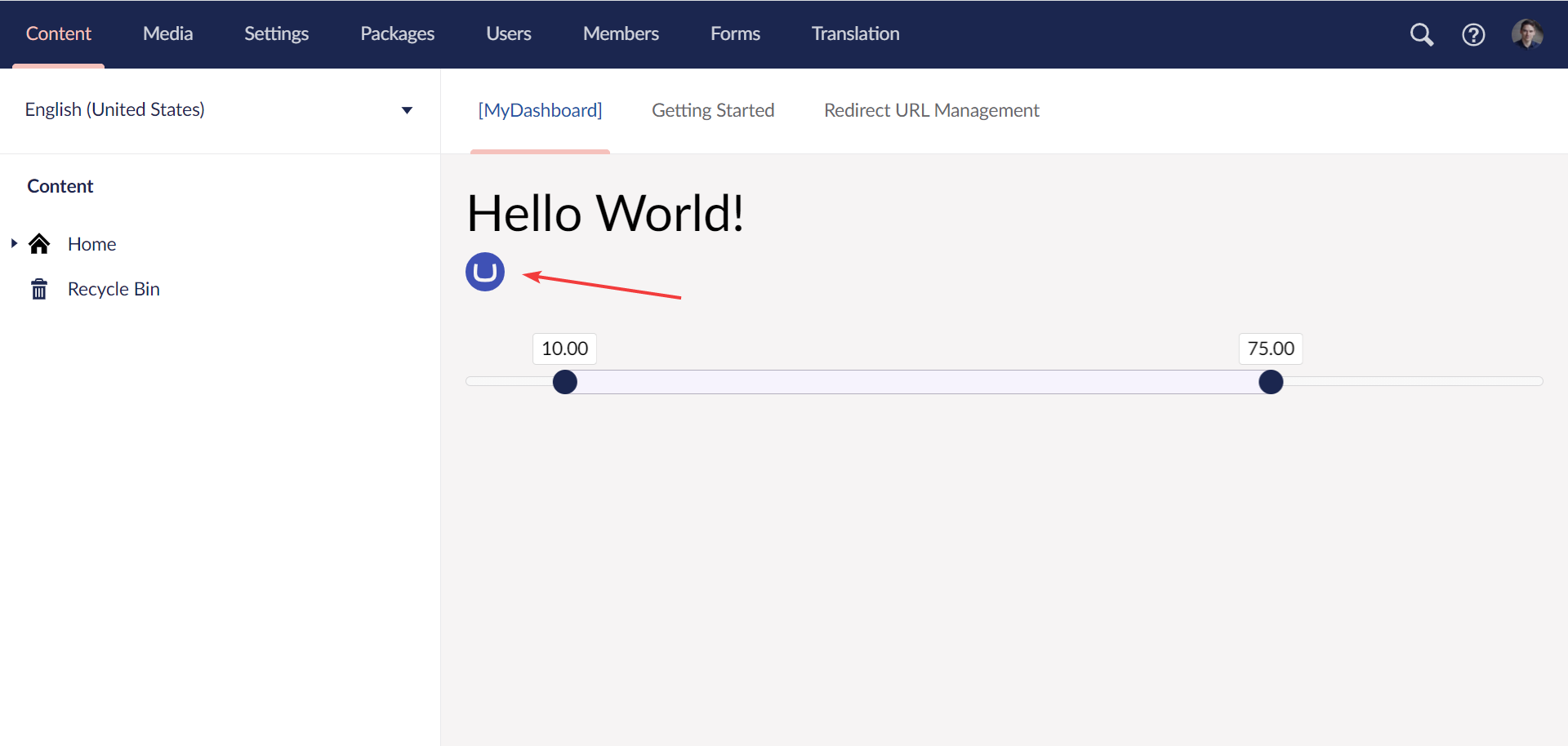
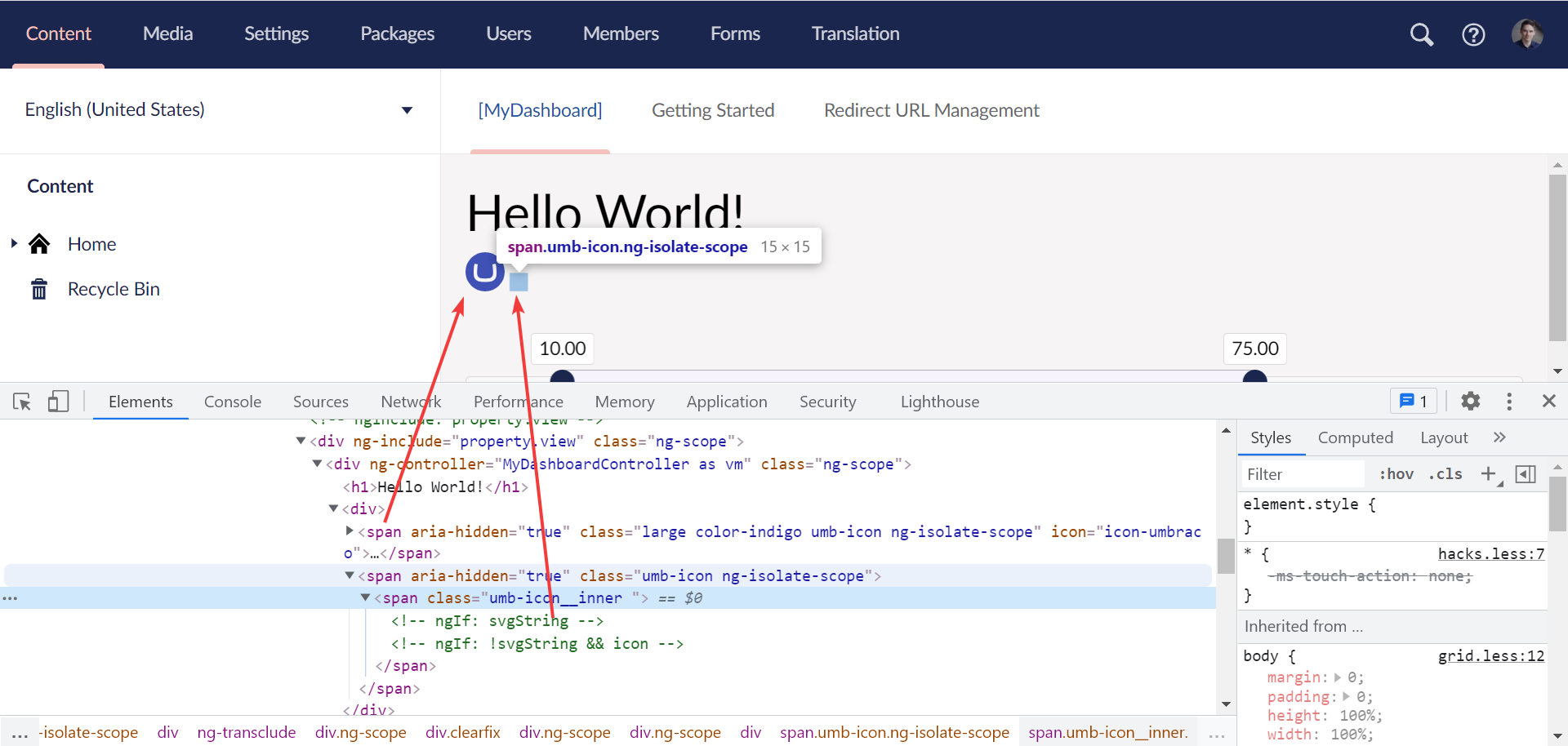
|
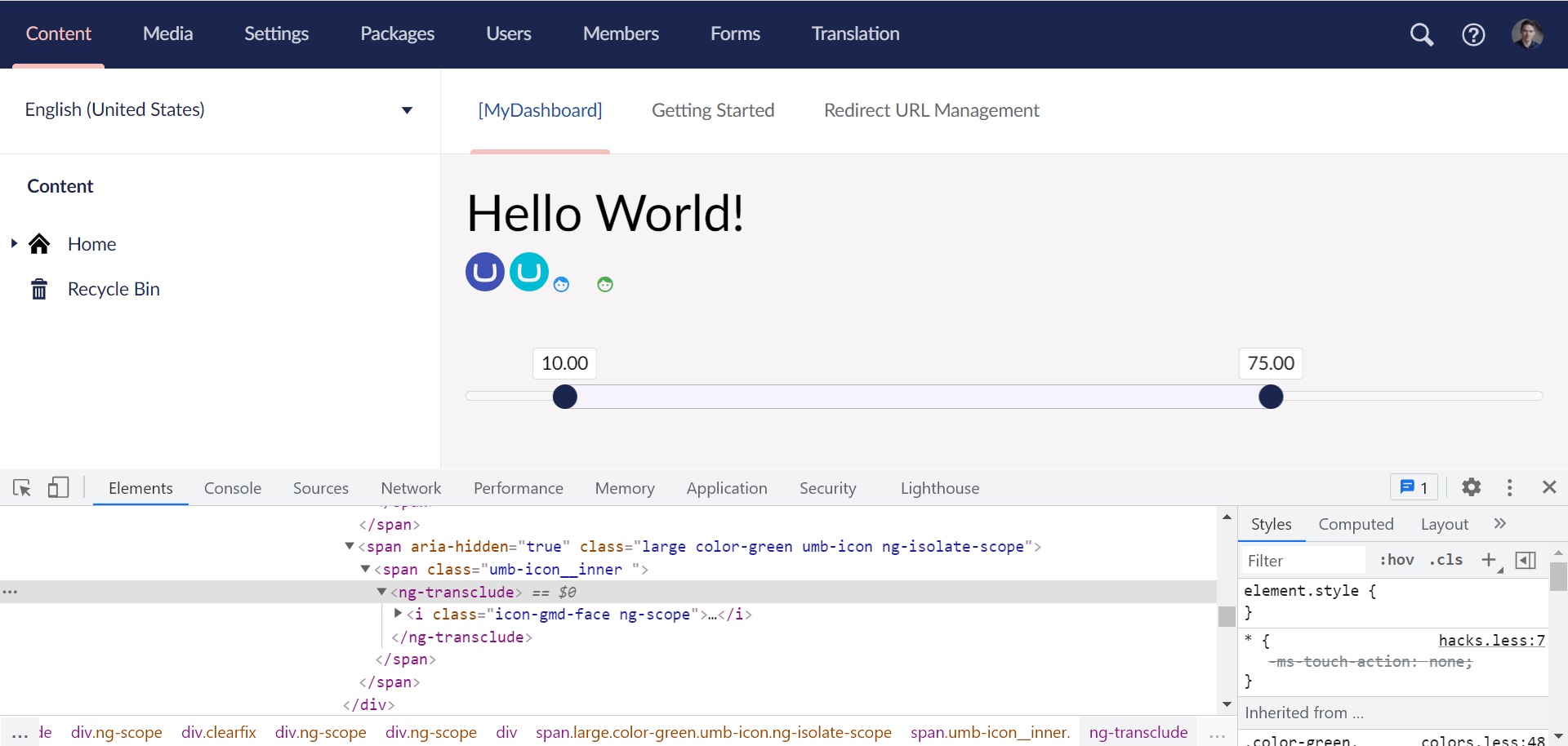
It seems it may work by adding
One thing I noticed doesn't work is when using a font icon inside
This may be a option instead:
|
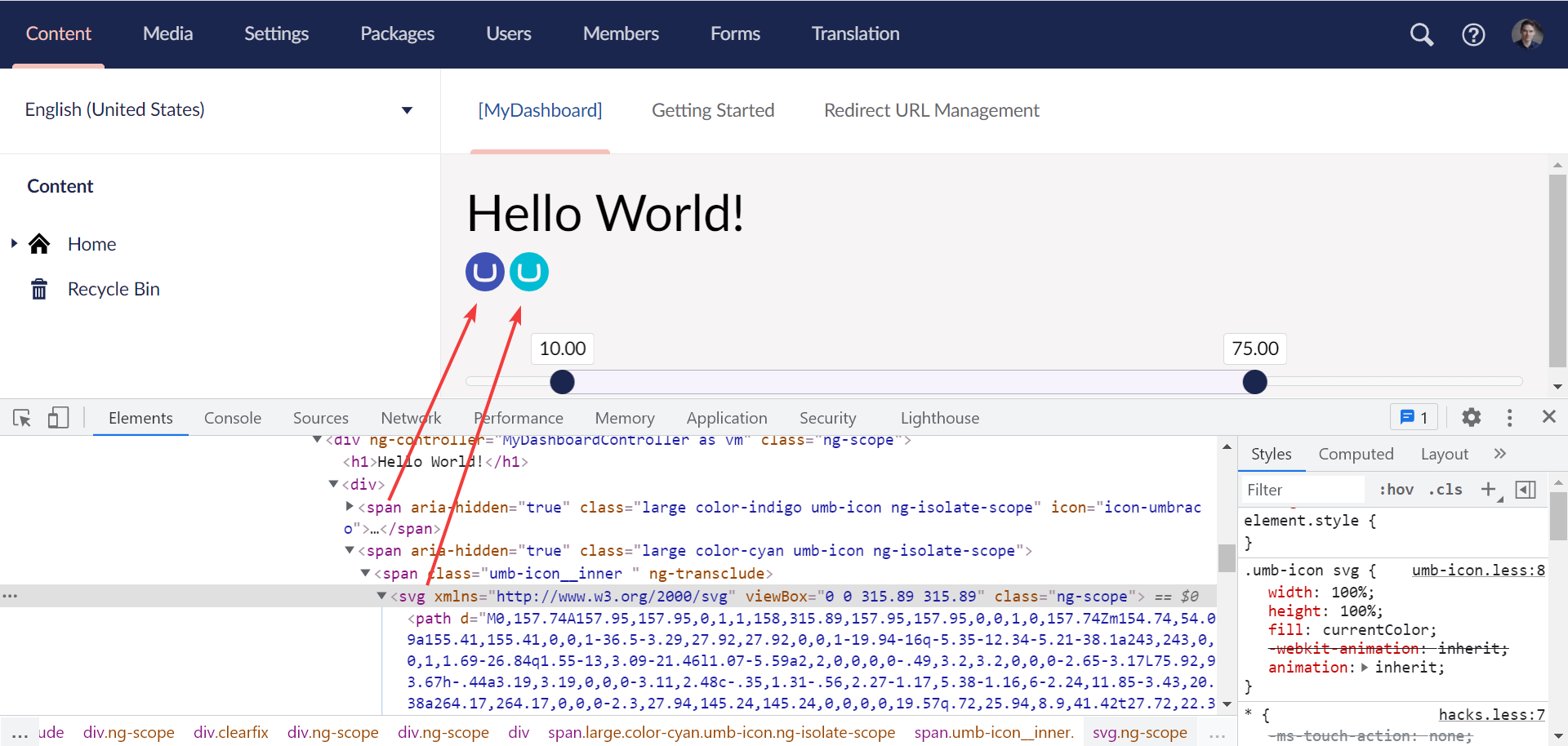
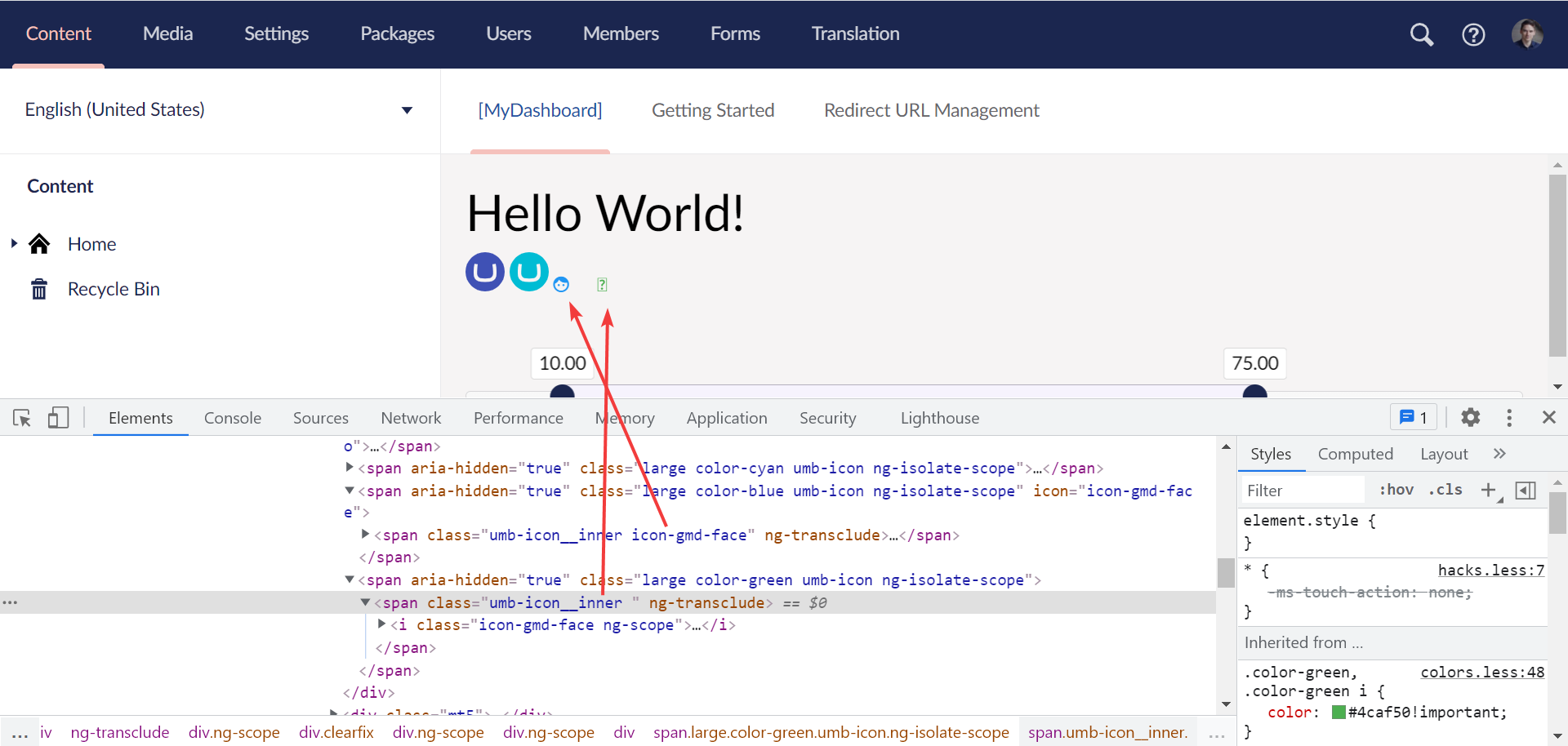
|
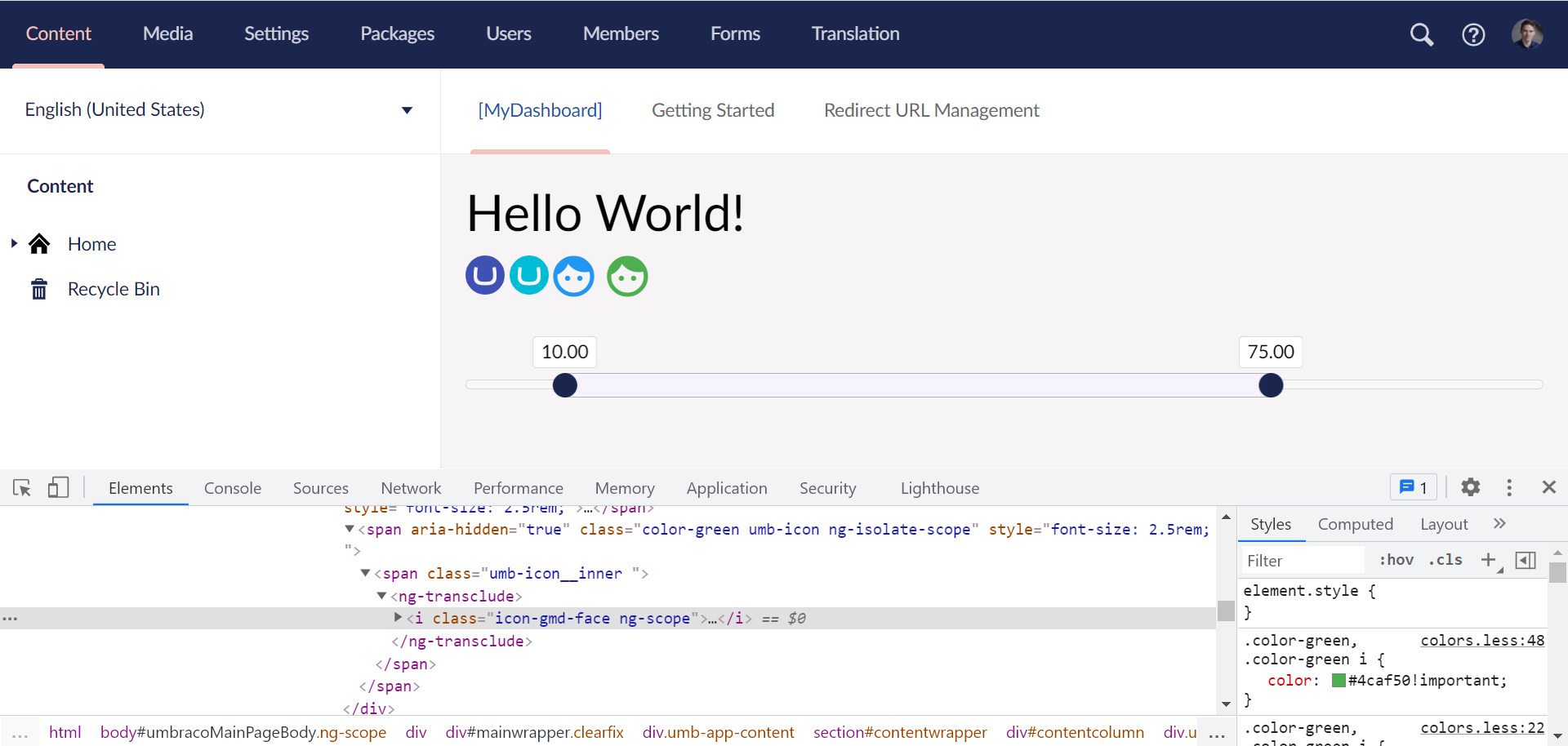
I now have the following:
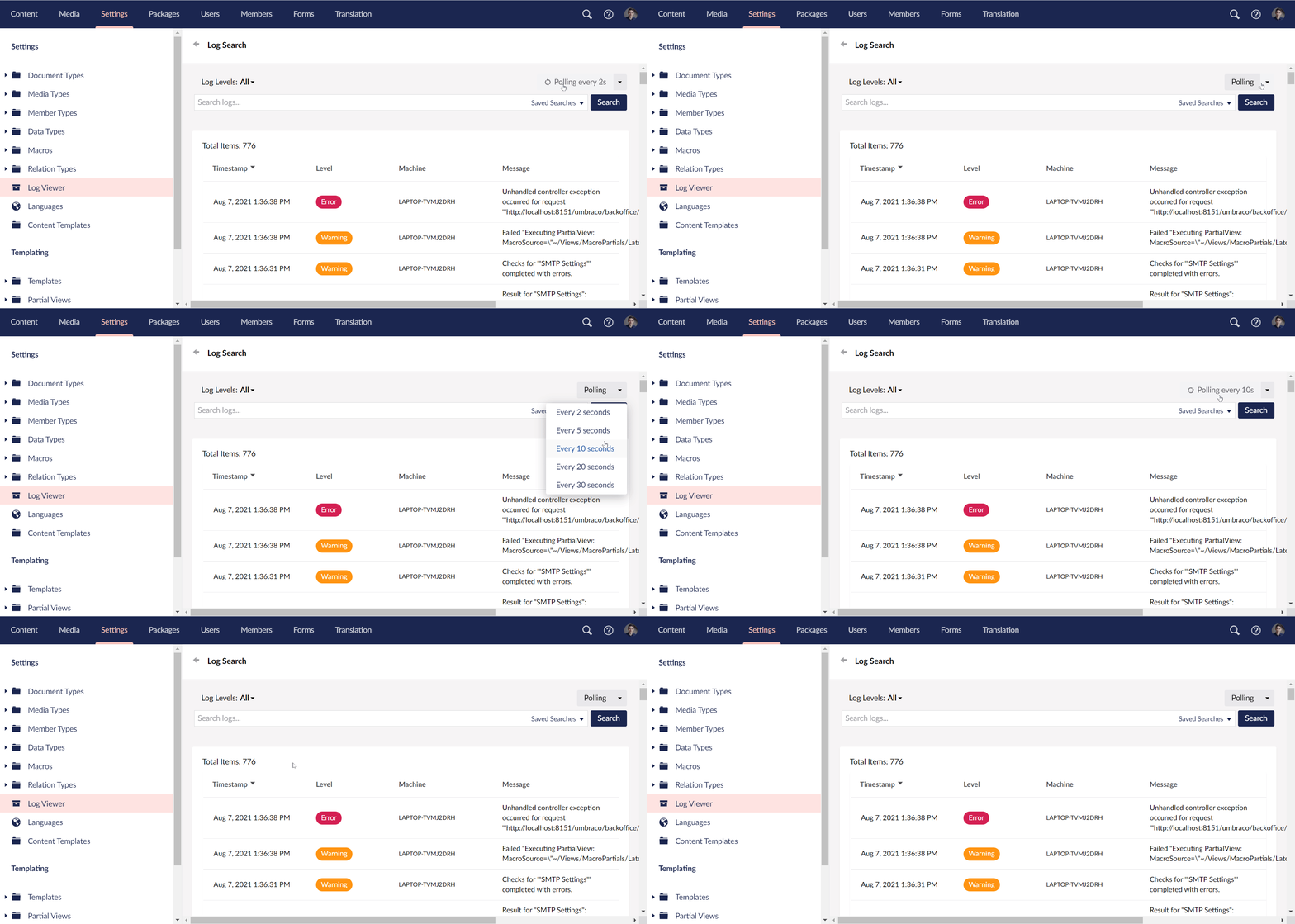
The polling animation is still working:
|
|
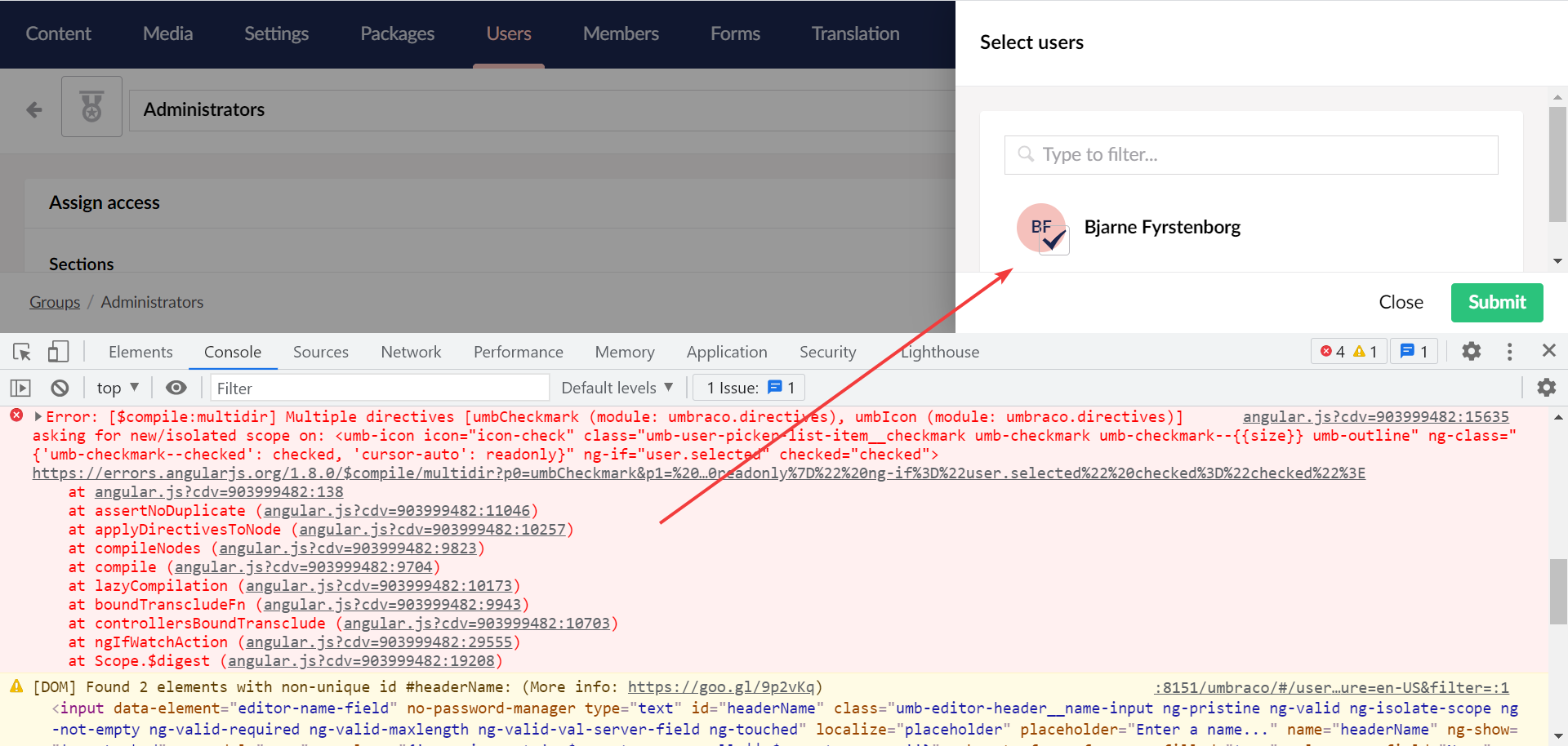
@nathanwoulfe I decided the replace pretty much all icons represented as I also found some issues with directives/components which were self-closing e.g. Furthermore I found I tried to use
|
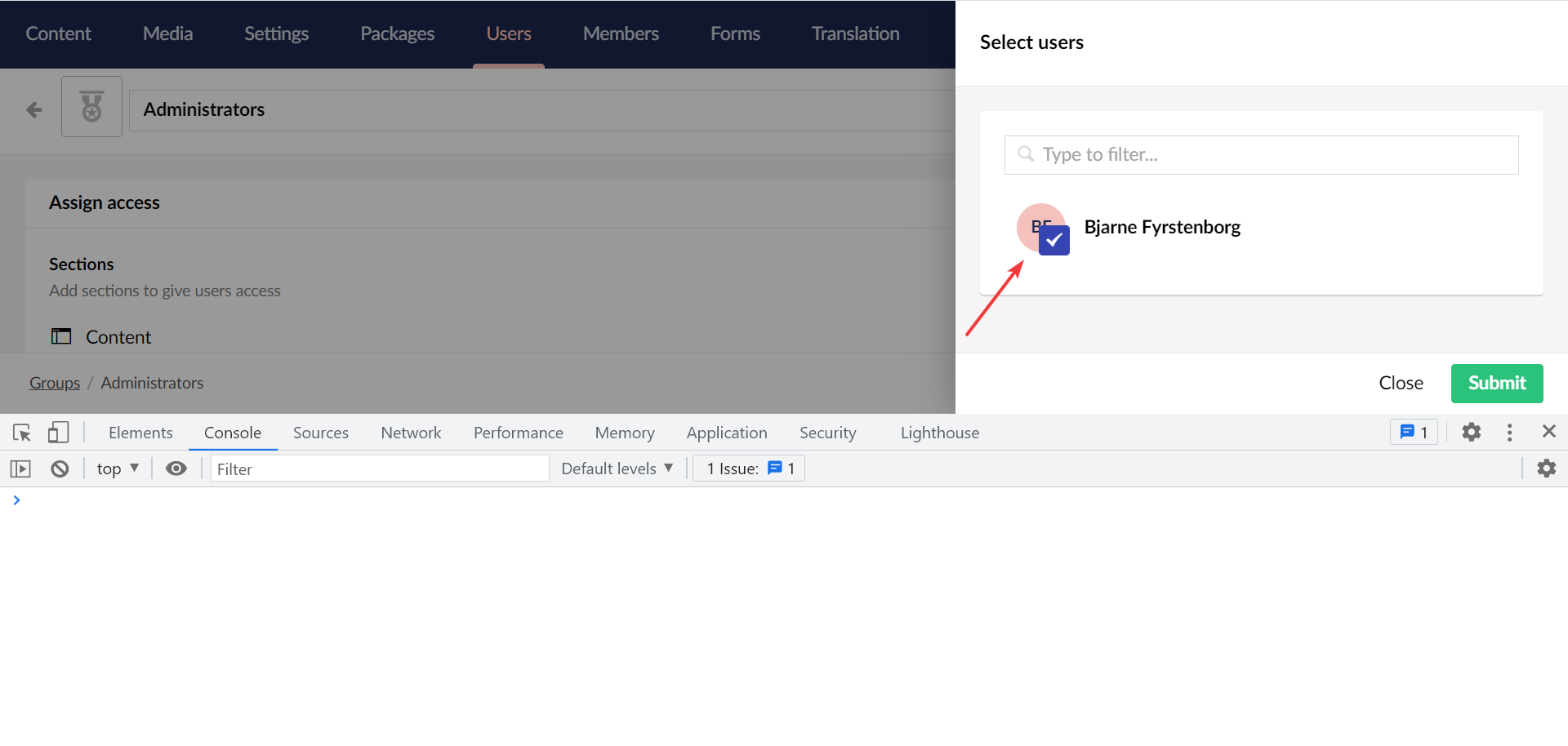
|
Okay, it seems it works anyway with a minor adjustment: 3a171a2
|
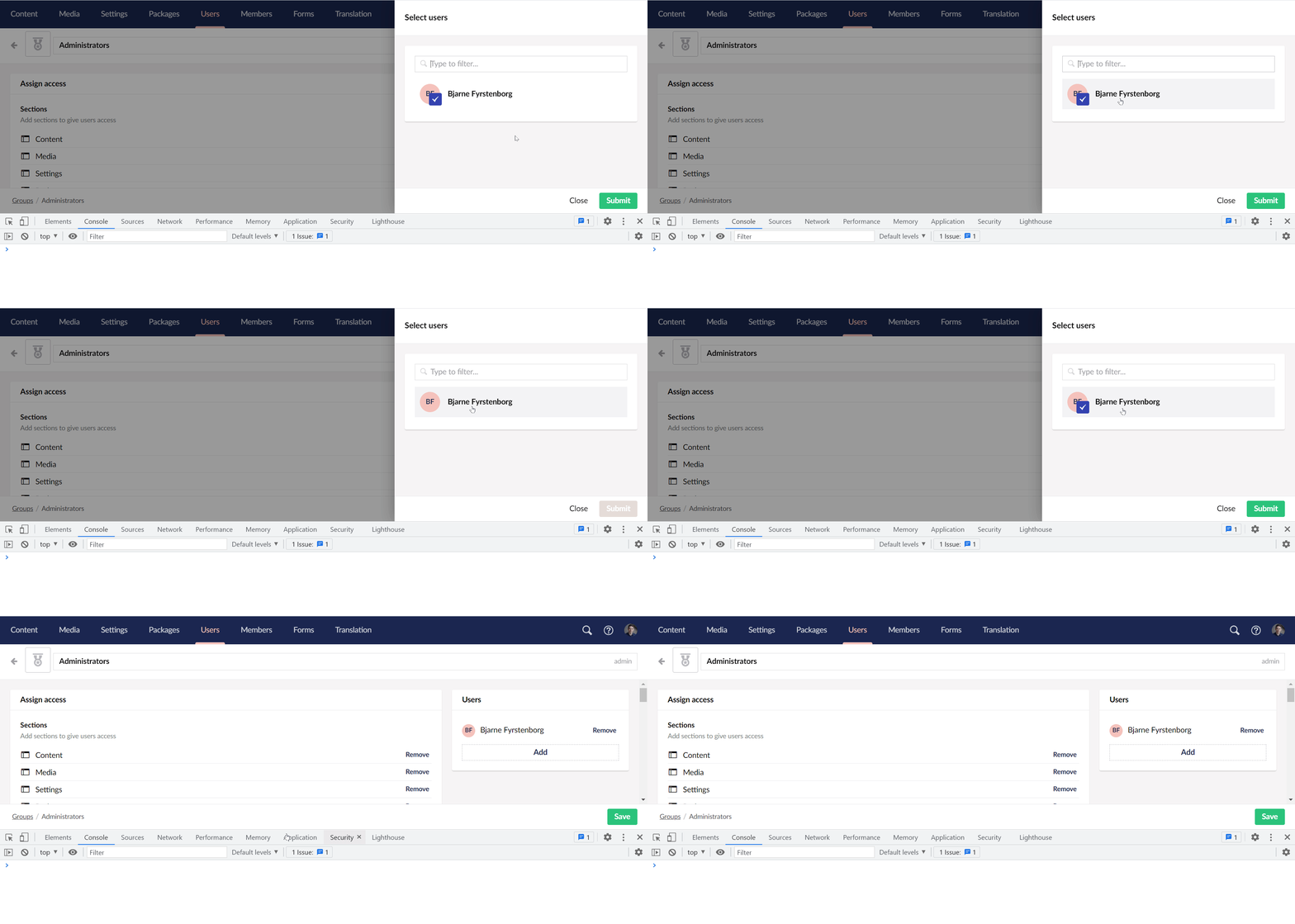
|
I also adjusted the icon used for external login providers. It would be great to test this still is shown correct in login screen / user overlay when using a font awesome icon, custom font icon or custom SVG icon. It should be working similar to what has already been added in v9 😎 |

|
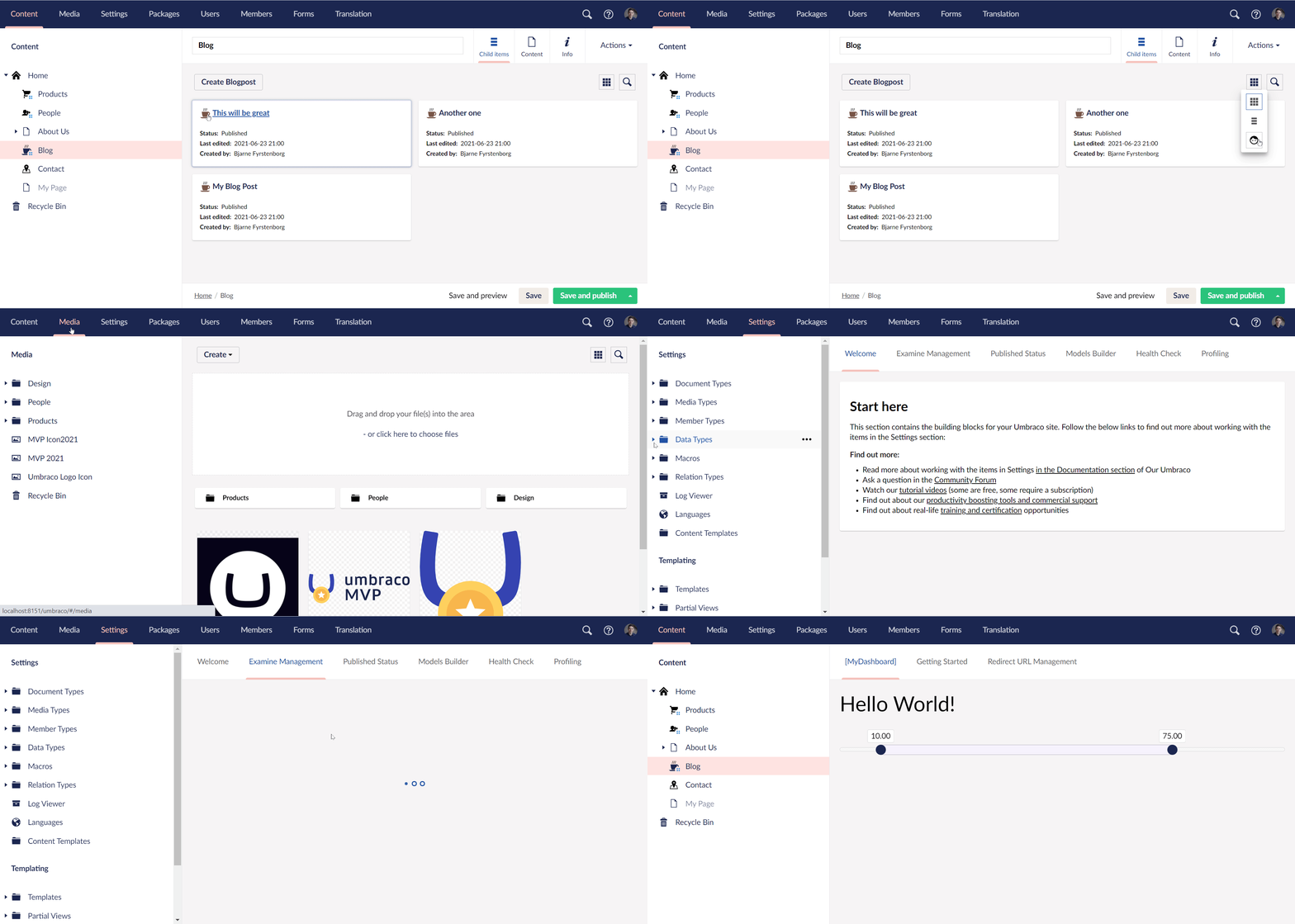
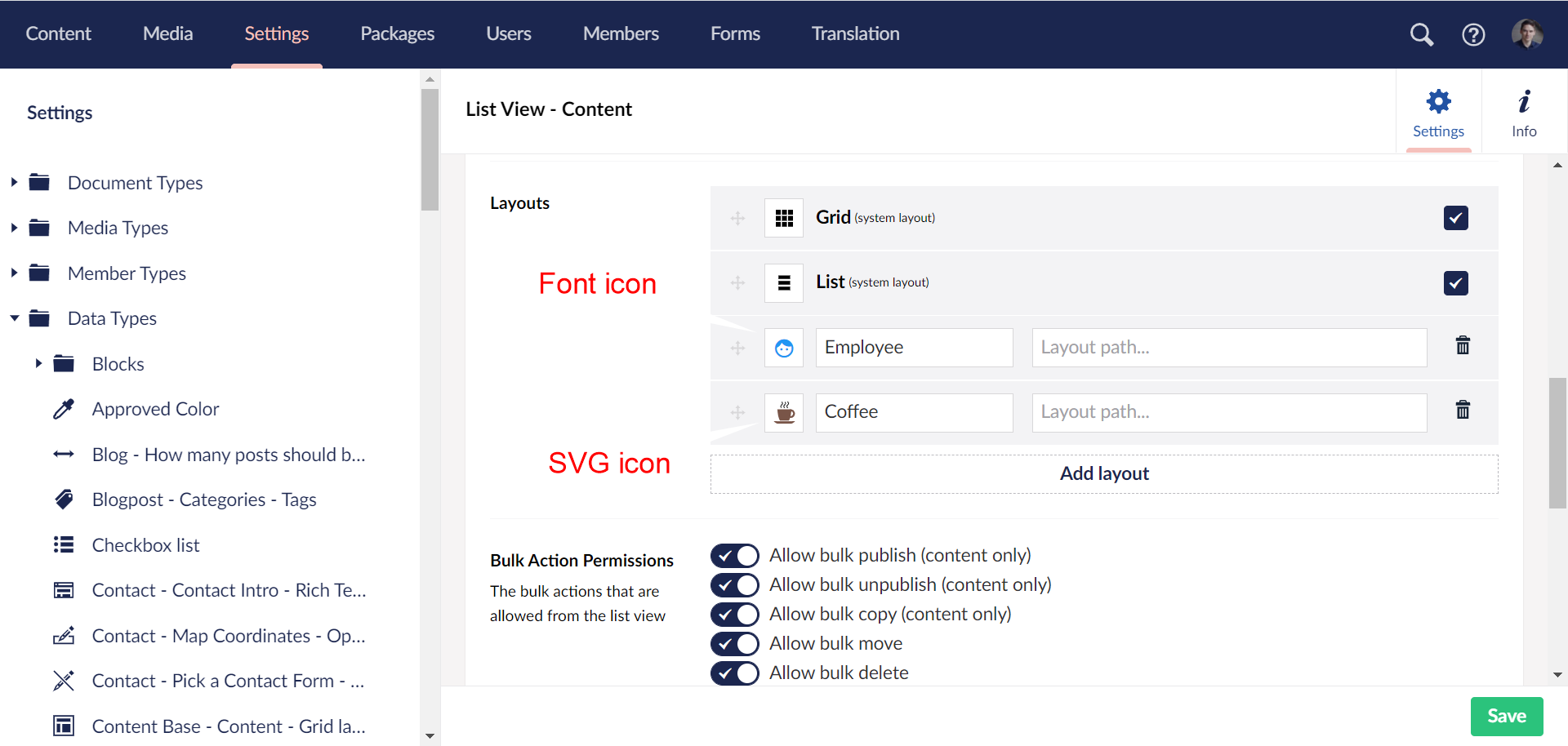
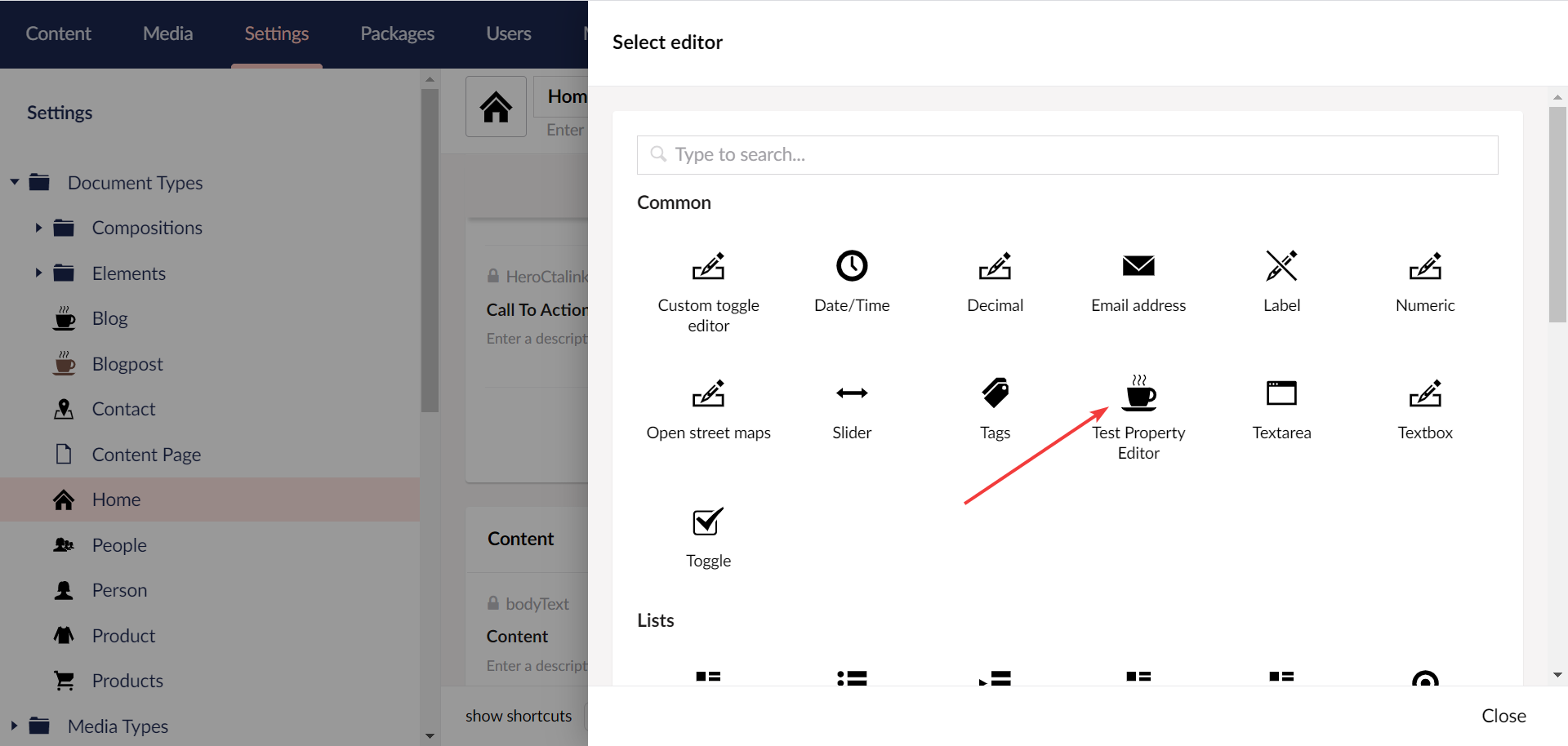
@bjarnef that's a stack of files 😄 All looks to be working nicely - the different icon implementations shown below all work as expected, so it's nothing if not flexible! I made one trivial change in the Examine dashboard, the icons had a class that has no corresponding CSS, so I removed that and shifted the margin-top utility to the parent element, so the icon is only receiving the
|


 nul800sebastiaan
added
category/dx
nul800sebastiaan
added
category/dx


4 participants


Prerequisites
Description
This PR is a follow-up on this PR #9255
Currently
<umb-icon>use SVG icons, but also fallback to legacy font icons for now. To support both version is was required to specify icon name in class attribute as well otherwise it didn't work in case a font icon was used.E.g.
<umb-icon icon="icon-document" class="icon-document"></umb-icon>This would be much nicer:
<umb-icon icon="icon-document"></umb-icon>or<umb-icon icon="icon-document" class="another-class"></umb-icon>I tried added icon name to
class="umb-icon {{icon}}but it has some side effects since the directive usetranscludeandreplace, so e.g. in editor actions menu which added-hiddenclass viangClassit didn't work and then hidden error and success icons was suddently all visible.We really only need this specific to the font/legacy icon, so instead we can wrap the
<i>element and ensure this inherit the correct font , while not adding the pseudo classes on the parent element.In future we might remove this part, so only SVG icons are supported (maybe in backoffce rebuild ~ v10).
Test notes
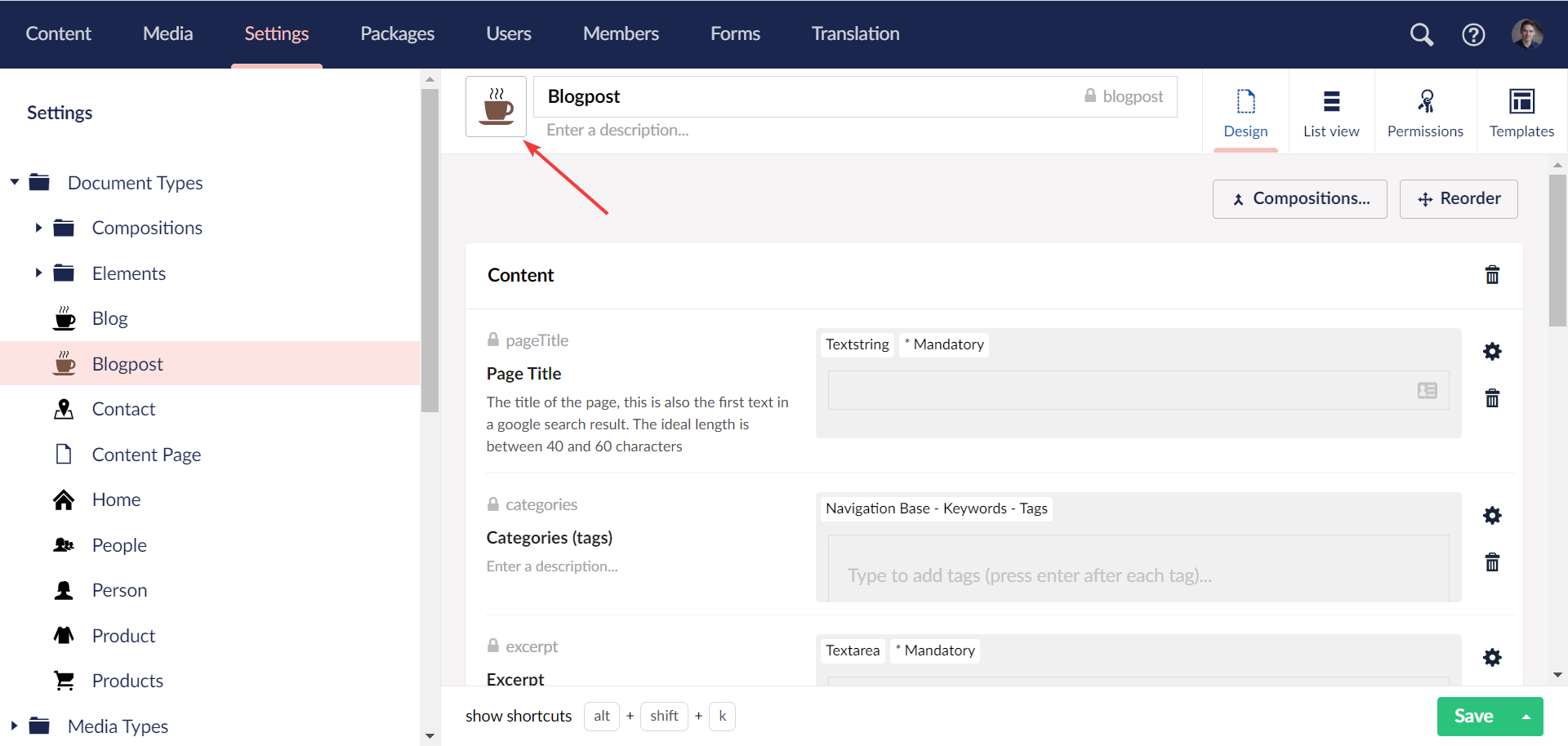
SVG icons are shown. Try with both core SVG icons and custom SVG icon in App_Plugins folder.
Example folder with
coffee-cup.svg: CustomIcons.zipFont icons are shown. Try with a font icon package like Material Design Icon Pack
Colors work on SVG icon and font icons.
When changing icon and/or color in icon picker in document/media/member type and submitting dialog, the icon + color is updated in editor header.
Polling icon is spinning when enabled.
Adding an external login provider the icon is shown correct using a font awesome icon, custom font icon or SVG icon.