Change the property accessed on the external provider from SocialIcon to Icon.#10675
Change the property accessed on the external provider from SocialIcon to Icon.#10675Shazwazza merged 6 commits intoumbraco:v9/devfrom
Conversation


|
Hi there @cleversolutions, thank you for this contribution! 👍 While we wait for one of the Core Collaborators team to have a look at your work, we wanted to let you know about that we have a checklist for some of the things we will consider during review:
Don't worry if you got something wrong. We like to think of a pull request as the start of a conversation, we're happy to provide guidance on improving your contribution. If you realize that you might want to make some changes then you can do that by adding new commits to the branch you created for this work and pushing new commits. They should then automatically show up as updates to this pull request. Thanks, from your friendly Umbraco GitHub bot 🤖 🙂 |

|
Not specific related to changes in this PR, but I wonder if we instead of this can use this: That way it should be possible to use a custom SVG icon, while font icon should still work. |

|
I’ll try that out this morning @bjarnef. Any tips on front end workflow? I’ve been doing a full build after each change which is kind of slow. Thanks. |
|
Excellent here is a screenshot of using icon-molecular-network (because what a fun icon right) And a screenshot of using a font-awesome icon |
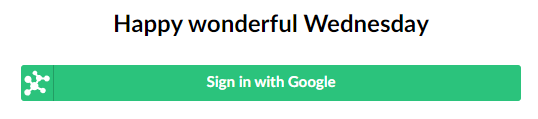
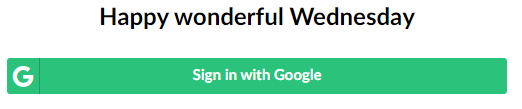
|
@cleversolutions it could be nice to backport this for v8 as well, where it seems the icon was stored in a but it could be in a separate PR. It seems Umbraco has these SVG icons to use: You could try with https://our.umbraco.com/forum/using-umbraco-and-getting-started/106330-how-to-use-custom-svg-icons You should then be able to use |
|
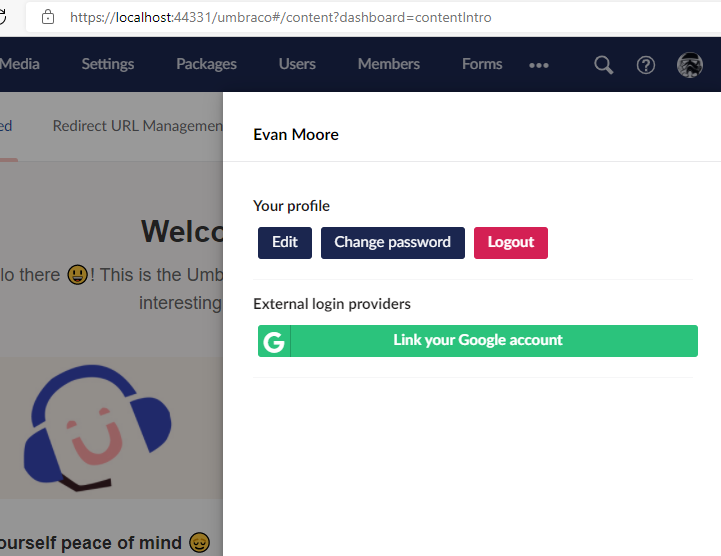
Thanks @bjarnef, configuring the external provider with icon-molecular-network did use an SVG. For reference this is how I've configured it: And this is the result I've also tested with a custom icon placed in ~/App_Plugins/MyPlugin/Backoffice/Icons/custom-icon.svg: Result: Also if anyone is curious this is how I got the font-awesome icon working. Note this is a little different than v8. V8 assumes a font-awesome icon and includes the fa class, this update no longer assumes font awesome and requires that you include the fa class in the Icon attribute of the BackOfficeExternalLoginProviderOptions. I think I'm also going to submit a separate PR to docs to document how to setup an external login provider in v9. |
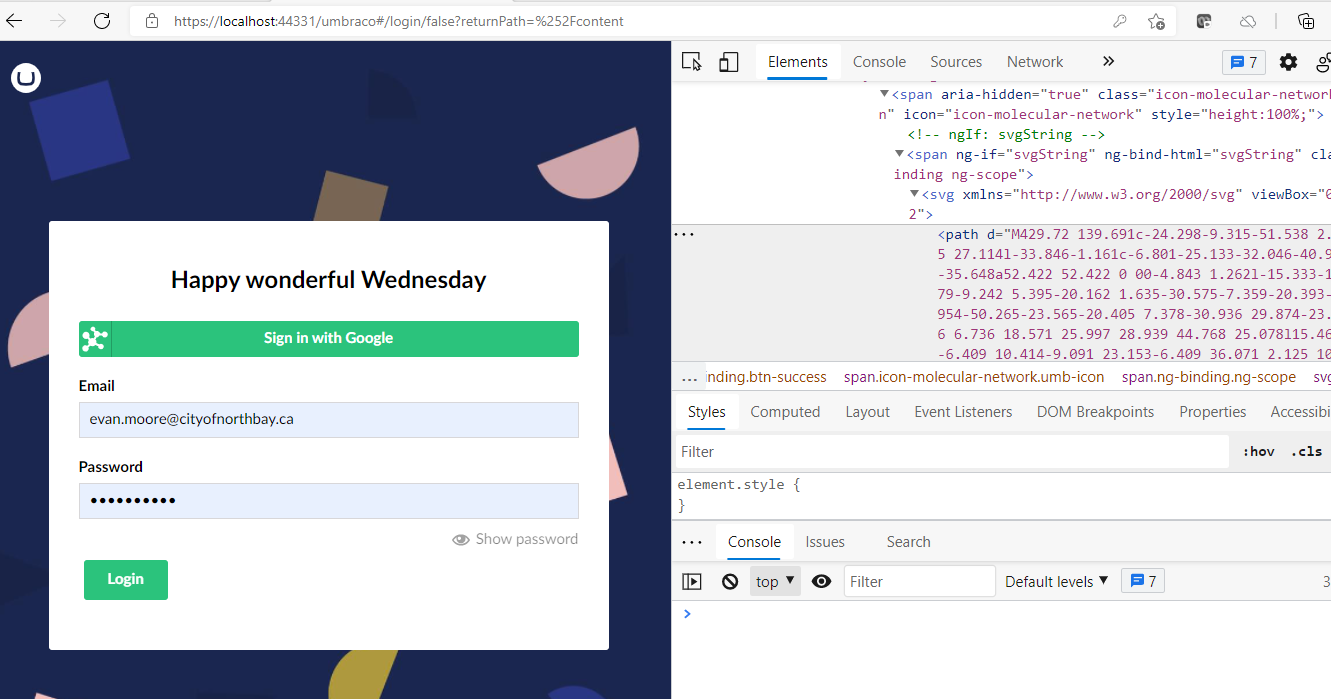
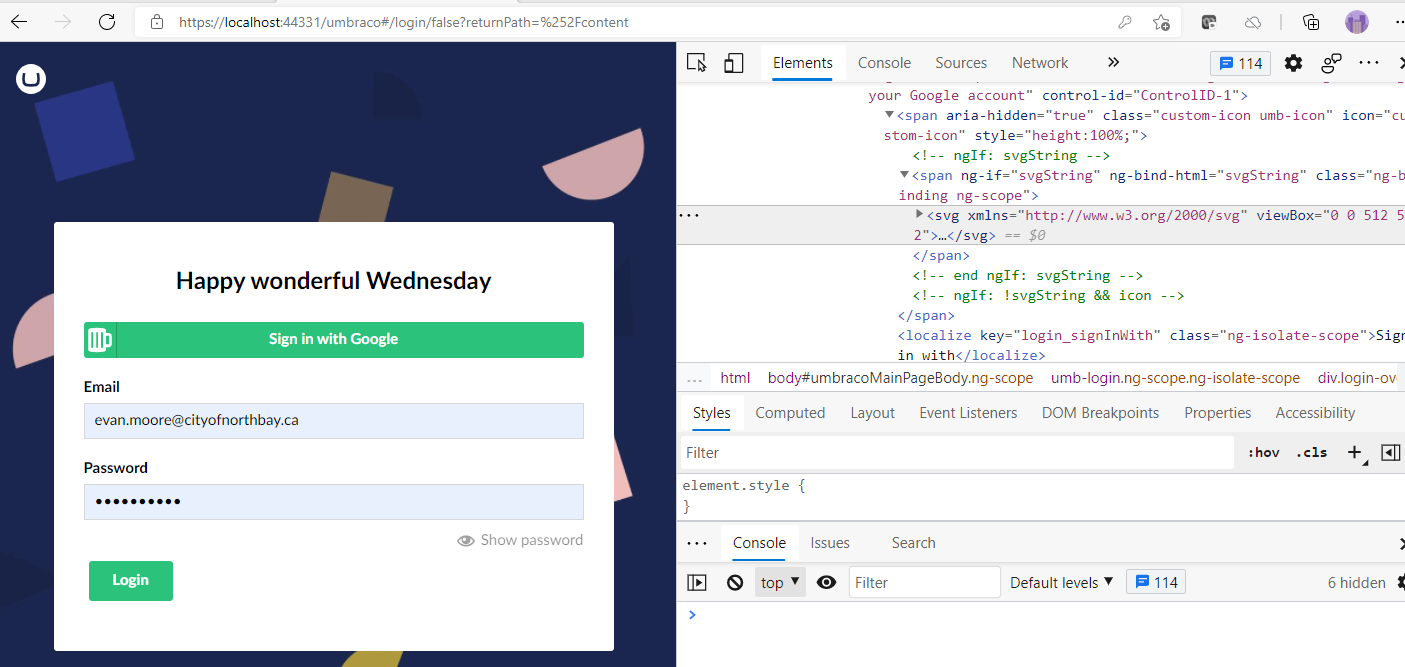
|
I've just pushed one more change. The user overlay now uses the proper attribute for the external provider icon.
|
 Shazwazza
changed the title
Shazwazza
changed the title

|
Absolutely wonderful :) thanks everyone 🎉 |
|
@Shazwazza is there a better way we can serialize the additional data to consistent use camel case syntax in Angular views? I have noticed we also have some properties in media section like |
|
I'm not exactly sure what you are referring to here? |
|
It would be ideal to use camel case in the views, e.g. |

5 participants


Prerequisites
Fixes #10674
Description
Change the property accessed on the external provider from SocialIcon to Icon.
Note: I accidentally included in this branch some changes from another branch. I've removed those changes in this branch so there is now only 1 file changed by this PR.
Testing
I Rebuilt Umbraco, registered an external provider and checked that the icon exists.
You can add an external provider to test this using this gist https://gist.github.com/cleversolutions/afcd985dbfe19b93b6436f5626c623b5