WebDiscover: Create connect to aws account screen#24506
Merged
Conversation


ryanclark
approved these changes
Apr 13, 2023

r0mant
approved these changes
Apr 13, 2023
 public-teleport-github-review-bot
Bot
removed the request for review
from rudream
public-teleport-github-review-bot
Bot
removed the request for review
from rudream

 kimlisa
force-pushed
the
lisa/connect-aws-account-screen
branch
from
kimlisa
force-pushed
the
lisa/connect-aws-account-screen
branch
from
a7cf451 to
9a20fc5
Compare
kimlisa
added a commit
that referenced
this pull request
May 3, 2023
kimlisa
added a commit
that referenced
this pull request
May 4, 2023
* WebDiscover: Enroll New AWS Integration Flow (#24459)

* Add Lock icon

* WebDiscover: Create connect to aws account screen (#24506)

* WebDiscover: Add delete integration operation (#24590)

* Fix malformed JSON error response for 200

* Fix making response when fetching integrations

* Create re-usable integration ops hook (only delete for now)

* Create delete dialog

* Allow deleting integrations

* Fix lint
This file contains hidden or bidirectional Unicode text that may be interpreted or compiled differently than what appears below. To review, open the file in an editor that reveals hidden Unicode characters.
Learn more about bidirectional Unicode characters
Sign up for free
to join this conversation on GitHub.
Already have an account?
Sign in to comment
3 participants


Add this suggestion to a batch that can be applied as a single commit.This suggestion is invalid because no changes were made to the code.Suggestions cannot be applied while the pull request is closed.Suggestions cannot be applied while viewing a subset of changes.Only one suggestion per line can be applied in a batch.Add this suggestion to a batch that can be applied as a single commit.Applying suggestions on deleted lines is not supported.You must change the existing code in this line in order to create a valid suggestion.Outdated suggestions cannot be applied.This suggestion has been applied or marked resolved.Suggestions cannot be applied from pending reviews.Suggestions cannot be applied on multi-line comments.Suggestions cannot be applied while the pull request is queued to merge.Suggestion cannot be applied right now. Please check back later.
part of #22129
This feature is not enabled. Other pieces of work are coming.
This is the screen that user gets to after selecting
Amazon RDS. Then user either selects from existing AWS integrations or create a new one (leads tointegration enrollscreen)Screenshot
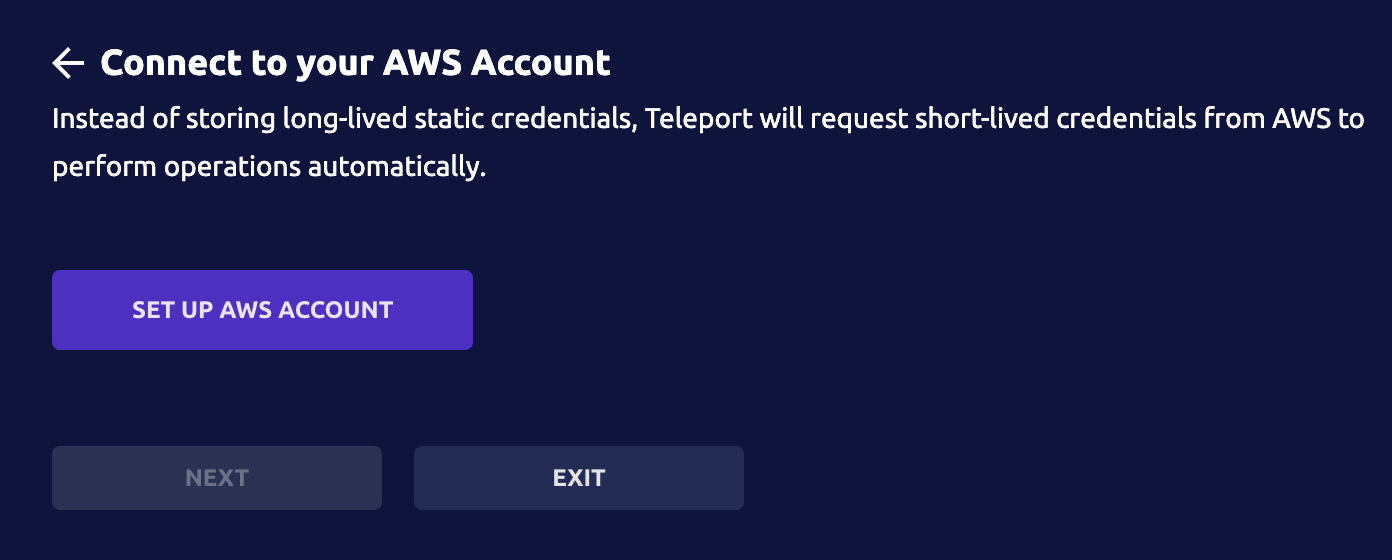
when user doesn't have any aws integrations
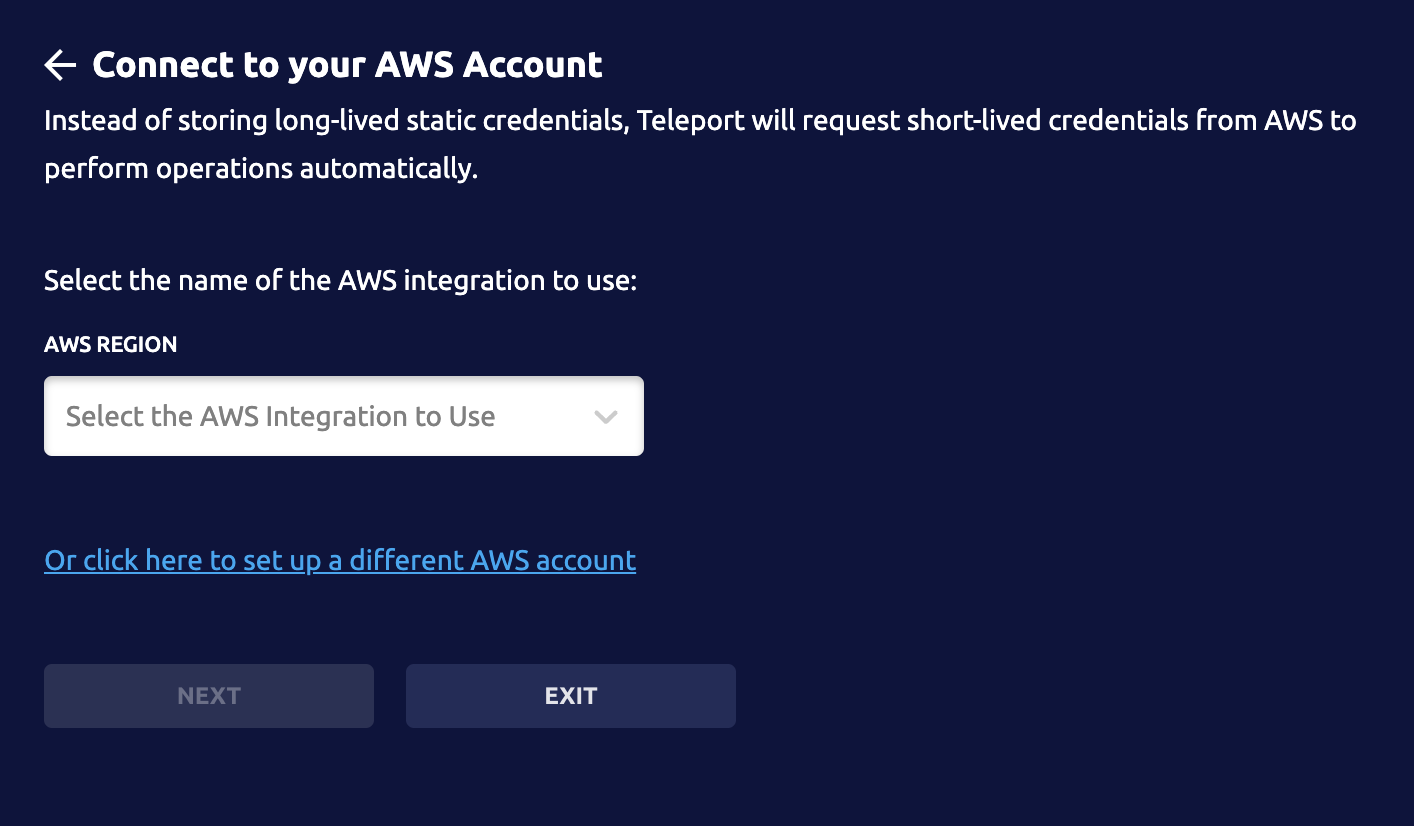
when user has existing aws integrations (ignore the
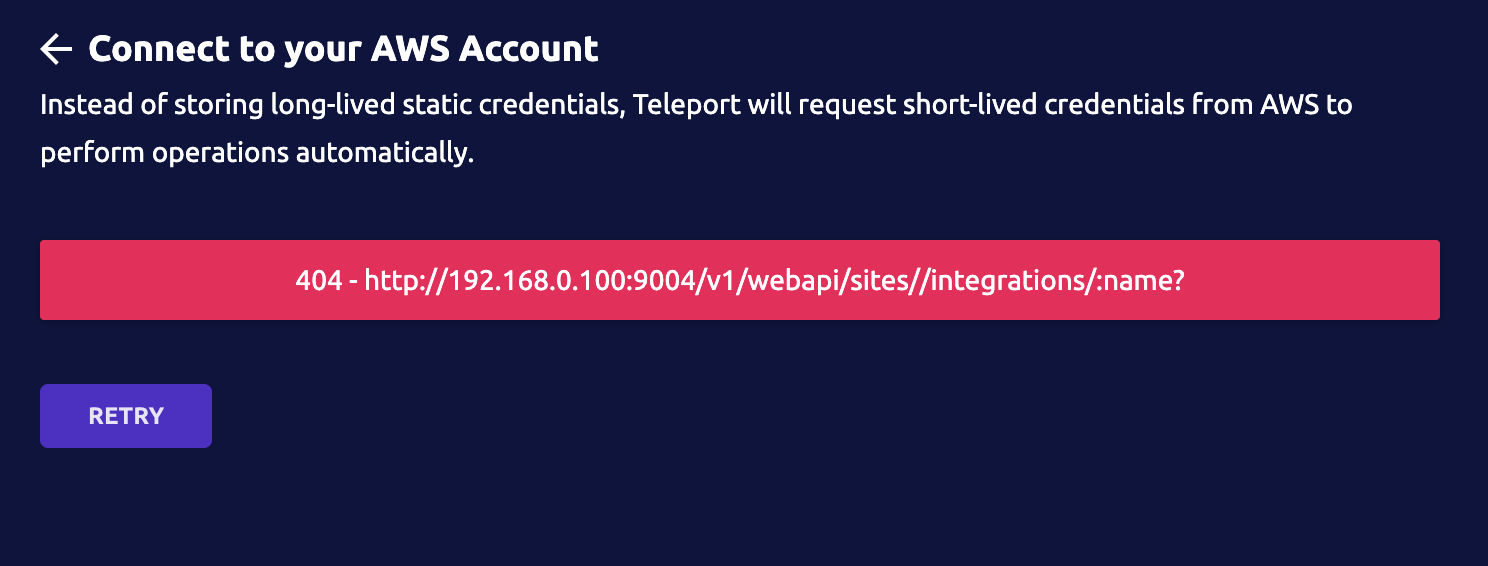
aws regionit's changed toaws integrationswhen erroring
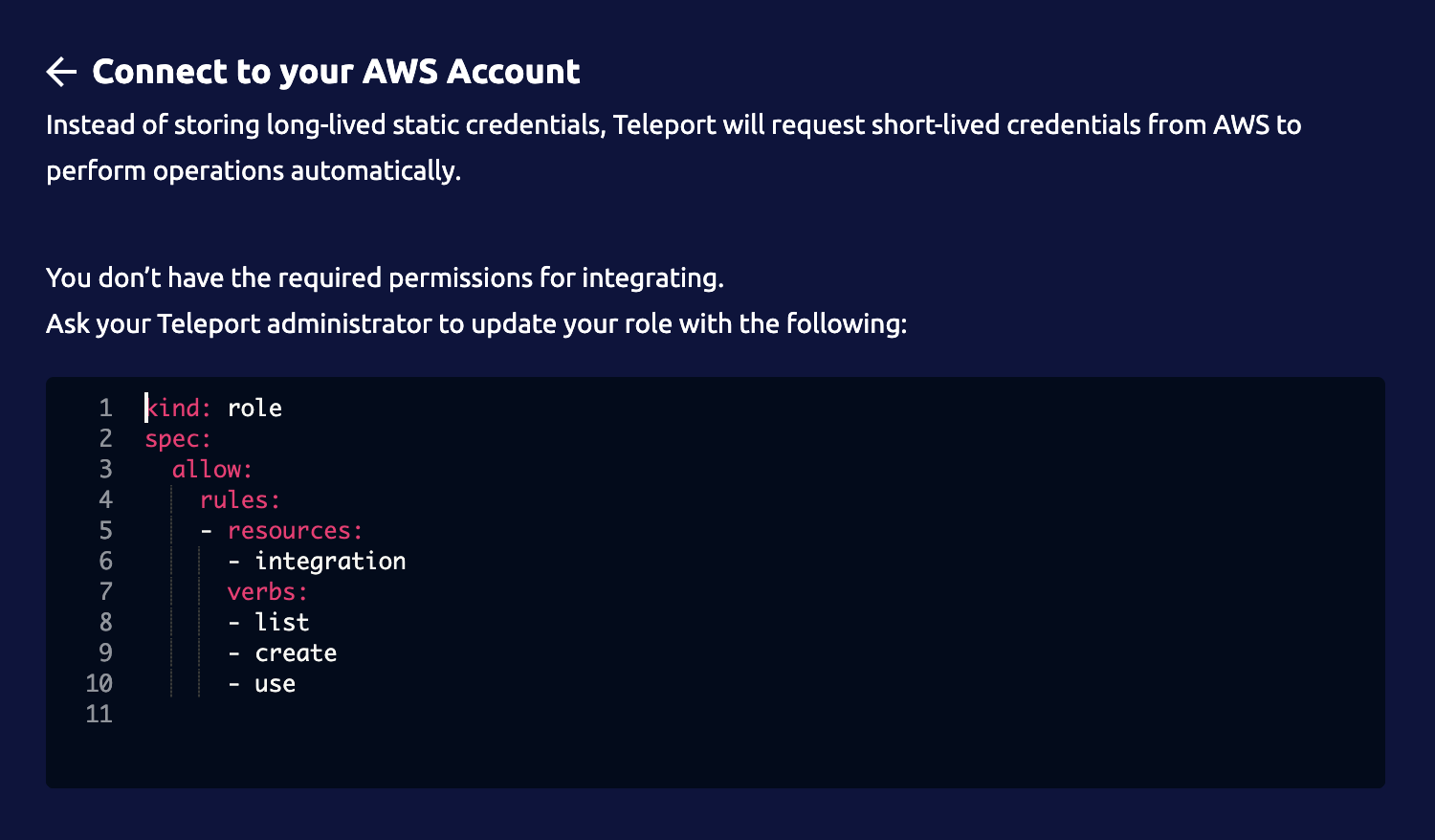
when user does not have access