Add Sidebar and SidebarNotificationButton components - #390
Conversation


c443711 to
f2035c7
Compare


This comment has been minimized.
This comment has been minimized.
1267933 to
c2dd9ef
Compare

bef83fc to
af0133f
Compare
af0133f to
34aad4b
Compare
34aad4b to
bc2657a
Compare

| height: 100%; | ||
| background-color: white; | ||
| margin: 0; | ||
| border: none; |

There was a problem hiding this comment.
If you use border: transparent instead of border: none, the border will show up as a white box on Windows High Contrast Mode. Sometimes this is useful. I'm not sure if it would help here. It would also change your box size calculation for the width of the borders.
There was a problem hiding this comment.
@wittjeff Would it be useful to have the "transparent" border if it's on a full width screen (the sidebar takes up the entire screen)?
bc2657a to
b58d9d5
Compare


| function Sidebar({ | ||
| intl, toggleSidebar, | ||
| }) { | ||
| const shouldDisplayFullScreen = useWindowSize().width < 992; |

There was a problem hiding this comment.
Is there a reusable variable that can be used here (and other places where the sizes are hardcoded) so you don't have to hardcode the pixel size? Something like media-breakpoint-down(xs) in edx-platform?
There was a problem hiding this comment.
Good question, there is a way to add to a SCSS file (ie. $grid-breakpoints), but not sure about here, will take a look how to do it in JSX.
| } | ||
|
|
||
| .mobile-close { | ||
| font-weight: 500; |
There was a problem hiding this comment.
Could you use the font-weight-bold class from https://paragon-edx.netlify.app/foundations/typography/?
There was a problem hiding this comment.
Because I have a separate SCSS file, I'm generally choosing not to add utility classes inline but add all CSS to the file to keep it contained. Except for responsive padding/margin, which are simpler to do than adding media queries.
b58d9d5 to
444b1a0
Compare
4 participants


EDIT: build is failing for unknown reasons, I made a duplicate of this PR and divided the commit that was failing at unrelated tests, and all of them passed. Duplicate PR here https://github.com/edx/frontend-app-learning/pull/414
REV-2125.
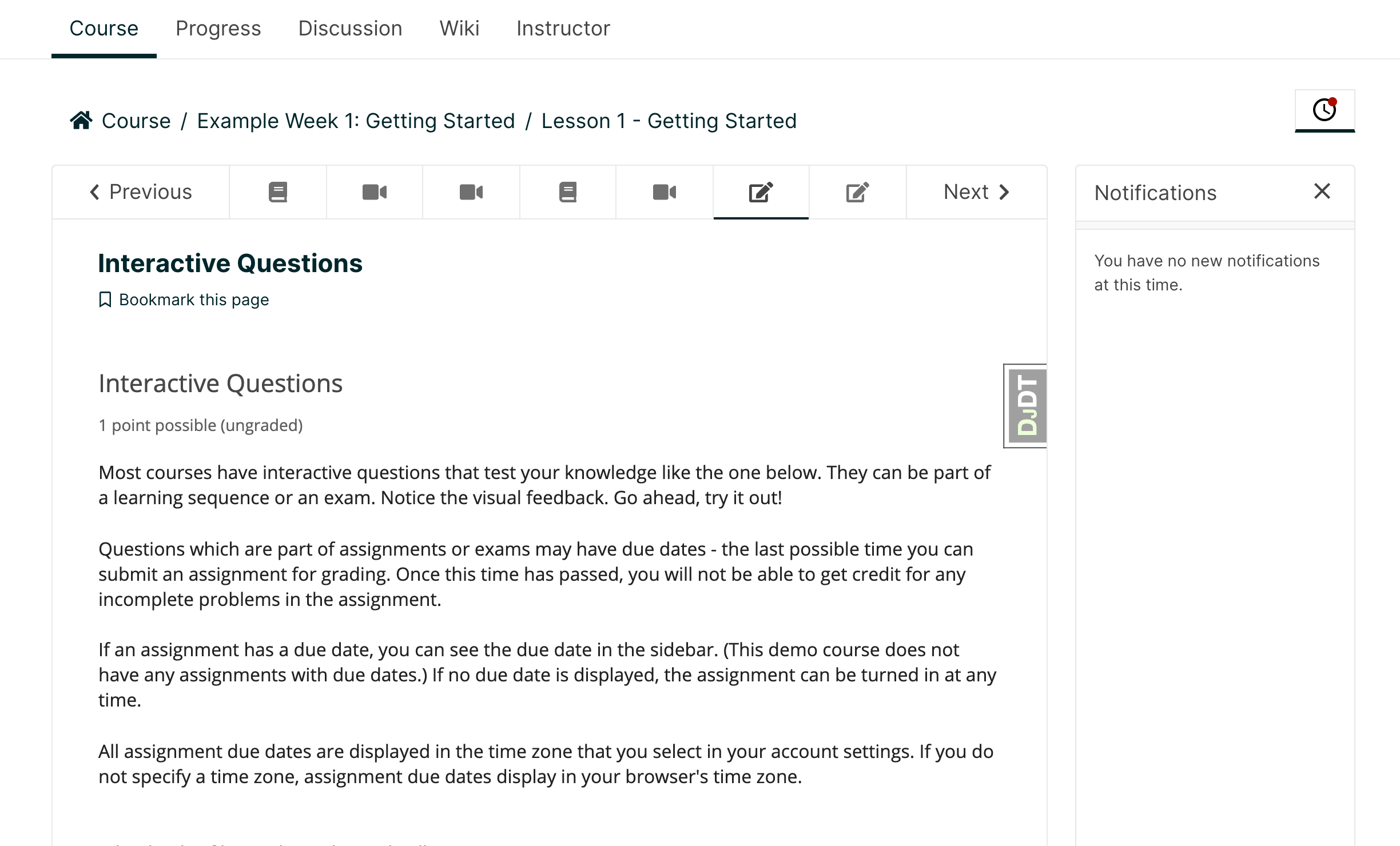
For Value Prop implementation, we will implement a sidebar that is triggered on click of a button with upgrade messaging and CTA. Pls note this ticket does not cover adding the upgrade messaging and CTA, it only covers adding the button trigger and sidebar component.
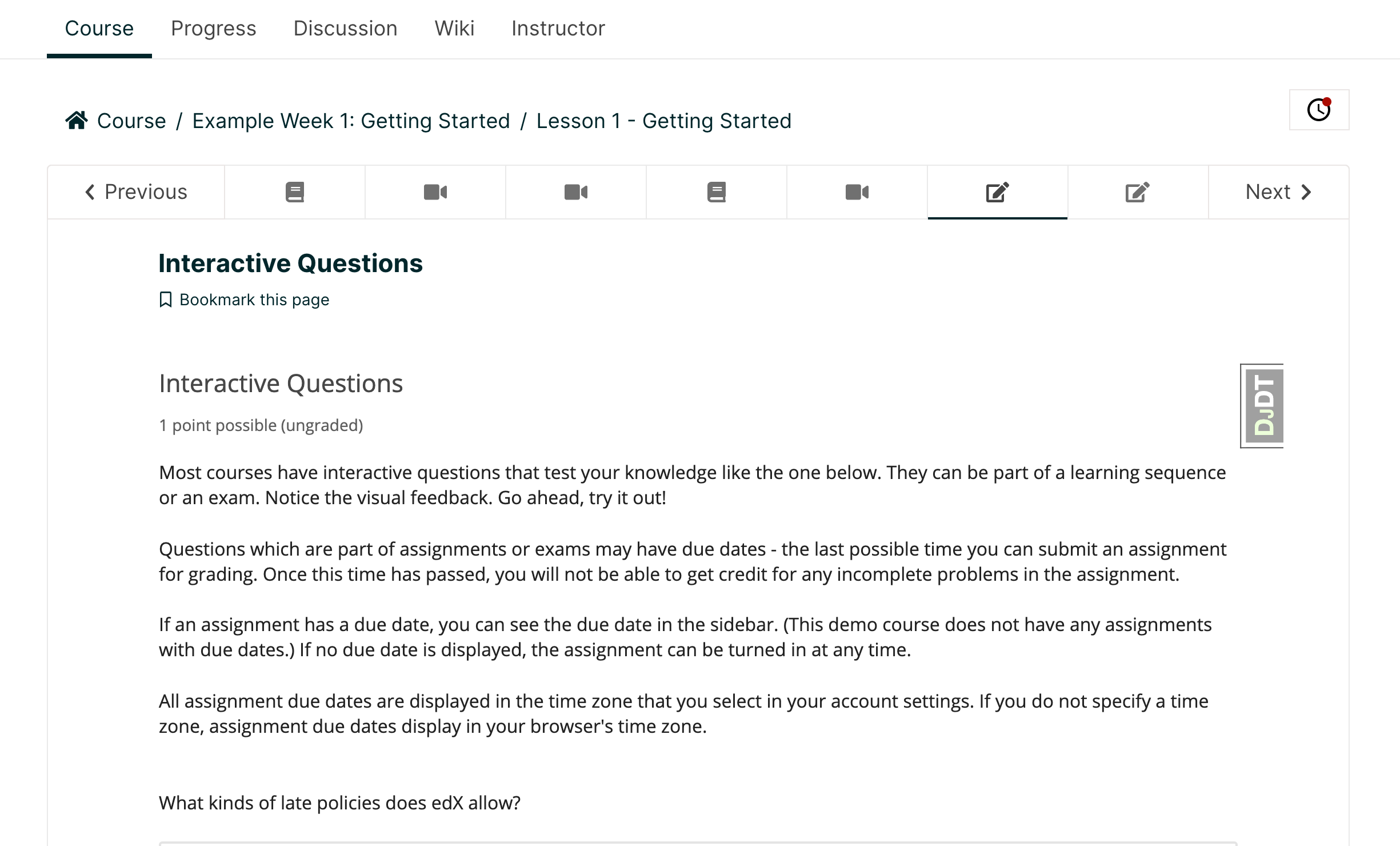
Large screen size (> 992px):
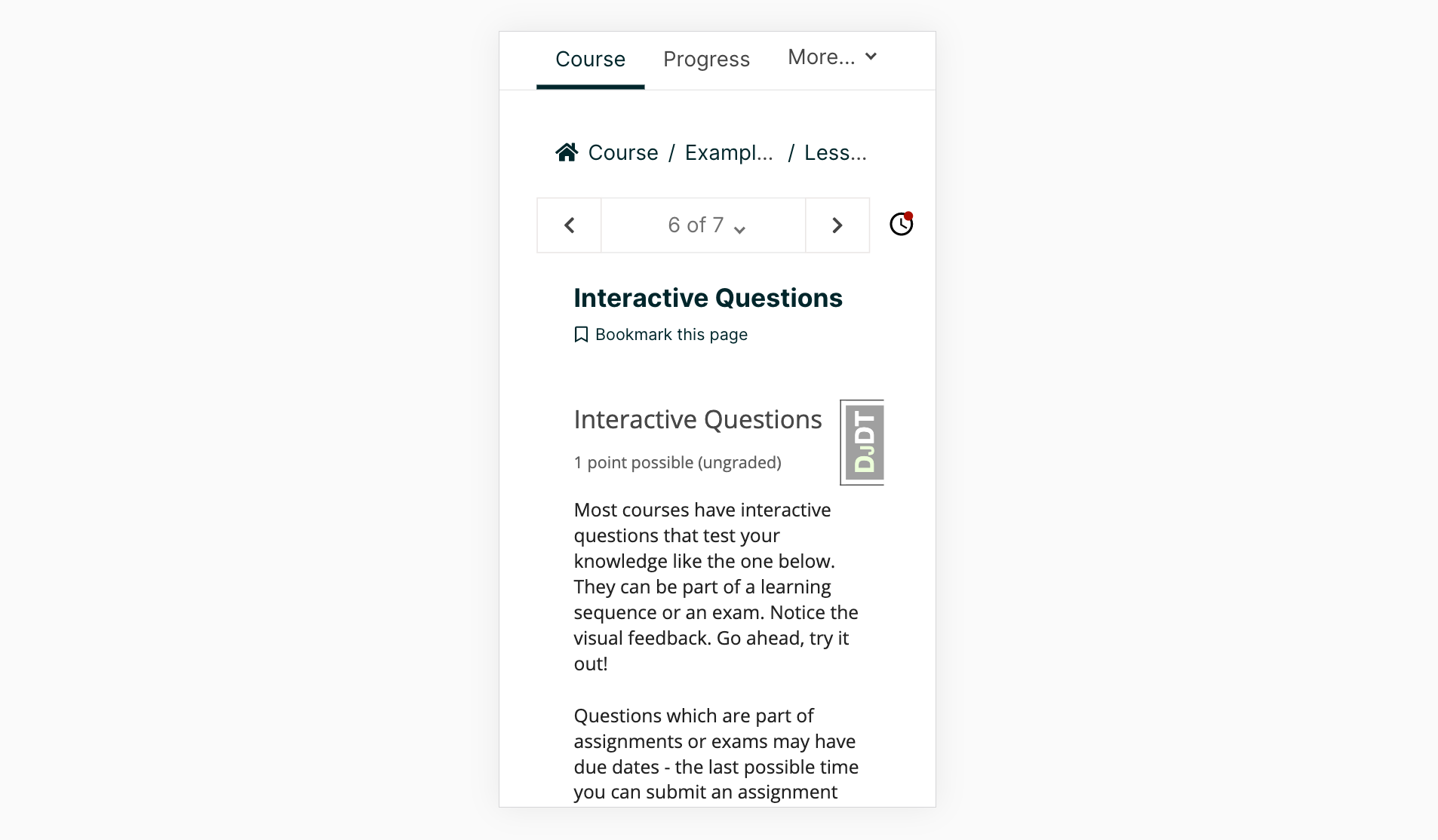
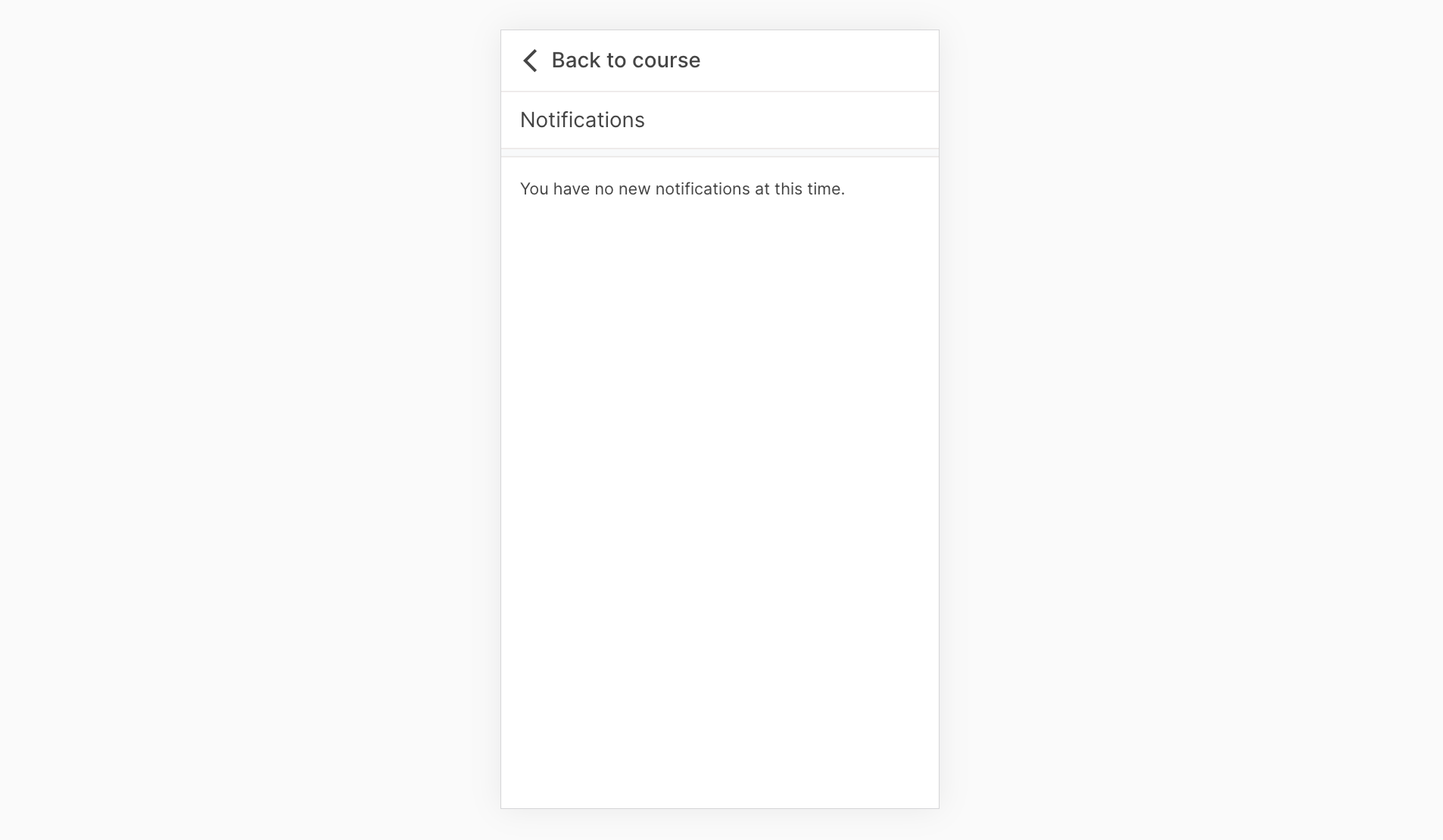
Responsive at medium screen sizes (> 576px and < 992px): it has the button like large and above screen size, but the sidebar behaves in full width mode like for small screens.
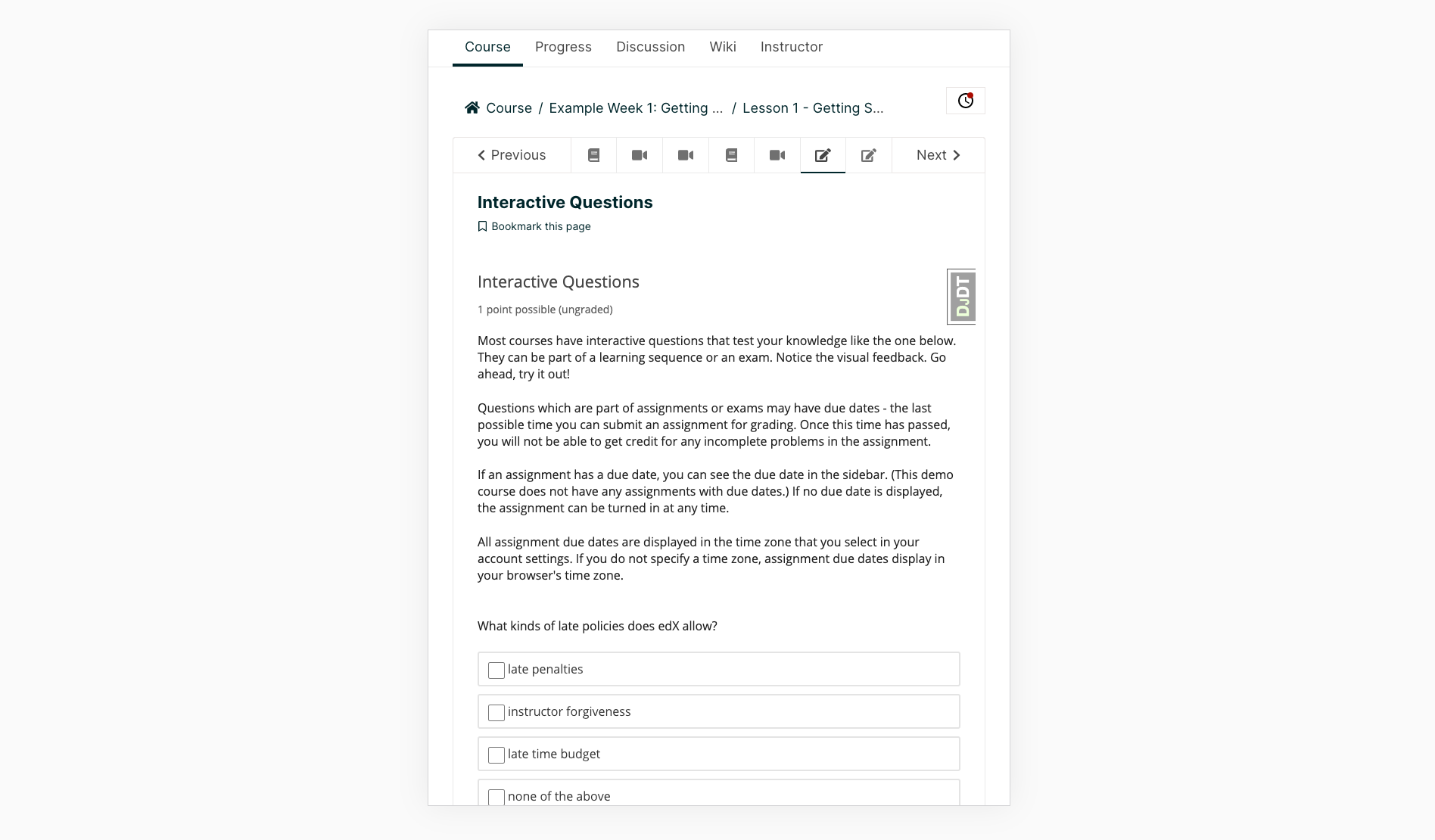
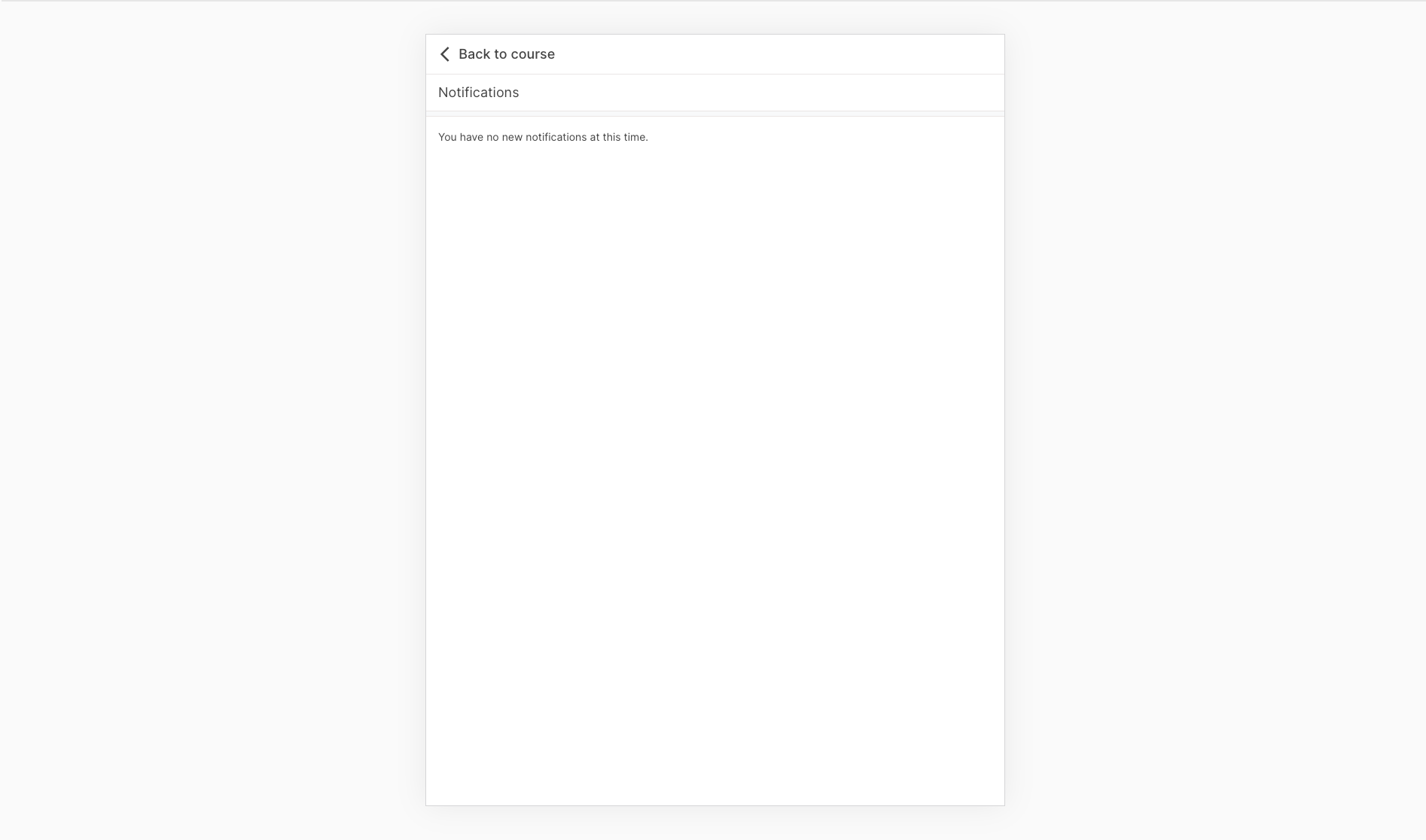
Responsive at small screen sizes (< 576px):