Skip to content

cmux NEXT: session hover cards and the What's New popover are glass again, not solid - #23740

Merged
teamleaderleo merged 2 commits into
feat-cmux-nextfrom
glass-regressions/glass-surfaces
Oct 21, 2026
Merged

teamleaderleo merged 2 commits into
feat-cmux-nextfrom
glass-regressions/glass-surfaces

Conversation

@teamleaderleo

@teamleaderleo teamleaderleo commented Oct 21, 2026 •

Copy link
Copy Markdown
Collaborator

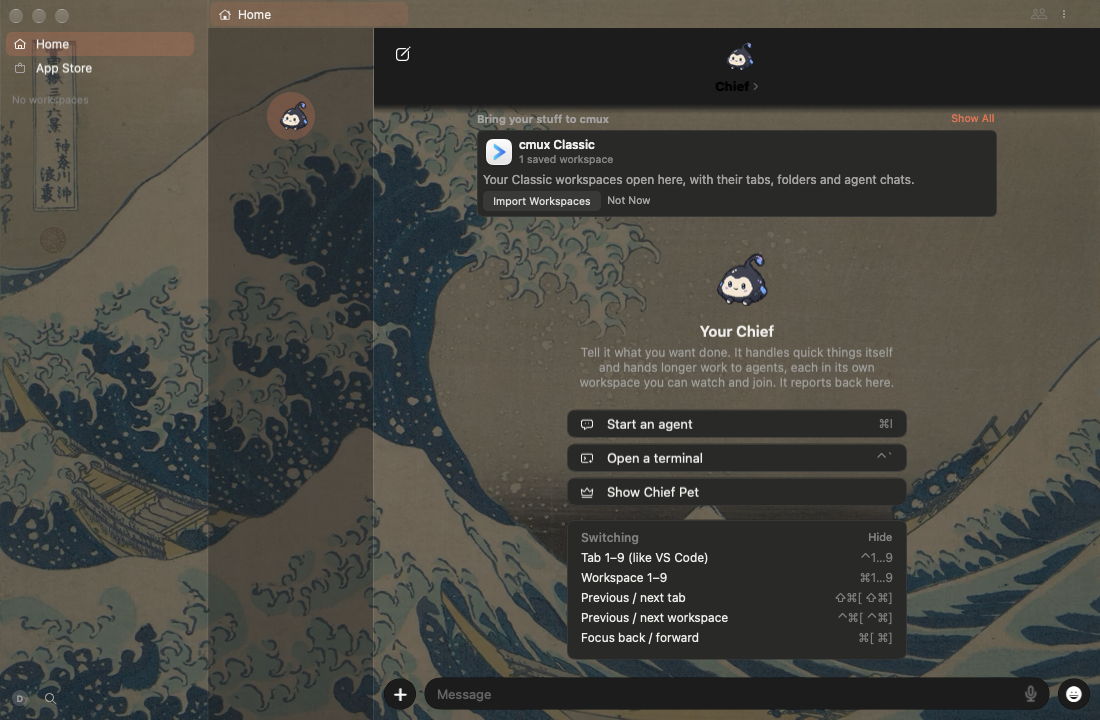
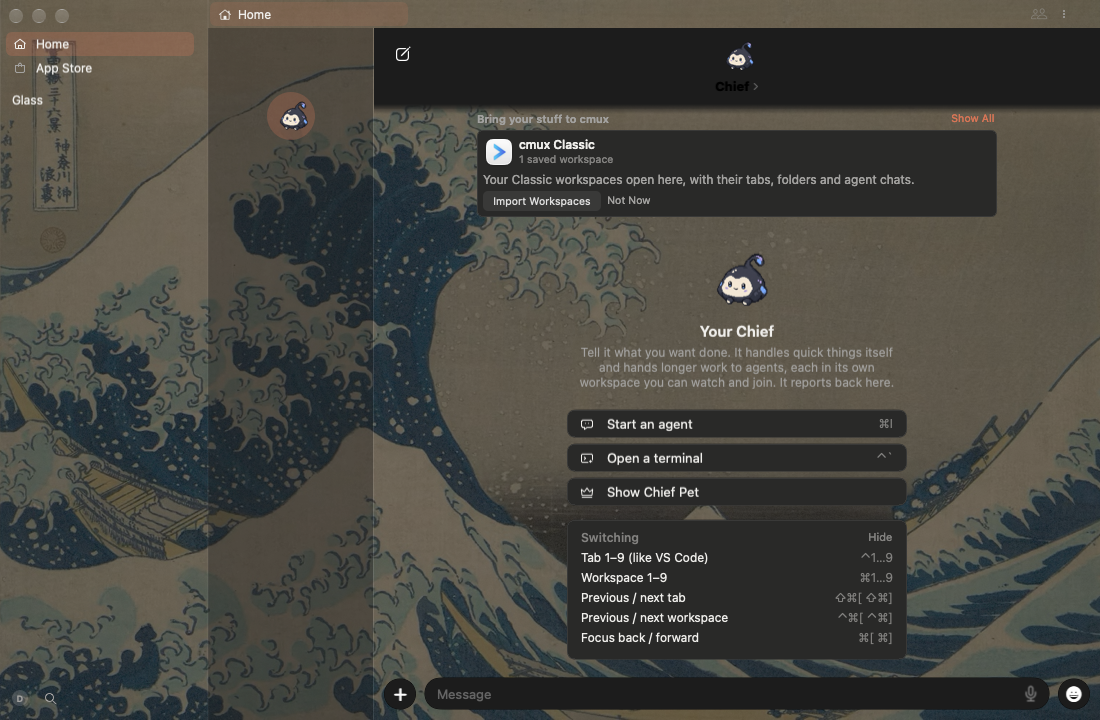
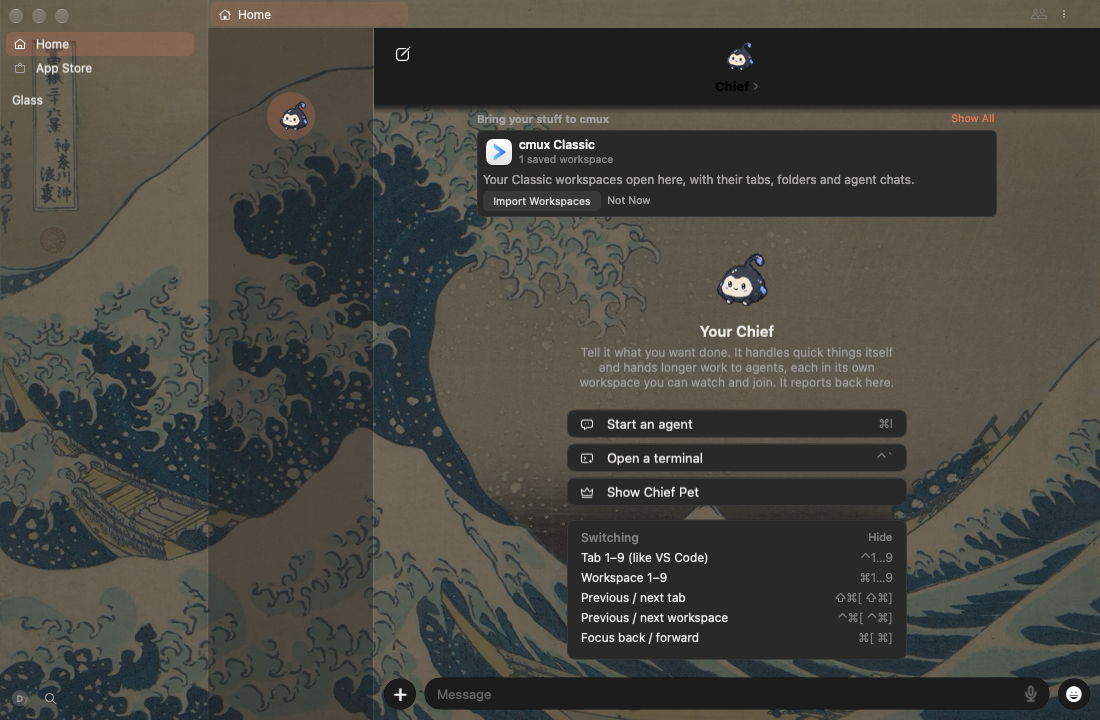
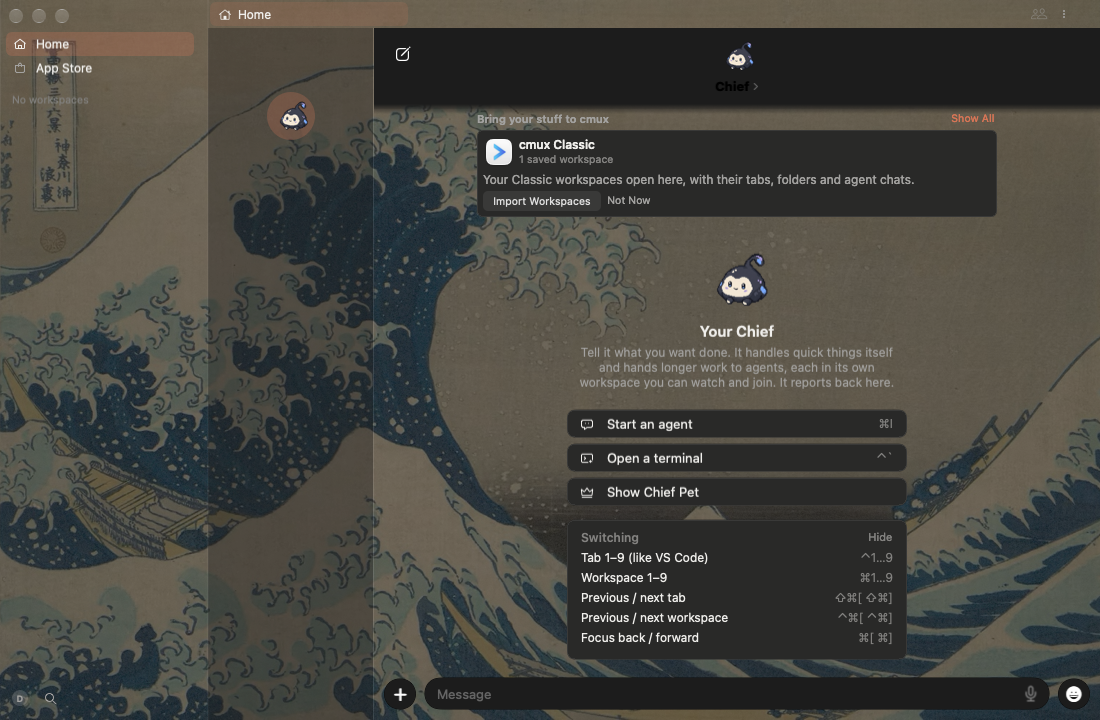
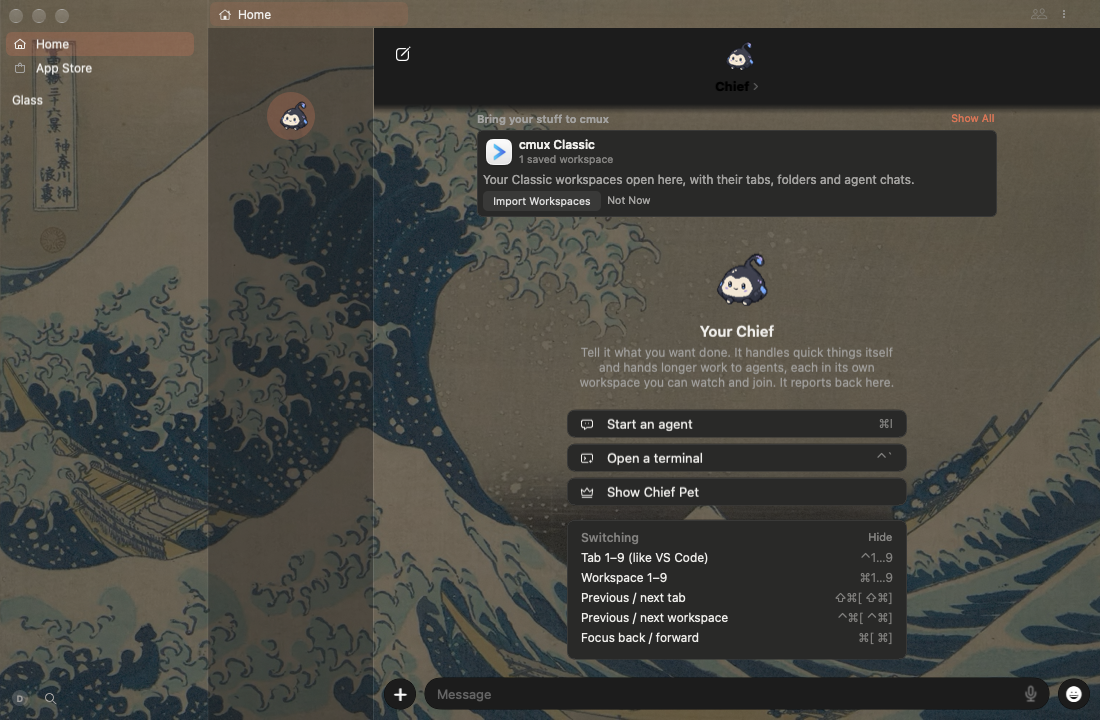
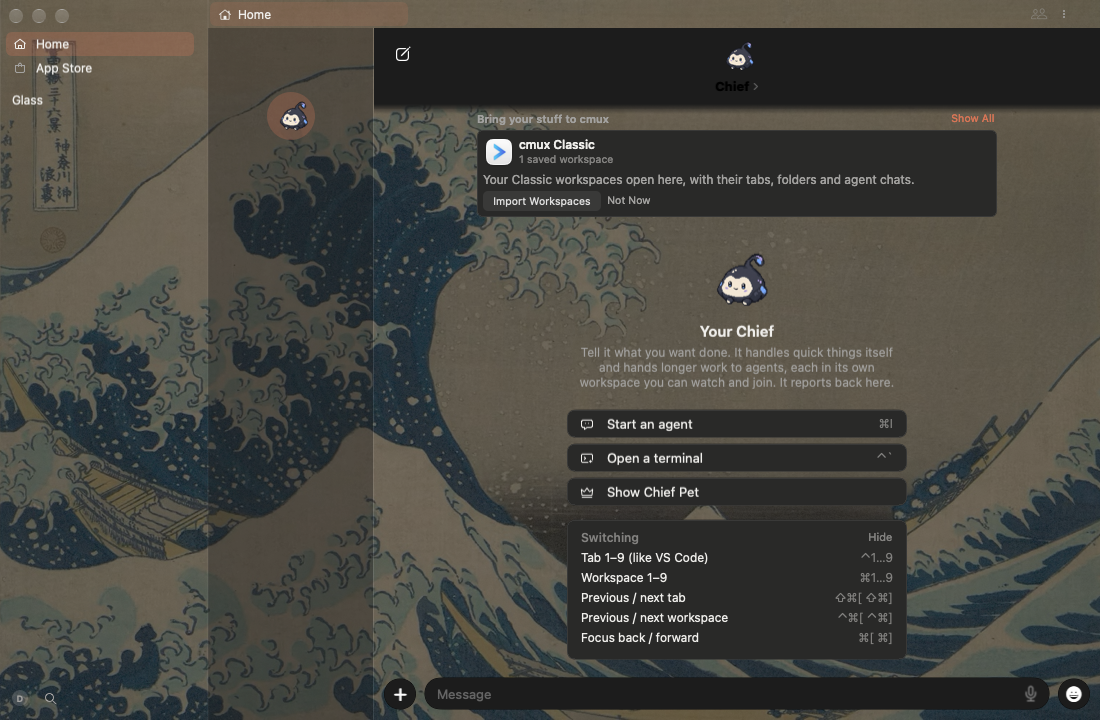
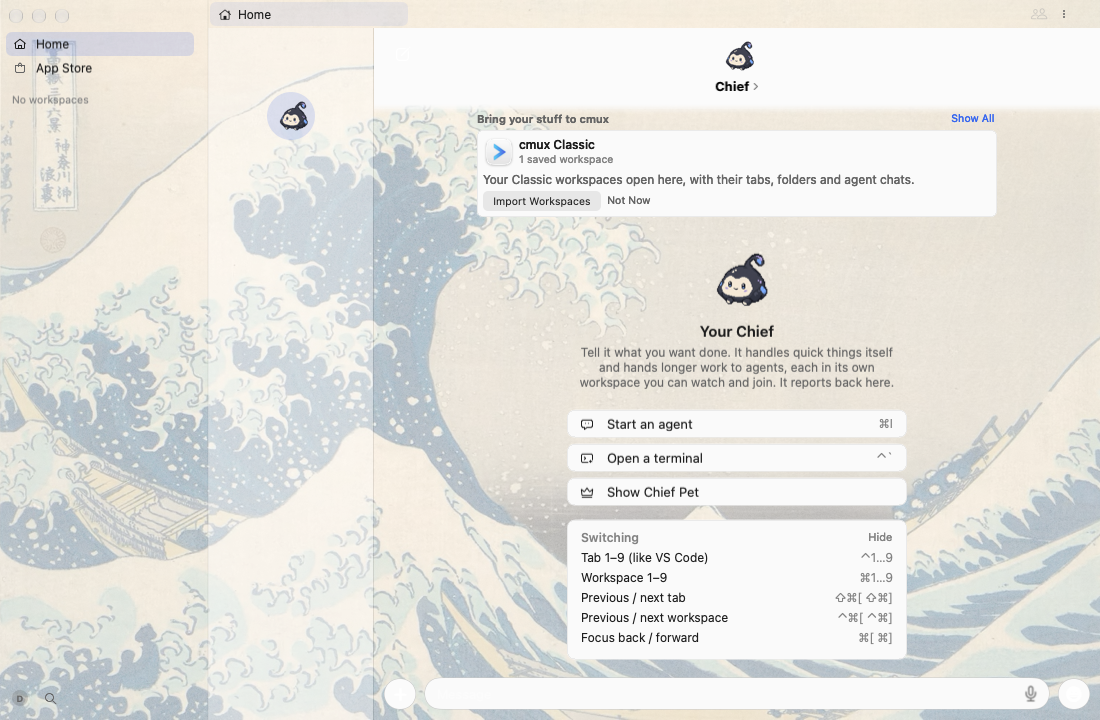
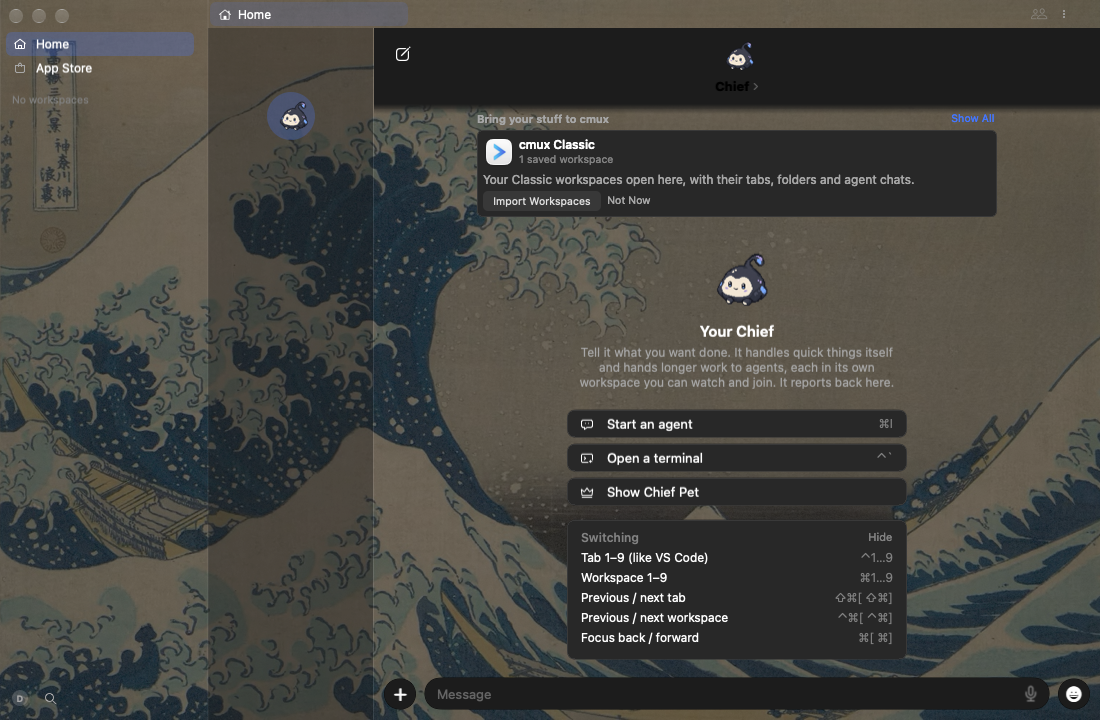
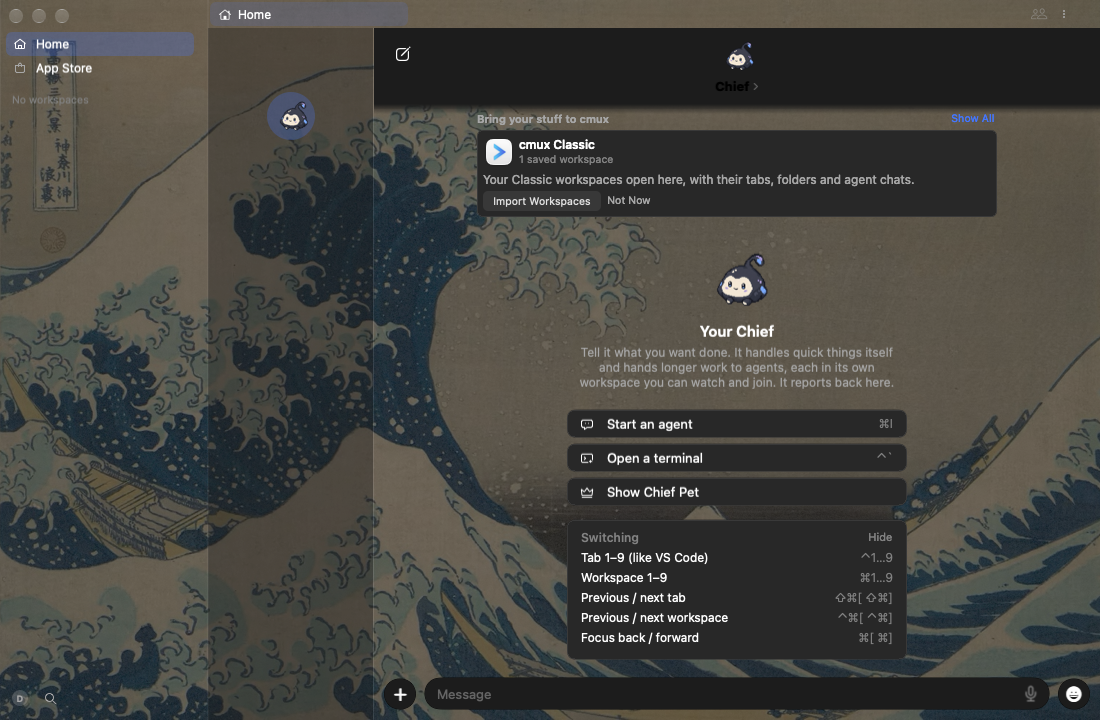
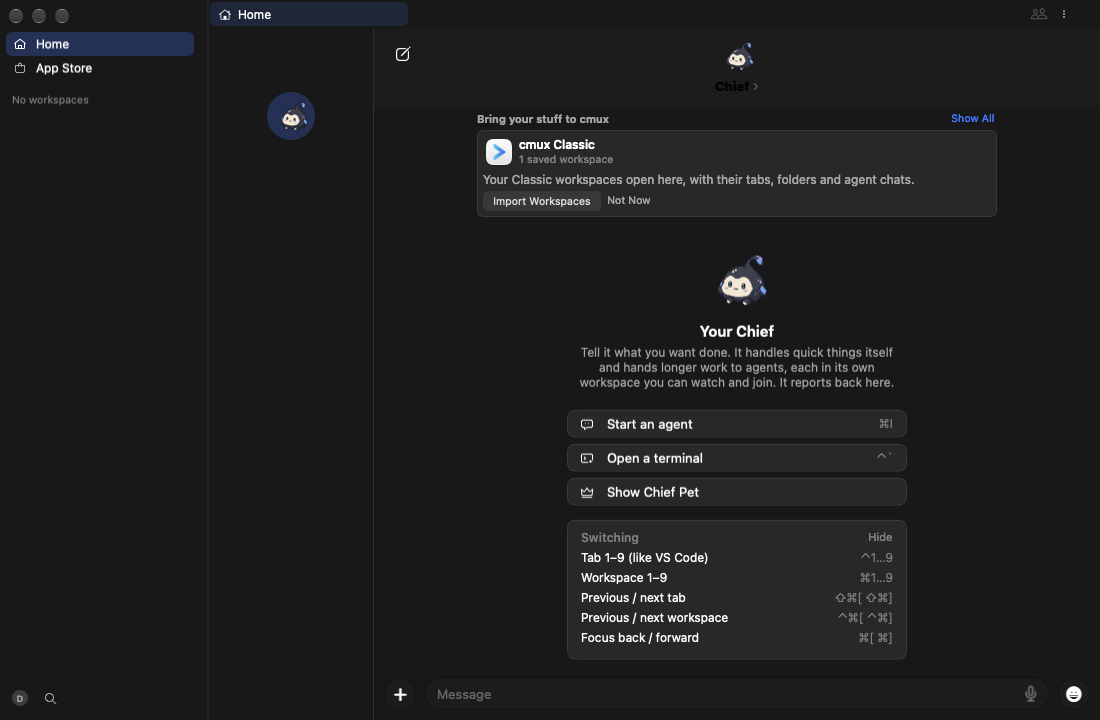
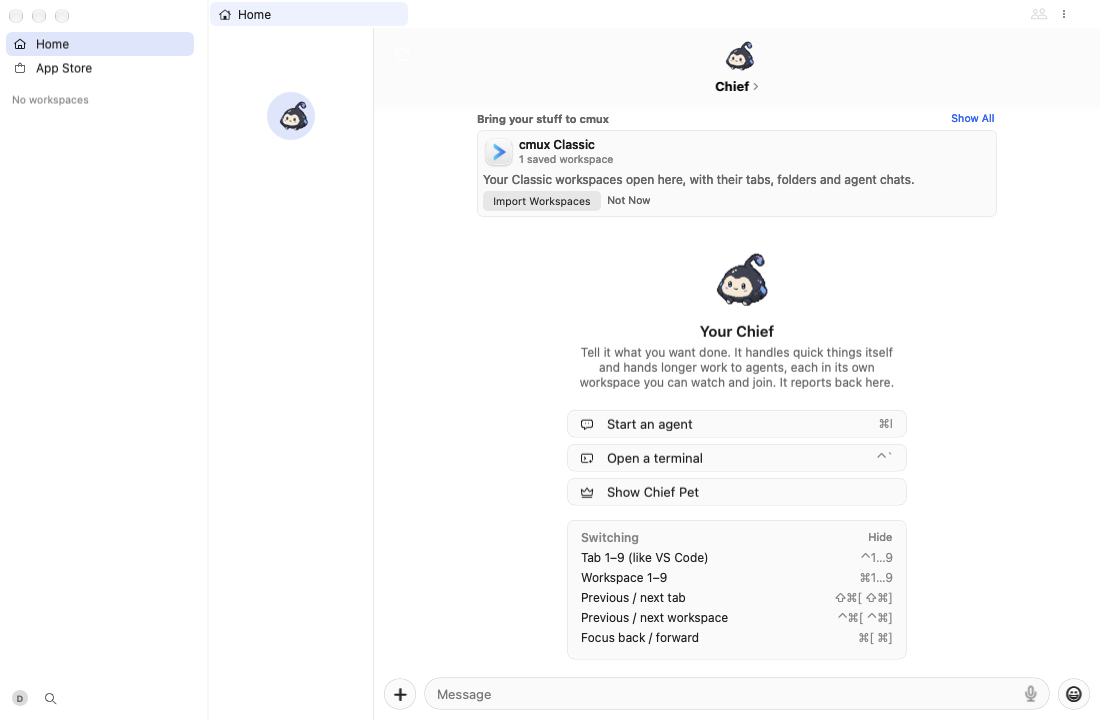
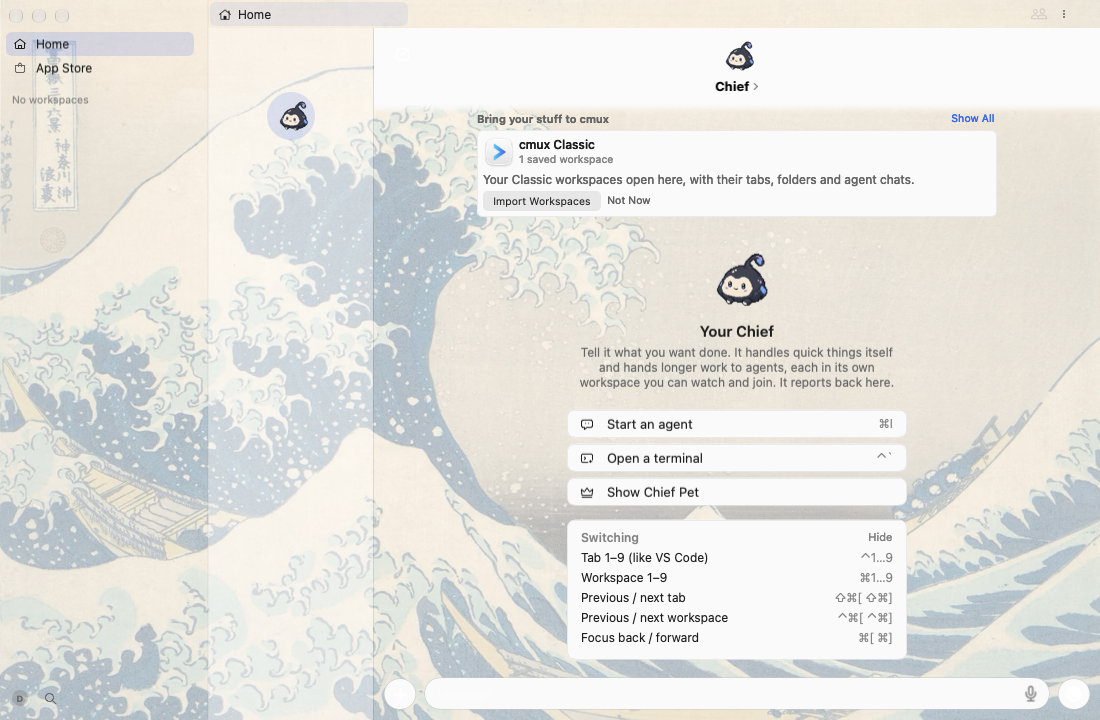
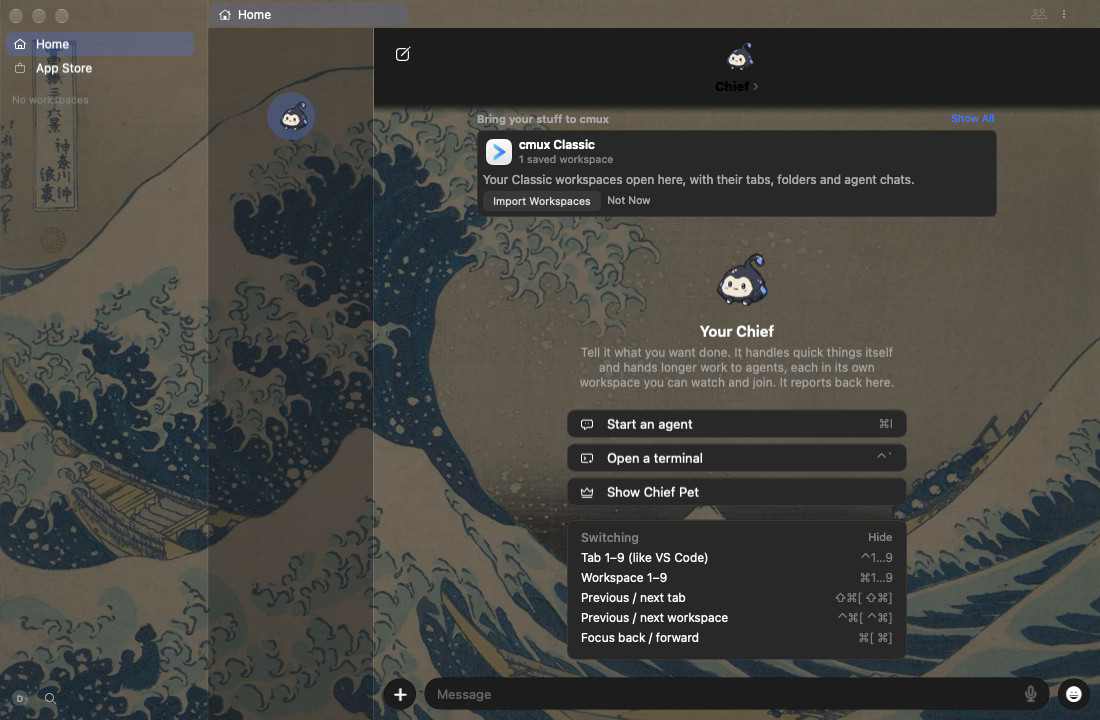
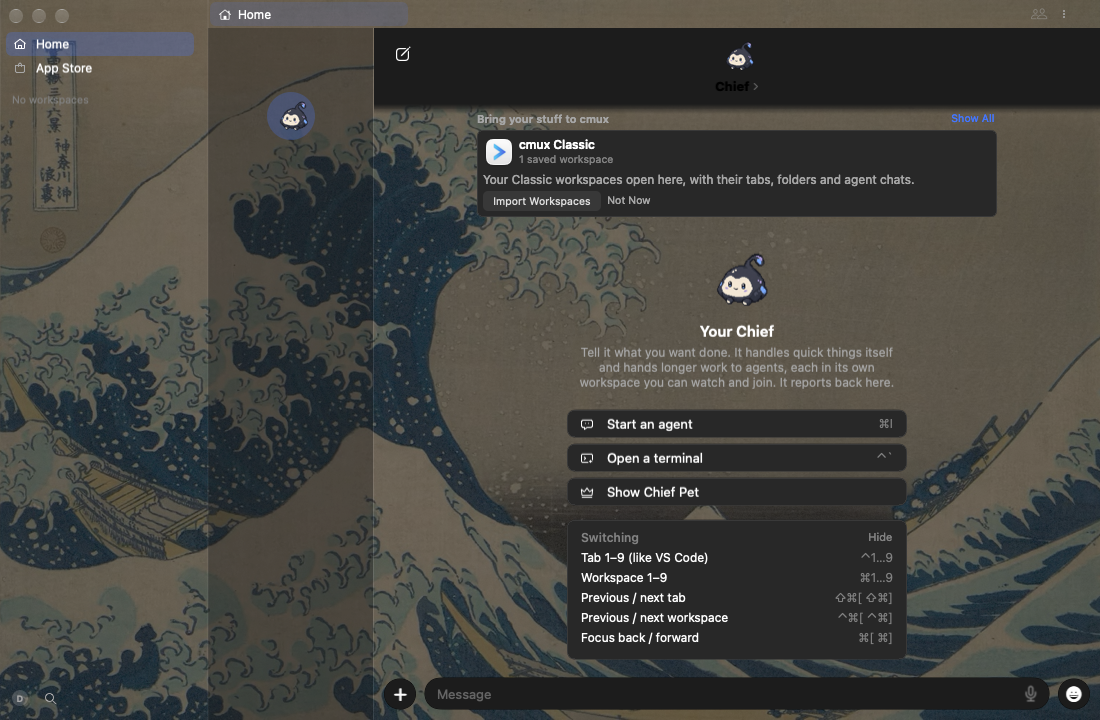
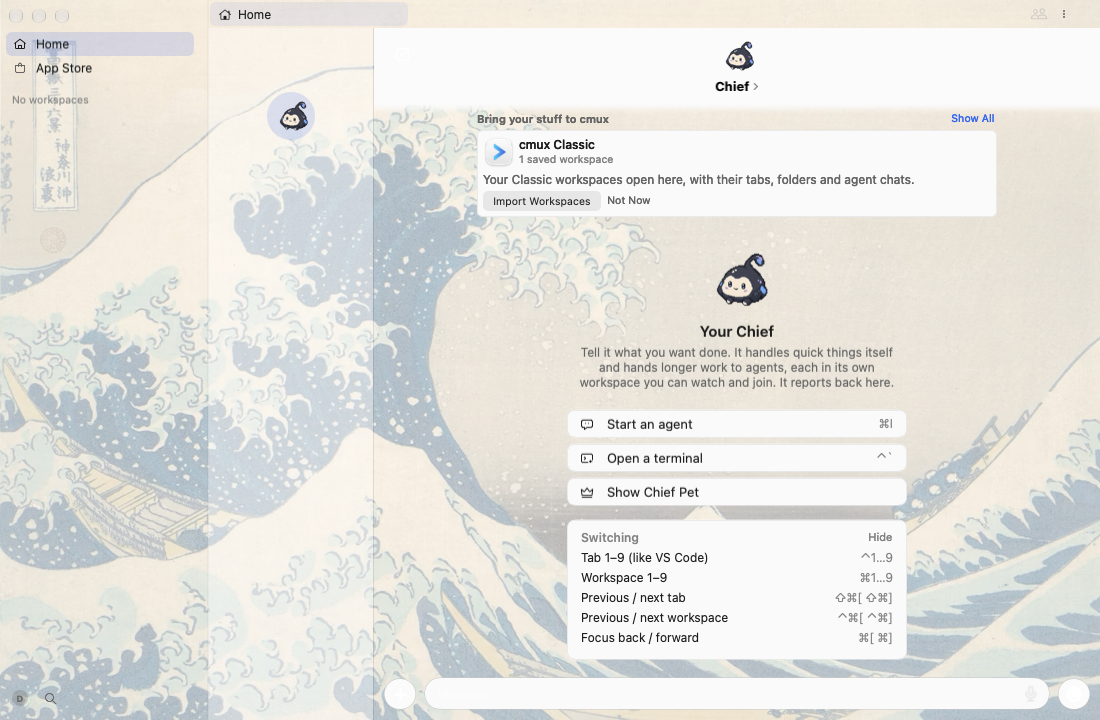
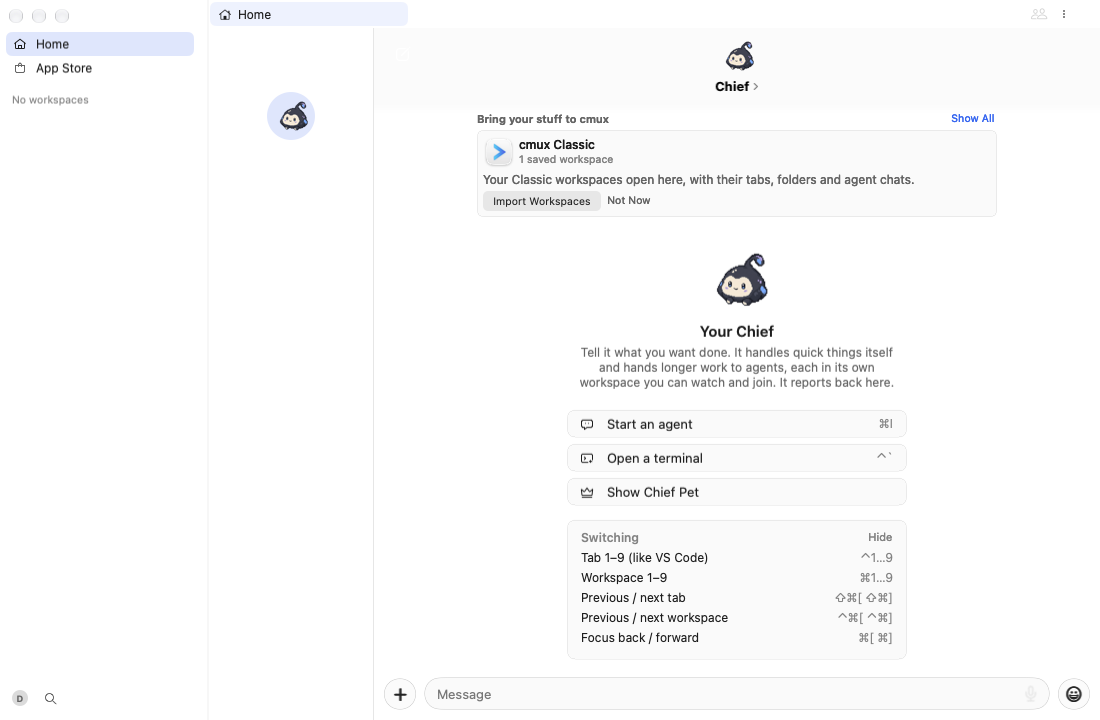
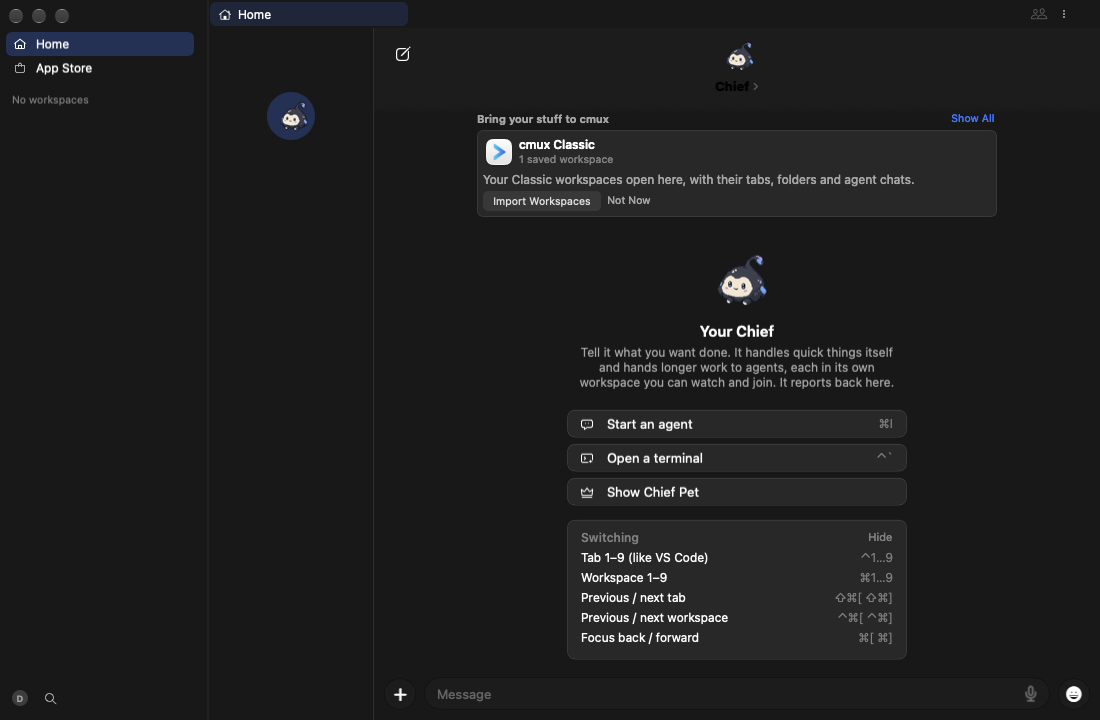
Leo on his nightly, 2026-10-21: "WHY IS THIS SOLID COLOR AGAIN". The What's New popover beside the Update Ready card and the sidebar's session hover cards showed as solid cards. They should be glass in the shared material.

Cause

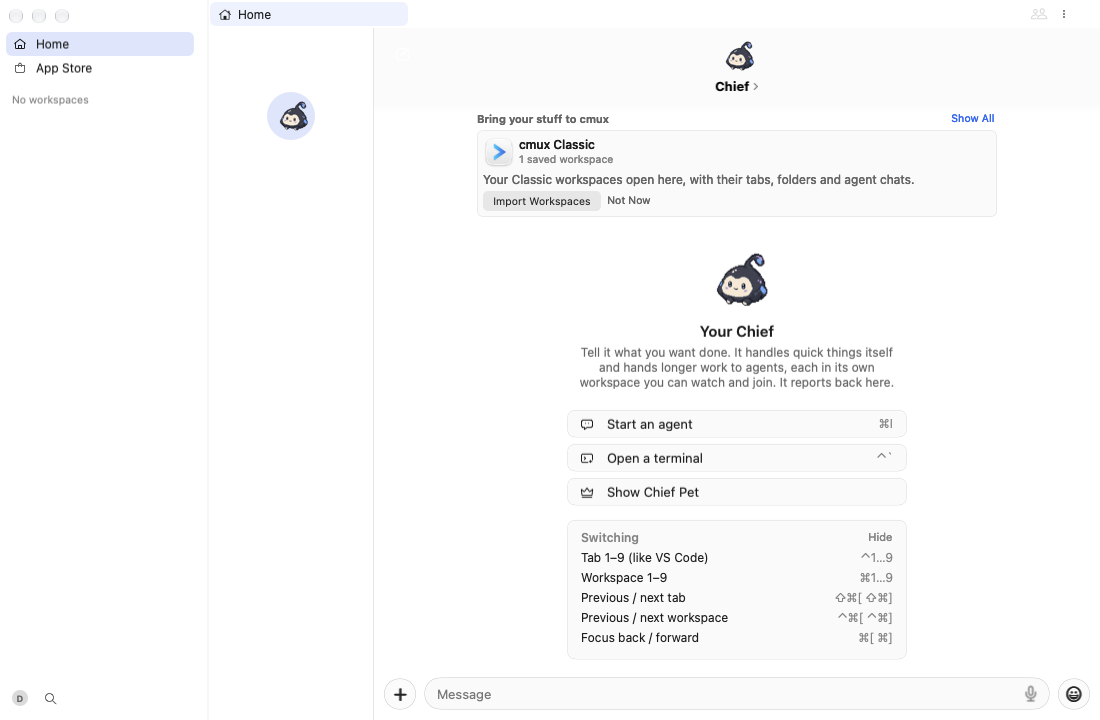
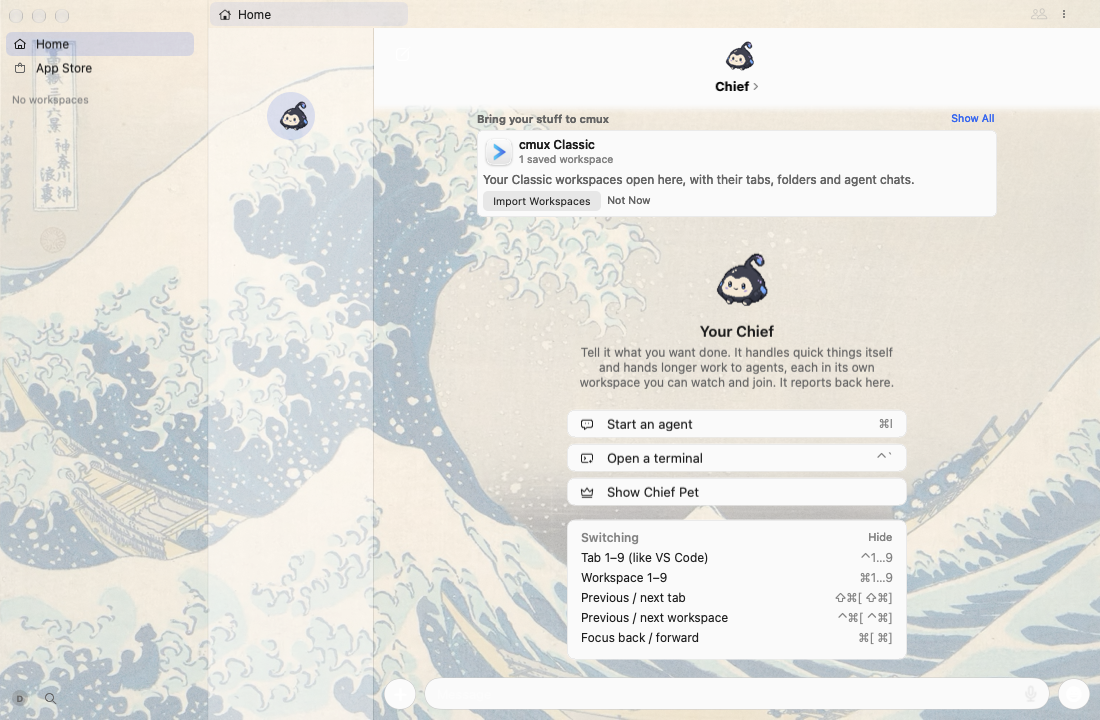
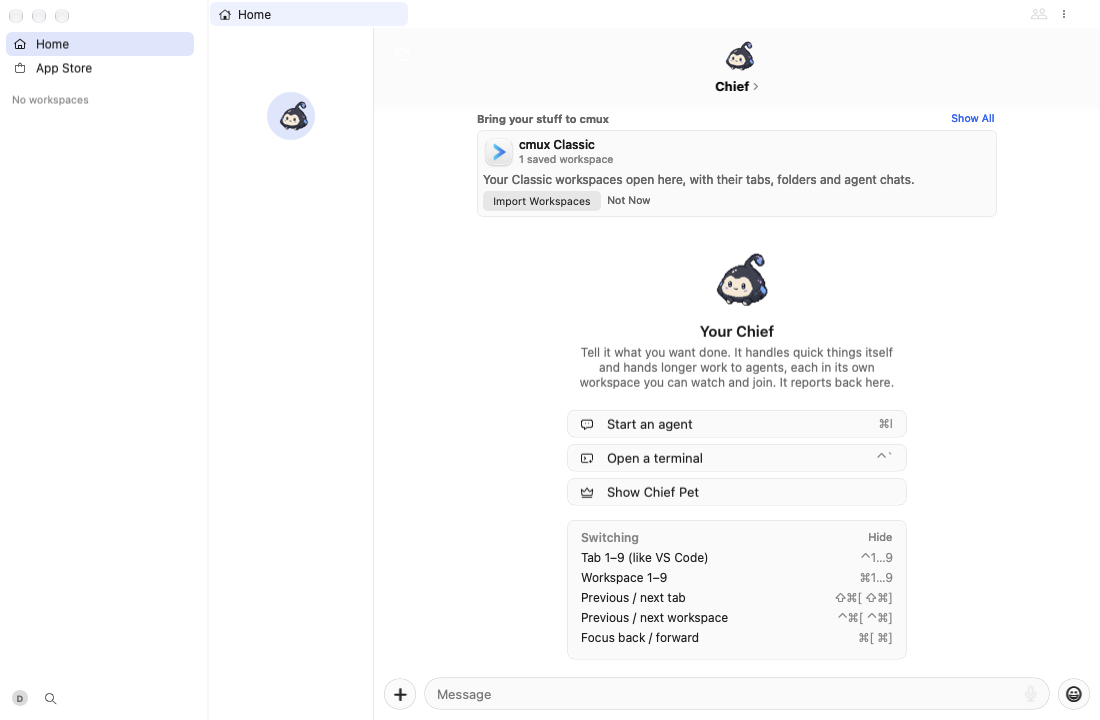
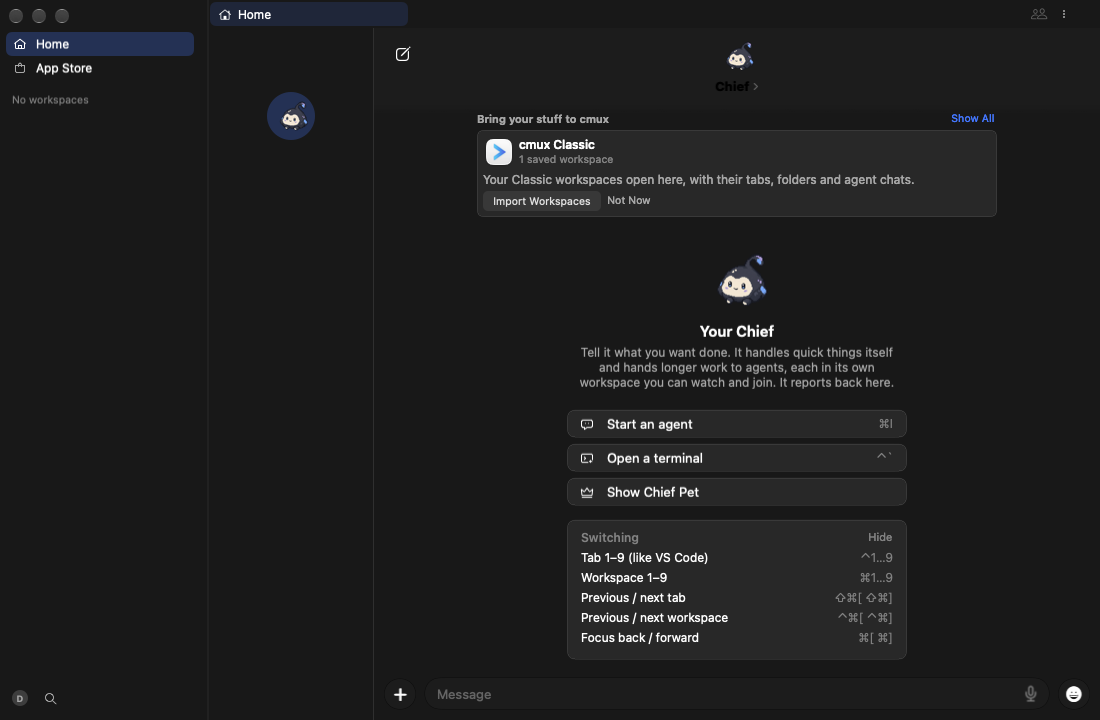
All of these show in one window, the app's hover card window (HoverCardPanel): the workspace/session cards, the tab cards and the Update Ready card's highlights popover ("1 Switch fonts in a step…", "See all changes →"), which presentOwned puts in that same card.

  • cmux-next: overlays are themed Liquid Glass, and tooltips let more through #21785 (Leo, 2026-10-19) made every text overlay themed Liquid Glass, after Leo said of the session hover card on 2026-10-19: "it's solid gray?"
  • ccde782 ("floating cards are mostly opaque with a clear rim (one CardMaterial)", lawrencecchen, 2026-10-20, a direct push to feat-cmux-next with no PR) put the CardMaterial fill under the content of every theme-tone Glass.makeOverlayPanel, at 90% or more opacity: the solid popup surface. The hover card window was included, so the session cards and the What's New popover became solid again. That is the regression.
  • The Update Ready card (CardSurfaceView) was already the shared neutral glass veil (FloatingGlassStyle.card, 22% dark / 45% light) since 17228e1, and it still is. This PR doesn't change it; the new test guards it.

Change

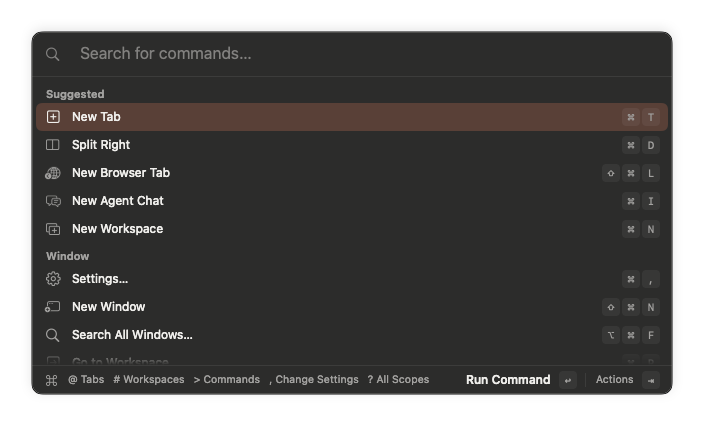
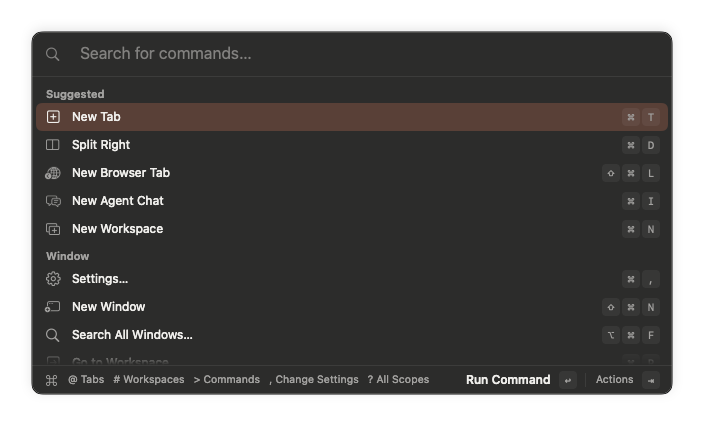
  • Glass.makeOverlayPanel takes cardFill (default true). The palette, popovers and find and prompt bars keep the card fill Lawrence asked for.
  • HoverCardPanel and the hover card gallery host pass cardFill: false. They draw the shared themed overlay glass alone: Liquid Glass tinted with Palette.glassTint × glass.overlayTintStrength, or the behind-window blur before macOS 26.
  • Reduce Transparency stays the solid popup surface.
  • Only the material changes. The card's position and anchoring are untouched, so this doesn't collide with the sibling hover card alignment fix.

Invariant

FloatingSurfacesStayGlassTests (CmuxNextDesignTests, run by the swift test job when CmuxNextDesign changes) fails when:

  • the hover card window's surface is a CardMaterial card again, or any fill between its material and its content is denser than the shared glass (the FloatingGlassStyle veils and the themed overlay tint). It checks both Liquid Glass and the pre-26 blur, in a light and a dark theme;
  • the hover card gallery host stops matching;
  • the Update Ready card's CardSurfaceView stops being the shared veil.

A control case proves the check catches the 90% card fill. The source-level no-opaque-glass ast-grep rule (#23366) didn't catch this regression because the fill sat on a separate view laid over the glass. This test checks the fill values the views actually draw.

Changelog

  • Fixed: Session hover cards and the Update Ready card's What's New popover are glass again instead of a solid card.

Observed / Not run

  • On the fleet (cmux-ci step 94e713e351661d3c61bcf815, aws-m4pro-4, Xcode 26.6) at head 763689a, package-test-lane.sh suite Packages/macOS/CmuxNext built CmuxNext with its tests, so the Swift compiles. These suites ran and passed: FloatingSurfacesStayGlassTests (new), HoverCardGlassTests, CardMaterialLegibilityTests, FloatingGlassStyleTests, WorkspaceHoverCardSurfaceTests and UpdateCardHoverParityTests.
  • Not run: the new test's red at the base. At the base, HoverCardPanel().glass.isCard is true and its tint view fills at the CardMaterial opacity (≥ 0.9), which is what theCardFillTheHoverCardDropsIsSolid asserts is caught.
  • No capture: the fleet capture client isn't installed on this host (cmux-ci capture needs an HQ checkout, and cmux claude-team 模式开启多subagent后,如何指定模型分配 #2713 isn't deployed). The change is the hover card's fill alpha, and the tests above check it on both materials. A light/dark capture will follow.

Agent session: cosmic-gray

🤖 Generated with Claude Code

…t a solid card

Leo 2026-10-21 on his nightly: "WHY IS THIS SOLID COLOR AGAIN". The app's one
hover card window (session and tab hover cards, and the Update Ready card's
What's New highlights popover) was themed Liquid Glass after #21785; ccde782
then laid the mostly opaque CardMaterial fill (at least 90%) over every
theme-tone overlay, this window included, so these cards read as solid again.

Glass.makeOverlayPanel takes cardFill (default true, so the palette, popovers
and bars keep the card fill); HoverCardPanel and the hover card gallery host
pass false and draw the shared themed overlay glass alone. Reduce Transparency
stays solid.

FloatingSurfacesStayGlassTests fails when a fill between the hover card's or
the Update Ready card's material and its content is denser than the shared
glass (FloatingGlassStyle veils, the themed overlay tint), on Liquid Glass and
on the pre-26 blur, and proves the check catches the card fill.

Co-Authored-By: Claude Opus 5.5 <noreply@anthropic.com>
Agent-Session: https://cmux.com/deeplink/agent?harness=claude&session=01a16027-a80b-79c0-ab31-500e58883d27&host=cosmic-gray
@github-actions

github-actions Bot commented Oct 21, 2026 •

Copy link
Copy Markdown
Contributor

cmux status (one comment, edited in place; each line is updated by the job that owns it)

Review 763689a: HQ feed card · gallery before/after runs · checks

App of this head (app.zip, kept 1 day)

gh workflow run reload-build.yml -R manaflow-ai/cmux --ref feat-cmux-next -f tag=pr23740 -f ref=glass-regressions/glass-surfaces -f platform=macos -f backend_mode=local

Not verified: macOS jobs did not run: compile and app tests were skipped on 763689a704; ci-status is green without them.

CI passes on 763689a704 (run 39678974071 attempt 1).
macOS jobs did not run: compile and app tests were skipped: Fast static checks skipped (the macos job needs both to succeed). Re-run CI once they pass, before merging.

Written by scripts/ci/classify_failures.py (ci-failure-attribution.yml); signatures are its SIGNATURES table. A machine verdict is the runner's fault, not this PR's; yours means the failing file is one this PR changes, also red on main that main's latest full suite fails the same way, seen on other PRs that it failed on another pull request's run lately.

Tour of 763689a704 (run)

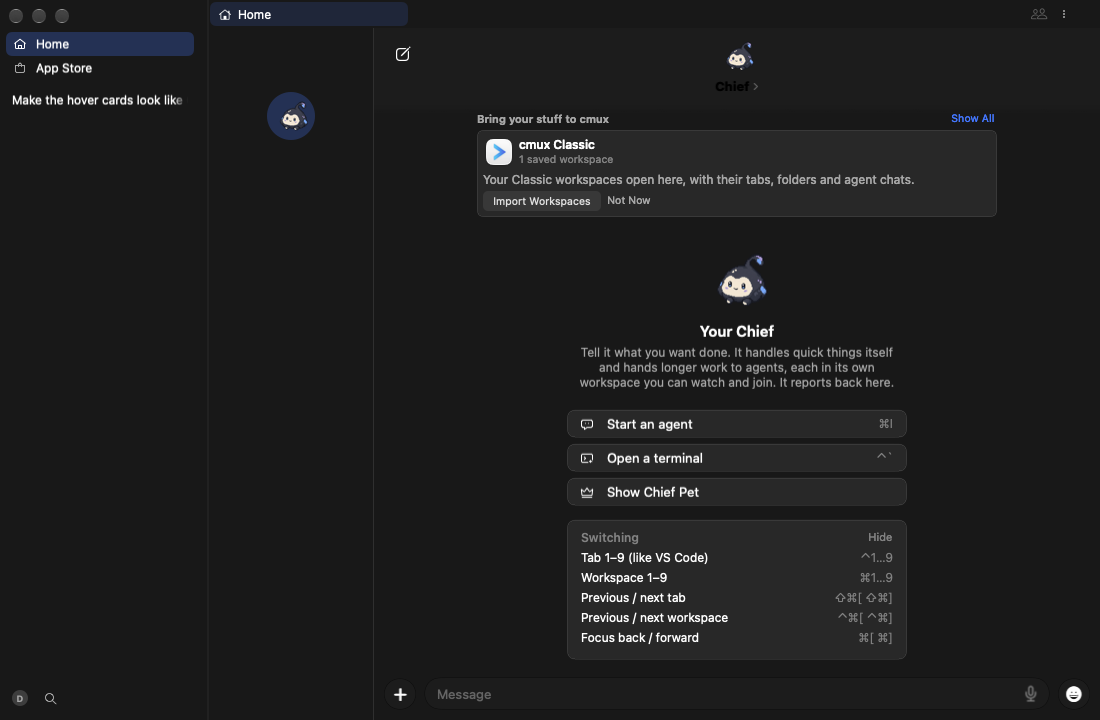
The path-selected recorder failed for hover-card-after, hover-card-before; see the run artifact and failed manifests.

Path-selected interactions

Interaction Changed paths
hover-card Packages/macOS/CmuxNext/Sources/CmuxNextDesign/HoverCards/HoverCardPanel.swift
Packages/macOS/CmuxNext/Sources/CmuxNextDesign/HoverCards/HoverCardRow.swift
glass Packages/macOS/CmuxNext/Sources/CmuxNextDesign/Glass.swift
Packages/macOS/CmuxNext/Tests/CmuxNextDesignTests/FloatingSurfacesStayGlassTests.swift
core Packages/macOS/CmuxNext/Sources/CmuxNextDesign/CardMaterial.swift
Packages/macOS/CmuxNext/Sources/CmuxNextDesign/OverlaySurface.swift
Packages/macOS/CmuxNext/Sources/CmuxNextDesign/Tunables/ChromeTunables.swift

Core UI (before): DEGRADED — 19 ok, 1 unavailable

tour

Video (mp4)

# Step Result Command
1 Launch ok
2 New workspace ok cmux workspace new --name Tour
3 Type in the terminal ok cmux workspace name:Tour screen current pane current tab current terminal current write --text "echo hello from the cmux-next tour\r"
4 A command reports progress: tab loading spinner ok cmux workspace name:Tour screen current pane current tab current terminal current write --text "clear; printf '\\033]9;4;3\\007'; sleep 900\r"
5 Split right ok cmux action run splitRight
6 Split down ok cmux action run splitDown
7 New terminal tab ok cmux action run newSurface
8 Browser tab ok cmux tab new-browser --url https://example.com
9 Hide the sidebar ok cmux action run toggleSidebar
10 Show the sidebar ok cmux action run toggleSidebar
11 Notification ok cmux notify --title Tour --body "Hello from CI"
12 Notifications panel ok cmux action run showNotifications
13 Agent chat ok cmux agent new-chat
14 Agent workspace ok cmux workspace new --name Agent
15 Agent starts ok cmux workspace name:Agent screen current pane current tab current terminal current write --text "clear; printf '\\033]7501;state=working\\033\\\\'; sleep 8; printf '\\033]7501;state=done\\033\\\\'; sleep 900\r"
16 An agent works: row working spinner ok cmux workspace new --name Notes
17 The agent finishes: done mark in the spinner's place ok
18 Session tree: keycaps on the first rows ok cmux settings set sidebar.sessionTree true
19 Session tree back off for later tours ok cmux settings set sidebar.sessionTree false
20 Profile menu unavailable: exited 1 (the menu shot needs a screen capture route) cmux action run sidebar.profileMenu
Screenshots (15)

1. Launch
Launch

2. New workspace
New workspace

3. Type in the terminal
Type in the terminal

4. A command reports progress: tab loading spinner
A command reports progress: tab loading spinner

5. Split right
Split right

6. Split down
Split down

7. New terminal tab
New terminal tab

8. Browser tab
Browser tab

9. Hide the sidebar
Hide the sidebar

11. Notification
Notification

12. Notifications panel
Notifications panel

13. Agent chat
Agent chat

16. An agent works: row working spinner
An agent works: row working spinner

17. The agent finishes: done mark in the spinner's place
The agent finishes: done mark in the spinner's place

18. Session tree: keycaps on the first rows
Session tree: keycaps on the first rows

### Core UI \(after\): DEGRADED — 19 ok, 1 unavailable

tour

Video (mp4)

# Step Result Command
1 Launch ok
2 New workspace ok cmux workspace new --name Tour
3 Type in the terminal ok cmux workspace name:Tour screen current pane current tab current terminal current write --text "echo hello from the cmux-next tour\r"
4 A command reports progress: tab loading spinner ok cmux workspace name:Tour screen current pane current tab current terminal current write --text "clear; printf '\\033]9;4;3\\007'; sleep 900\r"
5 Split right ok cmux action run splitRight
6 Split down ok cmux action run splitDown
7 New terminal tab ok cmux action run newSurface
8 Browser tab ok cmux tab new-browser --url https://example.com
9 Hide the sidebar ok cmux action run toggleSidebar
10 Show the sidebar ok cmux action run toggleSidebar
11 Notification ok cmux notify --title Tour --body "Hello from CI"
12 Notifications panel ok cmux action run showNotifications
13 Agent chat ok cmux agent new-chat
14 Agent workspace ok cmux workspace new --name Agent
15 Agent starts ok cmux workspace name:Agent screen current pane current tab current terminal current write --text "clear; printf '\\033]7501;state=working\\033\\\\'; sleep 8; printf '\\033]7501;state=done\\033\\\\'; sleep 900\r"
16 An agent works: row working spinner ok cmux workspace new --name Notes
17 The agent finishes: done mark in the spinner's place ok
18 Session tree: keycaps on the first rows ok cmux settings set sidebar.sessionTree true
19 Session tree back off for later tours ok cmux settings set sidebar.sessionTree false
20 Profile menu unavailable: exited 1 (the menu shot needs a screen capture route) cmux action run sidebar.profileMenu
Screenshots (15)

1. Launch
Launch

2. New workspace
New workspace

3. Type in the terminal
Type in the terminal

4. A command reports progress: tab loading spinner
A command reports progress: tab loading spinner

5. Split right
Split right

6. Split down
Split down

7. New terminal tab
New terminal tab

8. Browser tab
Browser tab

9. Hide the sidebar
Hide the sidebar

11. Notification
Notification

12. Notifications panel
Notifications panel

13. Agent chat
Agent chat

16. An agent works: row working spinner
An agent works: row working spinner

17. The agent finishes: done mark in the spinner's place
The agent finishes: done mark in the spinner's place

18. Session tree: keycaps on the first rows
Session tree: keycaps on the first rows

### Glass and themes \(before\): PASS — 14 ok

tour

Video (mp4)

# Step Result Command
1 Launch over art ok
2 New workspace ok cmux workspace new --name Glass
3 Terminal text and ANSI colors over art ok cmux workspace name:Glass screen current pane current tab current terminal current write --text "clear; echo 'cmux glass tour: plain text stays readable over the art'; for c in 1 2 3 4 5 6 7; do printf '\\033[3%sm color %s \\033[1m bold \\033[0m' $c $c; done; echo\r"
4 Split right ok cmux action run splitRight
5 Agent chat beside the terminal ok cmux agent new-chat
6 Command palette on glass over art ok cmux action run commandPalette
7 Close the palette ok cmux action run commandPalette
8 Soft Blue over art ok cmux settings set appearance.theme "Soft Blue"
9 Soft Blue Light over art ok cmux settings set appearance.theme "Soft Blue Light"
10 Clay Orange Light over art ok cmux settings set appearance.theme "Clay Orange Light"
11 Art off: Clay Orange Light ok cmux settings unset appearance.background
12 Clay Orange ok cmux settings set appearance.theme "Clay Orange"
13 Soft Blue ok cmux settings set appearance.theme "Soft Blue"
14 Soft Blue Light ok cmux settings set appearance.theme "Soft Blue Light"
Screenshots (14)

1. Launch over art
Launch over art

2. New workspace
New workspace

3. Terminal text and ANSI colors over art
Terminal text and ANSI colors over art

4. Split right
Split right

5. Agent chat beside the terminal
Agent chat beside the terminal

6. Command palette on glass over art
Command palette on glass over art Command palette on glass over art (panel)

7. Close the palette
Close the palette

8. Soft Blue over art
Soft Blue over art

9. Soft Blue Light over art
Soft Blue Light over art

10. Clay Orange Light over art
Clay Orange Light over art

11. Art off: Clay Orange Light
Art off: Clay Orange Light

12. Clay Orange
Clay Orange

13. Soft Blue
Soft Blue

14. Soft Blue Light
Soft Blue Light

### Glass and themes \(after\): PASS — 14 ok

tour

Video (mp4)

# Step Result Command
1 Launch over art ok
2 New workspace ok cmux workspace new --name Glass
3 Terminal text and ANSI colors over art ok cmux workspace name:Glass screen current pane current tab current terminal current write --text "clear; echo 'cmux glass tour: plain text stays readable over the art'; for c in 1 2 3 4 5 6 7; do printf '\\033[3%sm color %s \\033[1m bold \\033[0m' $c $c; done; echo\r"
4 Split right ok cmux action run splitRight
5 Agent chat beside the terminal ok cmux agent new-chat
6 Command palette on glass over art ok cmux action run commandPalette
7 Close the palette ok cmux action run commandPalette
8 Soft Blue over art ok cmux settings set appearance.theme "Soft Blue"
9 Soft Blue Light over art ok cmux settings set appearance.theme "Soft Blue Light"
10 Clay Orange Light over art ok cmux settings set appearance.theme "Clay Orange Light"
11 Art off: Clay Orange Light ok cmux settings unset appearance.background
12 Clay Orange ok cmux settings set appearance.theme "Clay Orange"
13 Soft Blue ok cmux settings set appearance.theme "Soft Blue"
14 Soft Blue Light ok cmux settings set appearance.theme "Soft Blue Light"
Screenshots (14)

1. Launch over art
Launch over art

2. New workspace
New workspace

3. Terminal text and ANSI colors over art
Terminal text and ANSI colors over art

4. Split right
Split right

5. Agent chat beside the terminal
Agent chat beside the terminal

6. Command palette on glass over art
Command palette on glass over art Command palette on glass over art (panel)

7. Close the palette
Close the palette

8. Soft Blue over art
Soft Blue over art

9. Soft Blue Light over art
Soft Blue Light over art

10. Clay Orange Light over art
Clay Orange Light over art

11. Art off: Clay Orange Light
Art off: Clay Orange Light

12. Clay Orange
Clay Orange

13. Soft Blue
Soft Blue

14. Soft Blue Light
Soft Blue Light

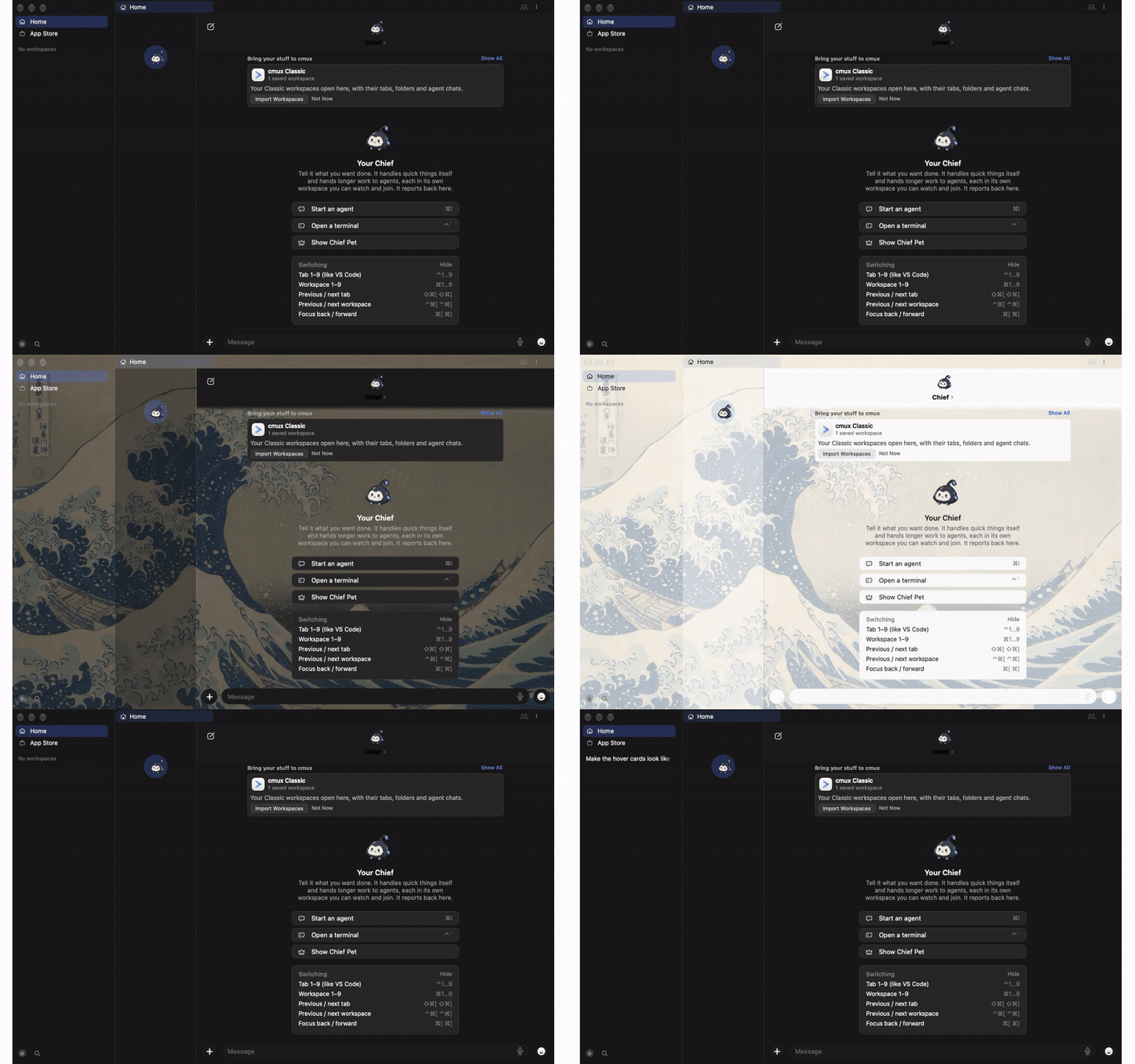
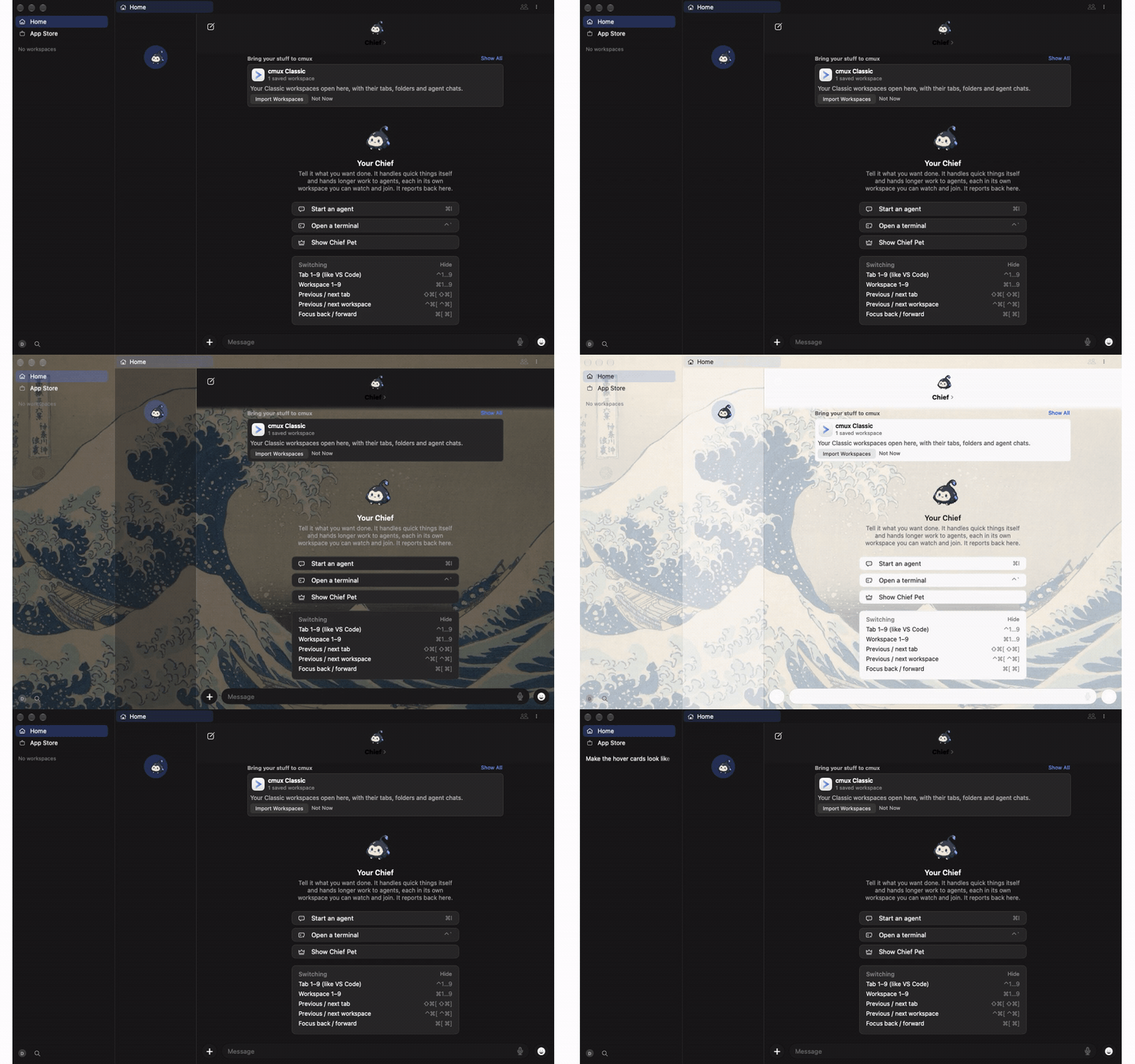
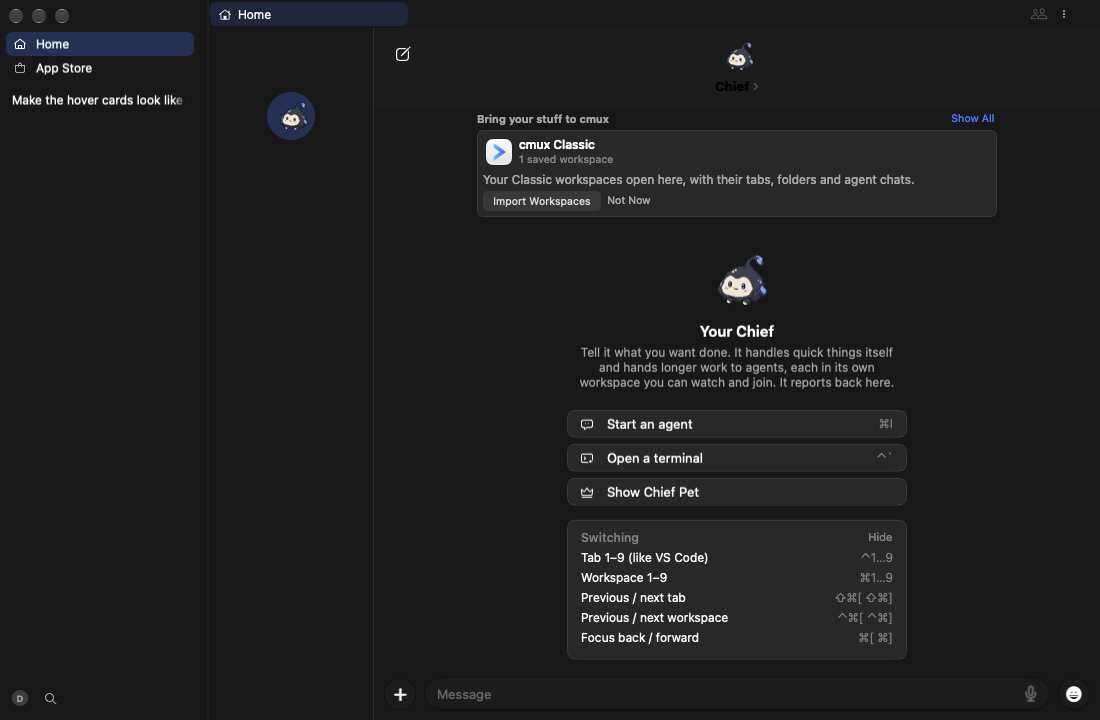
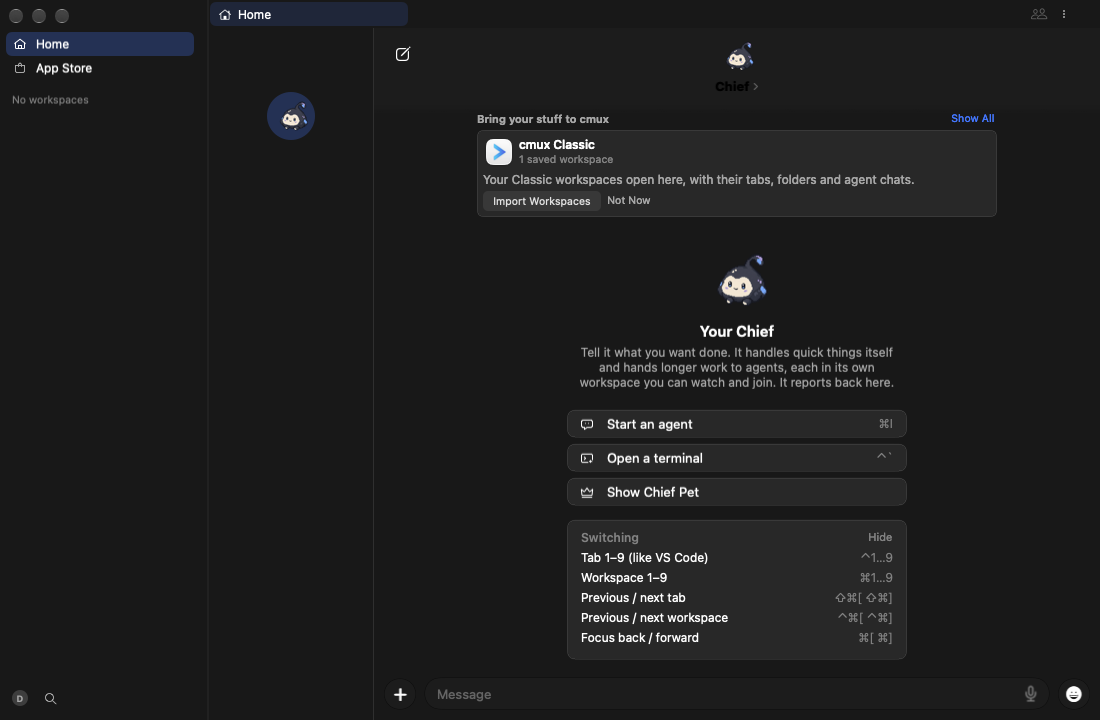
### Hover cards \(before\): FAILED — 11 ok, 1 failed

tour

Video (mp4)

# Step Result Command
1 Launch ok
2 Session cards, dark ok
3 Session cards, light ok cmux settings set appearance.theme "Soft Blue Light"
4 Session cards, light over art ok cmux settings set appearance.background hokusai-great-wave
5 Session cards, dark over art ok cmux settings set appearance.theme "Soft Blue"
6 Tab cards, dark over art ok
7 Tab cards, light over art ok cmux settings set appearance.theme "Soft Blue Light"
8 Tab cards, light ok cmux settings unset appearance.background
9 Tab cards, dark ok cmux settings set appearance.theme "Soft Blue"
10 Close the gallery ok
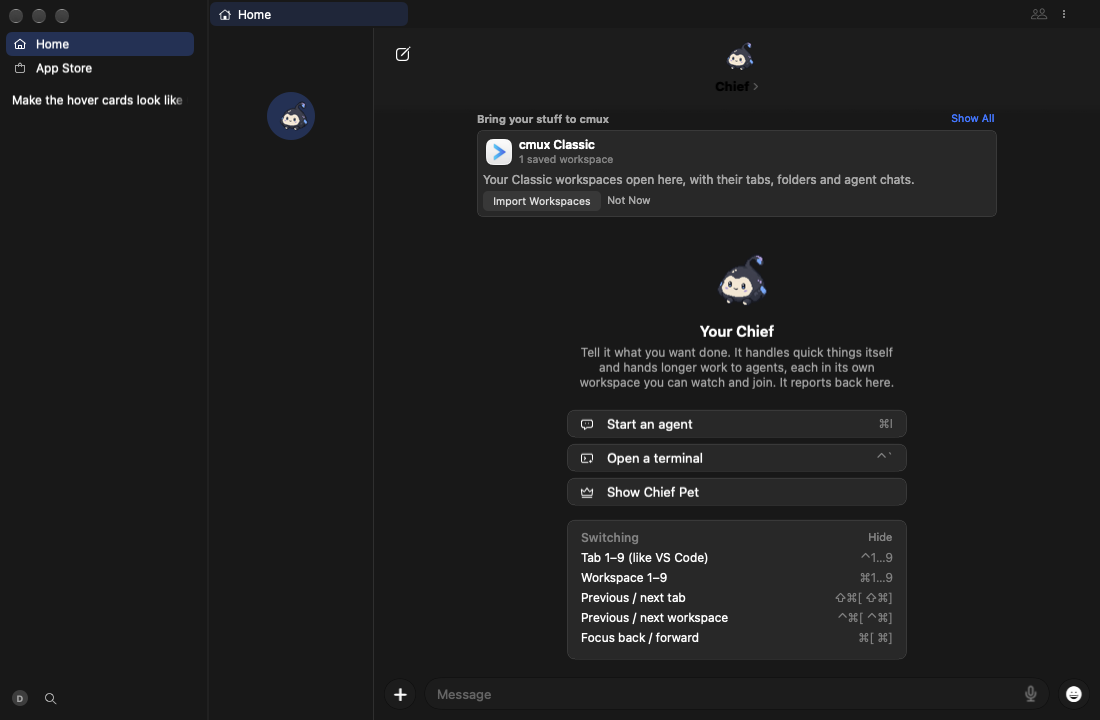
11 New workspace ok cmux workspace new --name "Make the hover cards look like Codex's"
12 A real workspace card, dark failed: exited 1 cmux action run workspace.showResources

Failed steps:

12. A real workspace card, dark
A real workspace card, dark

Screenshots (11)

1. Launch
Launch

2. Session cards, dark
Session cards, dark

3. Session cards, light
Session cards, light

4. Session cards, light over art
Session cards, light over art

5. Session cards, dark over art
Session cards, dark over art

6. Tab cards, dark over art
Tab cards, dark over art

7. Tab cards, light over art
Tab cards, light over art

8. Tab cards, light
Tab cards, light

9. Tab cards, dark
Tab cards, dark

10. Close the gallery
Close the gallery

11. New workspace
New workspace

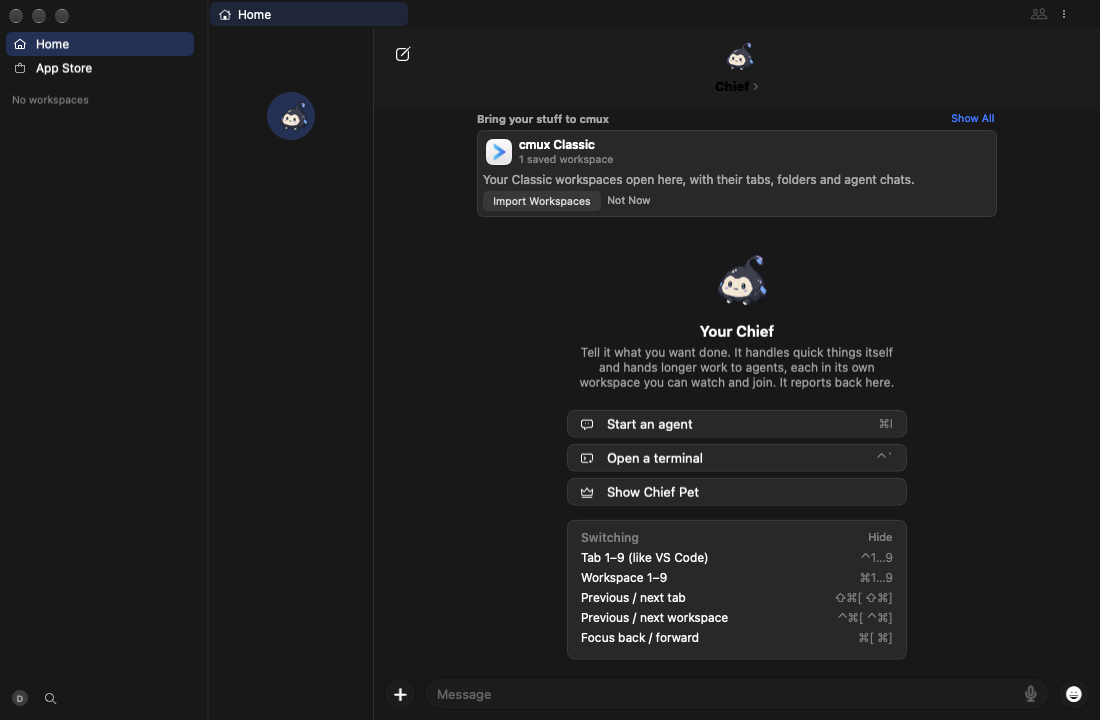
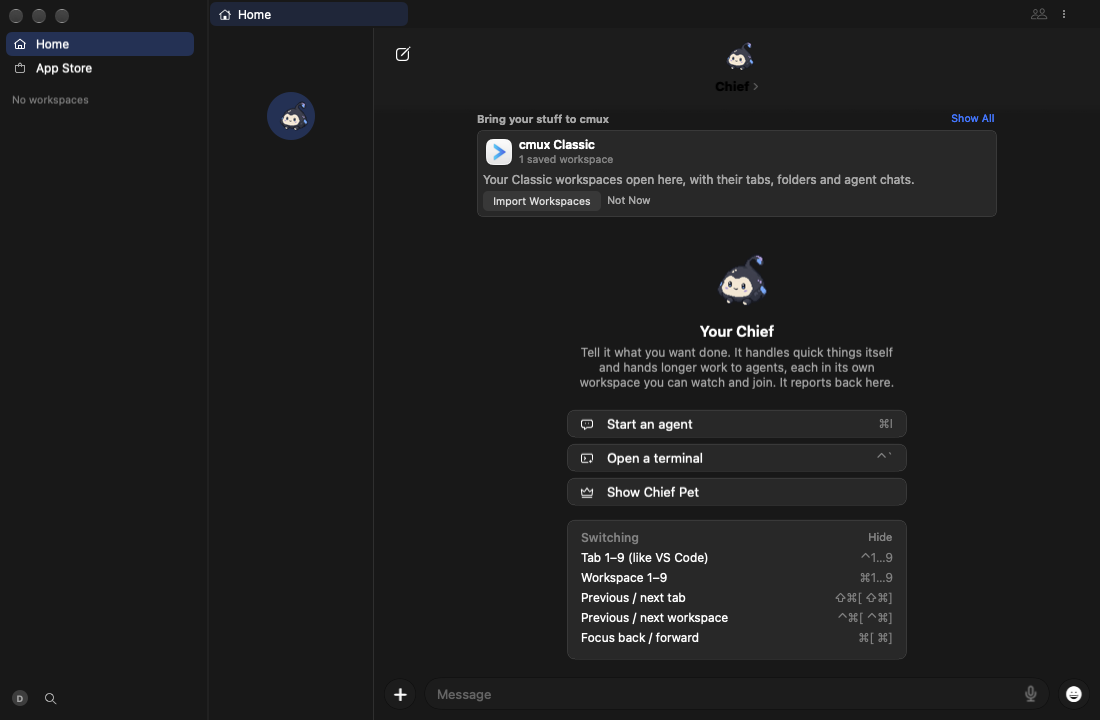
### Hover cards \(after\): FAILED — 11 ok, 1 failed

tour

Video (mp4)

# Step Result Command
1 Launch ok
2 Session cards, dark ok
3 Session cards, light ok cmux settings set appearance.theme "Soft Blue Light"
4 Session cards, light over art ok cmux settings set appearance.background hokusai-great-wave
5 Session cards, dark over art ok cmux settings set appearance.theme "Soft Blue"
6 Tab cards, dark over art ok
7 Tab cards, light over art ok cmux settings set appearance.theme "Soft Blue Light"
8 Tab cards, light ok cmux settings unset appearance.background
9 Tab cards, dark ok cmux settings set appearance.theme "Soft Blue"
10 Close the gallery ok
11 New workspace ok cmux workspace new --name "Make the hover cards look like Codex's"
12 A real workspace card, dark failed: exited 1 cmux action run workspace.showResources

Failed steps:

12. A real workspace card, dark
A real workspace card, dark

Screenshots (11)

1. Launch
Launch

2. Session cards, dark
Session cards, dark

3. Session cards, light
Session cards, light

4. Session cards, light over art
Session cards, light over art

5. Session cards, dark over art
Session cards, dark over art

6. Tab cards, dark over art
Tab cards, dark over art

7. Tab cards, light over art
Tab cards, light over art

8. Tab cards, light
Tab cards, light

9. Tab cards, dark
Tab cards, dark

10. Close the gallery
Close the gallery

11. New workspace
New workspace

Tours are data in scripts/cmux-next/media/tours: add a step or a tour file to show your feature.

@teamleaderleo

Copy link
Copy Markdown
Collaborator Author

Owned by glass-regressions on cosmic-gray · session

@teamleaderleo teamleaderleo added the risk:normal Risk tier (docs/ci/risk-tiers.md) label Oct 21, 2026
@teamleaderleo

Copy link
Copy Markdown
Collaborator Author

Bead cx-96t03 created for this PR by the cmux coordinator.

@teamleaderleo

Copy link
Copy Markdown
Collaborator Author

Review (subagent, correctness first): SHIP at 763689a

  • Change is correct and scoped. cardFill: false only reaches HoverCardPanel and HoverCardGalleryHost. Every other theme-tone makeOverlayPanel caller keeps CardMaterial through the default. Neutral-tone panels are unchanged.
  • What's New popover is covered. It goes through presentOwned, which uses the same HoverCardPanel. Its webview document is background: transparent (surface.css), so dropping the native fill makes it glass and leaves no second background. The workspace card body paints no fill (WorkspaceHoverCardSurfaceTests).
  • Reduce Transparency is unchanged. The .opaque path still paints Palette.popupSurface with a separator hairline when isCard is false.
  • No accent change. The tint is the theme's glass tint.
  • New test. FloatingSurfacesStayGlassTests reads fills the way CardMaterialLegibilityTests does, skipping GlassPanelView internals. The control case is real: card fill >= 0.9 against a ceiling of about 0.63. Its only diagnostic is a redundant-#require warning at line 24. No new lint was added; the PR body explains why a runtime test replaces one.

Risk, not a blocker: hover cards no longer carry the 4.5:1 guarantee CardMaterial gave them. The bare tint is about 50% (dark) or 37% (light) of the theme background over the glass. This reverses ccde782 (lawrencecchen, "too liquid glassy") for these surfaces, per Leo's 2026-10-21 call. Dark themes over bright backdrops are the case to check in the capture.

CI on 763689a:

  • Compiles: Release compile (Xcode 26) and fleet test-compile both passed. In swift test, swift build --build-tests finished ("Build complete!").
  • swift test is red. Seven failures, all in files this PR doesn't touch: PageWebViewDebugHover, PalettePickerSources, AttentionSteady, WindowScreenshot, AgentCursorNameTag, ActionRunCreated. The test helper also ended with no summary line, leaving 1242 tests unfinished. That includes this PR's theHoverCardWindowIsGlassNotASolidCard, plus the existing CardMaterialLegibilityTests and HoverCardGlassTests.
  • The new suite therefore never reported a pass. Re-run swift test before merging and confirm FloatingSurfacesStayGlassTests passes.
  • PR capture check is red: no capture in the description yet.

@github-actions

Copy link
Copy Markdown
Contributor

The feat-cmux-next push run https://github.com/manaflow-ai/cmux/actions/runs/39692226412 at 66c2012 failed: cmux-next fast tier.
Those jobs last passed at 9940d4b. This pull request is one of 3 merged since: #20295, #23782, #23740.
If the failure is in your change, fix forward on feat-cmux-next. Pull requests run only the tiers their paths reach (docs/ci/cmux-next-tiers.md); label a batch PR full-ci to run them all before merging.

@github-actions

Copy link
Copy Markdown
Contributor

The feat-cmux-next push run https://github.com/manaflow-ai/cmux/actions/runs/39692485830 at 7692cfb failed: cmux-next fast tier.
Those jobs last passed at 9940d4b. This pull request is one of 5 merged since: #20295, #23782, #23740, #23771, #23830.
If the failure is in your change, fix forward on feat-cmux-next. Pull requests run only the tiers their paths reach (docs/ci/cmux-next-tiers.md); label a batch PR full-ci to run them all before merging.

@github-actions

github-actions Bot commented Oct 22, 2026 •

Copy link
Copy Markdown
Contributor

teamleaderleo added a commit that referenced this pull request Oct 22, 2026
…dow (stacked on #23801) (#24022)

* cmux NEXT: hover cards and the What's New popover are glass again, not a solid card

Leo 2026-10-21 on his nightly: "WHY IS THIS SOLID COLOR AGAIN". The app's one
hover card window (session and tab hover cards, and the Update Ready card's
What's New highlights popover) was themed Liquid Glass after #21785; ccde782
then laid the mostly opaque CardMaterial fill (at least 90%) over every
theme-tone overlay, this window included, so these cards read as solid again.

Glass.makeOverlayPanel takes cardFill (default true, so the palette, popovers
and bars keep the card fill); HoverCardPanel and the hover card gallery host
pass false and draw the shared themed overlay glass alone. Reduce Transparency
stays solid.

FloatingSurfacesStayGlassTests fails when a fill between the hover card's or
the Update Ready card's material and its content is denser than the shared
glass (FloatingGlassStyle veils, the themed overlay tint), on Liquid Glass and
on the pre-26 blur, and proves the check catches the card fill.

Co-Authored-By: Claude Opus 5.5 <noreply@anthropic.com>
Agent-Session: https://cmux.com/deeplink/agent?harness=claude&session=01a16027-a80b-79c0-ab31-500e58883d27&host=cosmic-gray

* test(next): read the hover card's fills the way CardMaterialLegibilityTests does

Co-Authored-By: Claude Opus 5.5 <noreply@anthropic.com>
Agent-Session: https://cmux.com/deeplink/agent?harness=claude&session=01a16027-a80b-79c0-ab31-500e58883d27&host=cosmic-gray

* cmux NEXT: every overlay is glass, never a solid card; a lint keeps it so

Leo 2026-10-21: "STOP DOING SOLID. WE HAVE GLASS, SO JUST USE GLASS."

- Glass.makeOverlayPanel's card fill is opt-in (cardFill defaults to false):
  the palette, popovers, menus, find and prompt bars, browser bubbles and
  page info draw the shared themed glass alone. Takes back ccde782 (no
  PR), which laid the mostly opaque CardMaterial fill (90% or more) on every
  overlay. Reduce Transparency stays solid.
- The notifications panel and New Message's recipient suggestions sit on the
  shared overlay glass instead of the elevated / popup surface.
- Home's import cards are real glass with the dialogs' neutral veil and rim,
  not ReduceTransparency.alwaysOpaque.
- The sidebar's edit bar draws the sidebar cards' veil, solid only under
  Reduce Transparency.
- check-overlay-glass.py (cmux-next checks job, the prepush gate, and its
  own test) names every solid surface fill in CmuxNext: the popup surface,
  elevated fills, solid system colors, alwaysOpaque, cardFill: true and
  solid SwiftUI backgrounds. A hit passes only with a listed reason or a
  `glass-opaque-allow:` comment, and a stale allowance fails.
- FloatingSurfacesStayGlassTests: every default overlay is glass.

Co-Authored-By: Claude Opus 5.5 <noreply@anthropic.com>
Agent-Session: https://cmux.com/deeplink/agent?harness=claude&session=01a16027-a80b-79c0-ab31-500e58883d27&host=cosmic-gray

* check-overlay-glass: hover card bodies draw only on the one glass hover card window

Every native hover card (tab, link chip, sidebar workspace and group,
pull request, What's New) shows in HoverCardPanel, the bare themed glass
(#23740, #23801). Each body is glass today, but nothing stopped one from
building its own window or material or laying a solid fill over the
panel's glass.

The lint now finds hover card bodies (files with HoverCardBody(...) or
HoverCardTextReporting) and flags:
  hover-own-window  NSPanel / NSPopover / NSWindow / NSVisualEffectView /
                    OverlaySurfaceView / makeOverlayPanel in a body;
  hover-body-fill   a backgroundColor / fillColor / .background(...) that
                    isn't Palette.hoverFill, clear, nil or a color under 0.6
                    alpha (each ternary branch is checked).
The existing glass-opaque-allow escape and ALLOWED table apply. The
shell test adds fixtures for each form and the passes.

Co-Authored-By: Claude Opus 5.5 <noreply@anthropic.com>

---------

Co-authored-by: Claude Opus 5.5 <noreply@anthropic.com>

This branch was previously deployed

1 inactive deployment
ci-routing-agent — 763689a7 Deployed Oct 21, 2026 by teamleaderleo
Sign up for free to join this conversation on GitHub. Already have an account? Sign in to comment

Labels

risk:normal Risk tier (docs/ci/risk-tiers.md)

Projects

None yet

Development

Successfully merging this pull request may close these issues.

1 participant