Skip to content

cmux NEXT hover cards: the glass panels' rounder corners, and a real blur before macOS 26 - #22488

Merged
teamleaderleo merged 13 commits into
feat-cmux-nextfrom
leo/hover-card-glass
Oct 20, 2026
Merged

teamleaderleo merged 13 commits into
feat-cmux-nextfrom
leo/hover-card-glass

Conversation

@teamleaderleo

@teamleaderleo teamleaderleo commented Oct 20, 2026 •

Copy link
Copy Markdown
Collaborator

Summary

Leo wants the hover card in iOS's refracting-glass style. The card already is the app's one overlay glass (OverlaySurfaceView from #21785: themed Liquid Glass with its own refraction and rim on macOS 26, vibrancy before it, the solid surface under Reduce Transparency), so this PR uses that system rather than adding one. It fixes two things that kept the card from looking like glass:

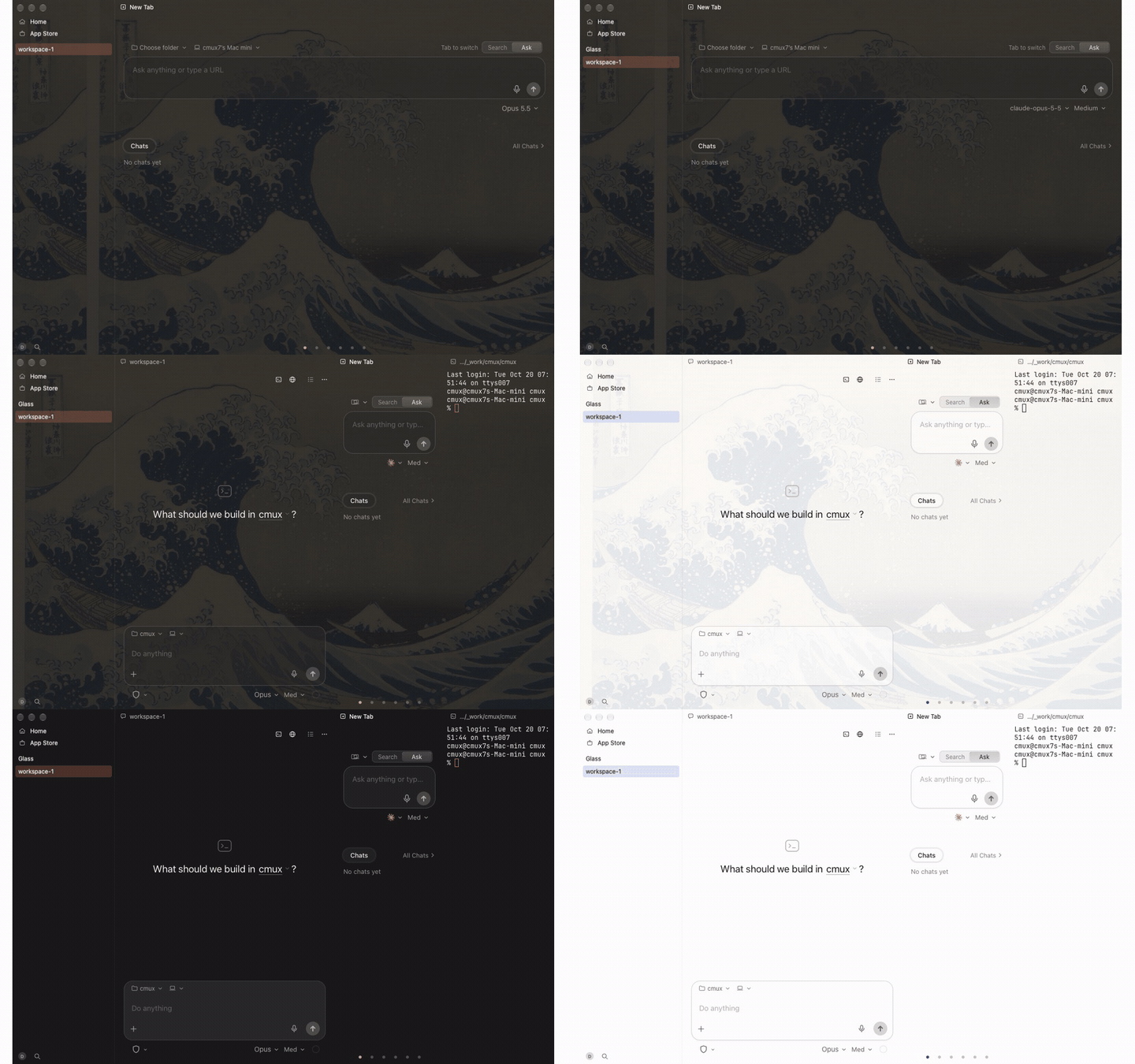
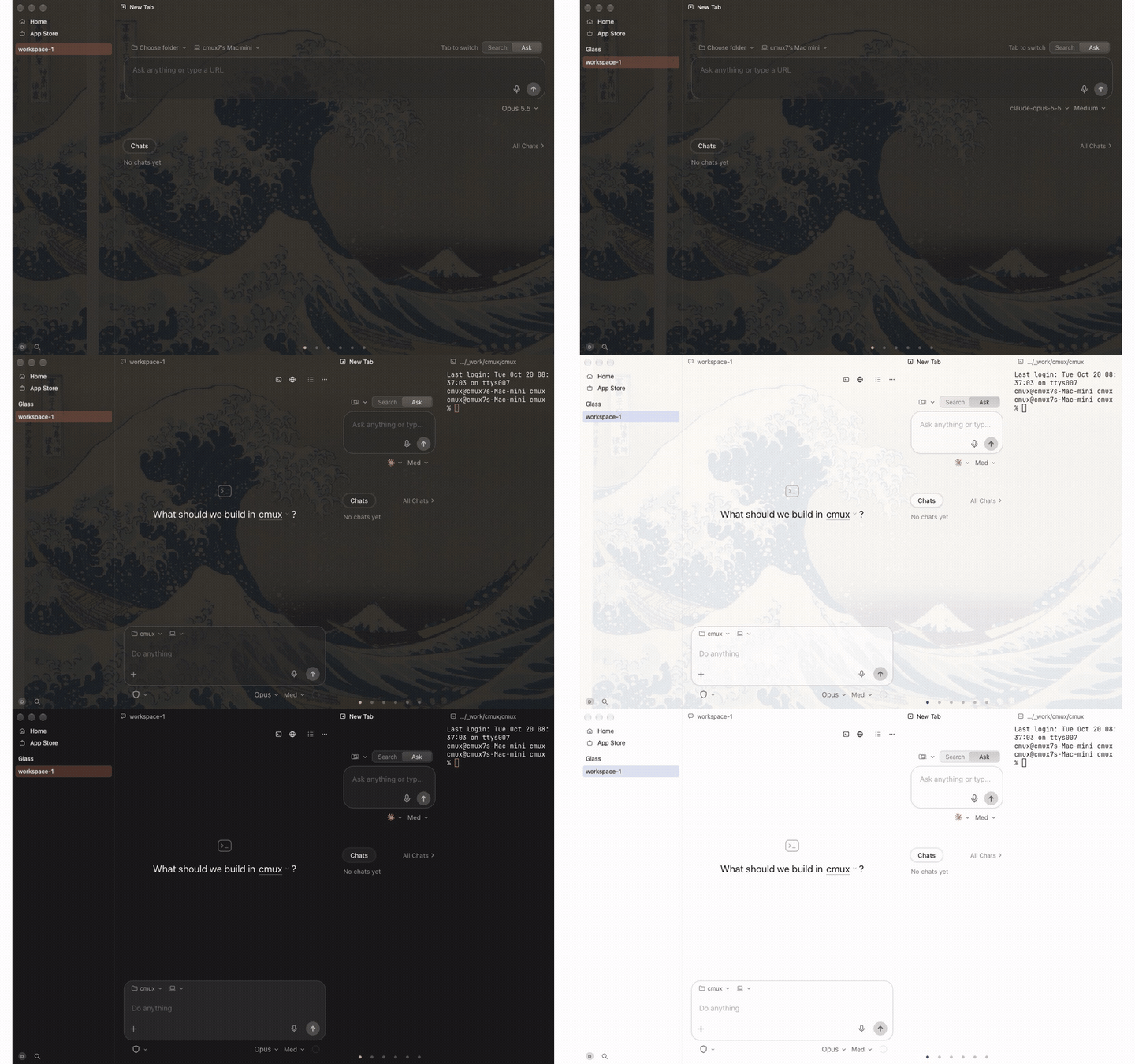
  • Shape. The card had a menu's 8 pt corners (PopupStyle). It now takes the floating glass panels' continuous radius (Metrics.panelCornerRadius, 12 pt, 10 pt compact; the palette and dialogs use it), and its shadow follows the same shape. The radius is re-read on every show, so a density change applies to the next card. Workspace and tab hover cards share the panel, so both change; so does the update card, which feat-cmux-next now shows in the same panel (5cac4de), and its morph mask follows the radius. The debug hover card gallery draws the same radius.
  • Blur before macOS 26. Each card is the whole content of its own clear child window, and the vibrancy fallback blended .withinWindow, so it had nothing under it to blur and drew a flat material. OverlaySurfaceView.samplesBehindWindow makes it blend .behindWindow, so the sidebar or terminal under the card shows through blurred, as the tooltip and drag ghost already do. An overlay inside a window (a find bar) keeps blurring within it.

Unchanged: the theme tint and its density (glassOverlayTintStrength, 1.25x the chrome glass tint), which is what keeps text readable over busy content; the text colors (primary title and reply, secondary metadata, from WorkspaceHoverCardSurfaceTests); the highlight and refraction, which Liquid Glass draws itself. I didn't add a hand-drawn rim to the fallback.

Testing

Regression first, on the fleet (cmux-ci run --class light --script scripts/ci/package-test-lane.sh --arg=suite --arg=Packages/macOS/CmuxNext --arg=<suites>):

  • Red at c19d559 (test only, --red, HoverCardGlassTests): failed as expected (fleet step 1647f9f5b057cbe9cb783c29): the card's glass and shadow host were 8 pt against Metrics.panelCornerRadius 10 pt, and the forced vibrancy blended .withinWindow; the within-window control test passed
  • Green at c2f9d26 (HoverCardGlassTests, WorkspaceHoverCardSurfaceTests, HoverCardFlushTests, HoverCardPanelMotionTests, UpdateCardHoverParityTests, UpdateReadyCardLayoutTests, HoverCardRowTests): all 7 suites passed, exit 0 (fleet step c7355daecc13f5b0b3d5c049). 032c967 then merges feat-cmux-next 4322388 and drops a stale autofix of schemas/defaults/cmux-next.json; it changes none of this PR's files

HoverCardGlassTests: the card's glass and its shadow host take Metrics.panelCornerRadius; with the vibrancy material forced, the card's blur samples behind its window; a plain overlay surface still blends within its window. WorkspaceHoverCardSurfaceTests now expects the panel radius.

python3 scripts/verify-local.py --affected origin/feat-cmux-next --swift-changed origin/feat-cmux-next: localization-defaults and feature-flags pass; package-groups fails identically on the base (6c0365c).

An independent review subagent found no blockers. Its nits (the update card missed the density refresh, the gallery still drew 8 pt, stale comments) are fixed in c2f9d26. 85a91c3 merges feat-cmux-next 048c296, which deleted the separate update notes panel (this PR's edit to it went with it) and added the card morph; the morph's mask now takes the card radius. Fleet suites on that head: not run: the fleet step (594ca1956ed6) stopped before the tests because feat-cmux-next 048c296's web bundles don't build (missing translations for settings.layout.focusPaneOnScroll), a base break outside this PR.

Observed / Not run

Observed: the fleet runs above and the static checks. Not run: the look itself on a Mac. CI Macs run macOS 26, which takes the Liquid Glass path, so the .behindWindow fallback during the card's slide between rows has only been checked by reading. Check it in a tagged build with CMUX_NEXT_DEBUG_LEGACY_MATERIAL=1.

Changelog

Changed: Hover cards have the rounder corners of the app's other glass panels, and on macOS 14 and 15 they blur what is under them.

Proof

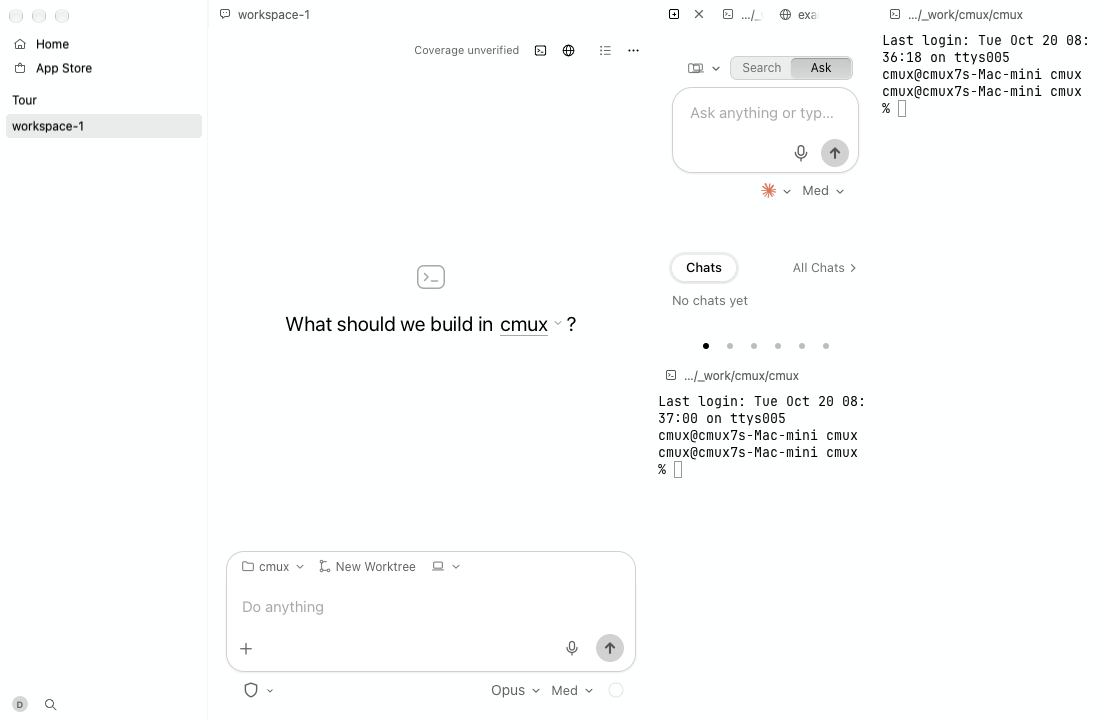
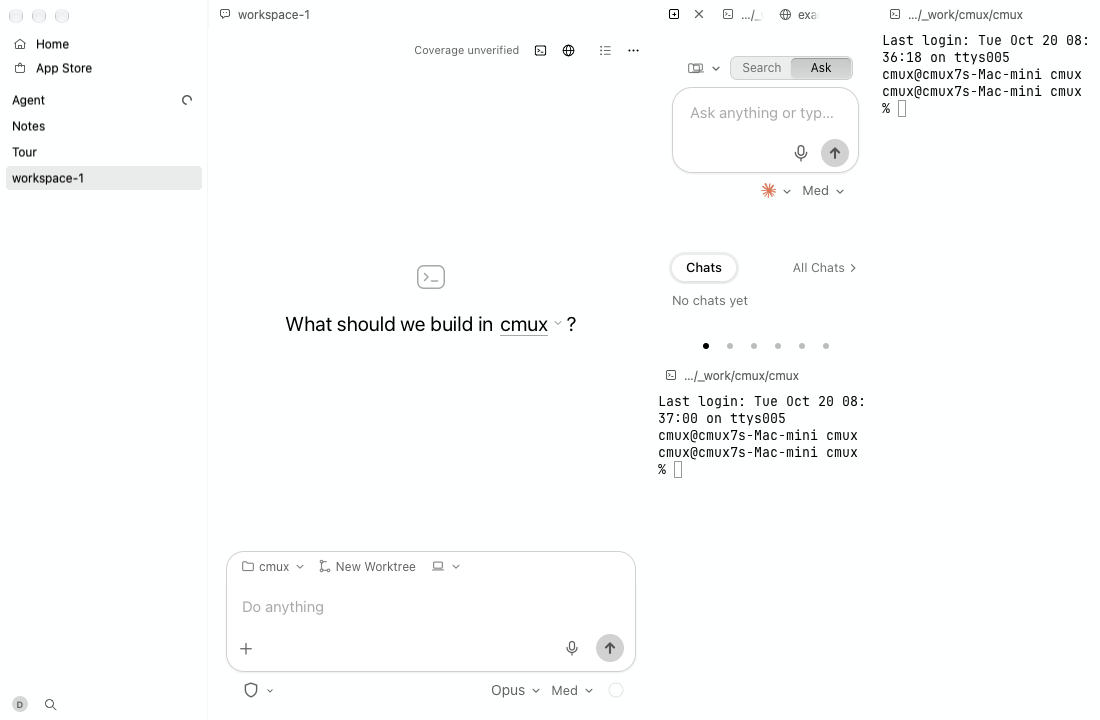
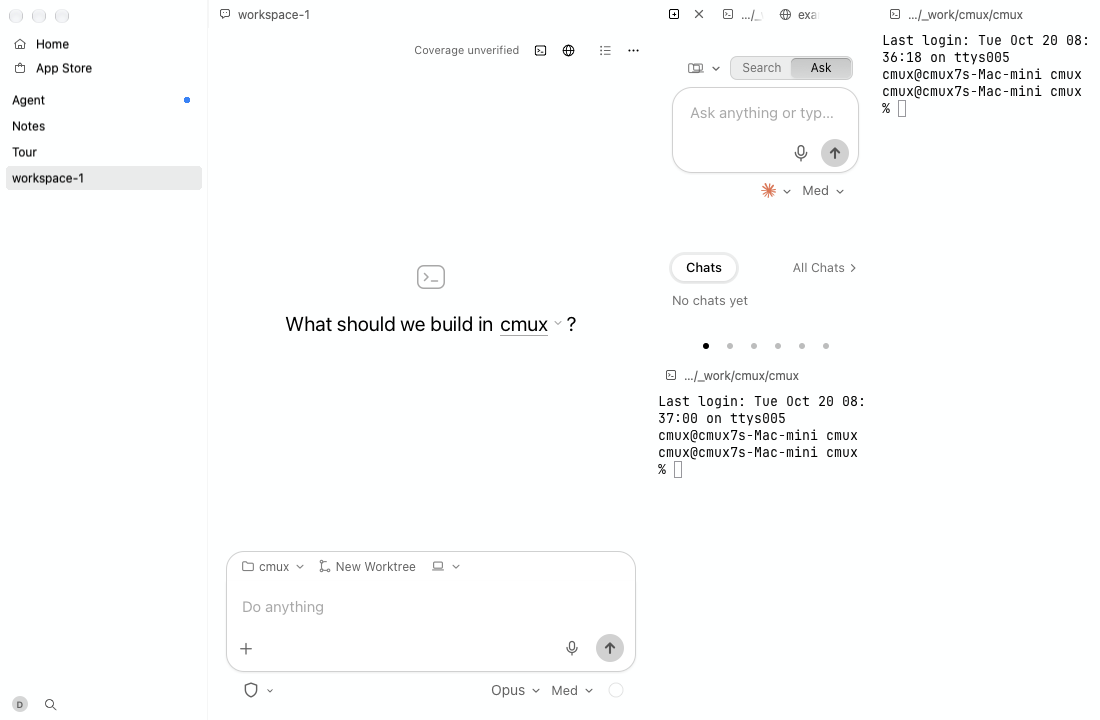
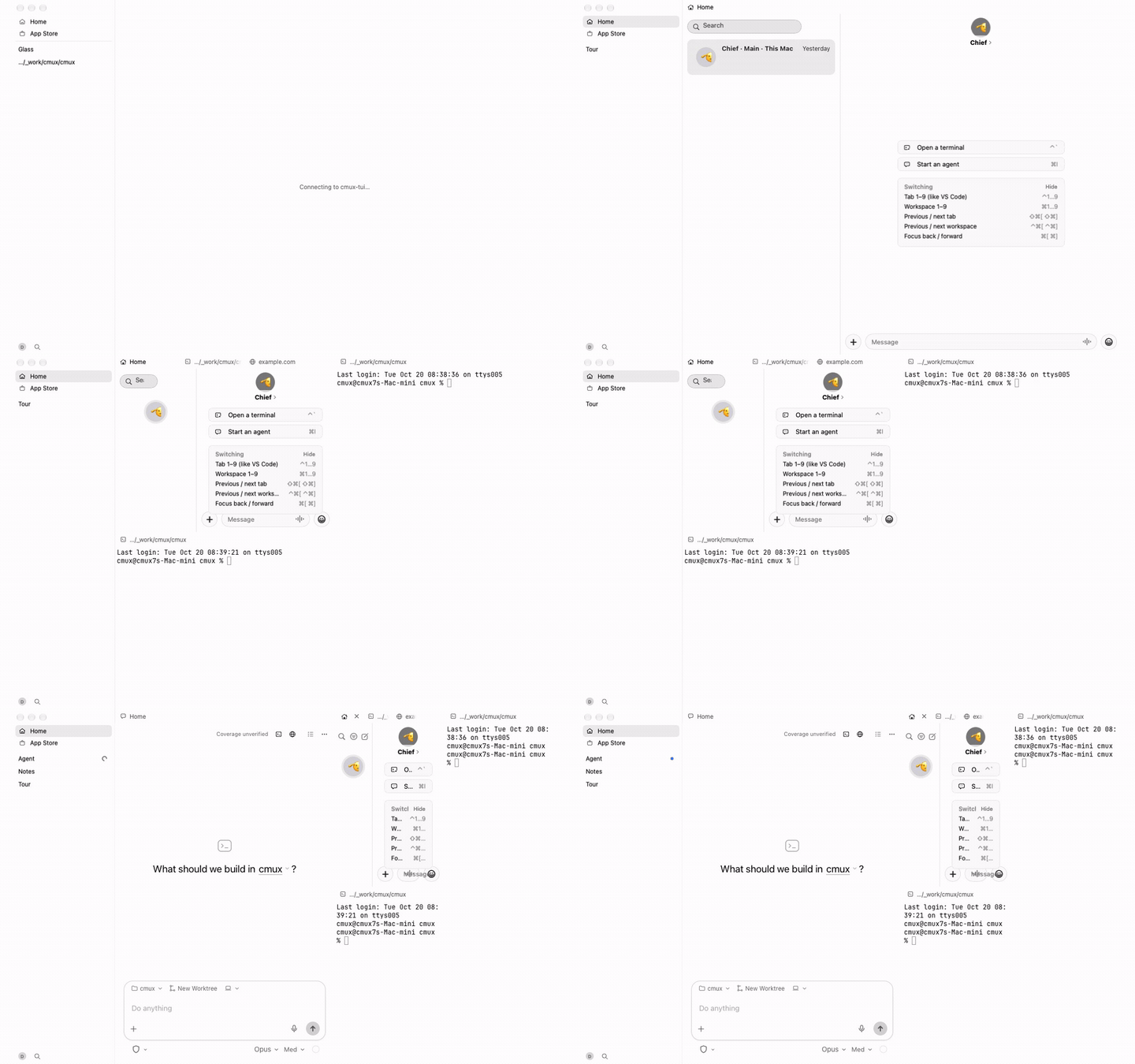
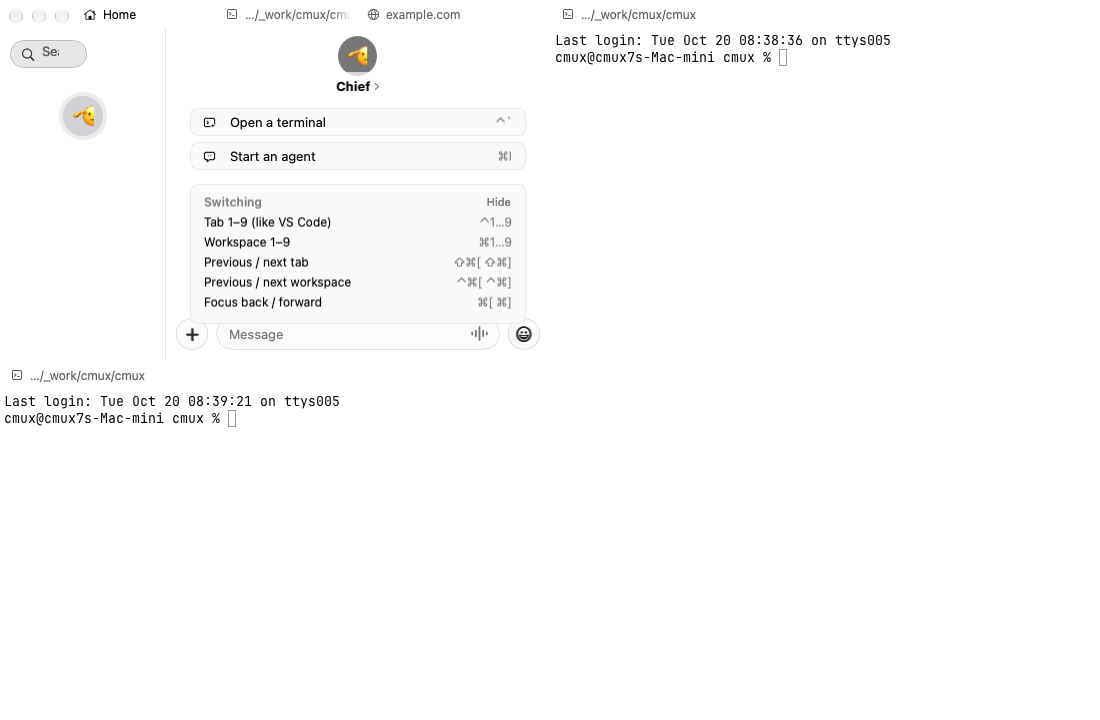
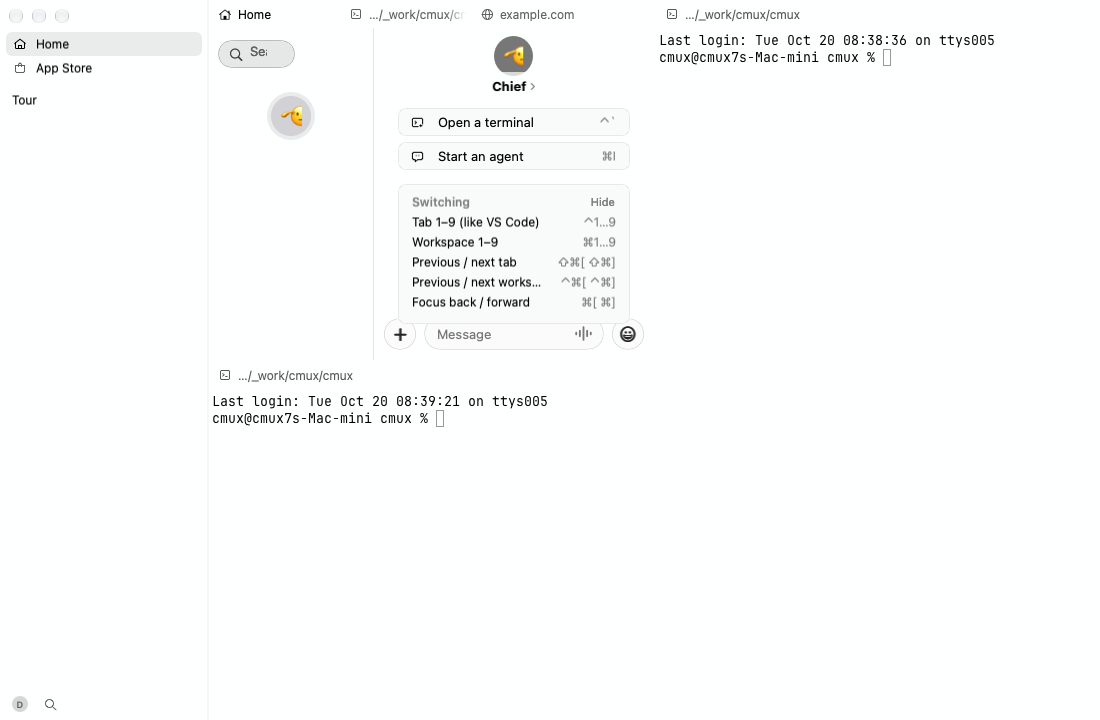
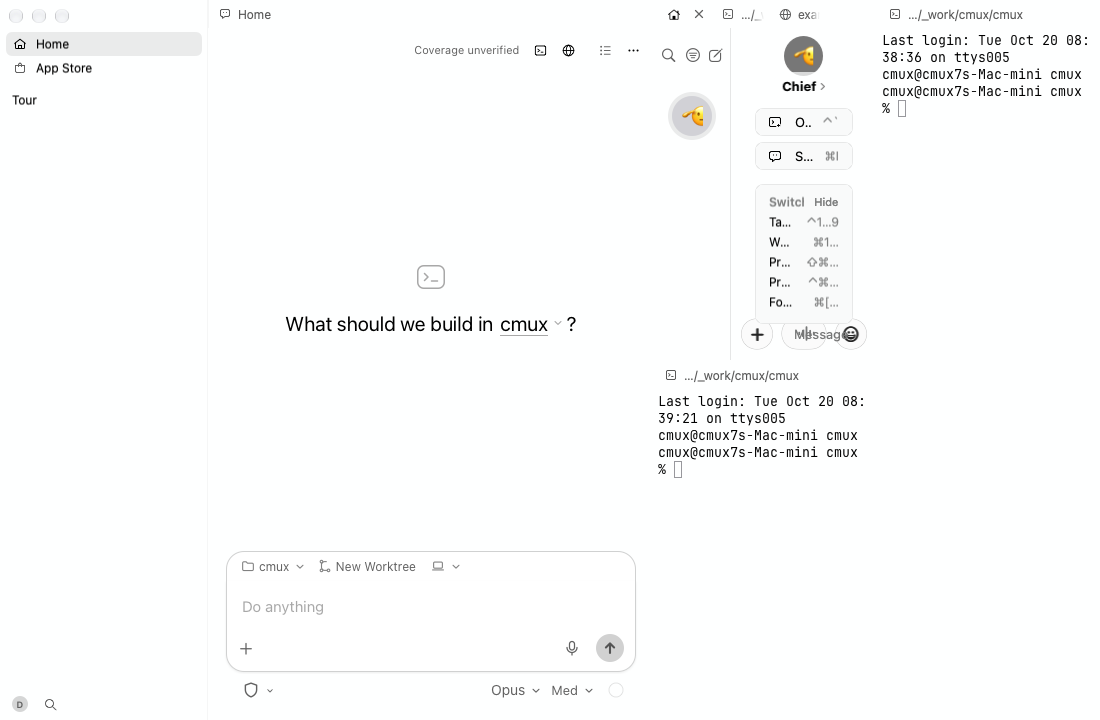
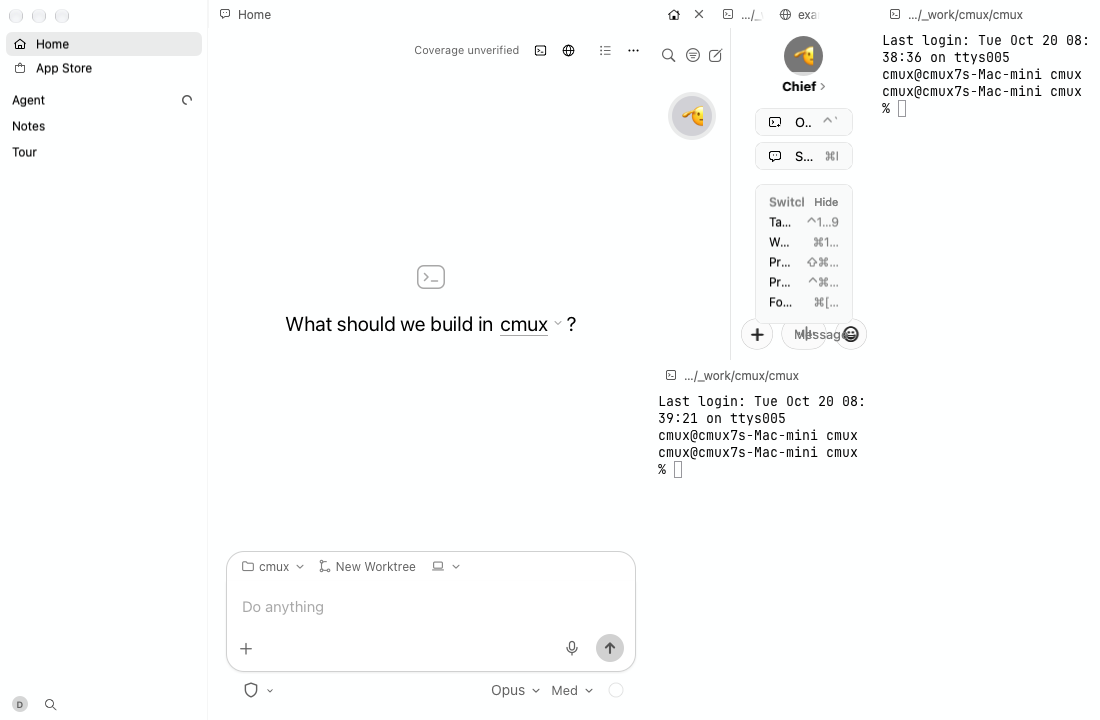
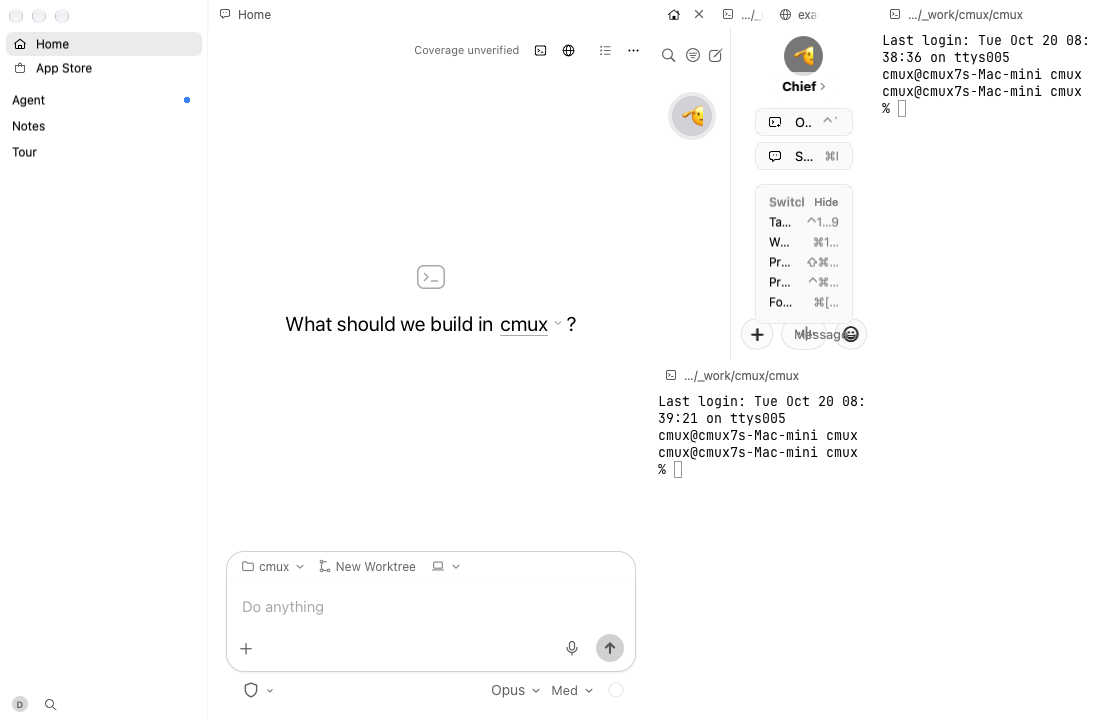
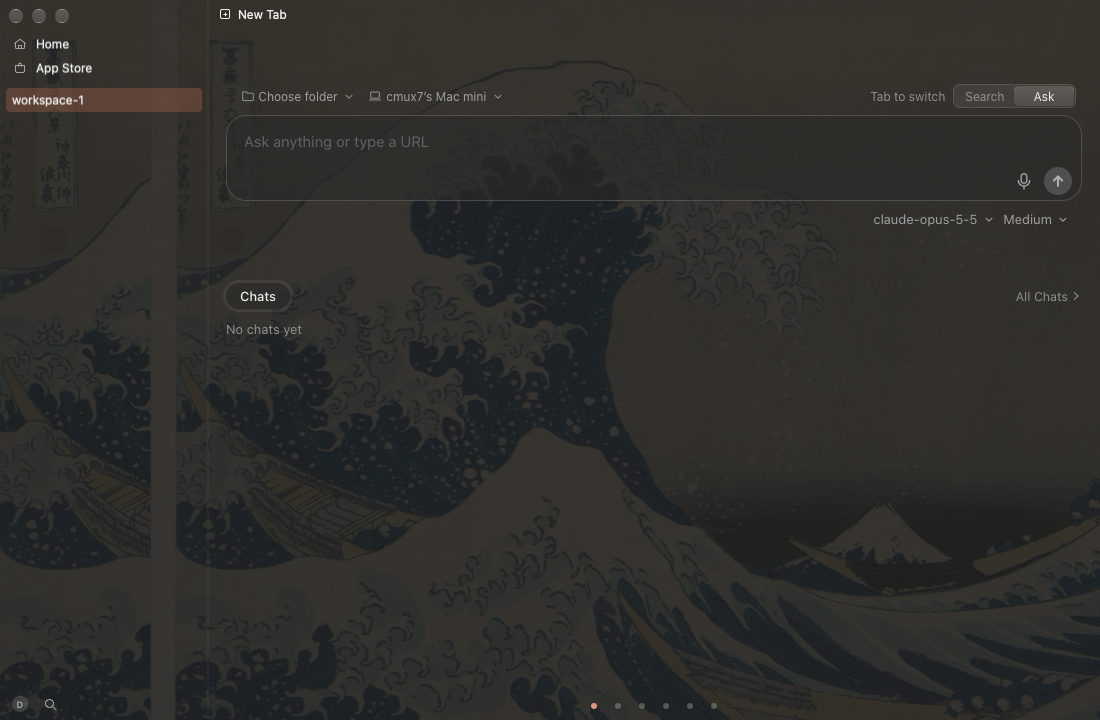
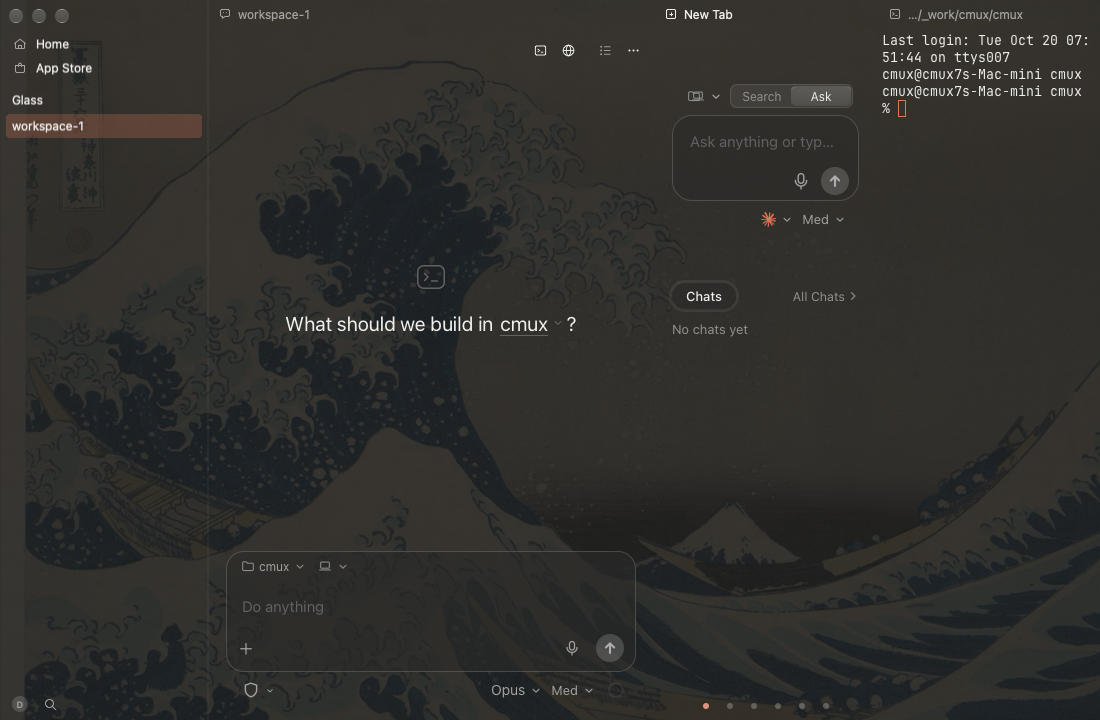
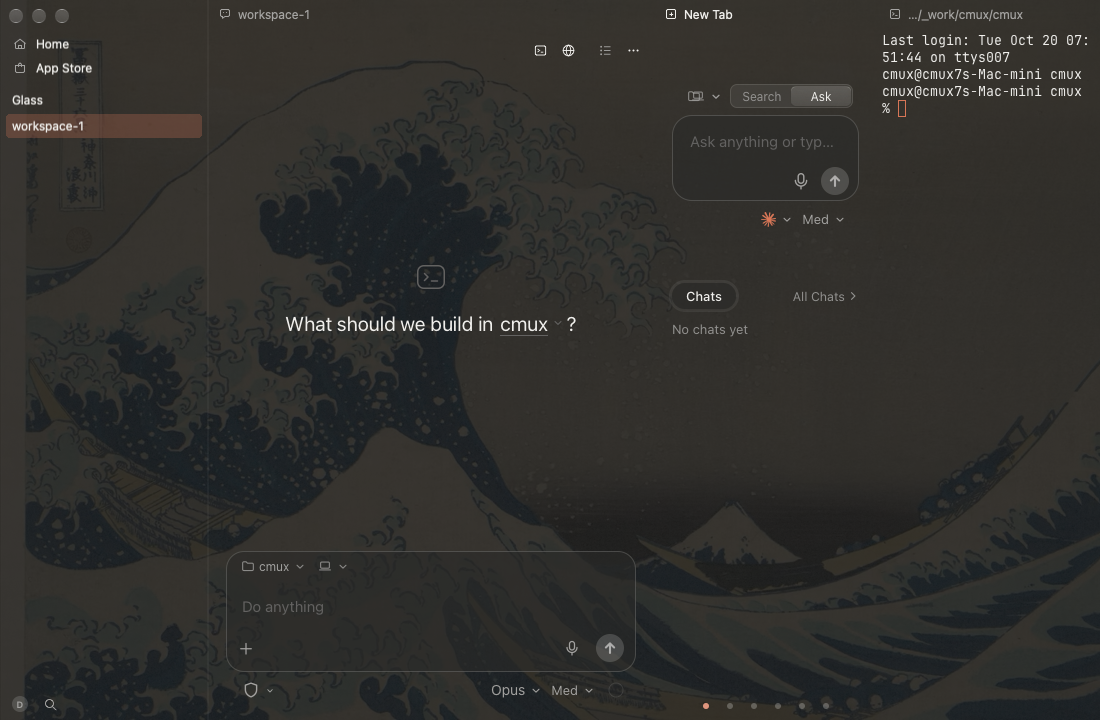
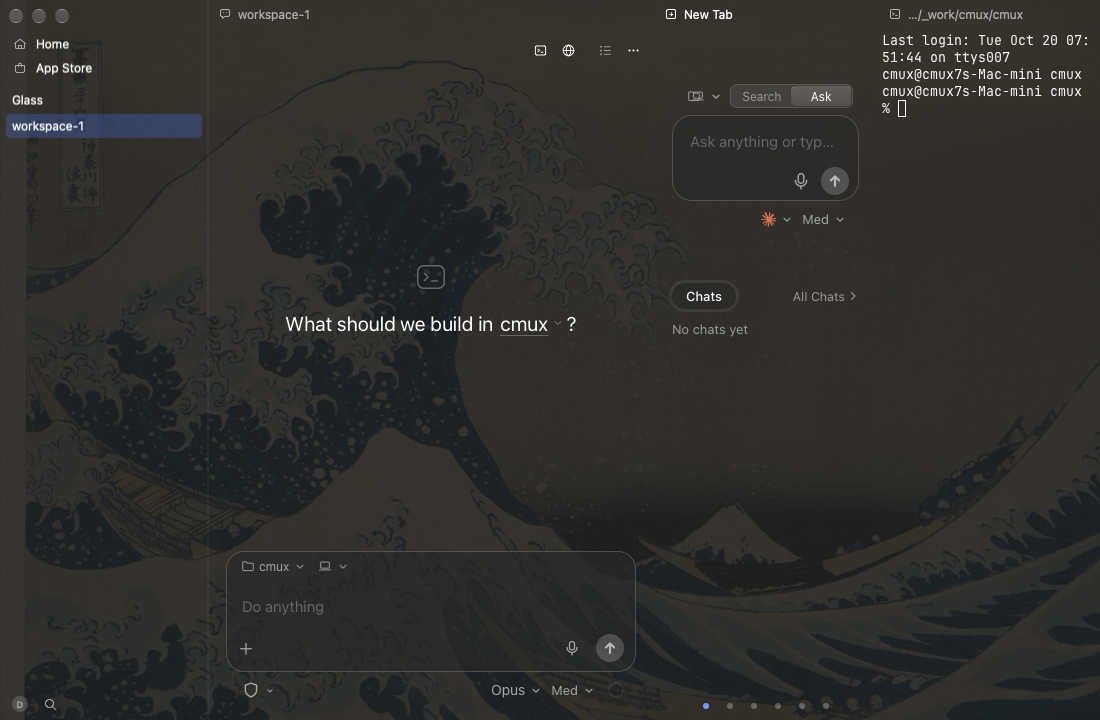
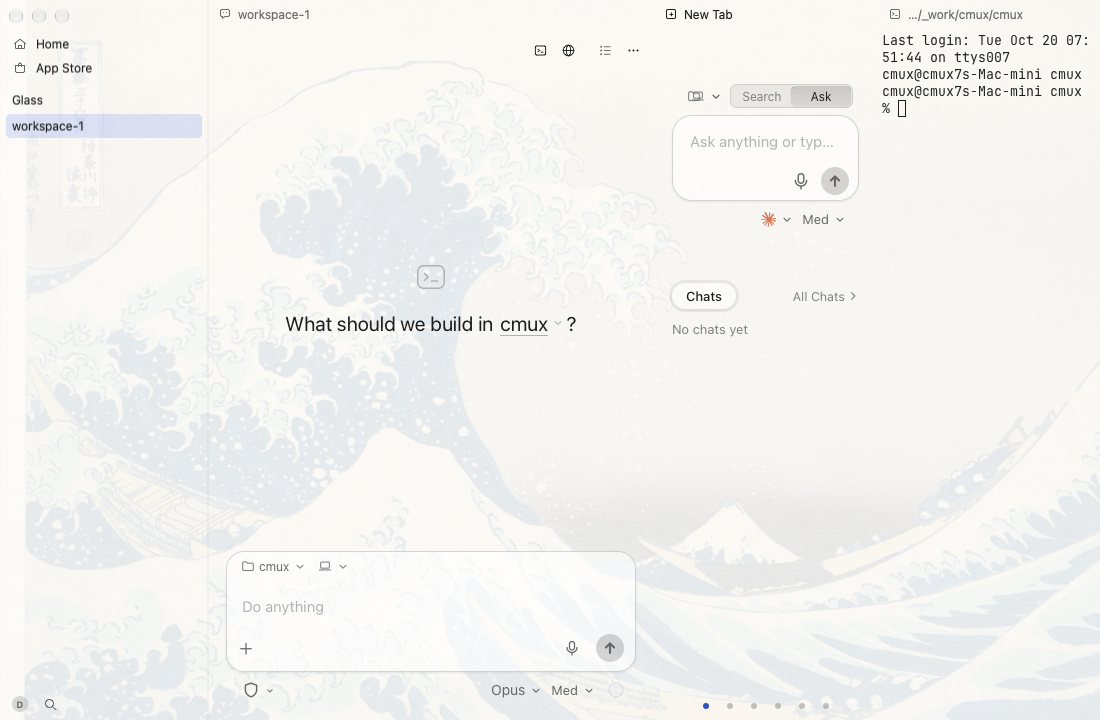
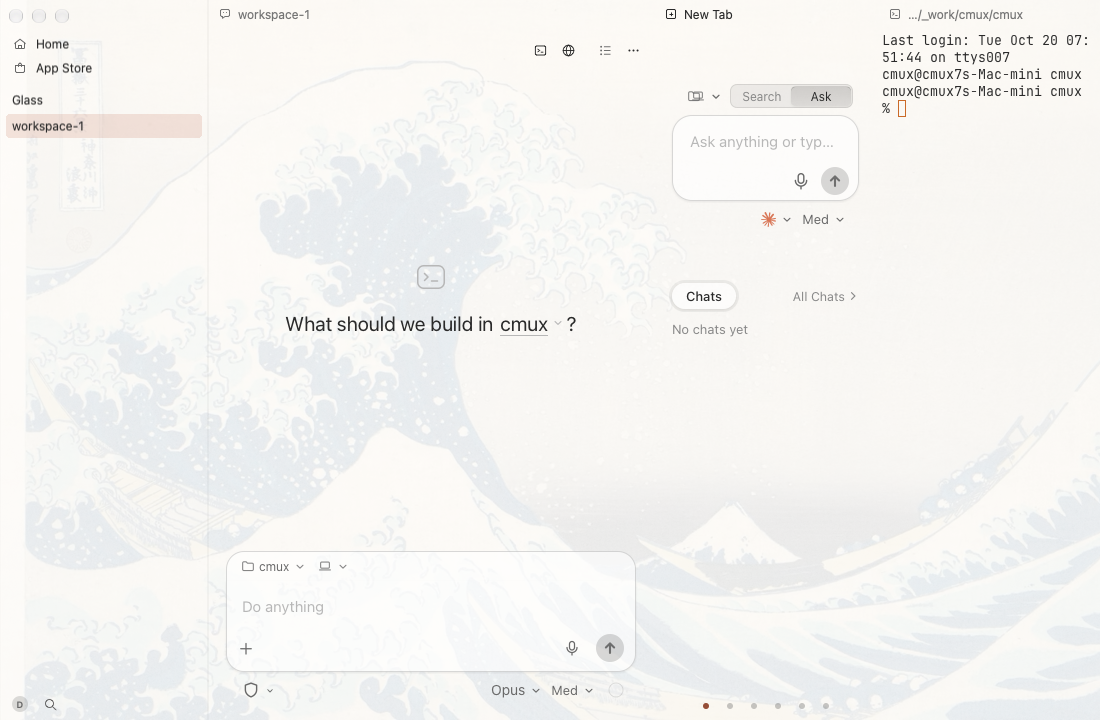
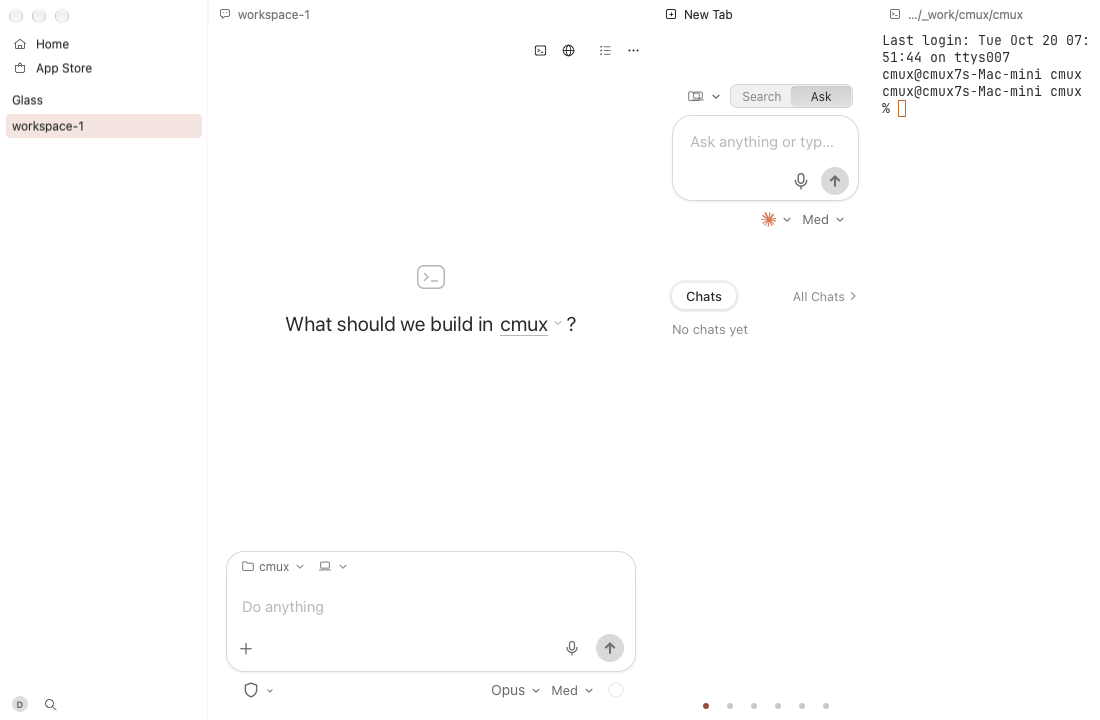
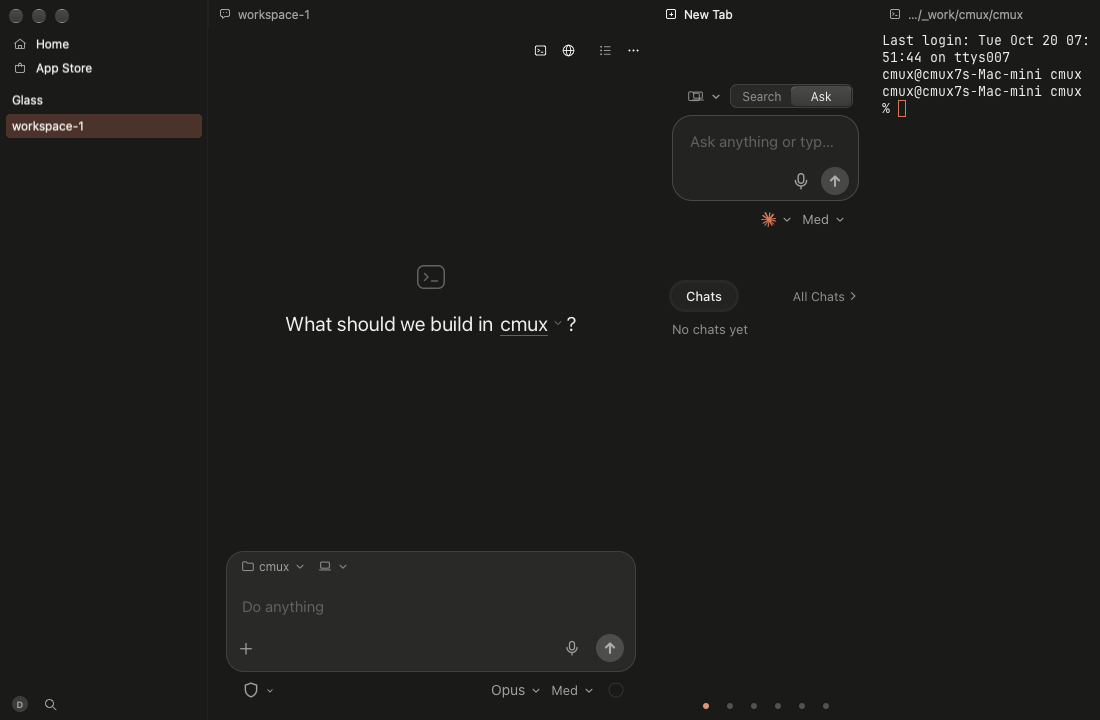
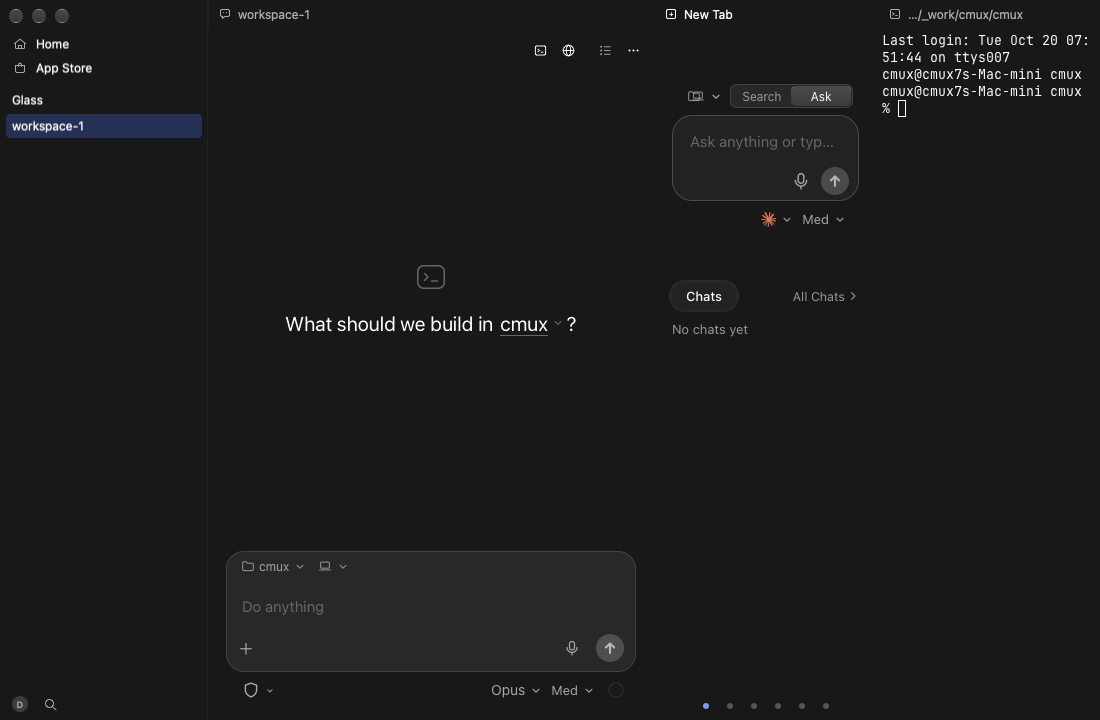
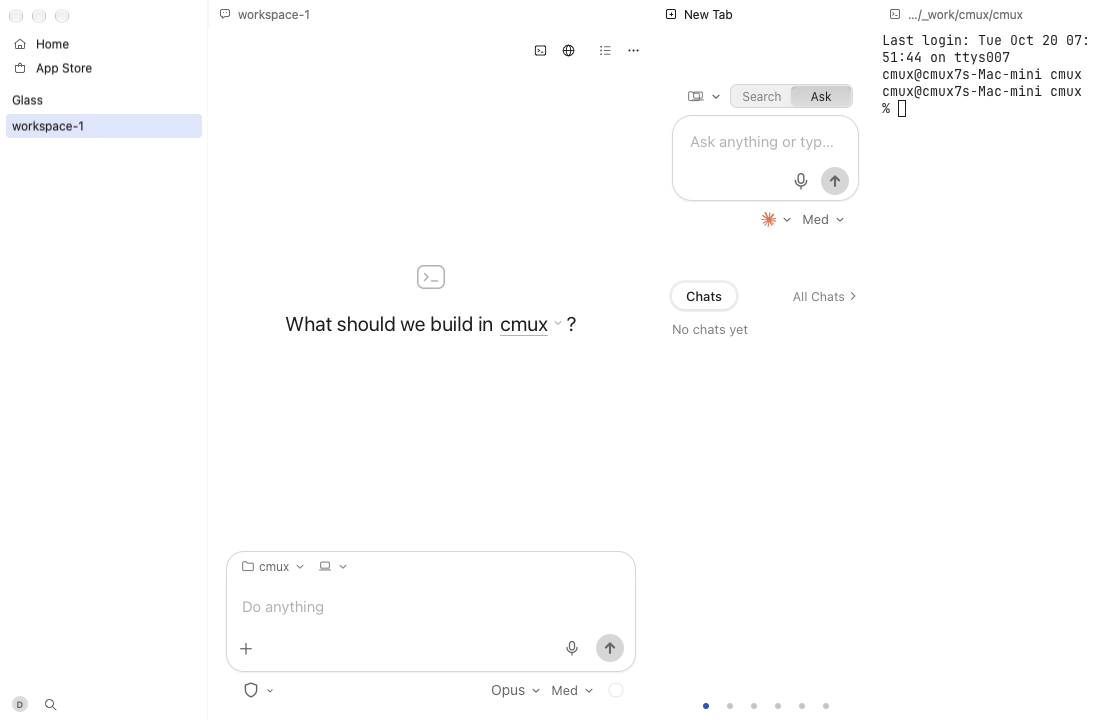
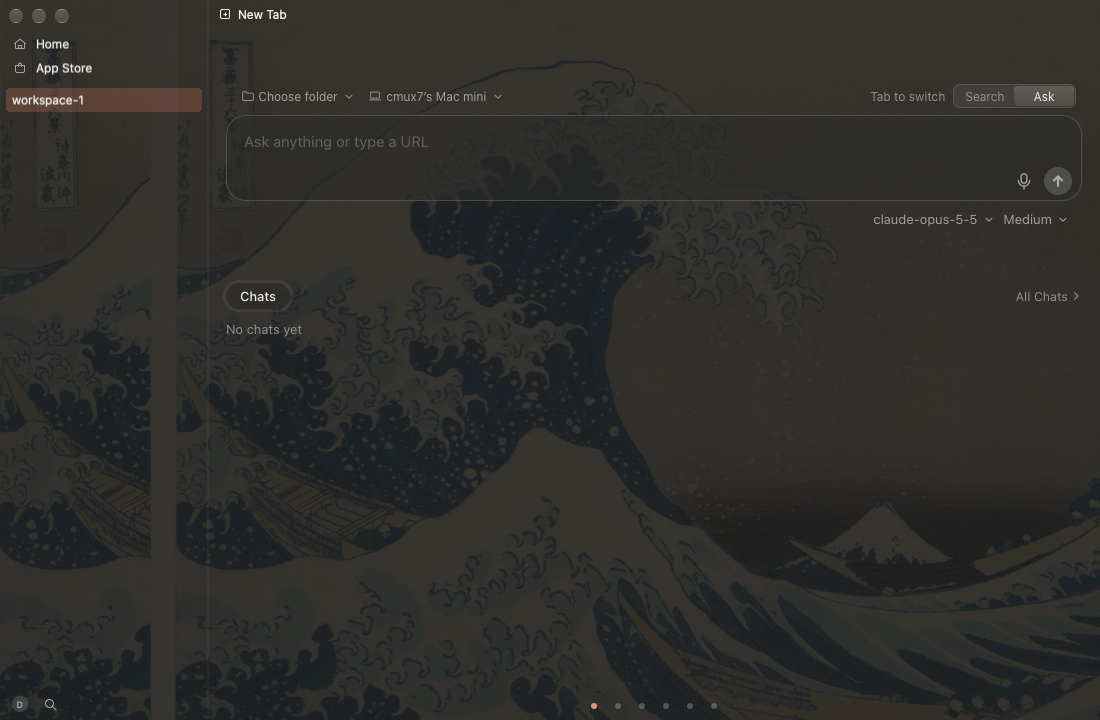
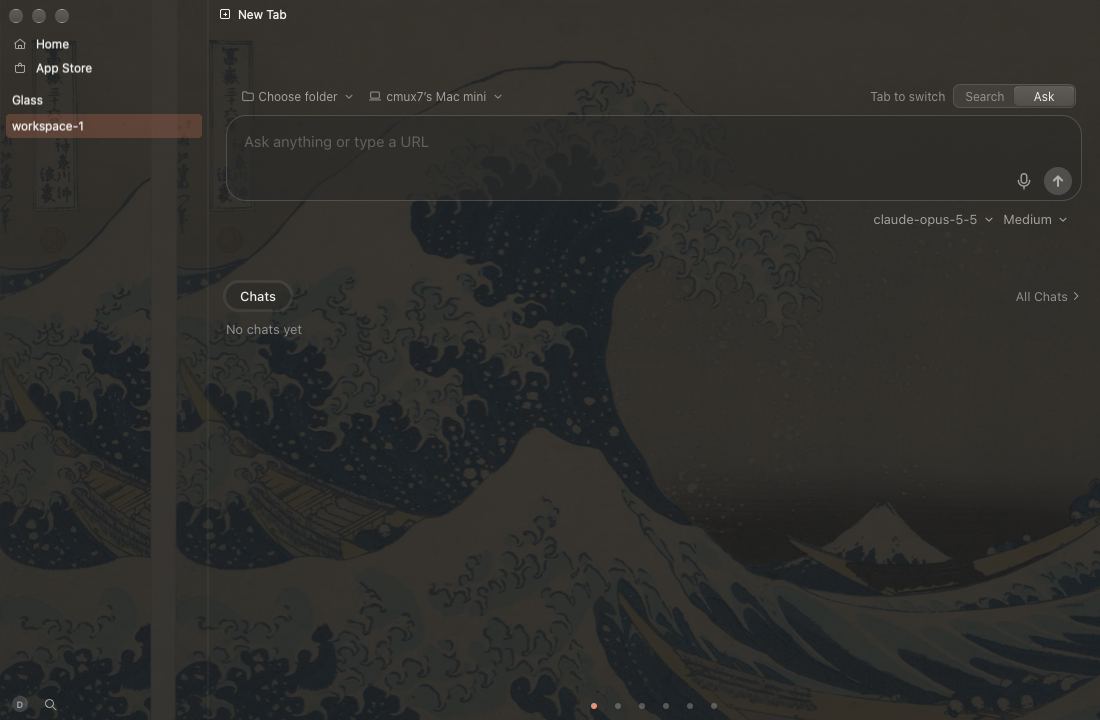
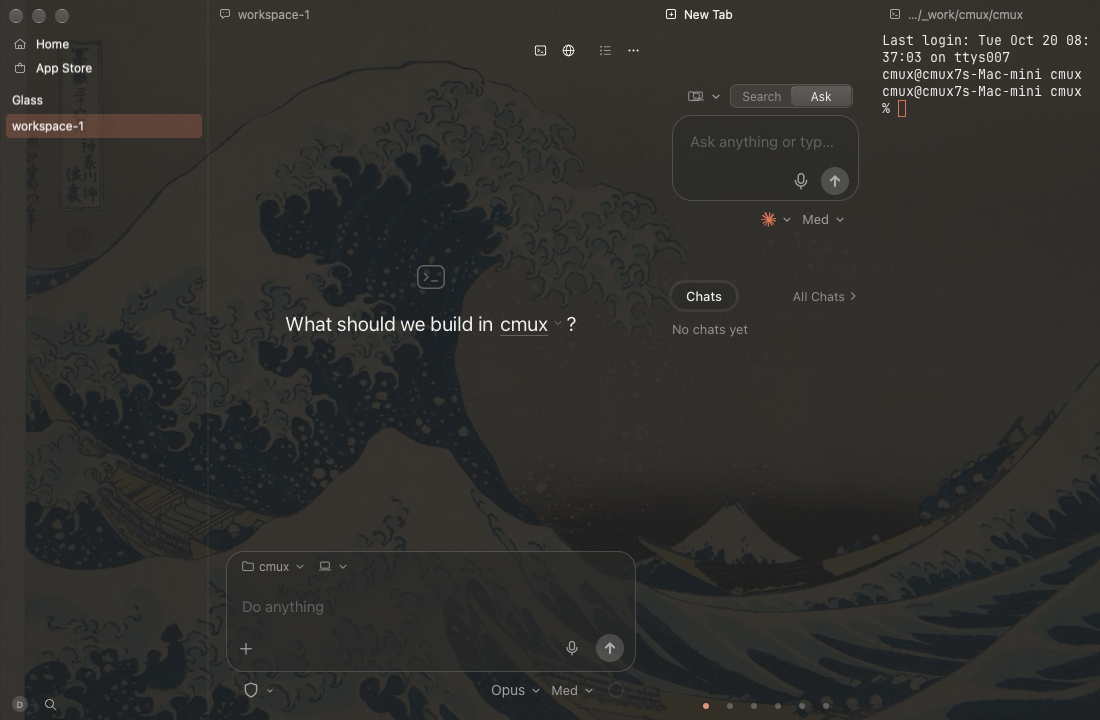
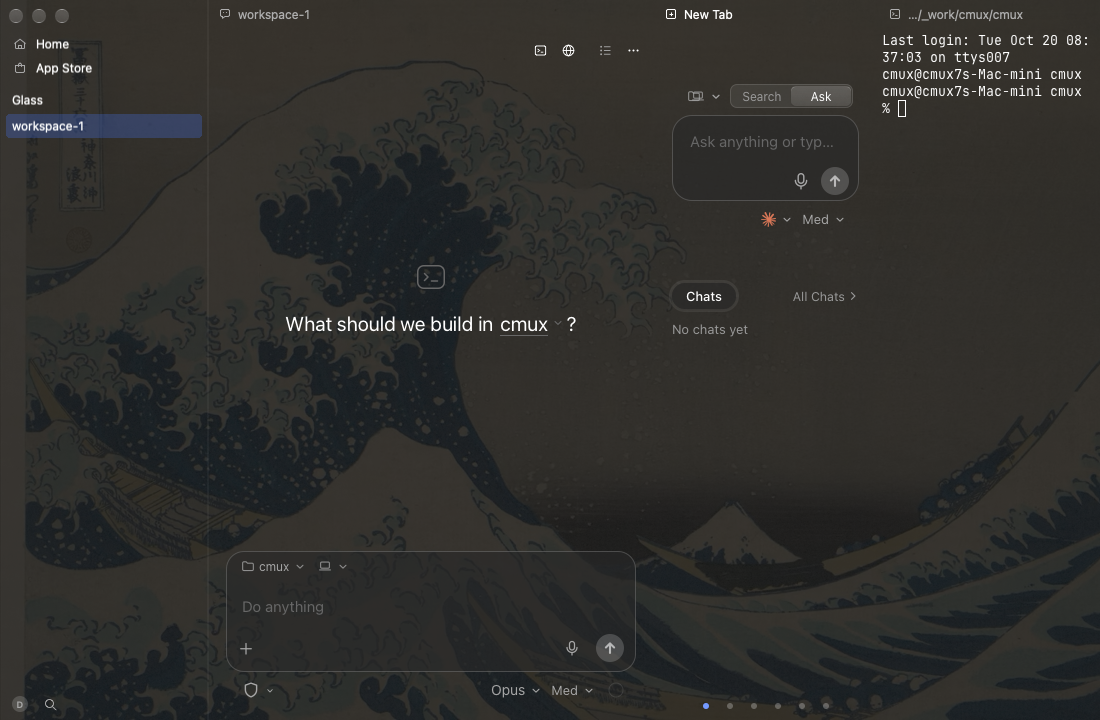
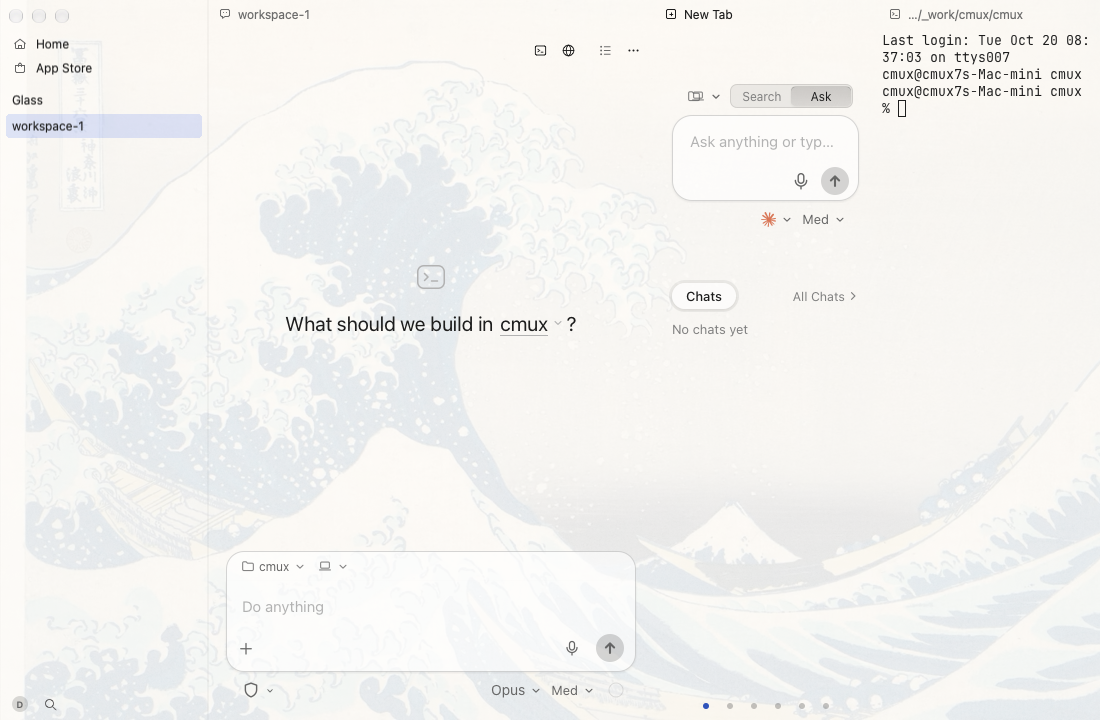
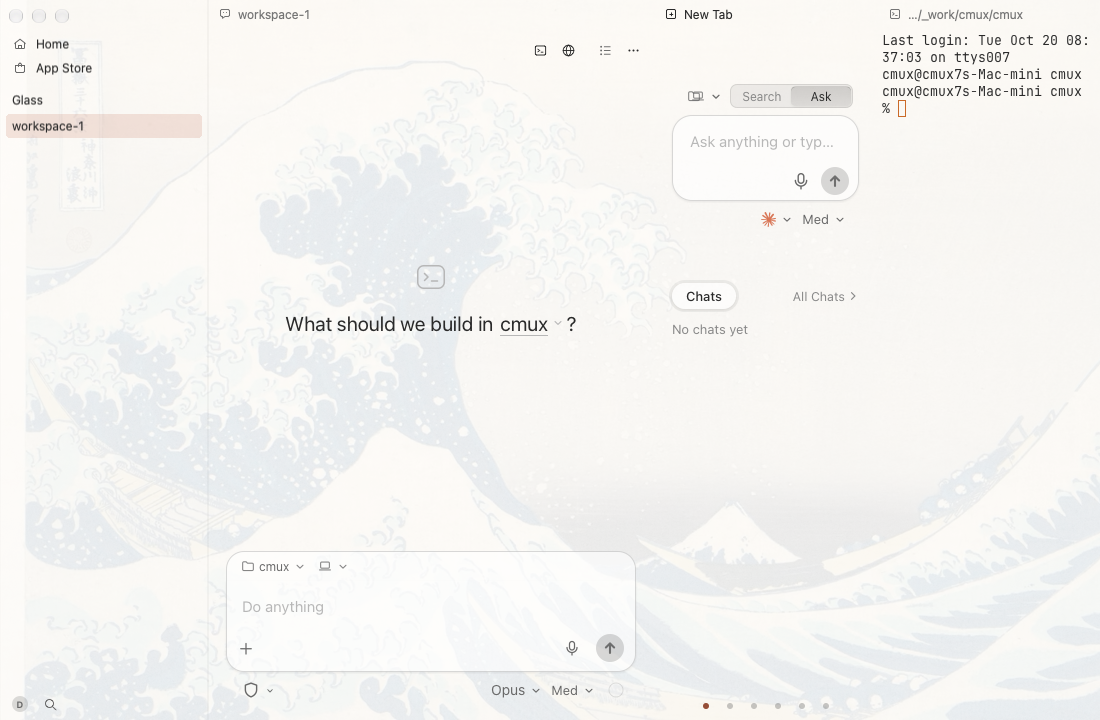
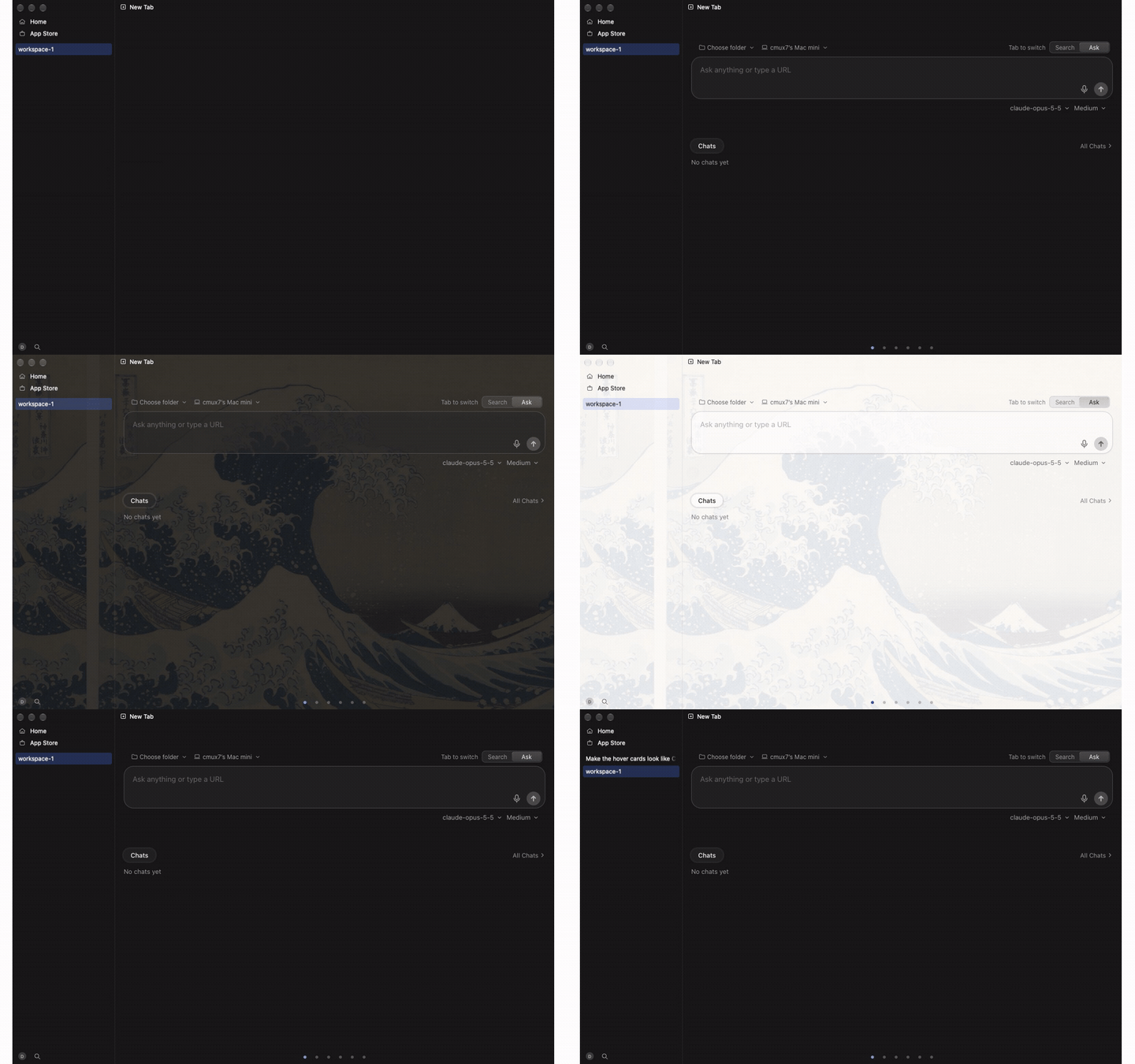
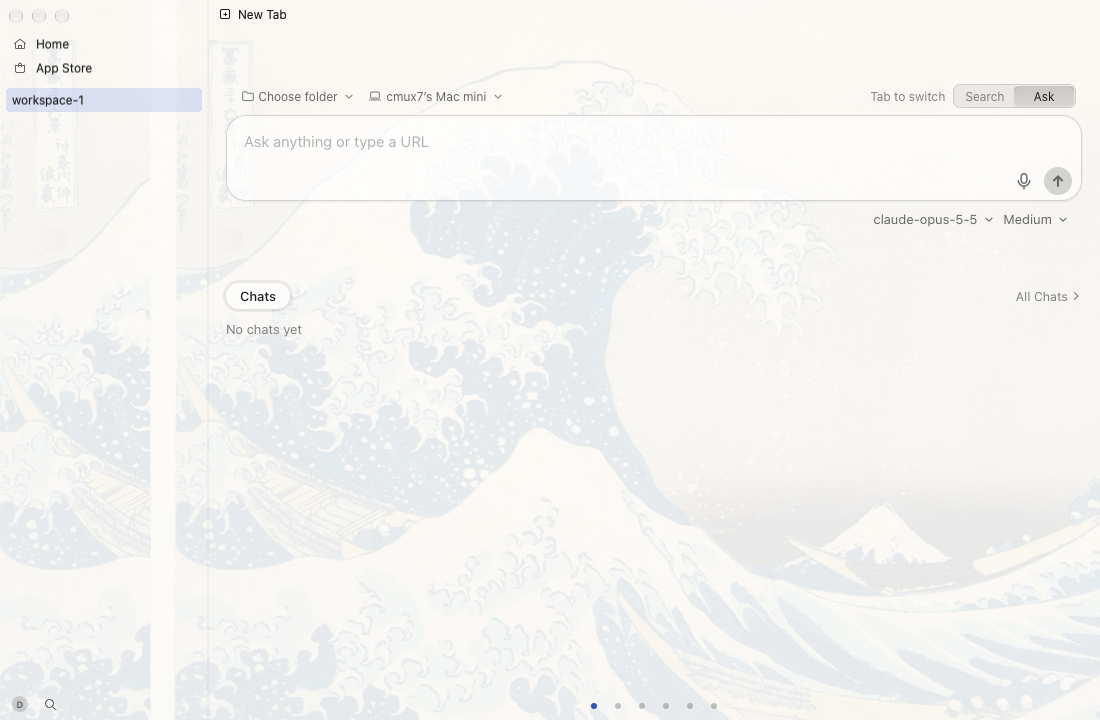
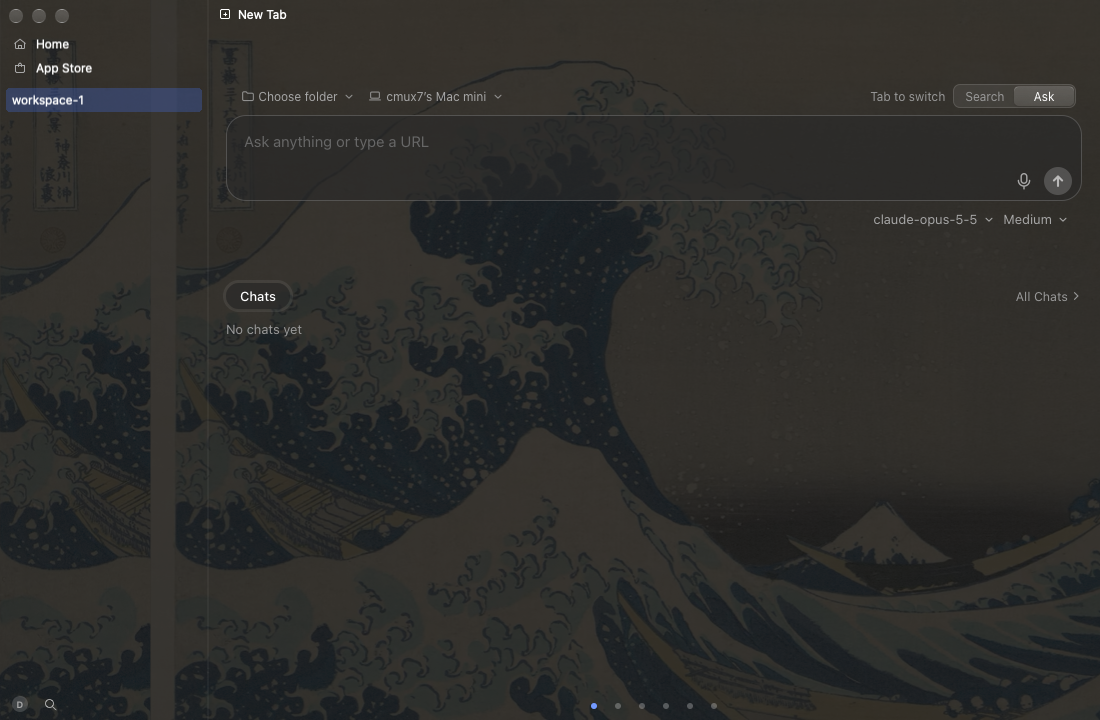
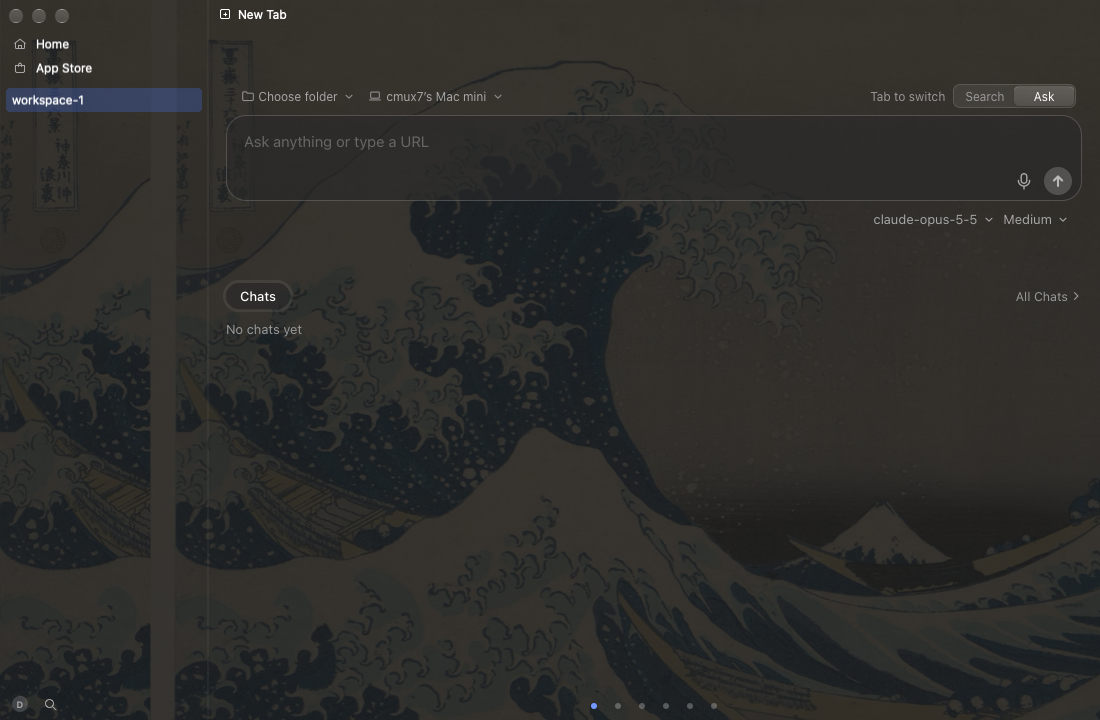
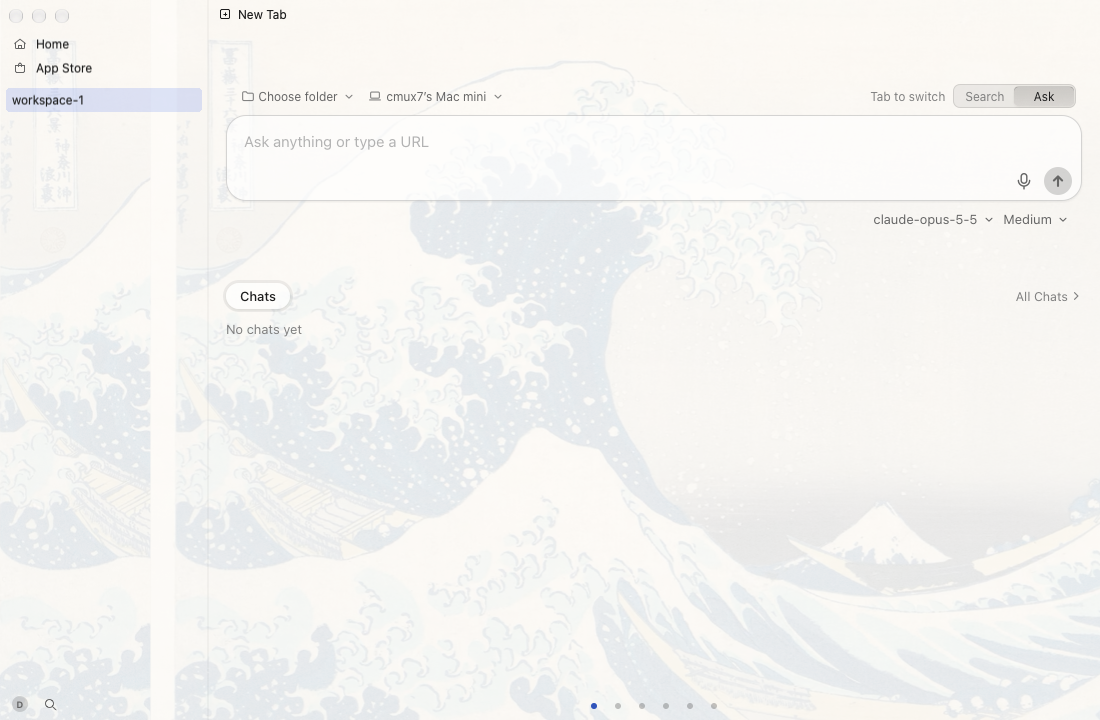
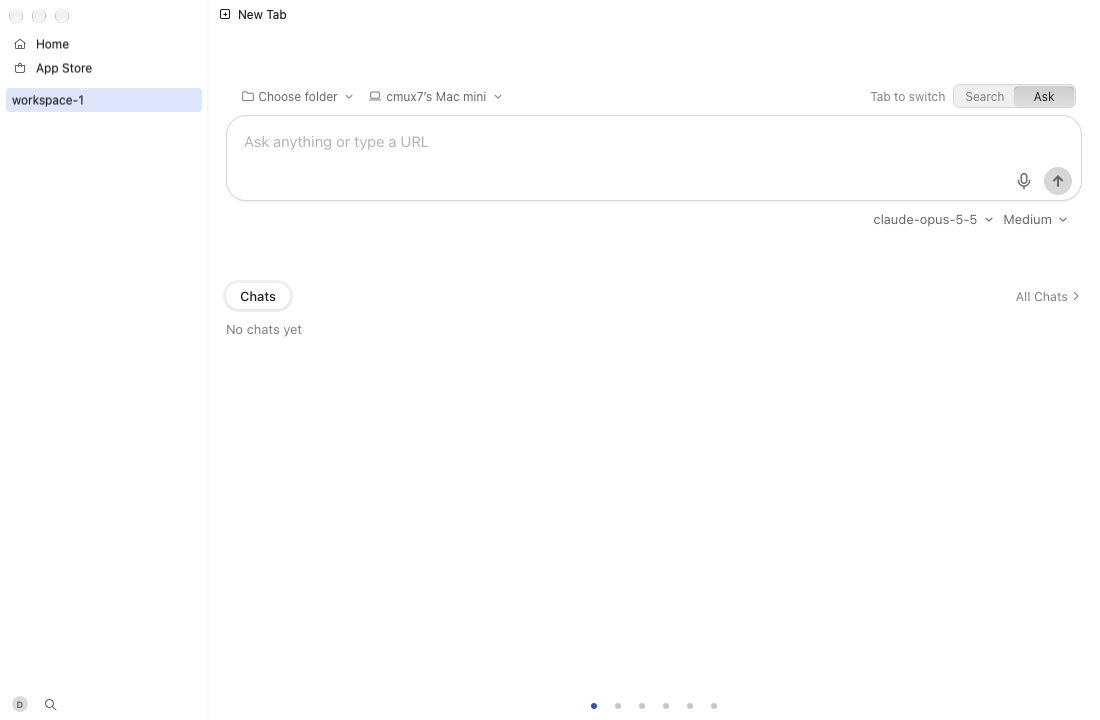
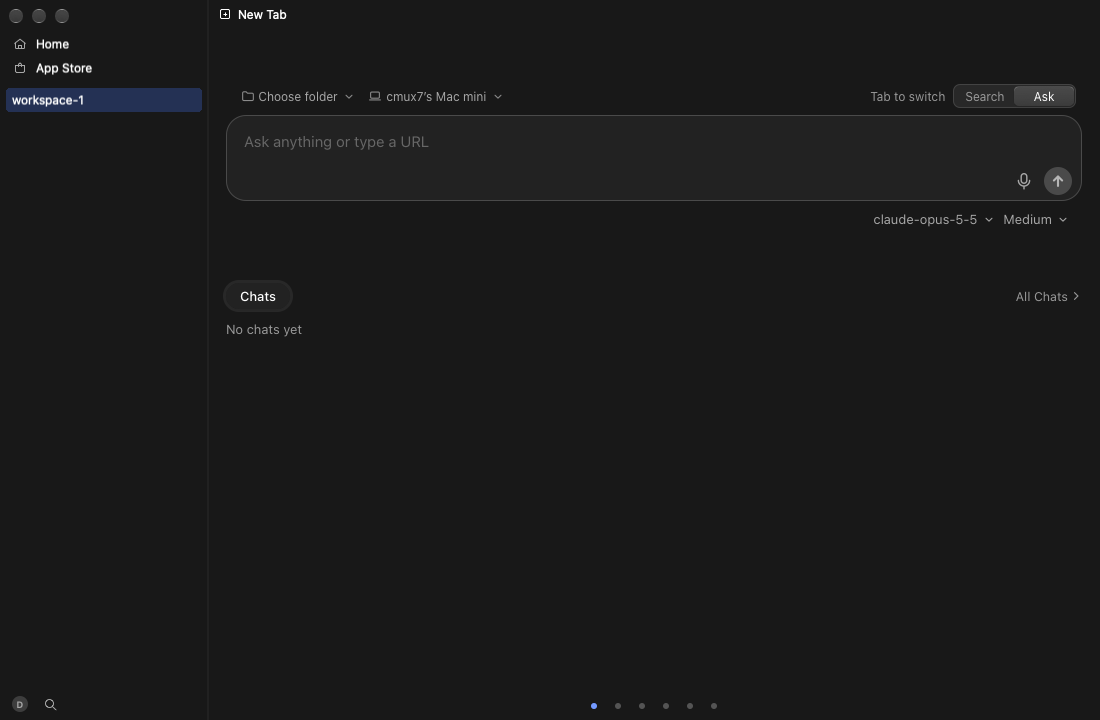
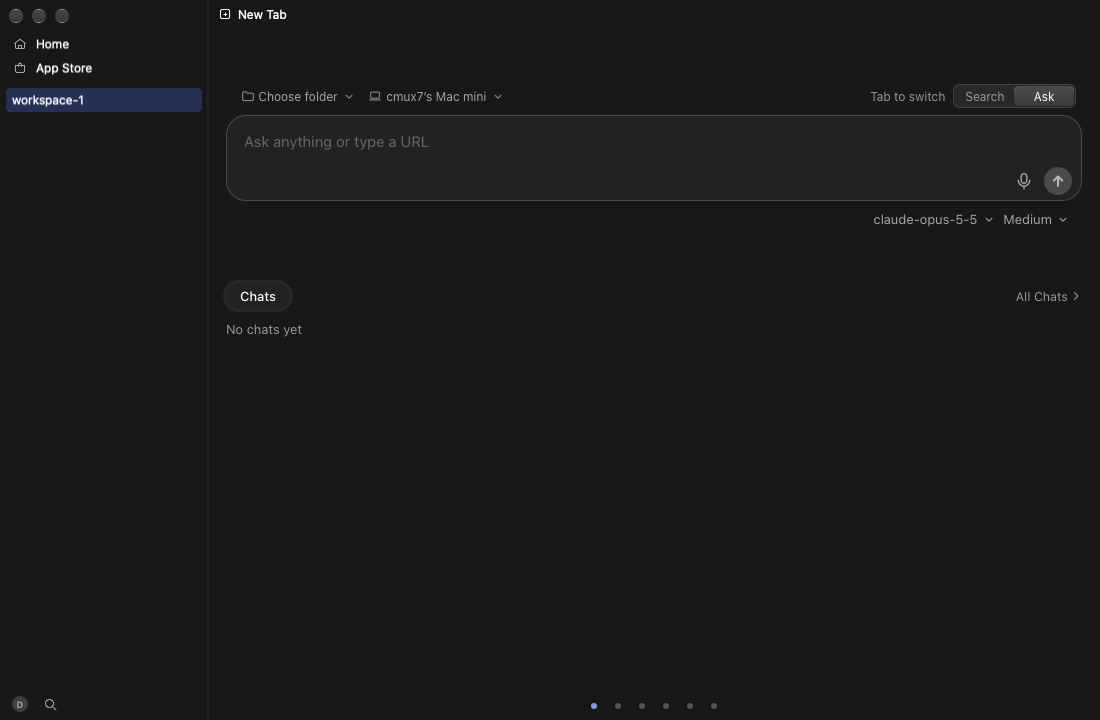
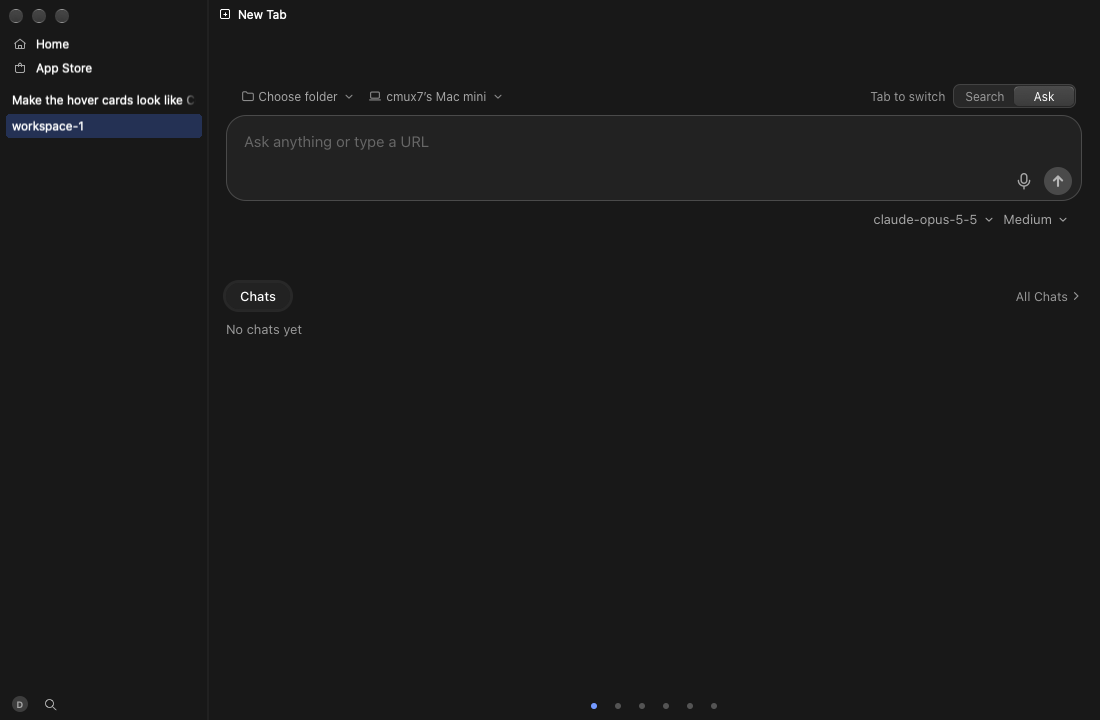
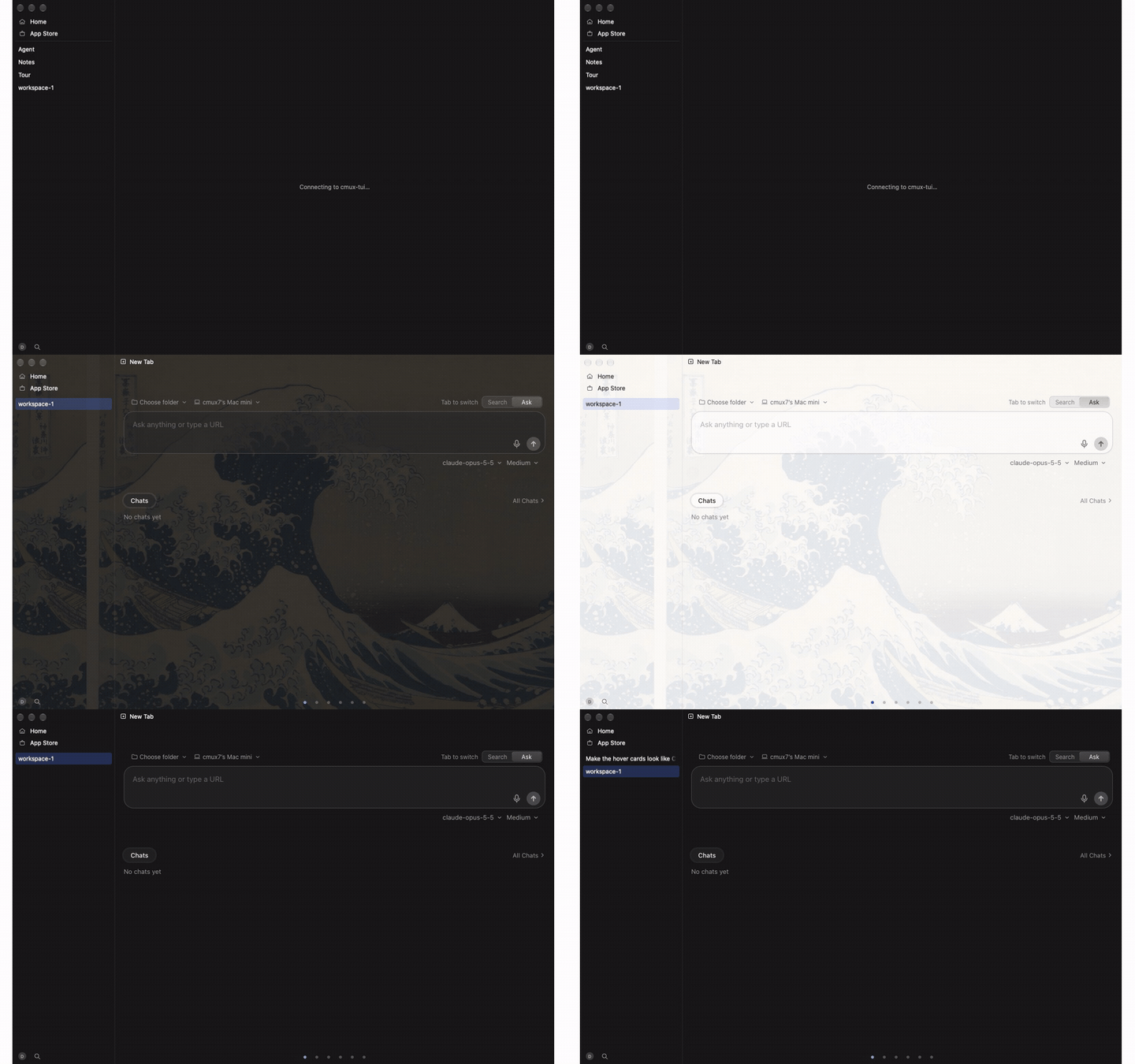
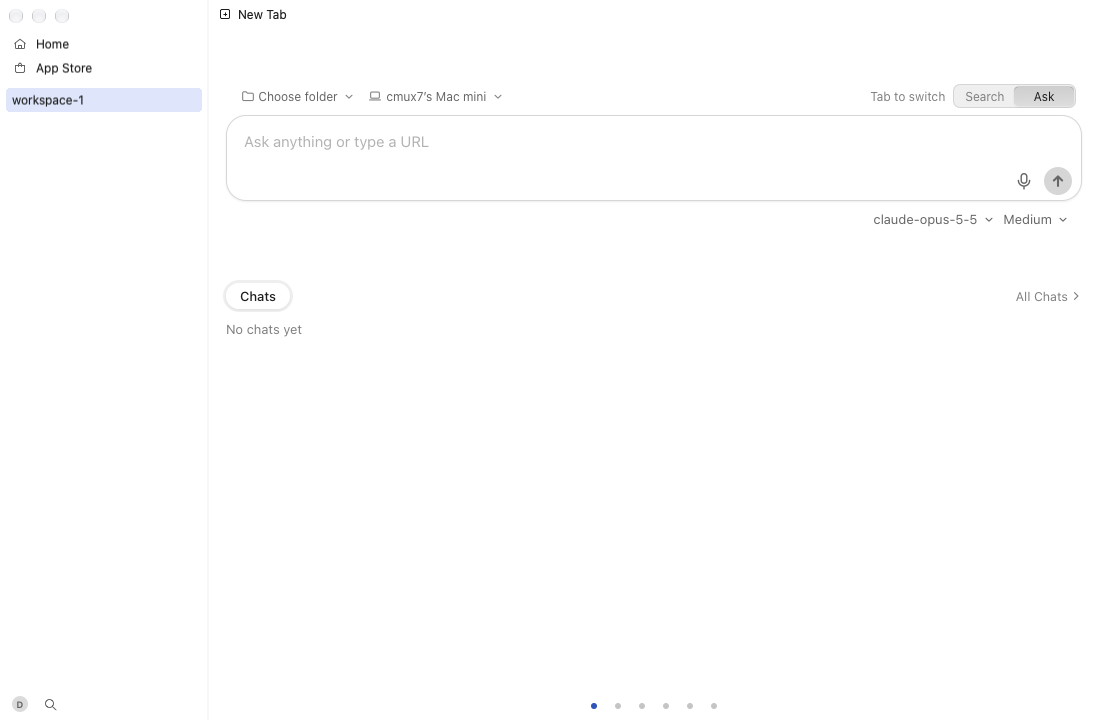
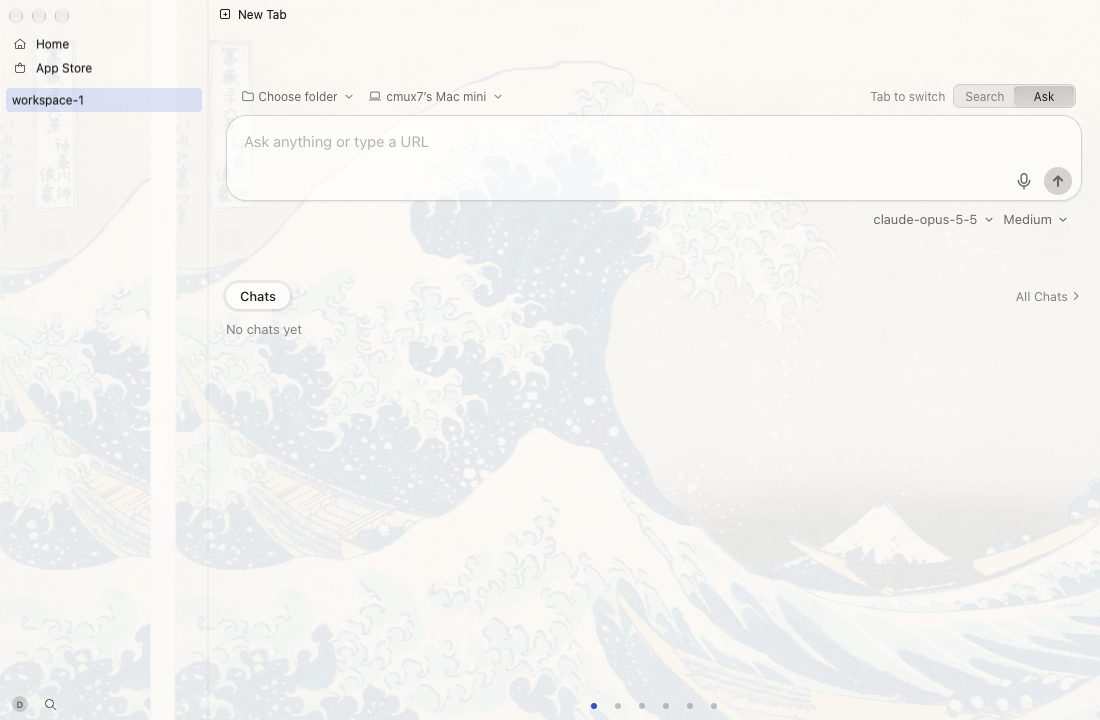
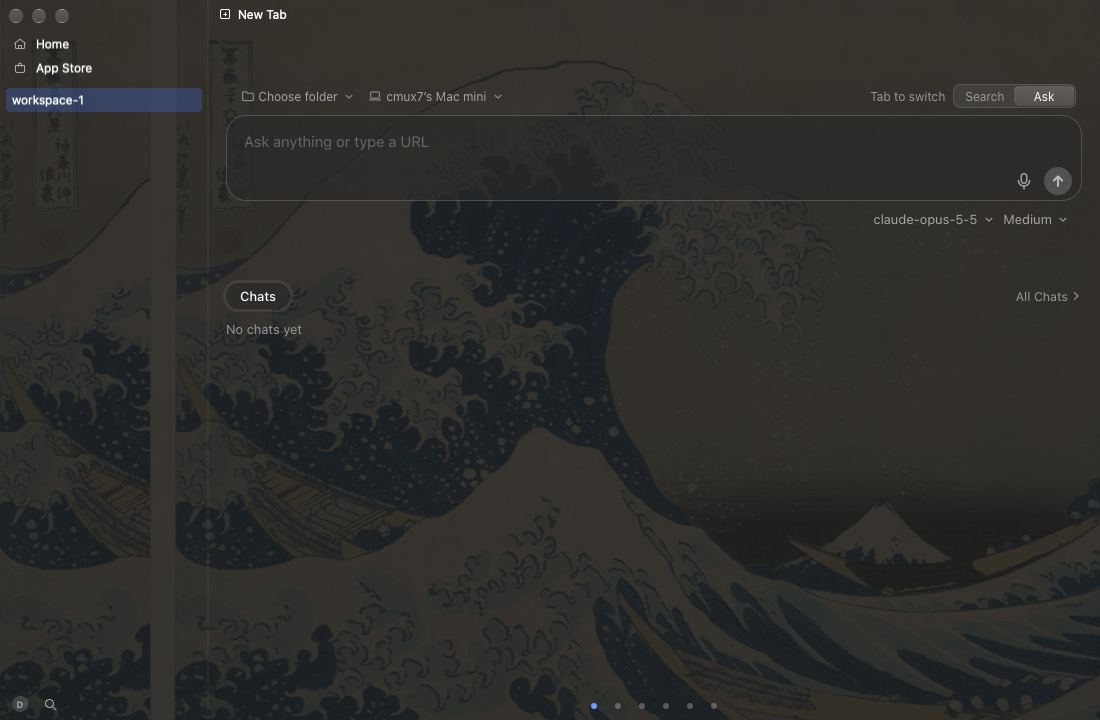
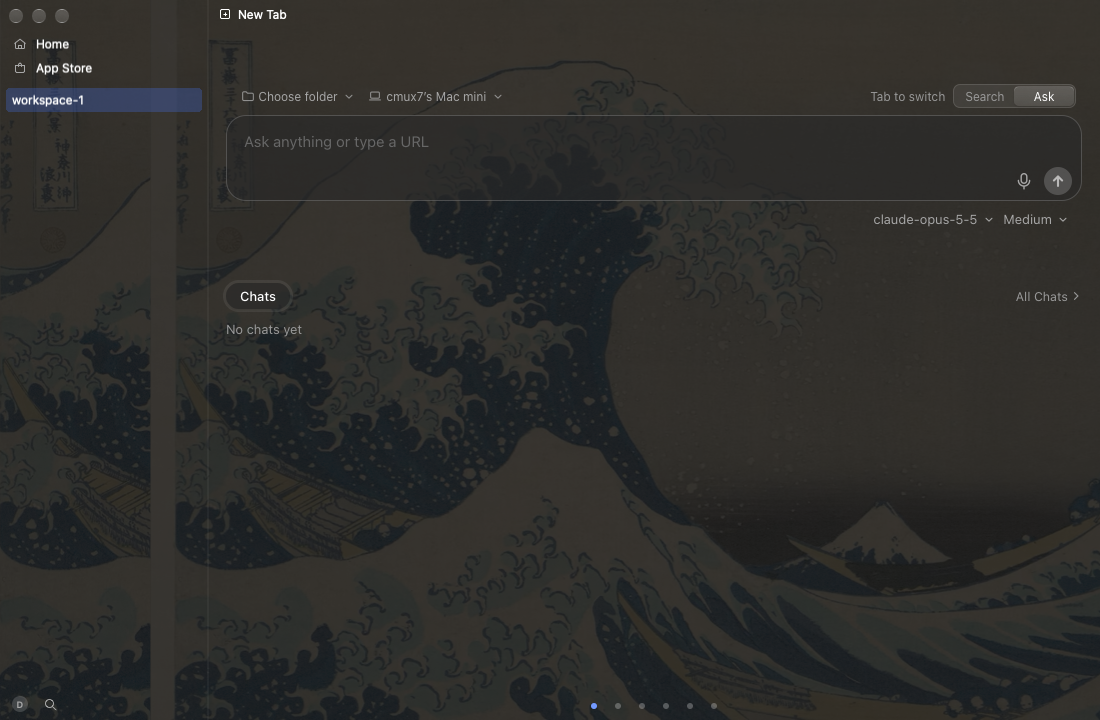
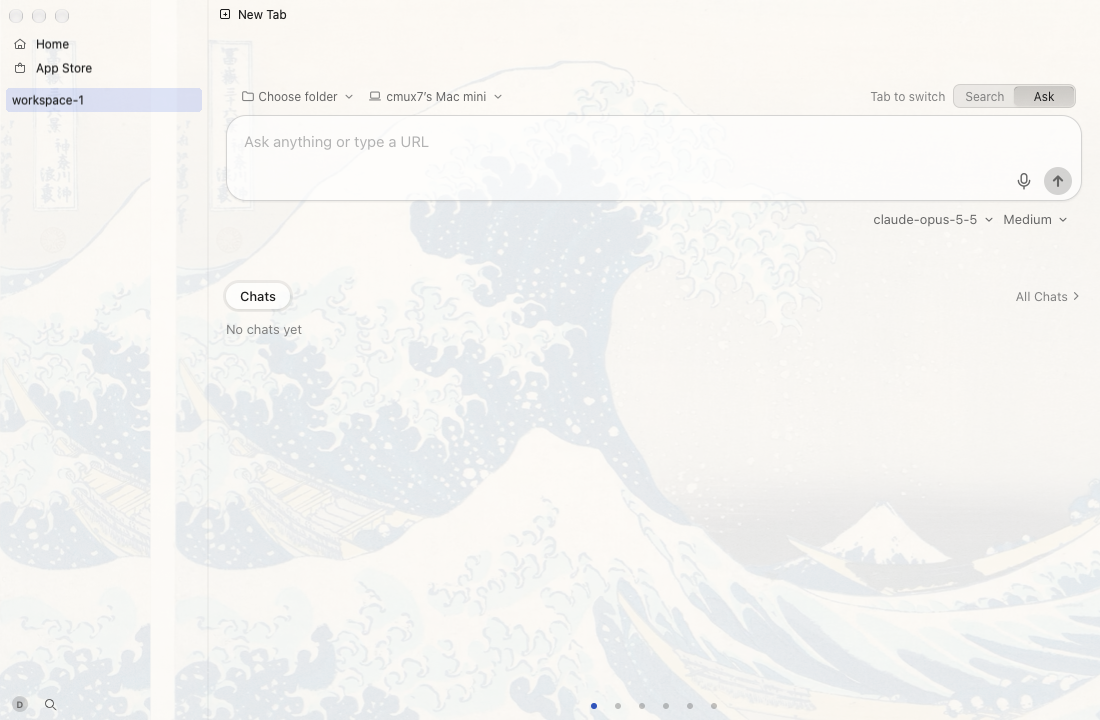
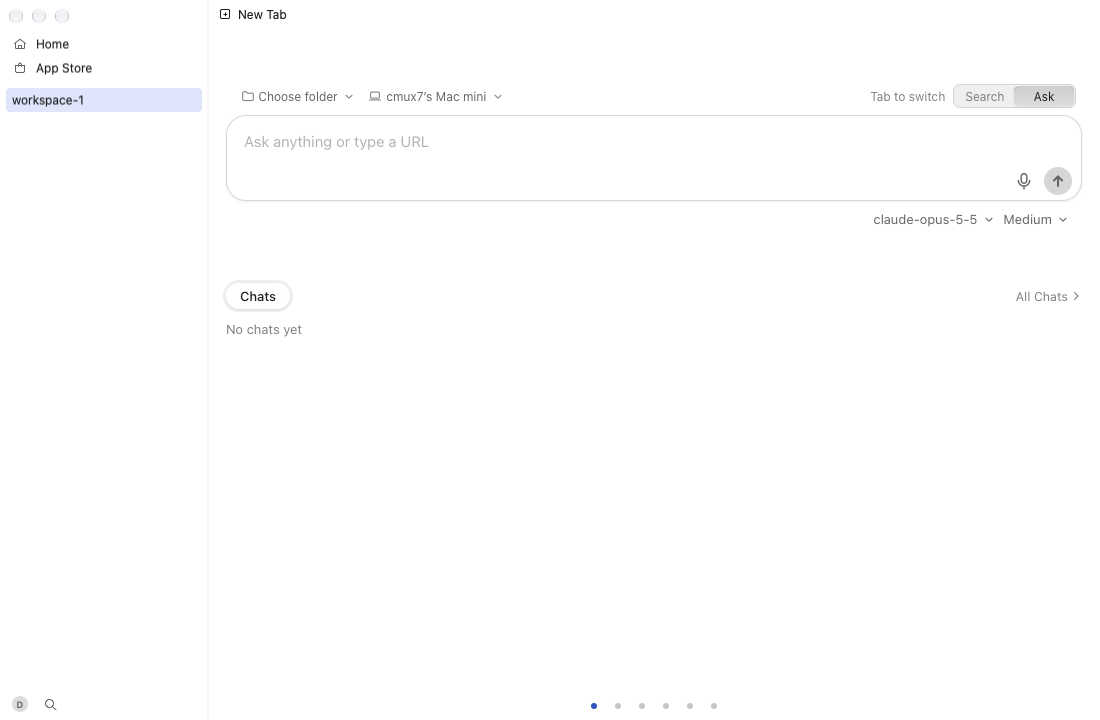
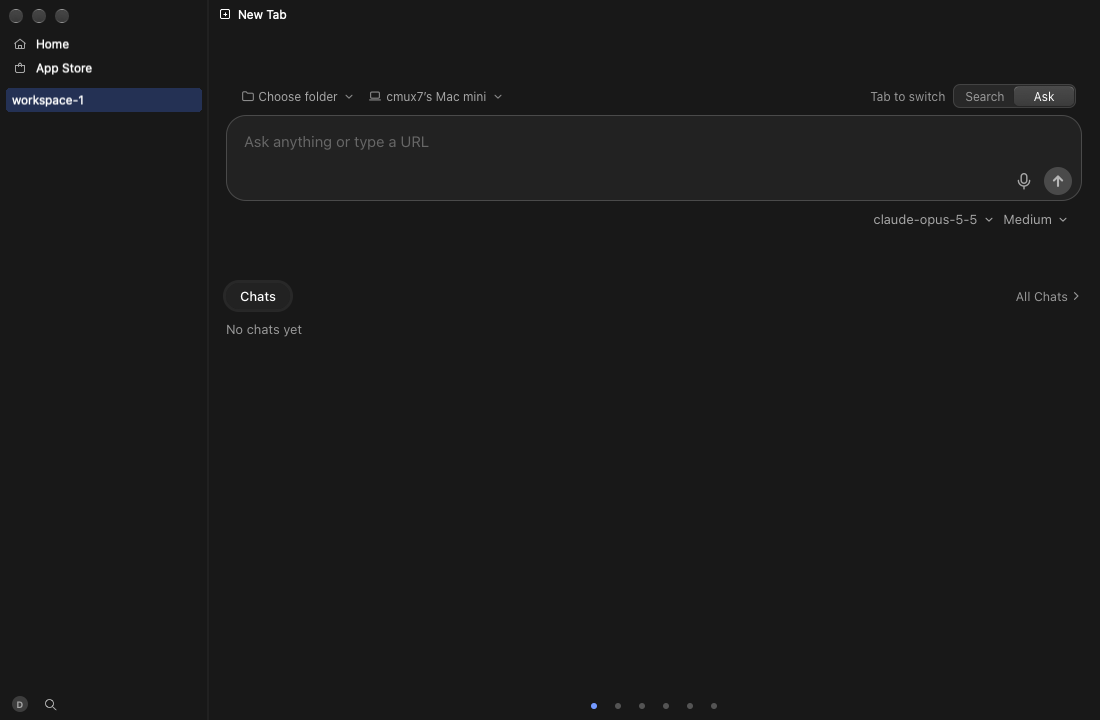
The media-tour label tours hover-card (session and tab cards, light and dark, over art) before and after.

🤖 Generated with Claude Code

teamleaderleo and others added 3 commits October 20, 2026 10:07
…hind-window blur (red)

Co-Authored-By: Claude Opus 5.5 <noreply@anthropic.com>
…lur before macOS 26

The workspace and tab hover cards (and the update card, which matches them) take
the floating glass panels' continuous radius instead of a menu's 8 pt, with the
shadow following it. The card is its clear window's whole content, so the
vibrancy fallback now blurs what is behind the window (OverlaySurfaceView
samplesBehindWindow); within its own window it had nothing to blur. Liquid
Glass keeps drawing its own refraction and rim, and the theme tint is unchanged.

Co-Authored-By: Claude Opus 5.5 <noreply@anthropic.com>
The update card re-reads the floating panels' radius on each show, the debug
hover card gallery draws the real card's radius, and the popup style's comment
says hover cards take the larger radius.

Co-Authored-By: Claude Opus 5.5 <noreply@anthropic.com>
@teamleaderleo teamleaderleo added the media-tour Run the cmux-next UI tour (cmux-next-media.yml) on every push label Oct 20, 2026
@cursor

cursor Bot commented Oct 20, 2026

Copy link
Copy Markdown

Bugbot needs on-demand usage enabled

Bugbot uses usage-based billing for this team and requires on-demand usage to be enabled.

A team admin can enable on-demand usage in the Cursor dashboard.

@github-actions

github-actions Bot commented Oct 20, 2026 •

Copy link
Copy Markdown
Contributor

cmux status (one comment, edited in place; each line is updated by the job that owns it)

Review 1be752c: HQ feed card · gallery before/after runs · checks

App of this head (app.zip, kept 1 day)

gh workflow run reload-build.yml -R manaflow-ai/cmux --ref feat-cmux-next -f tag=pr22488 -f ref=leo/hover-card-glass -f platform=macos -f backend_mode=local

Not verified: macOS jobs did not run: compile and app tests were skipped on 1be752c09a; ci-status is green without them.

CI passes on 1be752c09a (run 39488829929 attempt 1).
macOS jobs did not run: compile and app tests were skipped: Fast static checks skipped (the macos job needs both to succeed). Re-run CI once they pass, before merging.

Written by scripts/ci/classify_failures.py (ci-failure-attribution.yml); signatures are its SIGNATURES table. A machine verdict is the runner's fault, not this PR's; yours means the failing file is one this PR changes, also red on main that main's latest full suite fails the same way, seen on other PRs that it failed on another pull request's run lately.

red: cmux-next checks (god files, concurrency, crash safety, l10n); base red: the same failure on the base 032f274; does not block

Tour of 785a100741 (run)

The path-selected recorder failed for hover-card, glass, core; see the run artifact and failed manifests. Both apps run cmux-tui from 287b37c (tree 121da5195137): the merge base's own tree 8c17e4aaf92f was not published yet.

Path-selected interactions

Interaction Changed paths
glass Packages/macOS/CmuxNext/Tests/CmuxNextDesignTests/HoverCardGlassTests.swift
core Packages/macOS/CmuxNext/Sources/CmuxNextDesign/OverlaySurface.swift
Packages/macOS/CmuxNext/Sources/CmuxNextDesign/PopupStyle.swift

Core UI (before): PASS — 17 ok

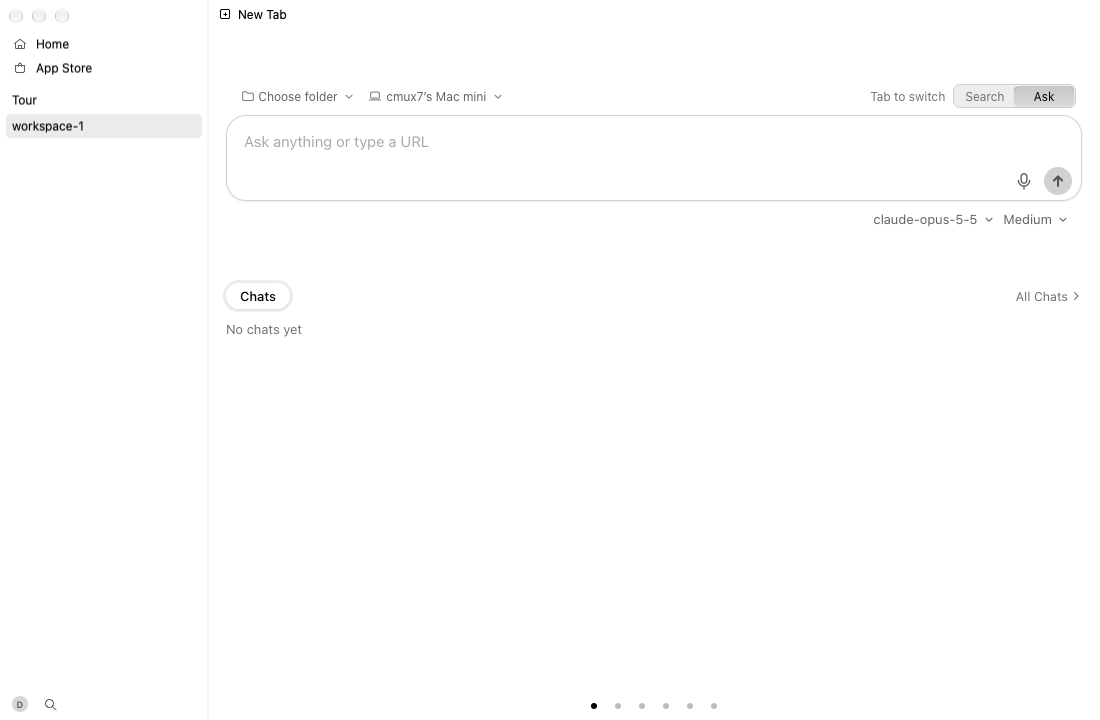
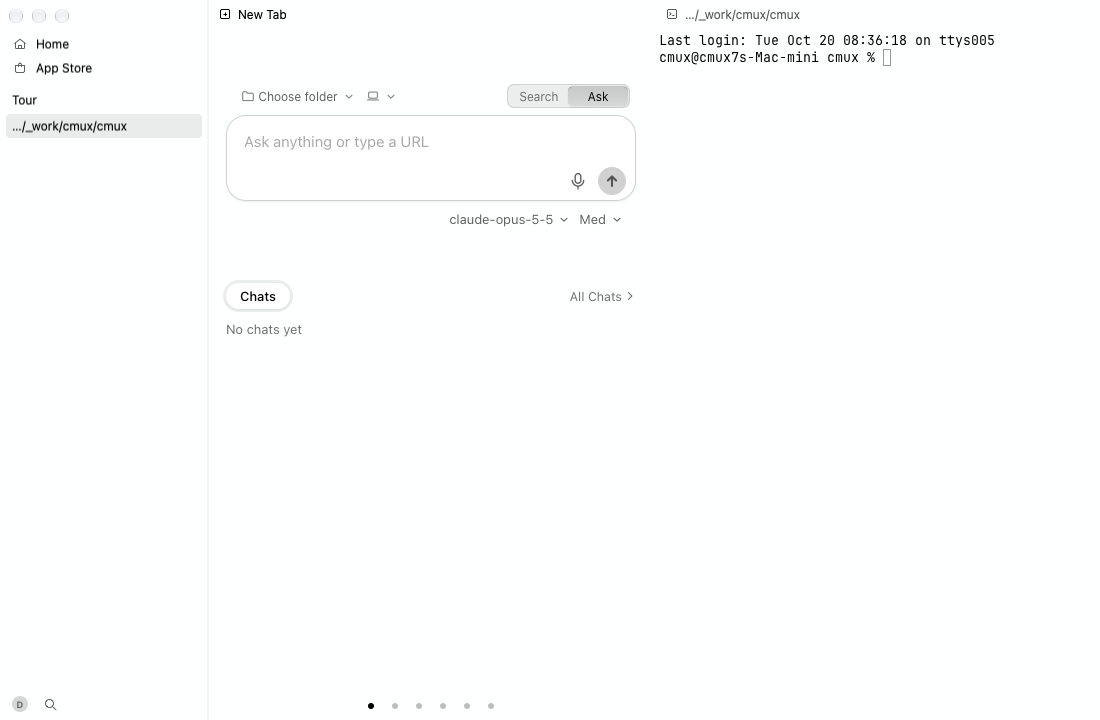
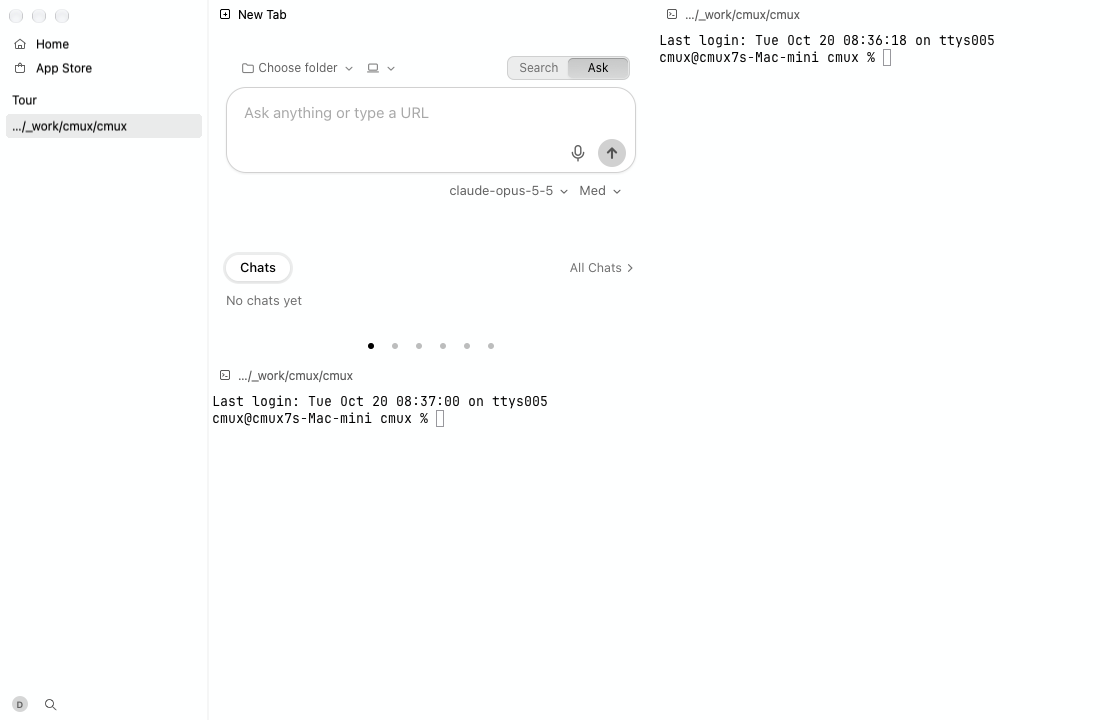
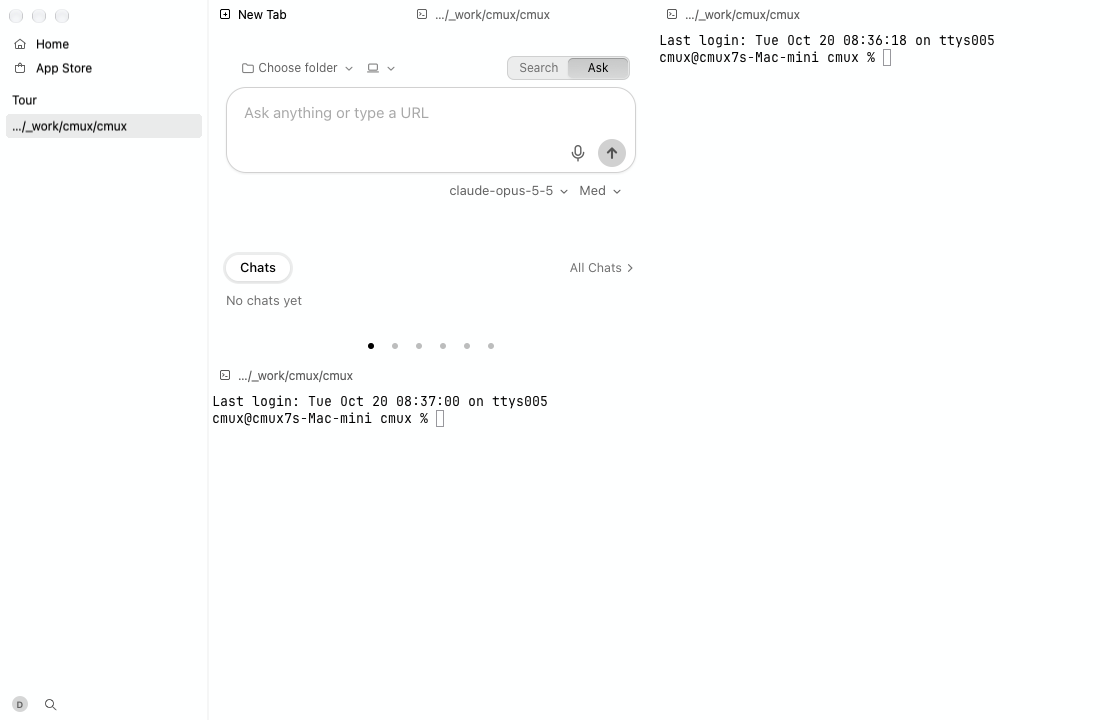
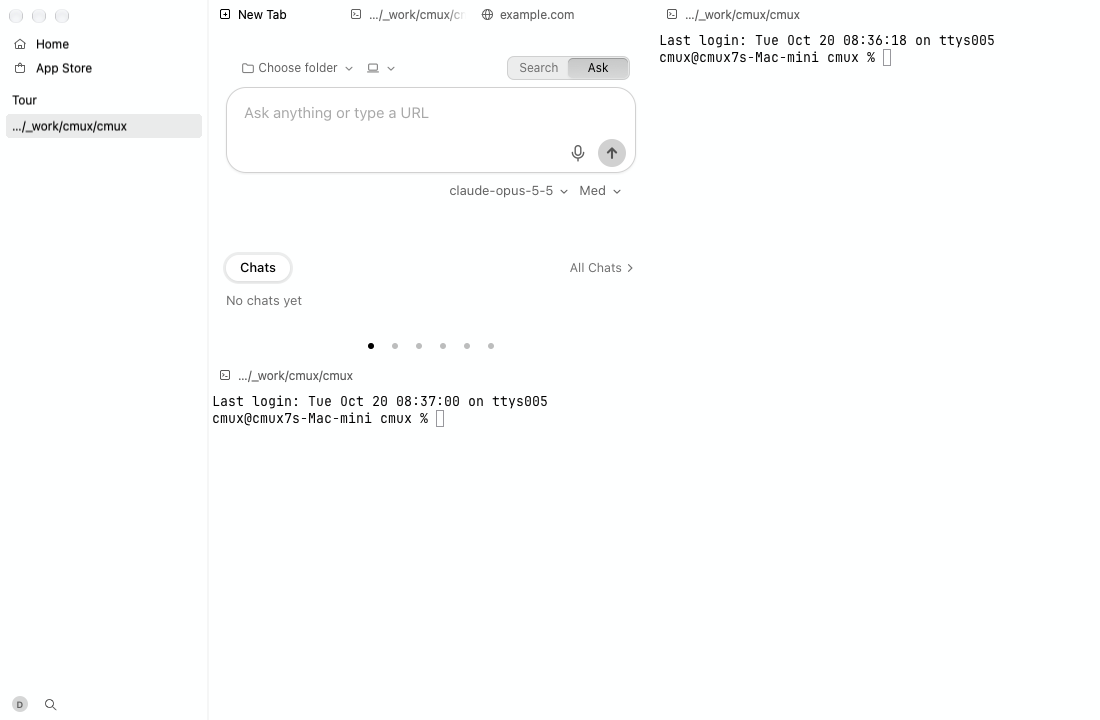
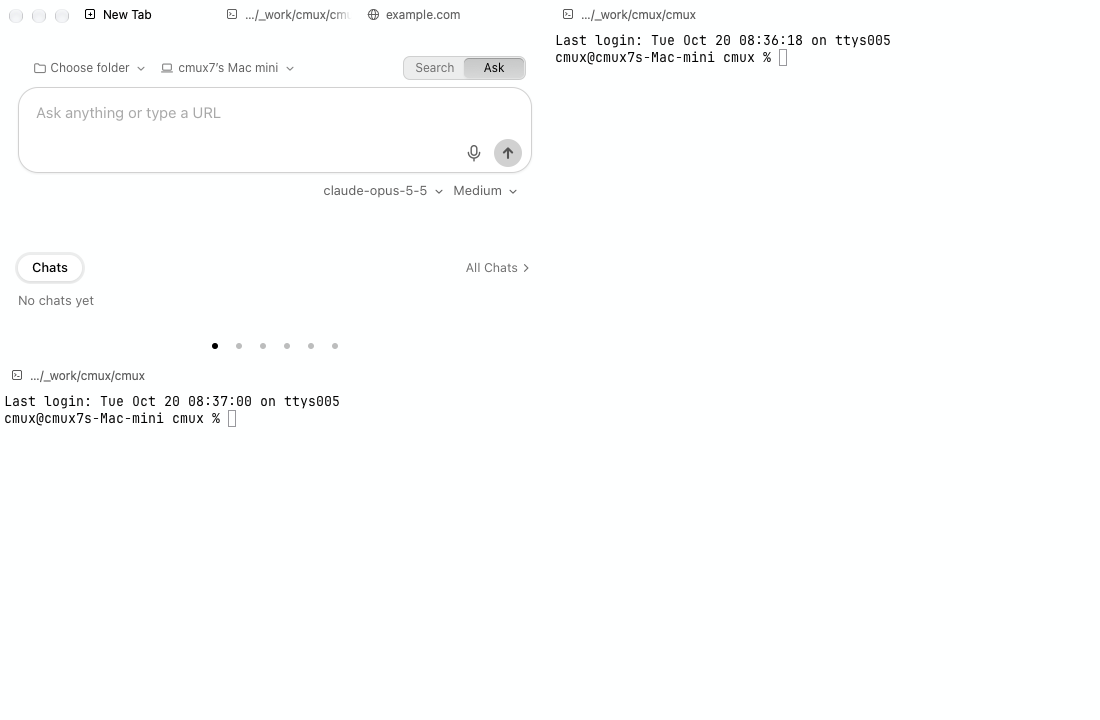
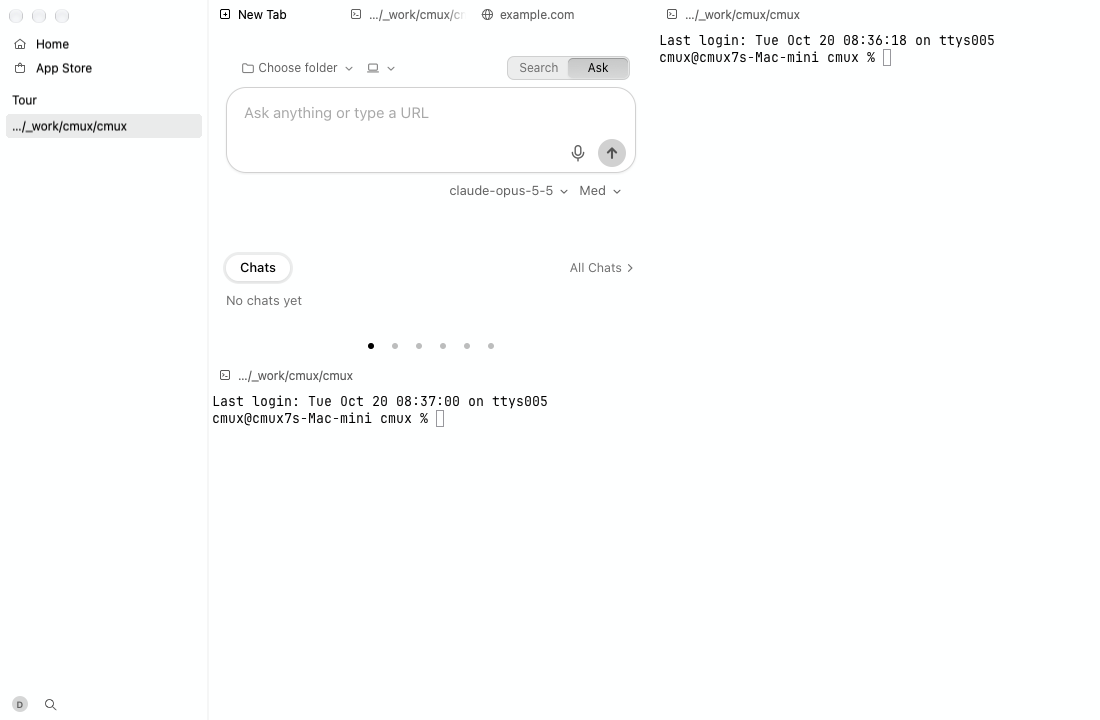
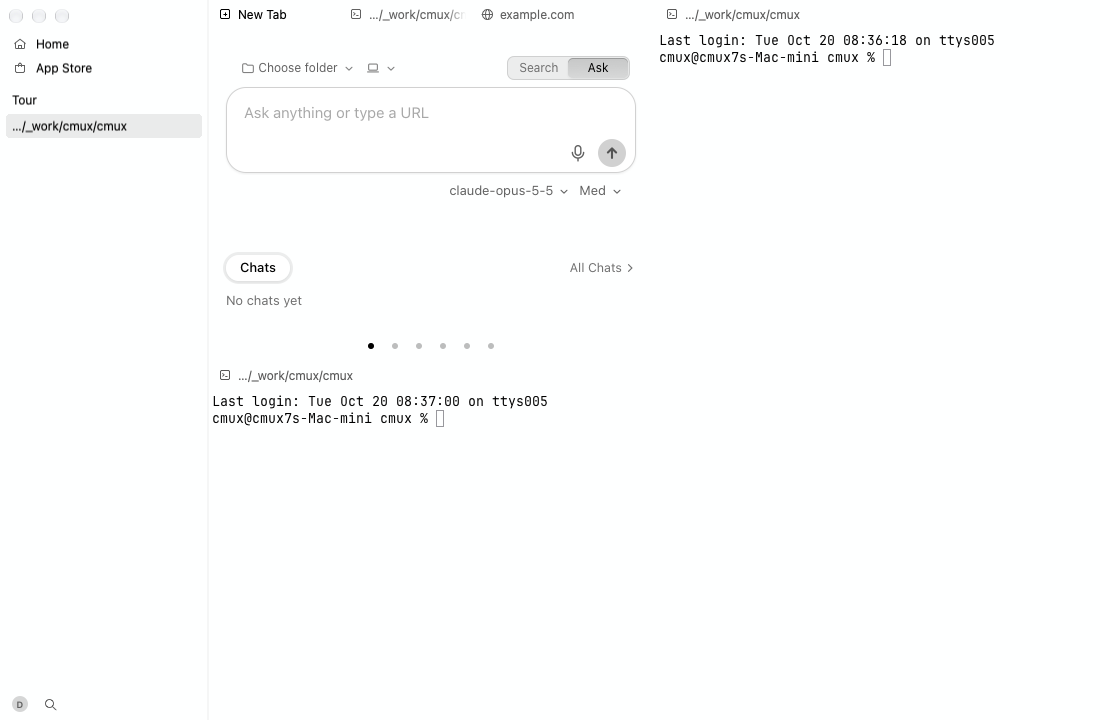
tour

Video (mp4)

# Step Result Command
1 Launch ok
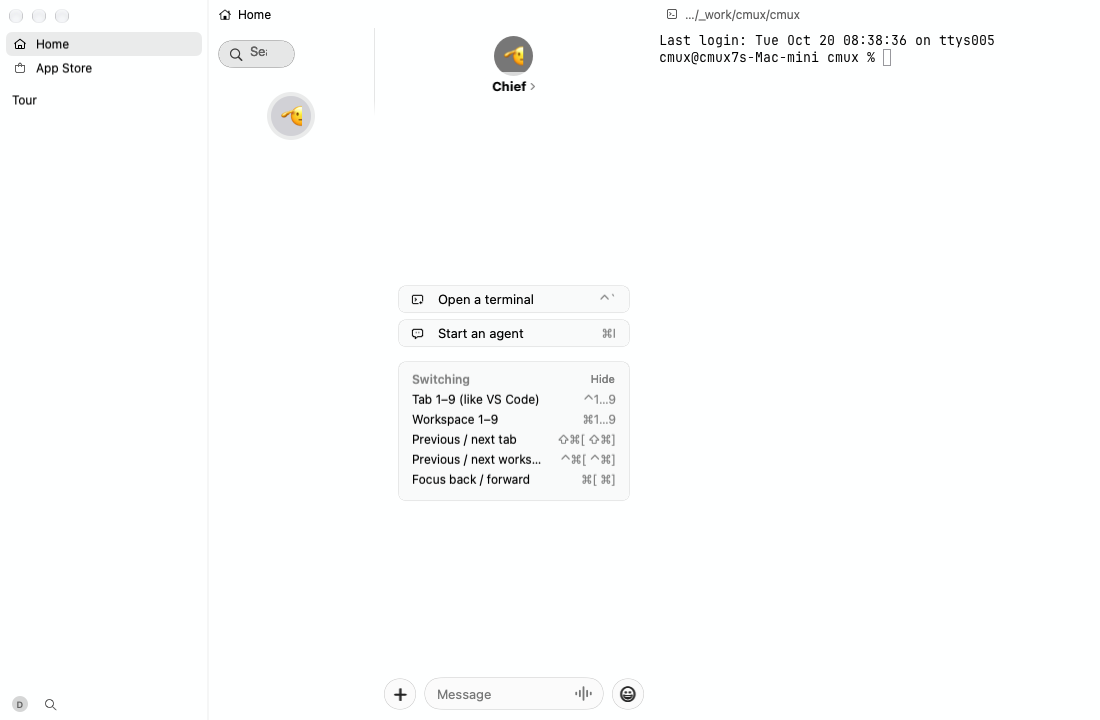
2 New workspace ok cmux workspace new --name Tour
3 Type in the terminal ok cmux workspace name:Tour screen current pane current tab current terminal current write --text "echo hello from the cmux-next tour\r"
4 A command reports progress: tab loading spinner ok cmux workspace name:Tour screen current pane current tab current terminal current write --text "clear; printf '\\033]9;4;3\\007'; sleep 900\r"
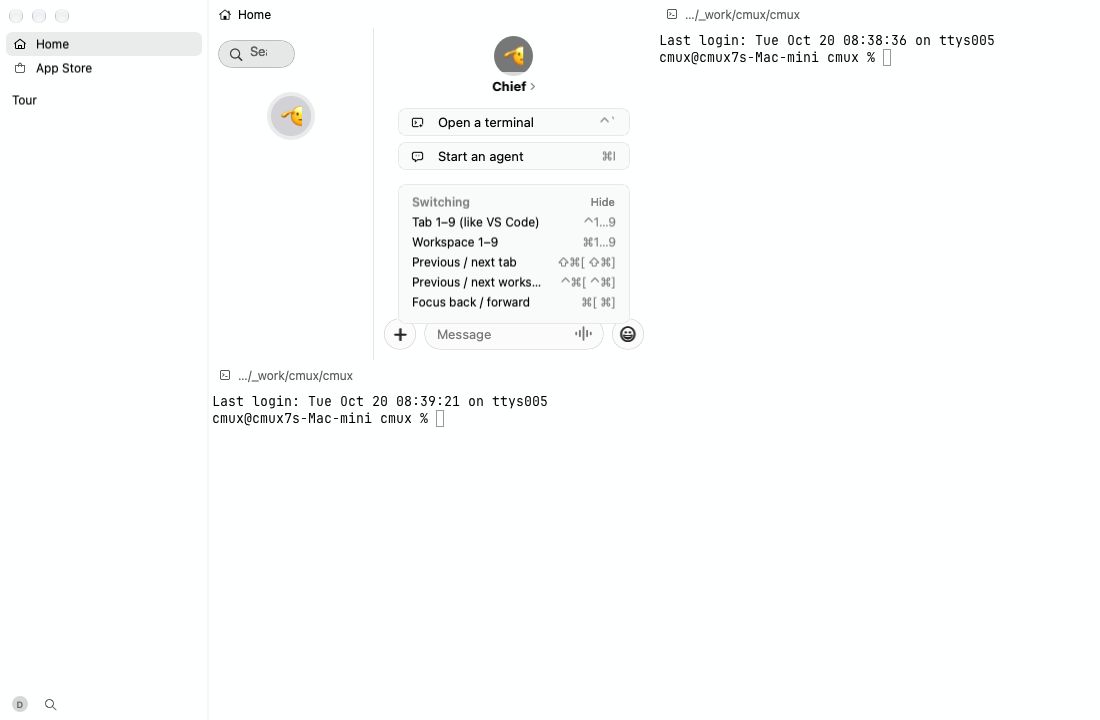
5 Split right ok cmux action run splitRight
6 Split down ok cmux action run splitDown
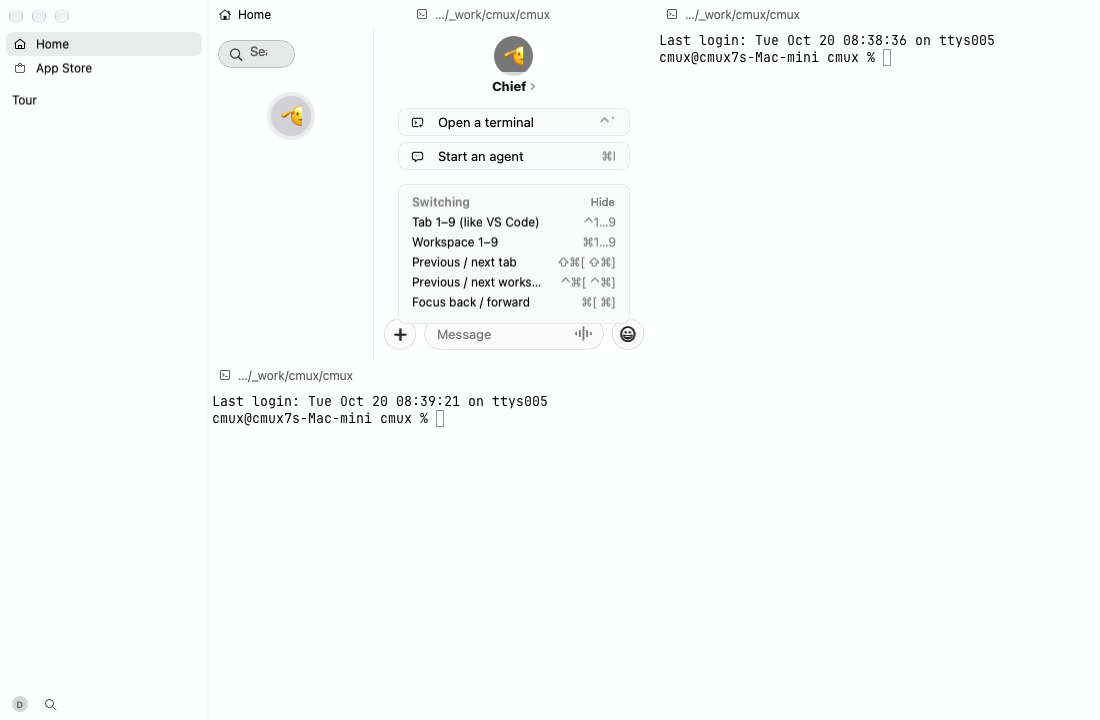
7 New terminal tab ok cmux action run newSurface
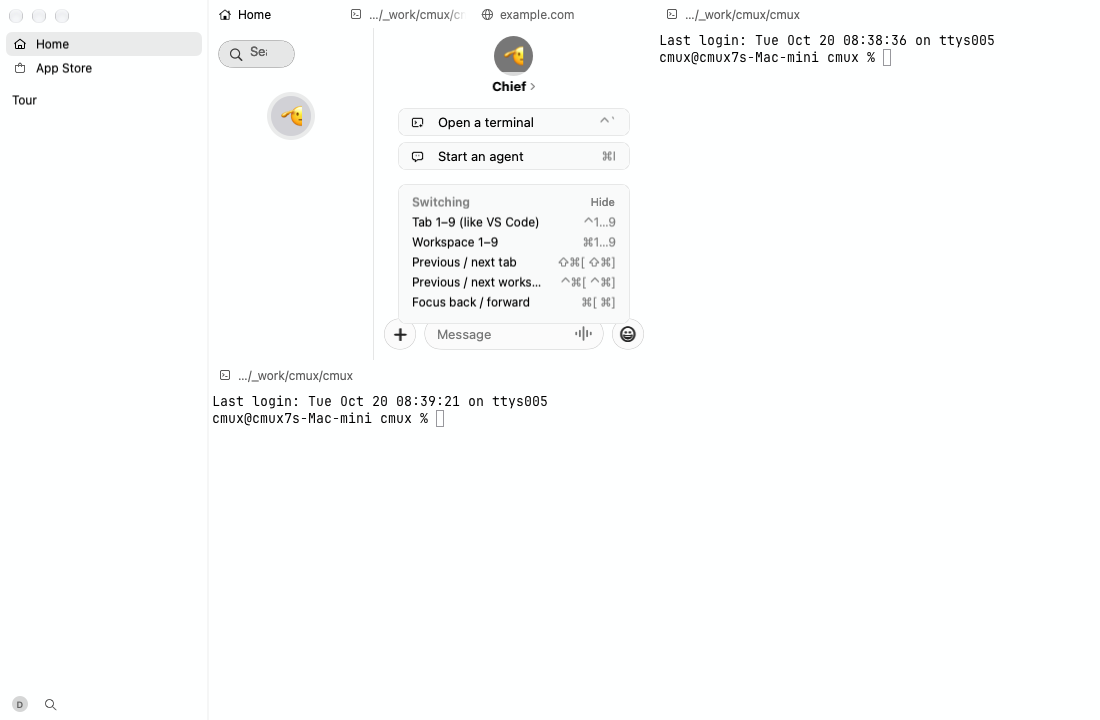
8 Browser tab ok cmux tab new-browser --url https://example.com
9 Hide the sidebar ok cmux action run toggleSidebar
10 Show the sidebar ok cmux action run toggleSidebar
11 Notification ok cmux notify --title Tour --body "Hello from CI"
12 Notifications panel ok cmux action run showNotifications
13 Agent chat ok cmux agent new-chat
14 Agent workspace ok cmux workspace new --name Agent
15 Agent starts ok cmux workspace name:Agent screen current pane current tab current terminal current write --text "clear; printf '\\033]7501;state=working\\033\\\\'; sleep 8; printf '\\033]7501;state=done\\033\\\\'; sleep 900\r"
16 An agent works: row working spinner ok cmux workspace new --name Notes
17 The agent finishes: done mark in the spinner's place ok
Screenshots (14)

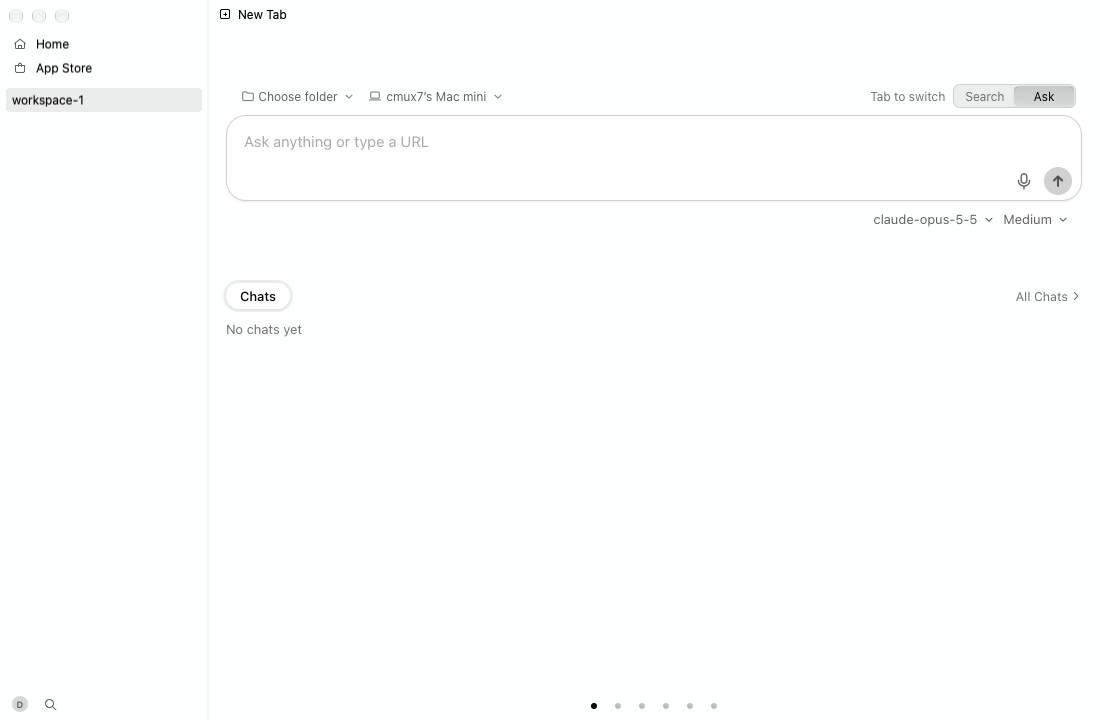
1. Launch
Launch

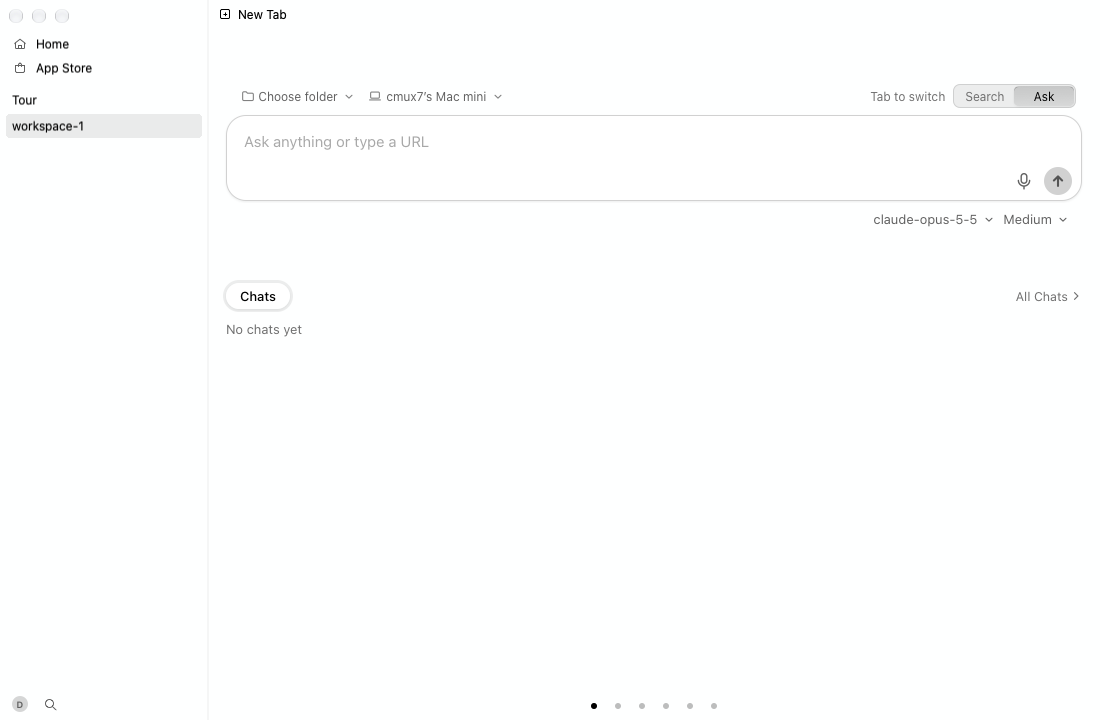
2. New workspace
New workspace

3. Type in the terminal
Type in the terminal

4. A command reports progress: tab loading spinner
A command reports progress: tab loading spinner

5. Split right
Split right

6. Split down
Split down

7. New terminal tab
New terminal tab

8. Browser tab
Browser tab

9. Hide the sidebar
Hide the sidebar

11. Notification
Notification

12. Notifications panel
Notifications panel

13. Agent chat
Agent chat

16. An agent works: row working spinner
An agent works: row working spinner

17. The agent finishes: done mark in the spinner's place
The agent finishes: done mark in the spinner's place

### Core UI \(after\): PASS — 17 ok

tour

Video (mp4)

# Step Result Command
1 Launch ok
2 New workspace ok cmux workspace new --name Tour
3 Type in the terminal ok cmux workspace name:Tour screen current pane current tab current terminal current write --text "echo hello from the cmux-next tour\r"
4 A command reports progress: tab loading spinner ok cmux workspace name:Tour screen current pane current tab current terminal current write --text "clear; printf '\\033]9;4;3\\007'; sleep 900\r"
5 Split right ok cmux action run splitRight
6 Split down ok cmux action run splitDown
7 New terminal tab ok cmux action run newSurface
8 Browser tab ok cmux tab new-browser --url https://example.com
9 Hide the sidebar ok cmux action run toggleSidebar
10 Show the sidebar ok cmux action run toggleSidebar
11 Notification ok cmux notify --title Tour --body "Hello from CI"
12 Notifications panel ok cmux action run showNotifications
13 Agent chat ok cmux agent new-chat
14 Agent workspace ok cmux workspace new --name Agent
15 Agent starts ok cmux workspace name:Agent screen current pane current tab current terminal current write --text "clear; printf '\\033]7501;state=working\\033\\\\'; sleep 8; printf '\\033]7501;state=done\\033\\\\'; sleep 900\r"
16 An agent works: row working spinner ok cmux workspace new --name Notes
17 The agent finishes: done mark in the spinner's place ok
Screenshots (14)

1. Launch
Launch

2. New workspace
New workspace

3. Type in the terminal
Type in the terminal

4. A command reports progress: tab loading spinner
A command reports progress: tab loading spinner

5. Split right
Split right

6. Split down
Split down

7. New terminal tab
New terminal tab

8. Browser tab
Browser tab

9. Hide the sidebar
Hide the sidebar

11. Notification
Notification

12. Notifications panel
Notifications panel

13. Agent chat
Agent chat

16. An agent works: row working spinner
An agent works: row working spinner

17. The agent finishes: done mark in the spinner's place
The agent finishes: done mark in the spinner's place

### Glass and themes \(before\): PASS — 14 ok

tour

Video (mp4)

# Step Result Command
1 Launch over art ok
2 New workspace ok cmux workspace new --name Glass
3 Terminal text and ANSI colors over art ok cmux workspace name:Glass screen current pane current tab current terminal current write --text "clear; echo 'cmux glass tour: plain text stays readable over the art'; for c in 1 2 3 4 5 6 7; do printf '\\033[3%sm color %s \\033[1m bold \\033[0m' $c $c; done; echo\r"
4 Split right ok cmux action run splitRight
5 Agent chat beside the terminal ok cmux agent new-chat
6 Command palette on glass over art ok cmux action run commandPalette
7 Close the palette ok cmux action run commandPalette
8 Soft Blue over art ok cmux settings set appearance.theme "Soft Blue"
9 Soft Blue Light over art ok cmux settings set appearance.theme "Soft Blue Light"
10 Clay Orange Light over art ok cmux settings set appearance.theme "Clay Orange Light"
11 Art off: Clay Orange Light ok cmux settings unset appearance.background
12 Clay Orange ok cmux settings set appearance.theme "Clay Orange"
13 Soft Blue ok cmux settings set appearance.theme "Soft Blue"
14 Soft Blue Light ok cmux settings set appearance.theme "Soft Blue Light"
Screenshots (14)

1. Launch over art
Launch over art

2. New workspace
New workspace

3. Terminal text and ANSI colors over art
Terminal text and ANSI colors over art

4. Split right
Split right

5. Agent chat beside the terminal
Agent chat beside the terminal

6. Command palette on glass over art
Command palette on glass over art

7. Close the palette
Close the palette

8. Soft Blue over art
Soft Blue over art

9. Soft Blue Light over art
Soft Blue Light over art

10. Clay Orange Light over art
Clay Orange Light over art

11. Art off: Clay Orange Light
Art off: Clay Orange Light

12. Clay Orange
Clay Orange

13. Soft Blue
Soft Blue

14. Soft Blue Light
Soft Blue Light

### Glass and themes \(after\): PASS — 14 ok

tour

Video (mp4)

# Step Result Command
1 Launch over art ok
2 New workspace ok cmux workspace new --name Glass
3 Terminal text and ANSI colors over art ok cmux workspace name:Glass screen current pane current tab current terminal current write --text "clear; echo 'cmux glass tour: plain text stays readable over the art'; for c in 1 2 3 4 5 6 7; do printf '\\033[3%sm color %s \\033[1m bold \\033[0m' $c $c; done; echo\r"
4 Split right ok cmux action run splitRight
5 Agent chat beside the terminal ok cmux agent new-chat
6 Command palette on glass over art ok cmux action run commandPalette
7 Close the palette ok cmux action run commandPalette
8 Soft Blue over art ok cmux settings set appearance.theme "Soft Blue"
9 Soft Blue Light over art ok cmux settings set appearance.theme "Soft Blue Light"
10 Clay Orange Light over art ok cmux settings set appearance.theme "Clay Orange Light"
11 Art off: Clay Orange Light ok cmux settings unset appearance.background
12 Clay Orange ok cmux settings set appearance.theme "Clay Orange"
13 Soft Blue ok cmux settings set appearance.theme "Soft Blue"
14 Soft Blue Light ok cmux settings set appearance.theme "Soft Blue Light"
Screenshots (14)

1. Launch over art
Launch over art

2. New workspace
New workspace

3. Terminal text and ANSI colors over art
Terminal text and ANSI colors over art

4. Split right
Split right

5. Agent chat beside the terminal
Agent chat beside the terminal

6. Command palette on glass over art
Command palette on glass over art

7. Close the palette
Close the palette

8. Soft Blue over art
Soft Blue over art

9. Soft Blue Light over art
Soft Blue Light over art

10. Clay Orange Light over art
Clay Orange Light over art

11. Art off: Clay Orange Light
Art off: Clay Orange Light

12. Clay Orange
Clay Orange

13. Soft Blue
Soft Blue

14. Soft Blue Light
Soft Blue Light

### Hover cards \(before\): PASS — 12 ok

tour

Video (mp4)

# Step Result Command
1 Launch ok
2 Session cards, dark ok
3 Session cards, light ok cmux settings set appearance.theme "Soft Blue Light"
4 Session cards, light over art ok cmux settings set appearance.background hokusai-great-wave
5 Session cards, dark over art ok cmux settings set appearance.theme "Soft Blue"
6 Tab cards, dark over art ok
7 Tab cards, light over art ok cmux settings set appearance.theme "Soft Blue Light"
8 Tab cards, light ok cmux settings unset appearance.background
9 Tab cards, dark ok cmux settings set appearance.theme "Soft Blue"
10 Close the gallery ok
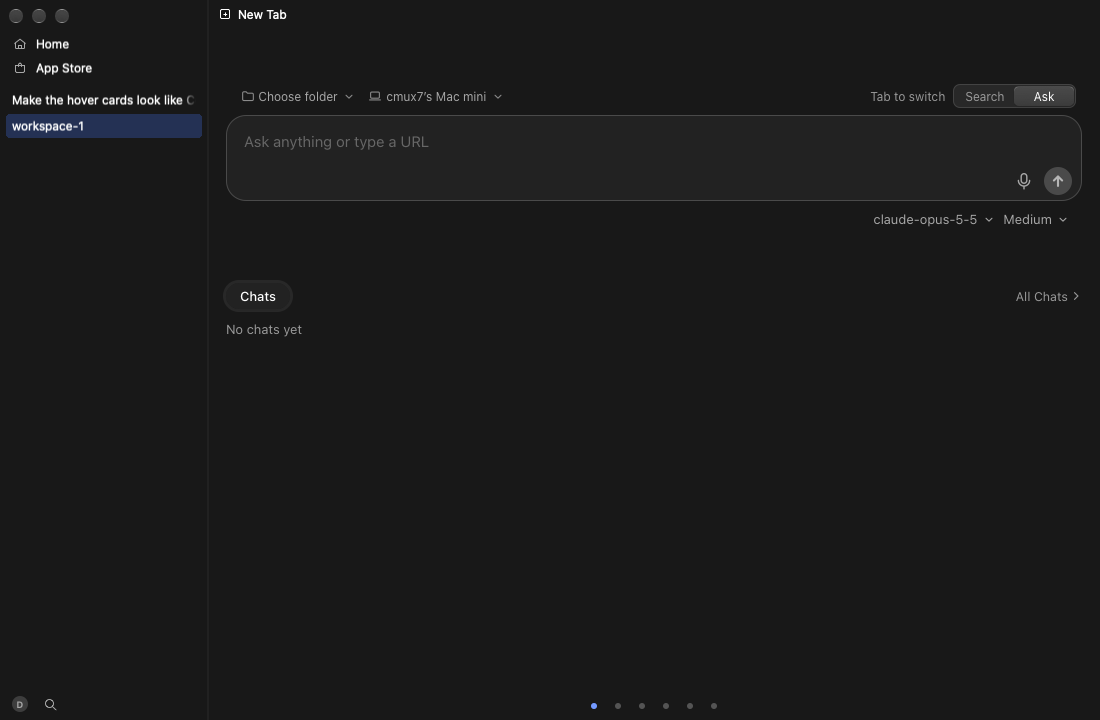
11 New workspace ok cmux workspace new --name "Make the hover cards look like Codex's"
12 A real workspace card, dark ok cmux action run workspace.showResources
Screenshots (12)

1. Launch
Launch

2. Session cards, dark
Session cards, dark

3. Session cards, light
Session cards, light

4. Session cards, light over art
Session cards, light over art

5. Session cards, dark over art
Session cards, dark over art

6. Tab cards, dark over art
Tab cards, dark over art

7. Tab cards, light over art
Tab cards, light over art

8. Tab cards, light
Tab cards, light

9. Tab cards, dark
Tab cards, dark

10. Close the gallery
Close the gallery

11. New workspace
New workspace

12. A real workspace card, dark
A real workspace card, dark

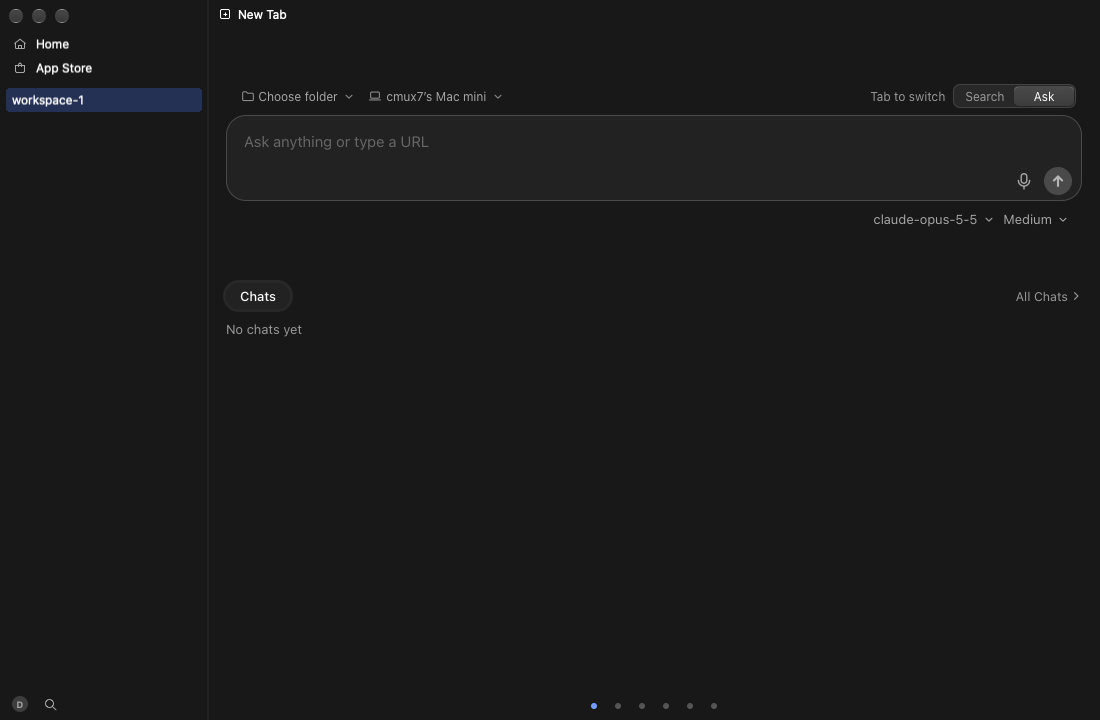
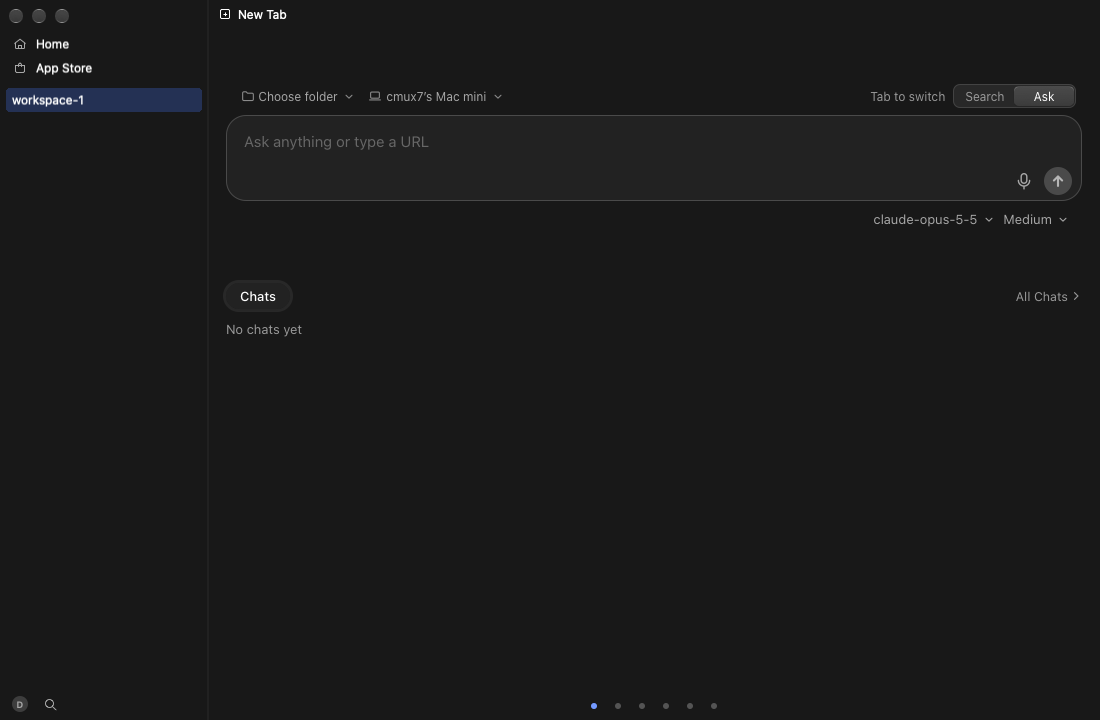
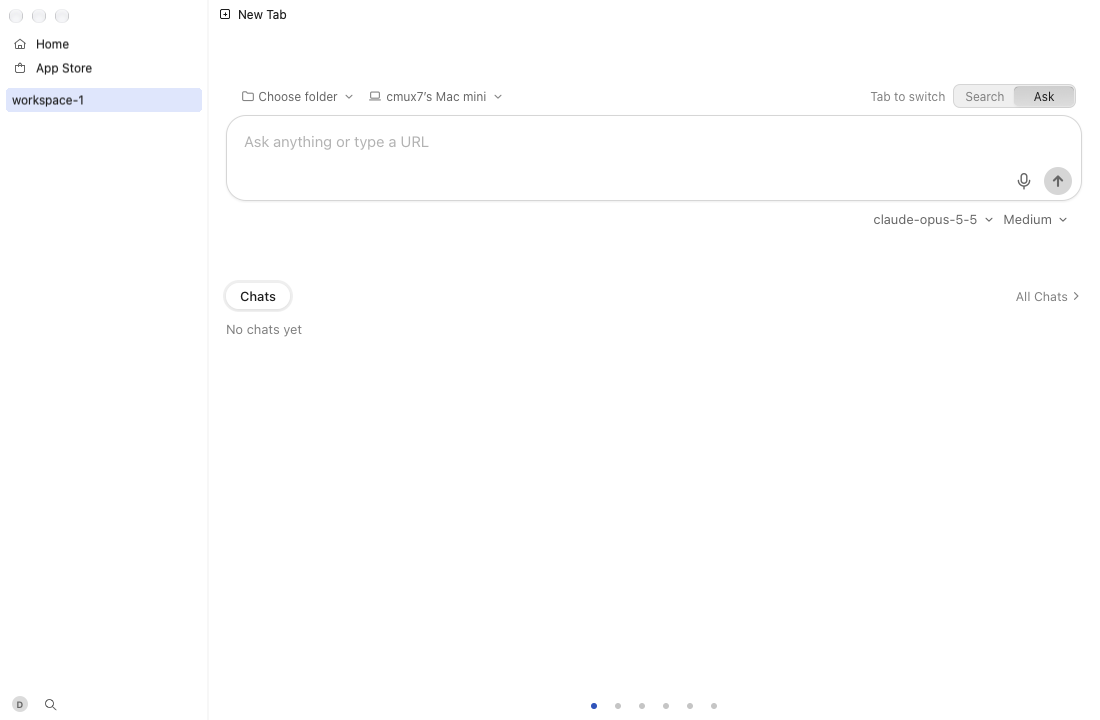
### Hover cards \(after\): PASS — 12 ok

tour

Video (mp4)

# Step Result Command
1 Launch ok
2 Session cards, dark ok
3 Session cards, light ok cmux settings set appearance.theme "Soft Blue Light"
4 Session cards, light over art ok cmux settings set appearance.background hokusai-great-wave
5 Session cards, dark over art ok cmux settings set appearance.theme "Soft Blue"
6 Tab cards, dark over art ok
7 Tab cards, light over art ok cmux settings set appearance.theme "Soft Blue Light"
8 Tab cards, light ok cmux settings unset appearance.background
9 Tab cards, dark ok cmux settings set appearance.theme "Soft Blue"
10 Close the gallery ok
11 New workspace ok cmux workspace new --name "Make the hover cards look like Codex's"
12 A real workspace card, dark ok cmux action run workspace.showResources
Screenshots (12)

1. Launch
Launch

2. Session cards, dark
Session cards, dark

3. Session cards, light
Session cards, light

4. Session cards, light over art
Session cards, light over art

5. Session cards, dark over art
Session cards, dark over art

6. Tab cards, dark over art
Tab cards, dark over art

7. Tab cards, light over art
Tab cards, light over art

8. Tab cards, light
Tab cards, light

9. Tab cards, dark
Tab cards, dark

10. Close the gallery
Close the gallery

11. New workspace
New workspace

12. A real workspace card, dark
A real workspace card, dark

Tours are data in scripts/cmux-next/media/tours: add a step or a tour file to show your feature.

@teamleaderleo

Copy link
Copy Markdown
Collaborator Author

Bead cx-6necy created for this PR by the cmux coordinator.

@blacksmith-sh

blacksmith-sh Bot commented Oct 20, 2026 •

Copy link
Copy Markdown

Found 11 test failures on Blacksmith runners:

Failures

Test View Logs
/tmp/tmpat4rz2sj/summary-missing.json (live):/summary-missing.json (live): View Logs
/tmp/tmpbaxczs58/summary-fail.json (live):/summary-fail.json (live): View Logs
bundle-map.json does not require CEF's LICENSE.txt/
bundle-map.json does not require CEF's LICENSE.txt
View Logs
bundle-map.json does not require CEF's LICENSE.txt/
bundle-map.json does not require CEF's LICENSE.txt
View Logs
convention violations found (ERROR lines above)./
convention violations found (ERROR lines above).
View Logs
test_a_file_a_test_reads_selects_that_test (main.PullRequestTiers.test_a_file_a_tes
t_reads_selects_that_test)/
test_a_file_a_test_reads_selects_that_test (main.PullRequestTiers.test_a_file_a_tes
t_reads_selects_that_test)
View Logs
test_batch_dispatch_runs_every_dispatch_gated_job (main.PathRoutingStructure.test_b
atch_dispatch_runs_every_dispatch_gated_job) (job='request-cmux-next-dev-publish')/
test_batch_dispatch_runs_every_dispatch_gated_job (main.PathRoutingStructure.test_b
atch_dispatch_runs_every_dispatch_gated_job) (job='request-cmux-next-dev-publish')
View Logs
test_every_submodule_free_checkout_on_an_owned_runner_resets_submodules (main.Reuse
dWorkspaceSubmodules.test_every_submodule_free_checkout_on_an_owned_runner_resets_submo
dules)/
test_every_submodule_free_checkout_on_an_owned_runner_resets_submodules (main.Reuse
dWorkspaceSubmodules.test_every_submodule_free_checkout_on_an_owned_runner_resets_submo
dules)
View Logs
the repository has capability texts that say update/
the repository has capability texts that say update
View Logs
the repository has capability texts that say update/
the repository has capability texts that say update
View Logs

...and 1 more test failures. View all on Blacksmith

Fix with [code]smith
Need help on this PR? Tag @codesmith-bot with what you need.

@teamleaderleo

Copy link
Copy Markdown
Collaborator Author

cmux-next guards / defaults-snapshot is red on 25 of 25 fresh feat-cmux-next PR heads in the last 2:00:00, so it is most likely a base red, not this PR's. The base-reds lane has it; a base merge picks up the fix once it lands.

teamleaderleo and others added 8 commits October 20, 2026 10:53
The PR autofix regenerated schemas/defaults/cmux-next.json on the branch's older
base, which would revert newer keys. This PR changes no setting.

Co-Authored-By: Claude Opus 5.5 <noreply@anthropic.com>
# Conflicts:
#	Packages/macOS/CmuxNext/Sources/CmuxNextSidebar/Views/SidebarUpdateNotesPanel.swift
feat-cmux-next's update card now morphs inside the hover card panel
(5cac4de) and masks the glass with the menu radius; it follows the card's
floating-panel radius instead, so the corners don't jump during a morph.

Co-Authored-By: Claude Opus 5.5 <noreply@anthropic.com>
- Packages/macOS/CmuxNext/ci-target-graph.json
- schemas/defaults/cmux-next.json

Autofix-Run: https://github.com/manaflow-ai/cmux/actions/runs/39425295655
# Conflicts:
#	schemas/defaults/cmux-next.json
@cursor

cursor Bot commented Oct 20, 2026

Copy link
Copy Markdown

Bugbot needs on-demand usage enabled

Bugbot uses usage-based billing for this team and requires on-demand usage to be enabled.

A team admin can enable on-demand usage in the Cursor dashboard.

@github-actions

github-actions Bot commented Oct 20, 2026 •

Copy link
Copy Markdown
Contributor

Sign up for free to join this conversation on GitHub. Already have an account? Sign in to comment

Labels

media-tour Run the cmux-next UI tour (cmux-next-media.yml) on every push

Projects

None yet

Development

Successfully merging this pull request may close these issues.

1 participant