Support Ender-2 display on SKR E3 boards#15924
Support Ender-2 display on SKR E3 boards#15924thinkyhead merged 1 commit intoMarlinFirmware:bugfix-2.0.xfrom
Conversation


This commit adds support for the MKS Mini 12864 style displays used on the
Creality Ender-2 for the STM32 based compatible SKR E3 DIP and SKR Mini
E3 boards by BigTreeTech.

I do not know whether other MKS Mini 12864 boards are supported with the
pinout defined by this commit, but the Ender-2 ones work reliably

This solution has been suggested by user @Grrby after a lengthy
investigation conducted in MarlinFirmware#15624. If someone can confirm the suggested
solution works on the SKR 1.3 as well, this issue could be closed.

I have a bunch of BigTreeTech boards arriving at some point and have a MKS Mini 12864 display (among a bunch of other hardware) that I plan to test/confirm LCD support where I can. This PR will likely get merged before they arrive, but I'll be sure to report back if these changes work on stock MKS Mini 12864 & SKR hardware. |

|
Thanks @thisiskeithb. Please note that the default contrast of 195 is too high for the stock Ender-2 display. I use 160. @thisiskeithb by the way, "reliably" means the display doesn't go blank, as it did with our previous solution in that issue. There are small artifacts from time to time, but only for seconds. You can consider those normal, if you should see them. |
Instead of trying to stuff the stock Ender-2 LCD into the |
|
As far as I can see, with the Marlin 1.x originally used by Creality, they used the If you think it makes more sense, how can we make it a separate entity? Shall we introduce an |

|
If you take a look at configuration.h for Creality->Ender2 of Marlin 2.0, MKS_MINI_12864 is specified. My first idea was to define new LCD but after some problems I realized that MKS_MINI_12864 is already defined for Melzi board of Ender-2. So finally I decided to follow this solution on SKR Mini E3 with different pins assignment. Display works perfect. I didn't change contrast and I don't have any problem with it. |
|
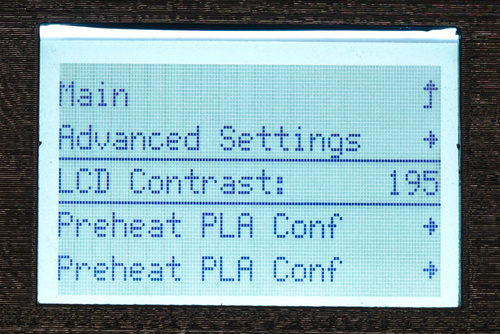
@Grrby can you please show a picture of your screen with the menu open where you can change the contrast? Perhaps it's me doing something wrong. |
|
On my display menu: As I mentioned before, I didn't touched contrast for MKS_MINI_12864. |
|
I was specifically asking for a picture, to compare it to my screen's look. |
|
Sorry, misunderstanding :-) |
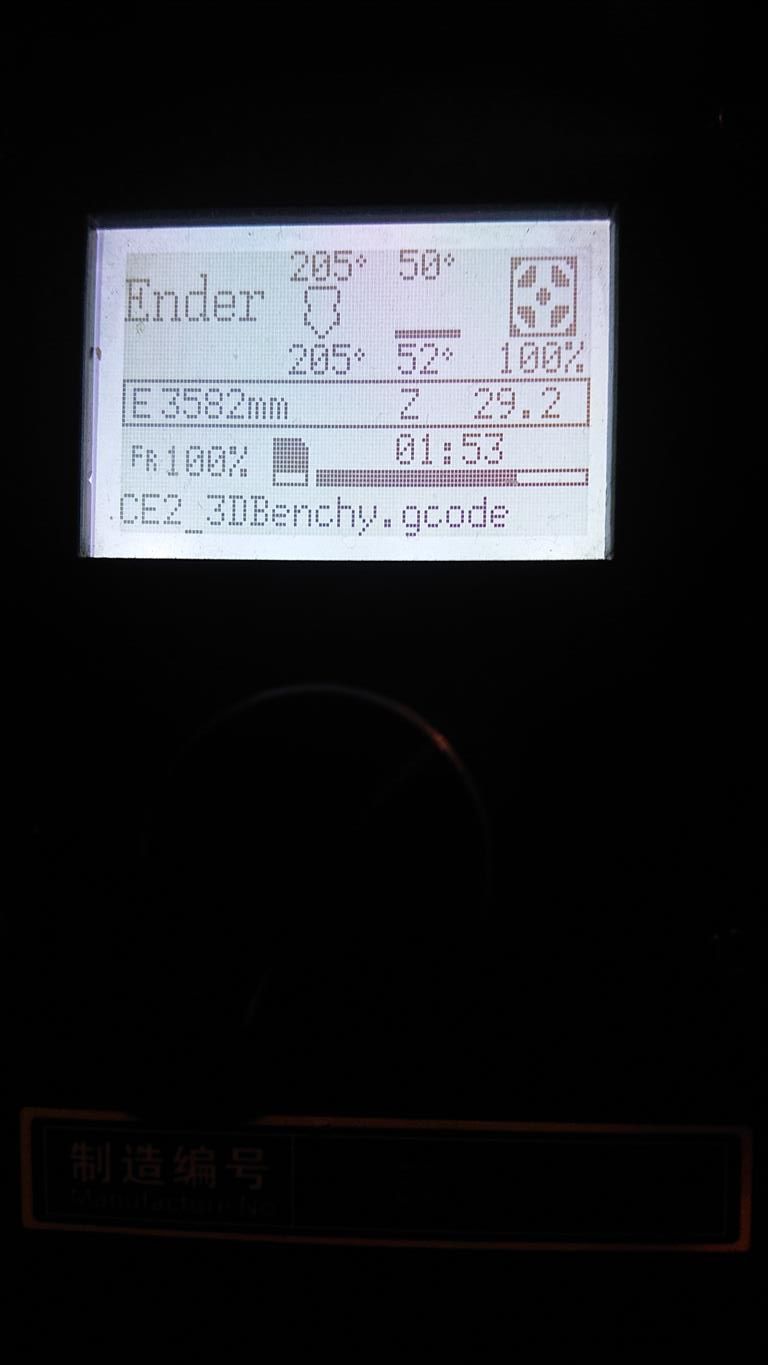
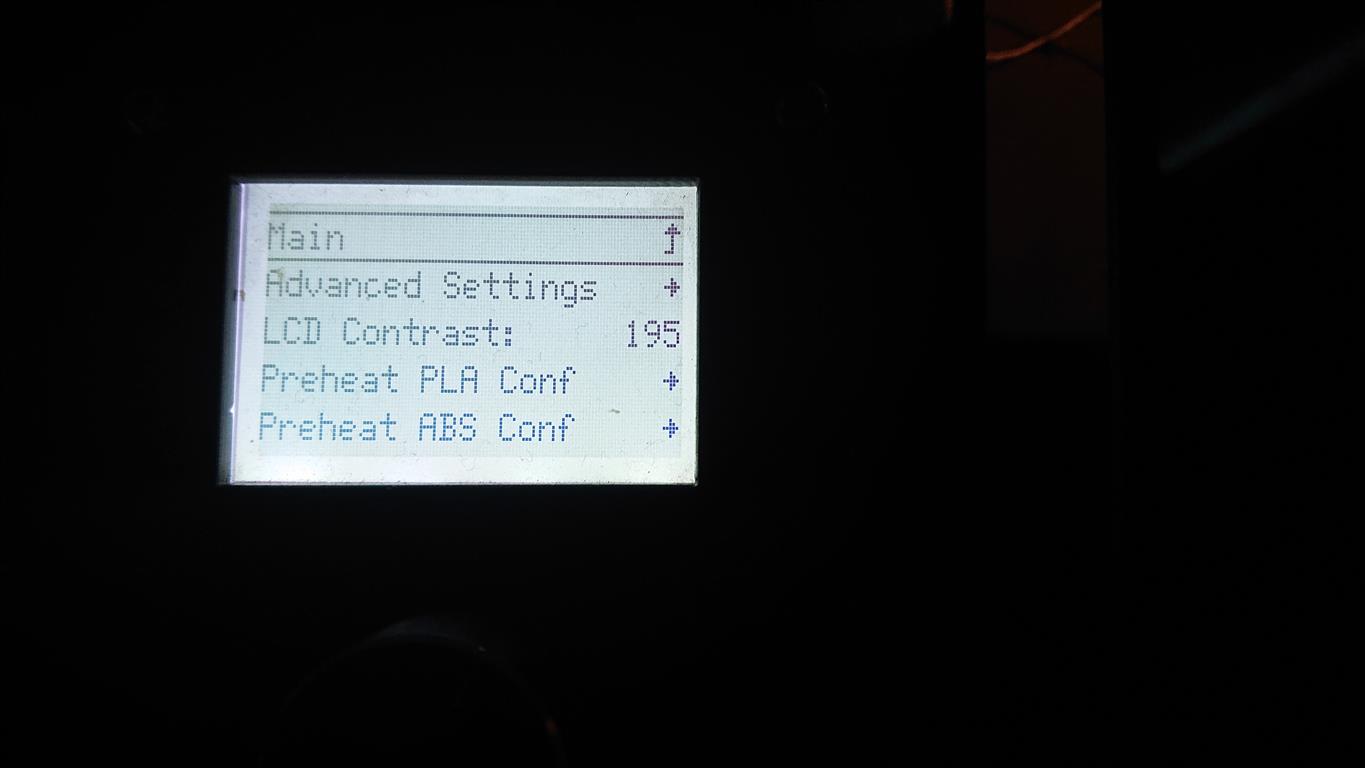
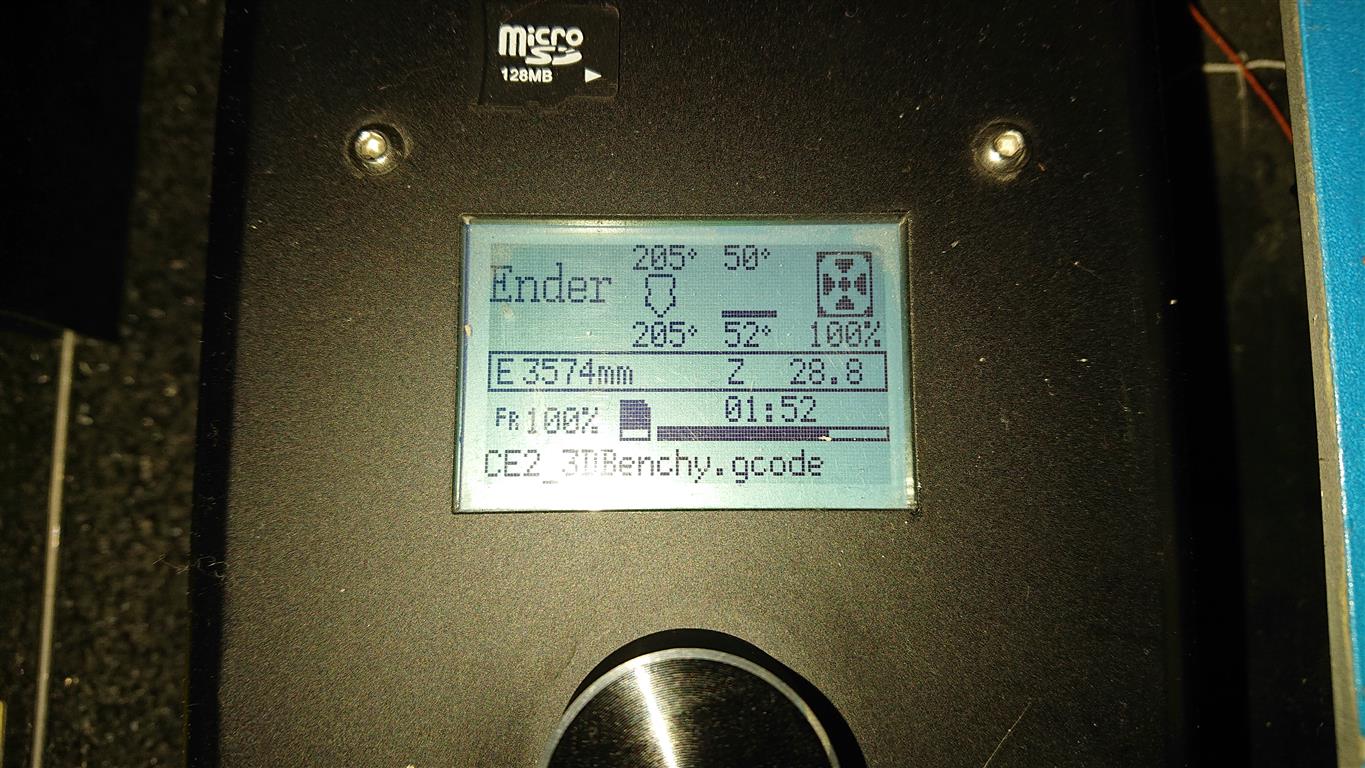
|
Thanks. Perhaps you just like it darker than me then, it's definitely darker than with mine on 160, but looks lighter than 195. I'll make pictures later, I put the printer on the shelf right now. |
|
I don't see any difference after swapping the board from Melzi. |
|
195 has been tested to work with a real |
|
@thisiskeithb "Real MKS_MINI_12864" is mysterious and you can find many variants, all of them is just a variants of REPRAP_DISCOUNT_FULL_GRAPHIC_SMART_CONTROLLER. Creaity MINIPANEL is just another type of MKS_MINI_12864. If you check MINIPANEL Wiki ling from Configuration.h you will see diferent display then Ender2. Maybe Crealty doesn't wanted use "MKS" brand in their product, so they defined MINIPANEL. |
|
|
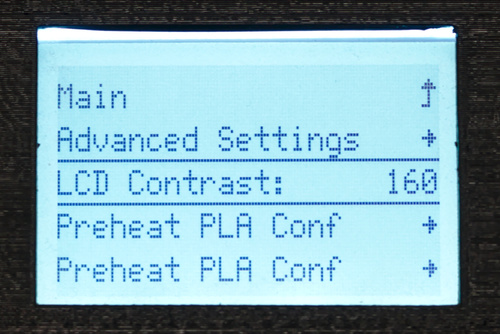
The latter contrast is most problematic when you're not looking at the screen perpendicularly. My display is mounted at an angle to work both when sitting and standing in front of a table. I had to reduce the contrast, 160 seems to work best. That of course doesn't mean it works for anyone else just as well. My screen could also just be fabricated differently. I have no other of those screens compare with. I'm completely fine with using 195 as default value, and changing contrast in @Grrby since the value is sent to the screen via SPI as a value and the screen then interprets that and configures the contrast in some way, the board should not make any difference of course. |
|
@TheAssassin I don't see any problem with your LCD. C'mon this is not a TV screen, you just need to set/read few thinks. I've expected something serious.
Yes and now. Contrast value is sent by SPI, obliviously , but nobody knows if all of the LCD screen mounted in Ender2 are the same, with the same specification etc. For example I have two Sony Xperia phones, same model, bought at the same time at same shop. Displays are slightly different... |
|
That's what I meant in my previous comment. I only mentioned I had to change the contrast, I never requested this should become standard for this display. |


 ghost
mentioned this pull request
ghost
mentioned this pull request


4 participants


Description
This commit adds support for the MKS Mini 12864 style displays used on the Creality Ender-2 for the STM32 based compatible SKR E3 DIP and SKR Mini E3 boards by BigTreeTech.
I do not know whether other MKS Mini 12864 boards are supported with the pinout defined by this commit, but the Ender-2 ones work reliably.
This solution has been suggested by user @Grrby after a lengthy investigation conducted in #15624. If someone can confirm the suggested solution works on the SKR 1.3 as well, this issue could be closed.
I tested this change with today's upstream
bugfix-2.0.xbranch in a minimal-working-example like environment. All I had to change are the following variables:Then build like
pio run -e STM32F103RC_bigtree.Of course this minimal build won't work with the printer, but it proves that the display is working. You need additional changes to the configuration, you need the alternative TMC stepper library from BTT etc. Also there's a new series of boards shipping an STM32 with a larger ROM, which I'll send a PR for soon. (However, it seems the bootloader isn't willing to flash larger firmwares anyway right now).
You can find my complete changes in https://github.com/TheAssassin/Marlin-Ender2-SKR-E3-DIP/. I intend to send a PR to add support for the
Benefits
You can use the SKR E3 DIP / SKR Mini E3 boards, which were originally designed for the Creality Ender-3, with the older Ender-2. This PR makes the stock display work.
Related Issues
#15624 (isn't fixed by this PR, though, as the issue is about the SKR 1.3, not the SKR E3 series)