[BD-24] [TNL-7330] [BB-2726] LTI Improvements - Implement Context Membership Service - #124
Closed
shimulch wants to merge 5 commits into
Closed
[BD-24] [TNL-7330] [BB-2726] LTI Improvements - Implement Context Membership Service#124shimulch wants to merge 5 commits into
shimulch wants to merge 5 commits into
Conversation


Loading
Sign up for free
to join this conversation on GitHub.
Already have an account?
Sign in to comment
8 participants


Add this suggestion to a batch that can be applied as a single commit.This suggestion is invalid because no changes were made to the code.Suggestions cannot be applied while the pull request is closed.Suggestions cannot be applied while viewing a subset of changes.Only one suggestion per line can be applied in a batch.Add this suggestion to a batch that can be applied as a single commit.Applying suggestions on deleted lines is not supported.You must change the existing code in this line in order to create a valid suggestion.Outdated suggestions cannot be applied.This suggestion has been applied or marked resolved.Suggestions cannot be applied from pending reviews.Suggestions cannot be applied on multi-line comments.Suggestions cannot be applied while the pull request is queued to merge.Suggestion cannot be applied right now. Please check back later.
This PR Implements the Context Membership Service specified on LTI Names and Role Provisioning Services spec.
The ADR that this implementation follows can be found at - https://github.com/edx/xblock-lti-consumer/blob/master/docs/decisions/0004-lti-advantage-nrps.rst
This PR depends on -
JIRA tickets:
Discussions: N/A
Dependencies: None
Screenshots:
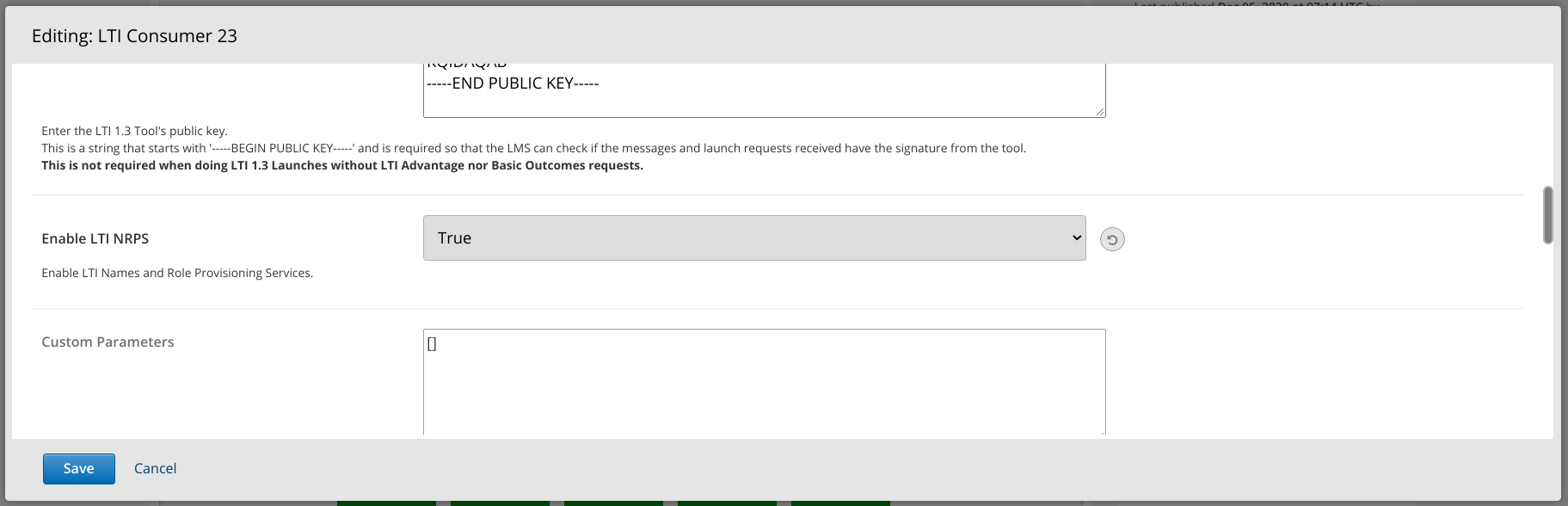
Sandbox URL: None
Merge deadline: None
Testing instructions:
studio.ymlSet the header and payload as follows
GETrequest to the Context Membership URL.http://localhost:18000/admin/waffle_utils/waffleflagcourseoverridemodel/.lti_consumer.lti_nrps_transmit_piiand set course key to your course key. ex:course-v1:edX+DemoX+Demo_Course.Force Onand enabled it.LTI_NRPS_ACTIVE_ENROLLMENT_LIMITDjango setting to a lower value than the number of enrollments of your test course.Author notes and concerns:
N/A
Reviewers