Column drag-drop not working in RTL #7230


Description

Environment Information
- Package version(s):
- Browser and OS versions: All
Please provide a reproduction of the bug in a codepen:
Repro steps:
- On the Fabric demo app page, click on the gear icon in the top right.
- Select "Render in RTL"
- Try dragging and dropping a column header.
- The drop hint always comes at the first index, no matter where we drag a column header.
- Reorder happens according to the drop hint index.
Actual behavior:
Drop hint always comes at the first index, no matter where we drag a column header.
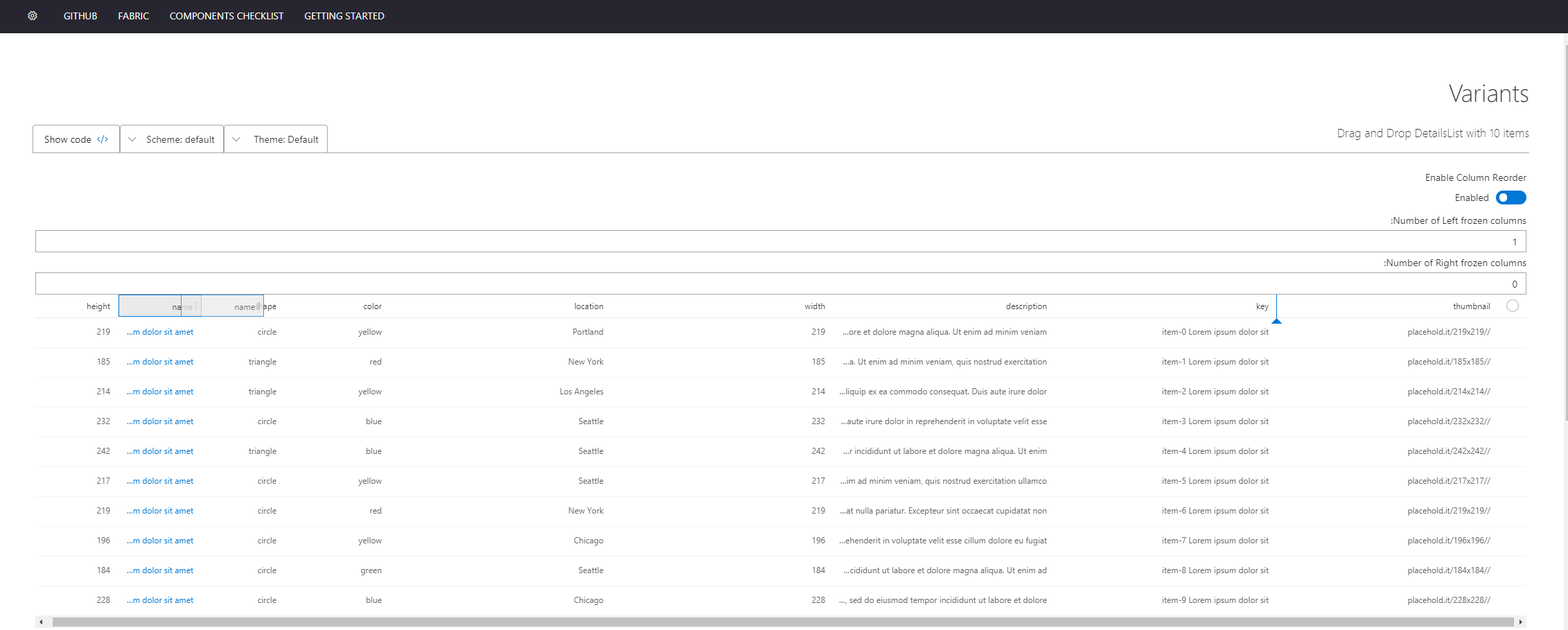
Expected behavior:
Drop hint should come according to the position where the column header is being dragged. The behavior should be the same as it is for LTR.
Priorities and help requested:
Are you willing to submit a PR to fix? Yes
Requested priority: (Blocking, High, Normal, Low) Normal
Products/sites affected: (if applicable) SharePoint