Fixes remote icon state color#11698
Merged
bramkragten merged 1 commit intohome-assistant:devfrom Feb 16, 2022
Merged
Conversation


The ha-state--icon does not show the correct state color for the remote domain when the "color icons by state" option is turned on in lovelace cards. This fixes that bug.


bramkragten
approved these changes
Feb 16, 2022


This file contains hidden or bidirectional Unicode text that may be interpreted or compiled differently than what appears below. To review, open the file in an editor that reveals hidden Unicode characters.
Learn more about bidirectional Unicode characters
Sign up for free
to subscribe to this conversation on GitHub.
Already have an account?
Sign in.
3 participants


Add this suggestion to a batch that can be applied as a single commit.This suggestion is invalid because no changes were made to the code.Suggestions cannot be applied while the pull request is closed.Suggestions cannot be applied while viewing a subset of changes.Only one suggestion per line can be applied in a batch.Add this suggestion to a batch that can be applied as a single commit.Applying suggestions on deleted lines is not supported.You must change the existing code in this line in order to create a valid suggestion.Outdated suggestions cannot be applied.This suggestion has been applied or marked resolved.Suggestions cannot be applied from pending reviews.Suggestions cannot be applied on multi-line comments.Suggestions cannot be applied while the pull request is queued to merge.Suggestion cannot be applied right now. Please check back later.
The
<ha-state-icon>component does not show the correct state color for theremotedomain when the "color icons by state" option is turned on in Lovelace cards. This fixes that bug.Proposed change
This adds a CSS selector to include the
remotedomain when coloring an icon based on its state in Lovelace. Currently if a remote is "on" and a Lovelace card is configured to color the icons by state (i.e. yellow icon when "on"), the icon does not change color when the state changes. It is always the same color as it would be when "off."Current behavior:
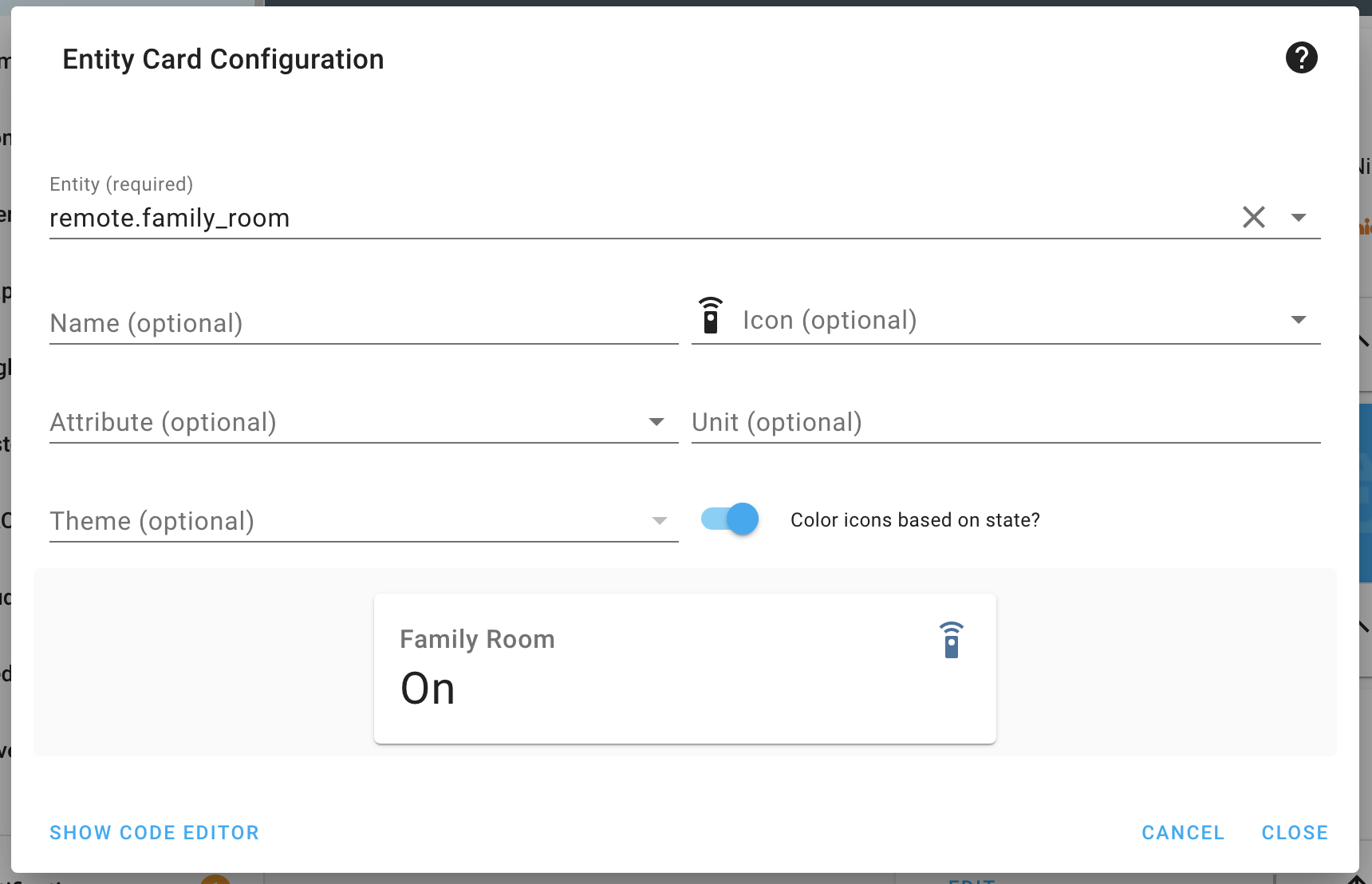
New behavior:
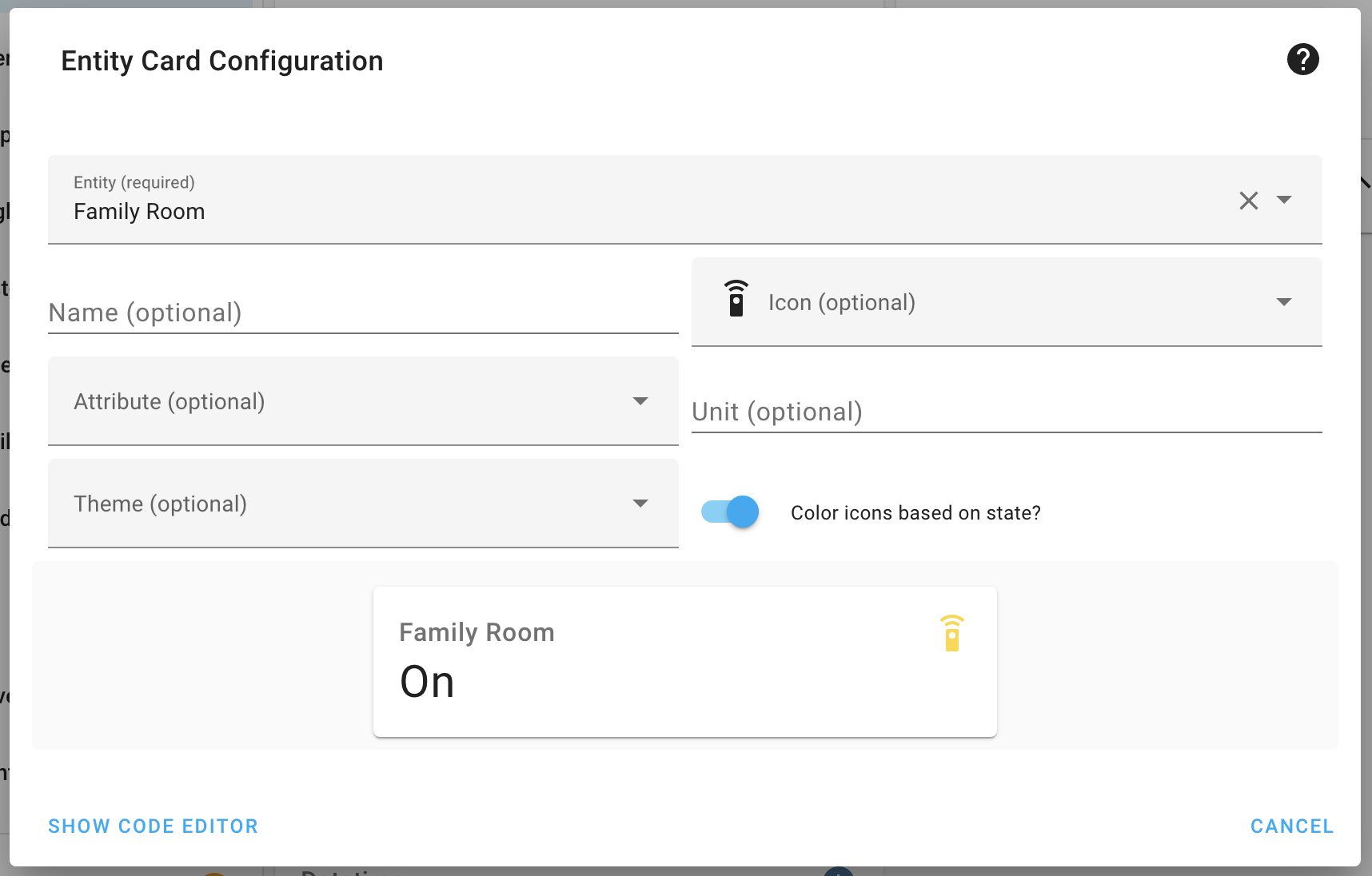
Type of change
Example configuration
Set up a
remoteintegration, such as a Logitech Harmony Hub or smart tv. Add a Lovelace entity/entities/glance card and display theremoteentity. Toggle on the option to change icon color based on state. It should now turn yellow (with the default theme) when the remote is on and back to the default color when off.Additional information
Checklist
If user exposed functionality or configuration variables are added/changed: