Fix Plugwise climate issues#31209
Fix Plugwise climate issues#31209pvizeli merged 2 commits intohome-assistant:devfrom bouwew:plugwise-update-2
Conversation


|
Hey there @laetificat, @CoMPaTech, mind taking a look at this pull request as its been labeled with a integration ( |


 pvizeli
left a comment
pvizeli
left a comment
pvizeli
left a comment
There was a problem hiding this comment.
Maybe you should offload boiler to the right component


|
@pvizeli I think you are referring to boiler = hot water heater. For this Plugwise uses the term domestic_hot_water_state, I had this in my climate.py-code before but was asked to remove it :) |

|
Just as a +1 for the addition of boiler status. Please add to the Plugwise indeed. |
|
@Mariusthvdb |
|
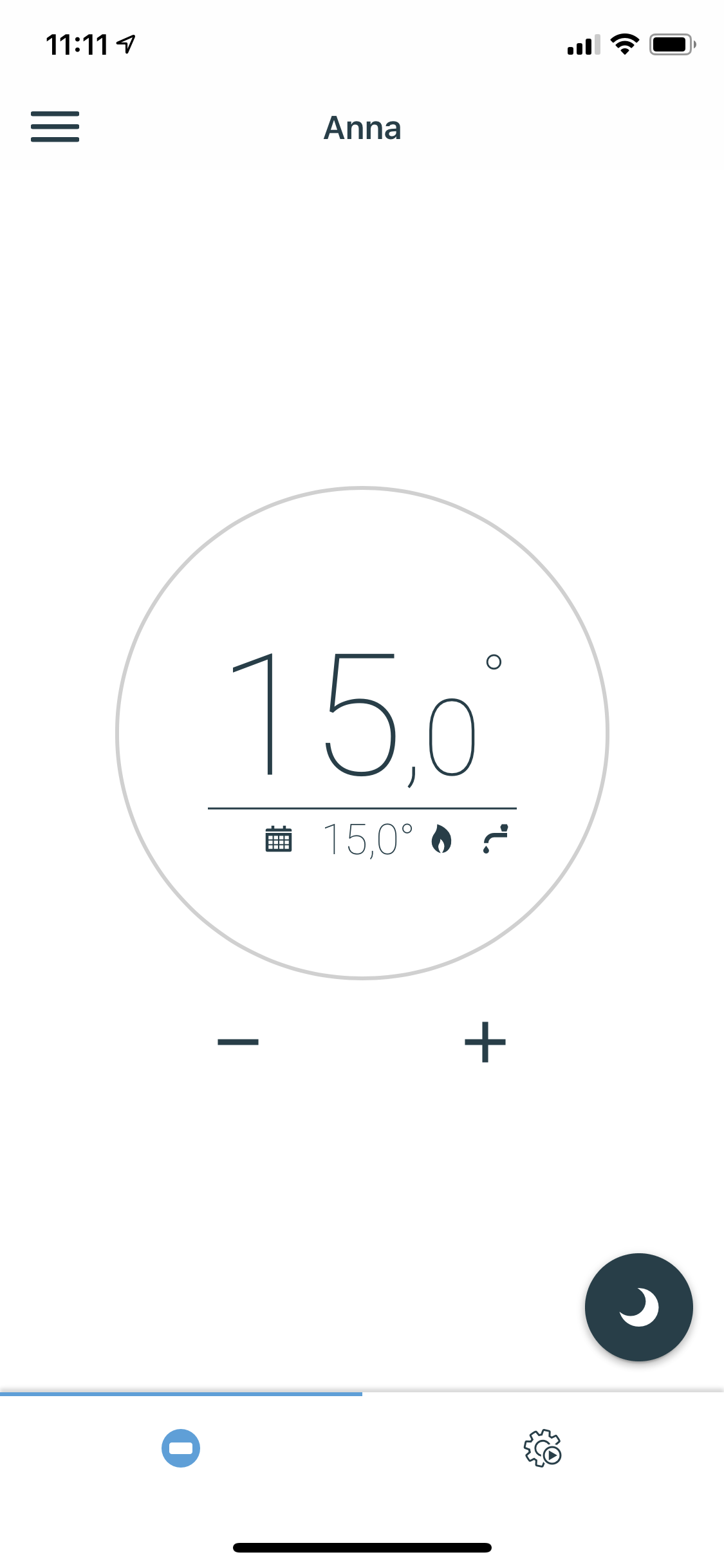
Great, thanks! Do we get the tap icon too now? The interface would benefit from that to indicate the heater is heating for hot water... just like the original Plugwise interface
|
|
No. The tap icon is not available in the Climate card, that is someone
else's work.
But the status will show heating instead of idle when hot water is being
tapped.
…On Wed, 29 Jan 2020, 11:11 Marius, ***@***.***> wrote:
Great, thanks! Do we get the tap icon too now? The interface would benefit
from that to indicate the heater is heating for hot water... just like the
original Plugwise interface
—
You are receiving this because you authored the thread.
Reply to this email directly, view it on GitHub
<#31209>,
or unsubscribe
<https://github.com/notifications/unsubscribe-auth/ACWESMWMTG6BHRSGHWCFTDLRAFI5VANCNFSM4KMBKMAA>
.
|
|
thanks, it might be confusing though we when see the heating icon (which is like the icon on the Plugwise Anna) while missing the tap icon. One might think the heater is heating.....while in fact heating for hot water so, who to talk to about the missing tap-icon on the thermostat card? Could we ping you @pvizeli for that? or @MartinHjelmare ? |
|
@Mariusthvdb As I've understood it, to show the tapping of hot water, we need to create an additional device, a water_heater: https://developers.home-assistant.io/docs/en/entity_water_heater.html. But this one is much less "developed" compared to the Climate device. And there is no card supporting it (someone please correct me if I'm wrong). Also, to get a tap-icon, better to get this into the Simple Thermostat card, this one uses the HVAC_ACTION to show what is going on. But then the Simple Thermostat must also support the water_heater device. Maybe when I've added support for the Plugwise Adam, then we can get some help from an Adam-owner to realise the card that we all want... |

5 participants


Breaking change
Proposed change
Bump Haanna to 0.14.1, fixing the reported Home Assistant issues:
fixes #28815
fixes #28947
fixes #30714
and the error reported in haanna issue fixes #14.
Also, the proposed fix for the issue reported by fwestenberg, related to 2 Annas in one HA system, is included.
Update to climate.py, fixes #28947: add detection of the heating_state for on/off-type heaters via the boiler_state parameter.
Type of change
Example entry for
configuration.yaml:# Example configuration.yamlAdditional information
fixes Plugwise Anna integration update error #28815, fixes Plugwise Anna not reporting heating #28947, fixes Plugwise plugin fails with XML parse error #30714 and fixes Plugwise Anna not reporting heating #28947
Checklist
black --fast homeassistant tests)If user exposed functionality or configuration variables are added/changed:
If the code communicates with devices, web services, or third-party tools:
Updated and included derived files by running:
python3 -m script.hassfest.requirements_all.txt.Updated by running
python3 -m script.gen_requirements_all..coveragerc.The integration reached or maintains the following Integration Quality Scale: