Add timeline with arrow icon#6731
Conversation


|
Preview documentation changes for this PR: https://eui.elastic.co/pr_6731/ |

|
@andreadelrio or maybe @ryankeairns - do either of you mind taking a look at this PR? Not so much for "does this look right", but "is there enough of a reusable use case to add another icon to the EUI library for this, vs. just passing in a custom svg"? |
|
Preview documentation changes for this PR: https://eui.elastic.co/pr_6731/ |
|
@cee-chen I did try to go that route at first, but this icon is being used with a button for a EuiMarkdownEditor custom plugin, which only allows to pass a name string for an icon defined in Eui https://github.com/elastic/eui/blob/main/src/components/markdown_editor/markdown_editor_toolbar.tsx#L211 |

|
One point to consider here is to group these under an 'Insert' option that then has these shows a popover. We will continue adding to this capability and after we reach 3+ icons here, it's likely better to show them as a grouped menu. It's likely better to have labels for these actions anyway as the icons are small and potentially not understood for other things as well. The other benefit of this is that we can use the same icon as timeline, but simply have a different label.
|
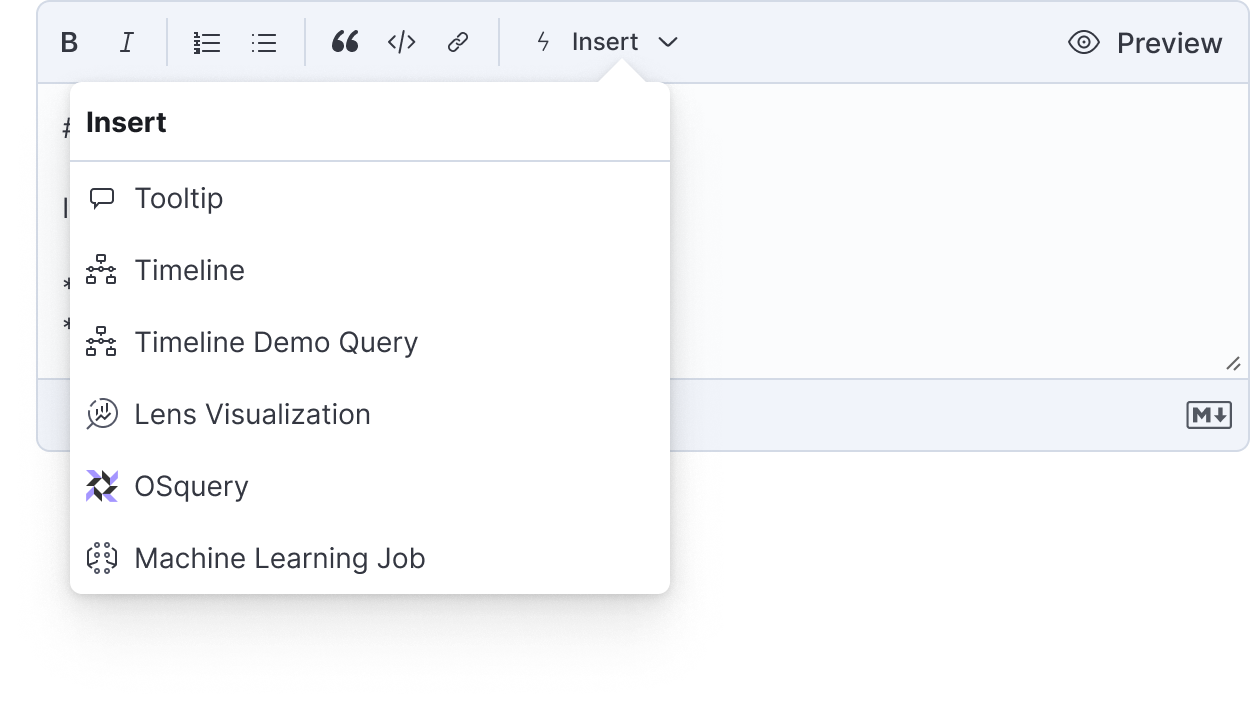
|
@mdefazio that looks great, but seems like that would best be implemented in the markdown editor toolbar code directly https://github.com/elastic/eui/blob/main/src/components/markdown_editor/markdown_editor_toolbar.tsx . Would be confusing and needlessly difficult to expect consumers of the markdown editor to manage 1 global ui plugin (the Insert button) and have that interact with multiple sub ui plugins, processing/parsing plugins, etc. |
|
My 2c: my strong preference at EUI's level would be to give you the ability to create a dropdown menu of options like Defazio's screenshot. I think it's significantly better UX, especially for actions that aren't the standard text edit buttons that most folks are used to.
Ideally you wouldn't need to "manage" it - the simplest option could be to pass in the same |
|
@cee-chen ya that would work, or have a type parameter for UI plugins, and eui will automatically add all plugins of the same type to a menu for that type, just in case we end up with more categories than the default + 'Insert'. As long as the 1:1:1 relationship of ui/processing/parsing is maintained, all should be good. Re: this pr, probably makes sense to allow a ui plugin to pass either the name of an icon, or just an svg/React element to use instead. For 8.7 though it seems easiest to add the icon like this. |
|
There are a whole bunch of icons in Eui that are only slightly different from others, for visualization types, documents, filters, even something as trivial as table cell density ha. I'm not sure why there seems to be apprehension to timeline having a 2nd variation. |

|
We have a number of icons with slight variations, so it is a bit difficult for making a case to not add this one. That aside, I do question whether there is enough visual difference in the proposed glyph design. Also, it does have some inconsistencies when compared to the existing My suggestion would be to explore a couple of additional options/tweaks. This approach is in line with historical precedent, as well. If nobody else has availability, then I can try and whip up a couple myself. |
|
Hey all, I explored a few options and have come back with this arrow-in-circle approach, below. I feel this - especially at smaller sizes - will better differentiate the two timeline icons. This filled circle inset is also an existing pattern we have used elsewhere within other familial sets of icons. Let me know what you think and I can update this PR.
|
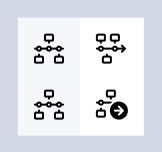
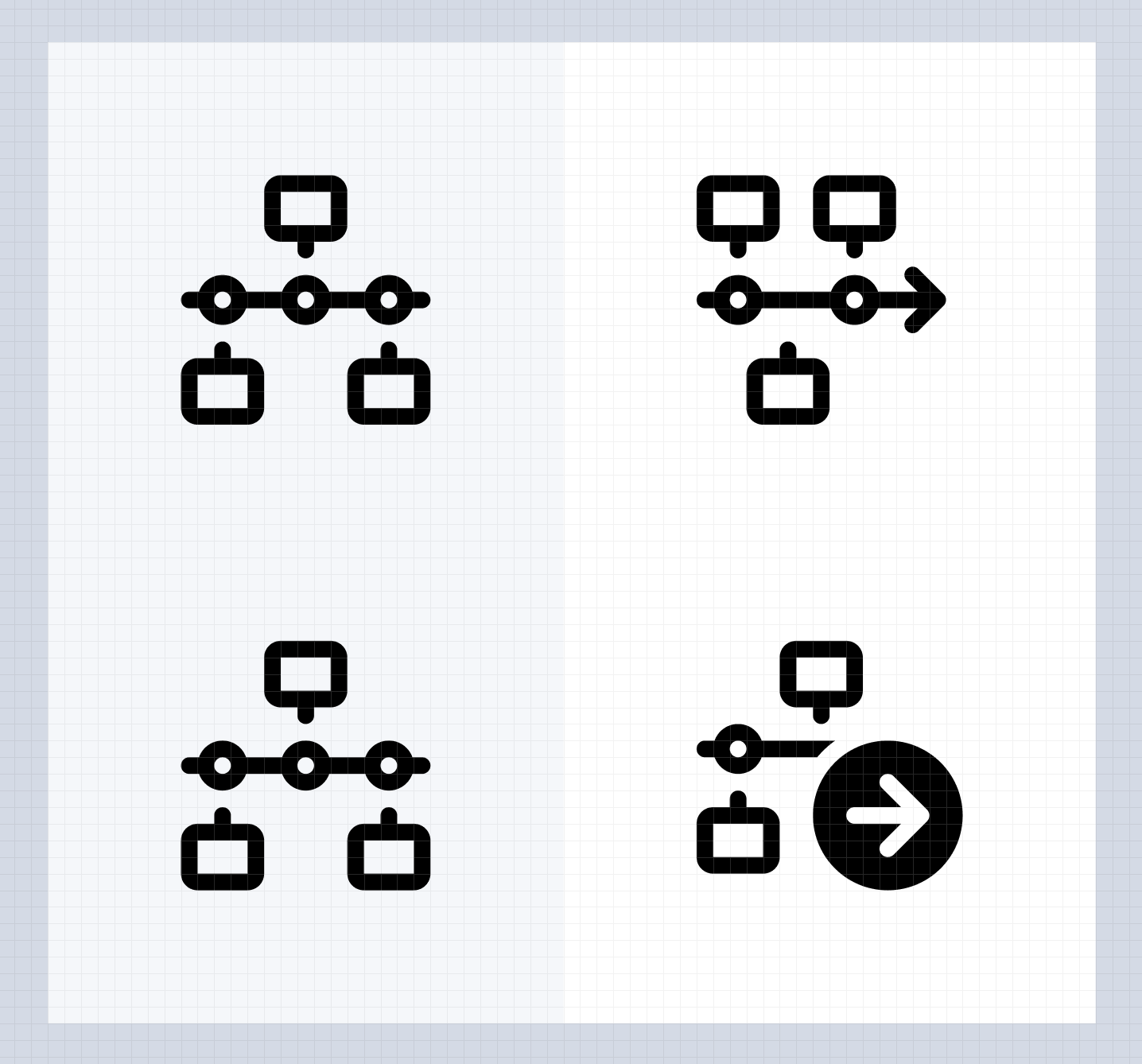
|
@kqualters-elastic does this work for you? |
|
@ryankeairns ya they look great, but i thought the same about the other icon 😂 i would defer to @r4zr32d3k1l and @paulewing , if they like it lgtm 👍 |

|
I like the @ryankeairns Rayans version of an icon (with an arrow). But I would like to suggest another solution. I think if we have such a problem with an icon, it's a clear sign that we are doing something wrong. Let me explain my thoughts and take a visualization as an example. Right now you can add a new visualization or select an existing one from a list. So basically we have two actions, but we are using one visualization icon to enter the menu with all actions that belong to visualization. Following this logic, I would suggest to use one icon for a timeline and add generate timeline action from a timeline popup. Of course I’m not as deep in the topic as @paulewing and I would like it if he would decide what to do in this situation. P.S. Also, all those things such as timeline, visualization, osquery, etc. look like separate actions and can be equal to a comment and not be just an icon in markdown edit. |
|
Hearing no further updates, I presume another path was chosen. Closing this; feel free to re-open if that is not a true statement. |

|
It wasn't, it was just OnWeek. I don't like the suggestion for making it one popover for a number of reasons; 1) It breaks the current paradigm of having 1 ui plugin used with 1 processing plugin used with 1 parsing plugin that is used everywhere else 2) The feature itself is not heavily coupled to the concept of timelines, that is just the preferred investigatory workflow in the security solution. What the feature actually is is more just a set of filters, just like are used in discover and other places in kibana, defined in markdown, used to make a query and display a result count in the markdown, and a link to view the full result. In security solution today that is timeline, in the future that could be discover or any other place in kibana that renders an elasticsearch query result. Does not make sense to do additional work to cognitively tie this feature to timelines when that's not really what it is, in my opinion. |
|
@ryankeairns Can you open a new icon PR with the below arrow? 
|
New PR here: #6822 |
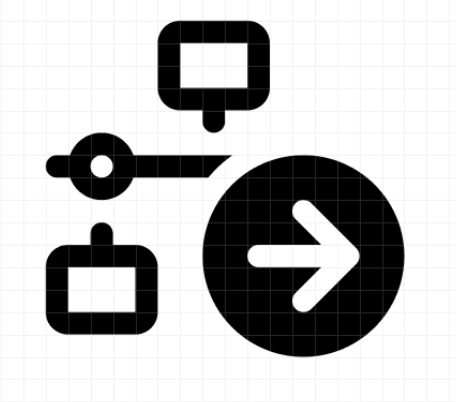
6 participants


Summary
Use Case
A second timeline related action was added to the markdown editor used in the security solution, and so a variation of the existing timeline icon was needed, as the existing timeline icon is used by a markdown plugin that generates links to saved timelines, this new icon will build a query dynamically using data from the alert.
Screenshots
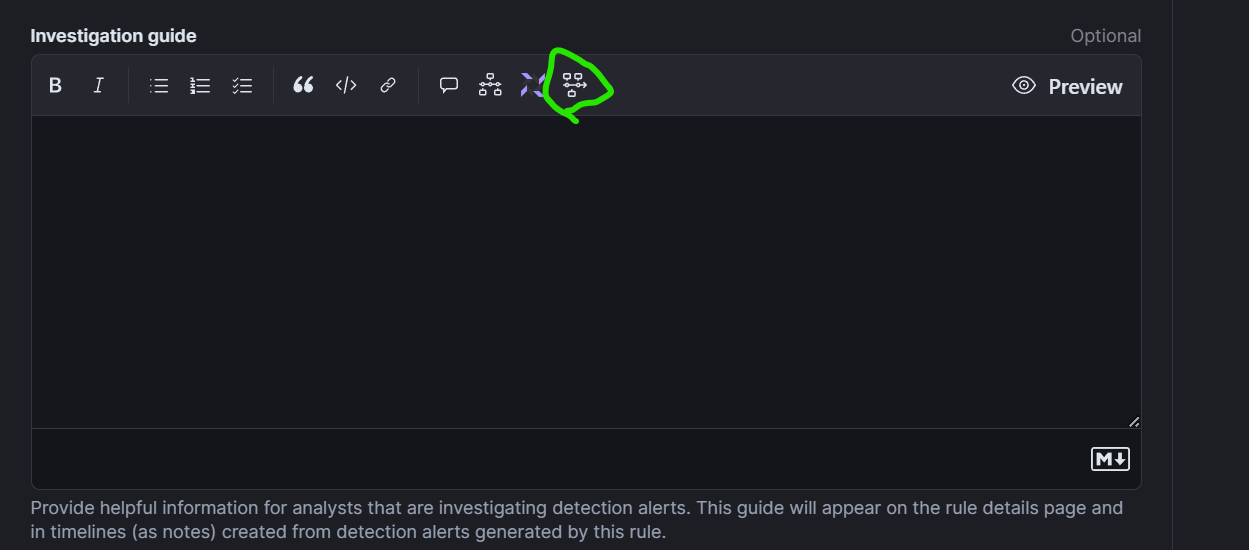
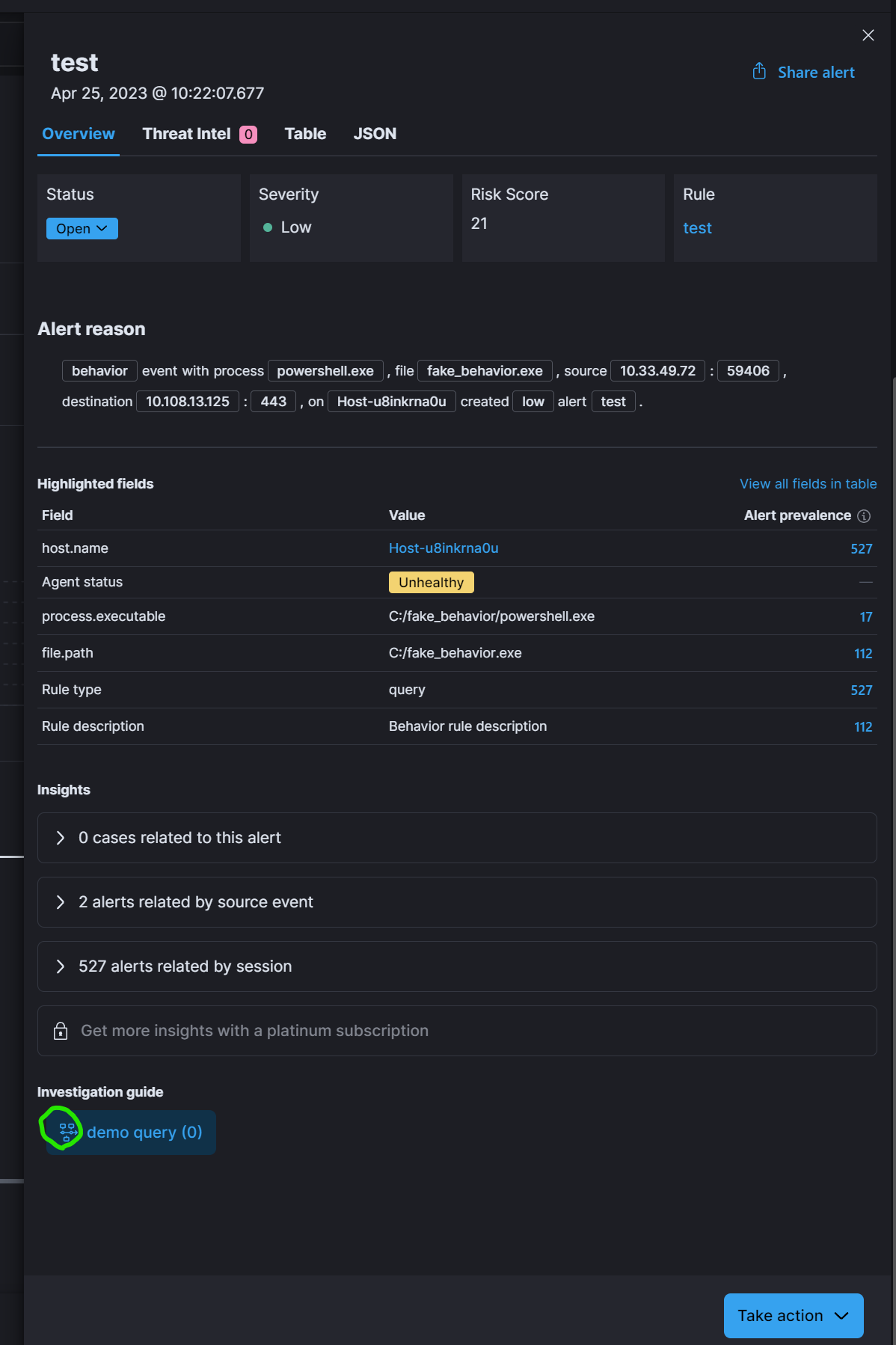
QA
Remove or strikethrough items that do not apply to your PR.
General checklist
@defaultif default values are missing) and playground toggles