[WIP] Custom Status Mobile UI #1176
Conversation


|
This pull request introduces 1 alert when merging 61de50c into 0ea0dc2 - view on LGTM.com new alerts:
|
|
Things that need to be figured out:
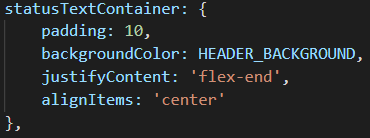
Should I use the header background color here? Instead of the custom color I picked above? Maybe there's a better color to put there.... |
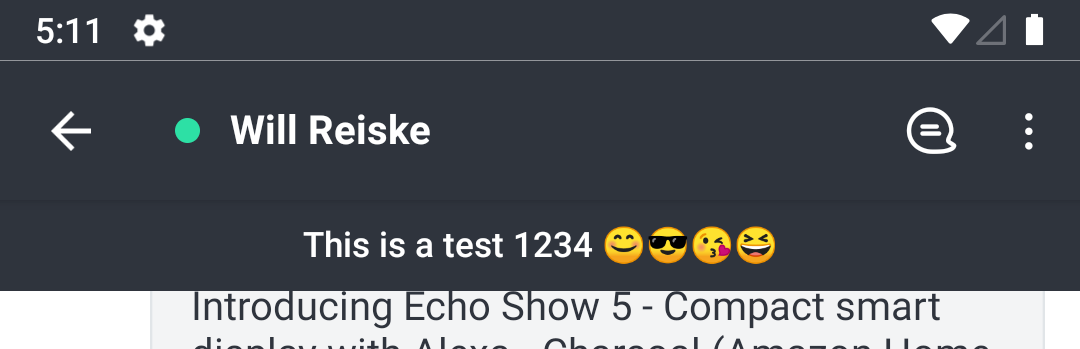
|
This pull request introduces 1 alert when merging f90b76f into 0ea0dc2 - view on LGTM.com new alerts:
|

app/views/RoomView/index.js
Outdated
| return ( | ||
| <SafeAreaView style={styles.container} testID='room-view' forceInset={{ vertical: 'never' }}> | ||
| <StatusBar /> | ||
| {this.t === 'd' && user && user.statusText ? ( |

There was a problem hiding this comment.
create a function like a renderStatusText() :)
|
I have a strict deadline that I must hit this week, so it will be later in the week before I will have time to mess with this again. If anyone wants to take a stab at it, go ahead. It'll be Thursday or Friday before I go at it again. Thanks! |


|
@wreiske @diegolmello @djorkaeffalexandre Hello, I would like to show my work on this feature. I used all the code that @wreiske had written to implement the above mentioned feature. Most of the work was already done. I added my code to solve the 3 issues mentioned above, added change status modal and added theme support and resolved the conflicts. Also I thought it would be better not to show status text at the top of the room view, so I removed it but it can be added again if needed. The gif is shown below. Does it look fine?
|
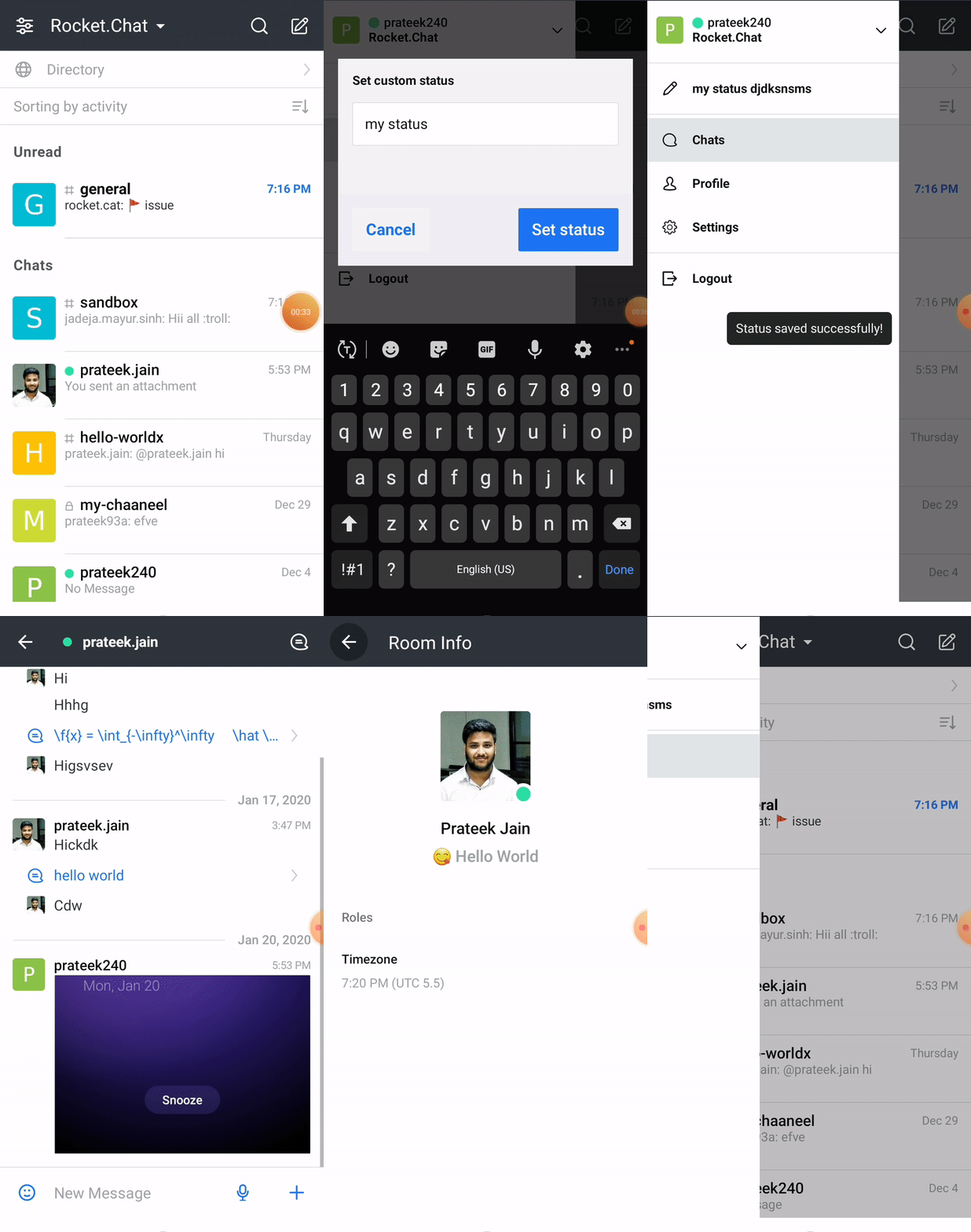
|
@Prateek93a Thanks for updating and fixing the issues described above. Can you open a pull request to merge into wreiske:custom-status-ui? I will look at the changes and merge them into this PR. I would rather (IMO) see the status on the room view if it's a direct message, there's room there to have it, so why not show it? People aren't going to click into user's profiles to see their status -- but they will see it if it's in the room header. |
|
@wreiske Yes you are right. Now I get it, status should be visible on the room view as well so that people can see it otherwise not everyone will look into the room info to see status. Thanks. |
|
That would work, yes. I will review it in the next 2 business days and get it merged in. That will update this PR. |
|
I tried to do that. First I tried to fork your repo but github gave message that I already had a forked repo of Rocket.Chat.ReactNative.Then I tried to directly raise Pr to your forked repo, but that gave access denied error. |
|
I created a PR. It should automatically update as you push changes to your branch. |
|
Ok Thanks |
|
@Prateek93a if you can take a look at why the status modal isn't refreshing the latest status, that'd be great. thanks!
|
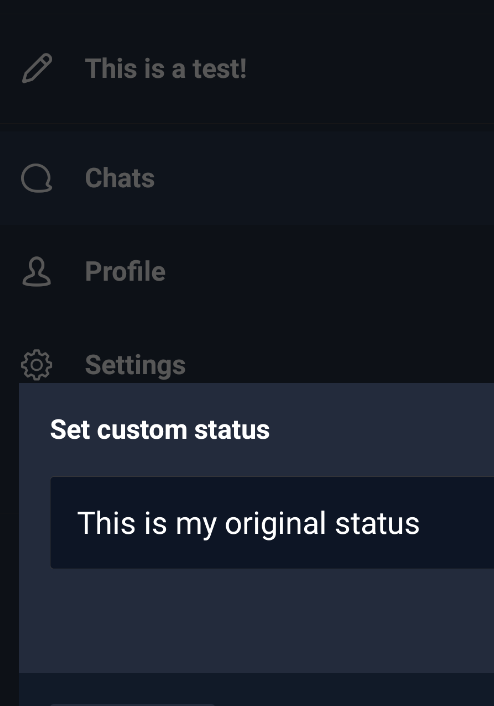
|
@wreiske Yes, surely. I will try to fix by tomorrow . |
Also, the original bugs still exist... The status message does not refresh in the mobile app when changed on desktop. You have to click out of the room and click back in to see the change.
It also looks like this introduced some bugs. When there is no status message, the status bar shouldn't be displayed in a DM. The status also doesn't refresh in the user profile:
Thanks for all the help! |
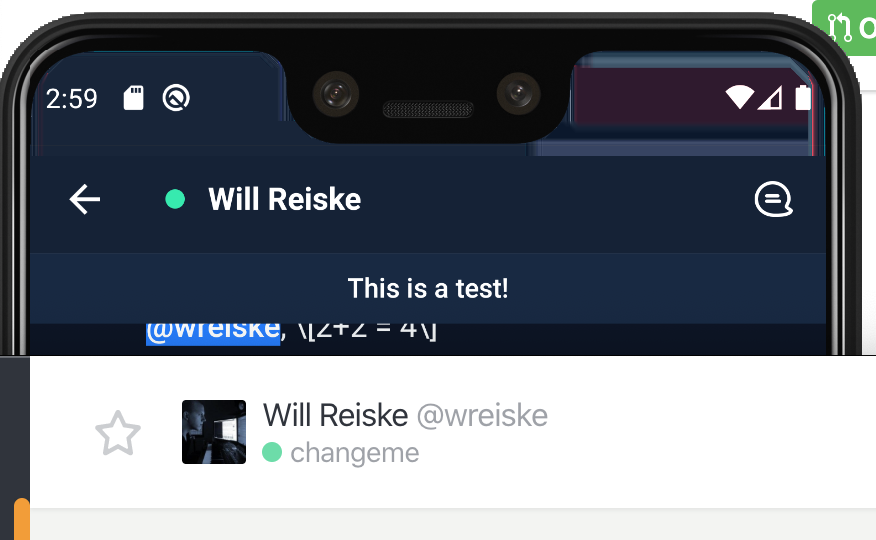
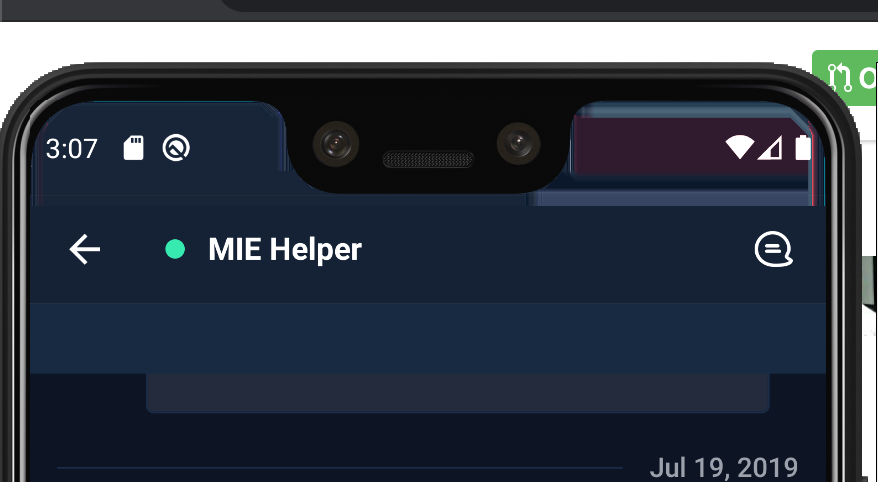
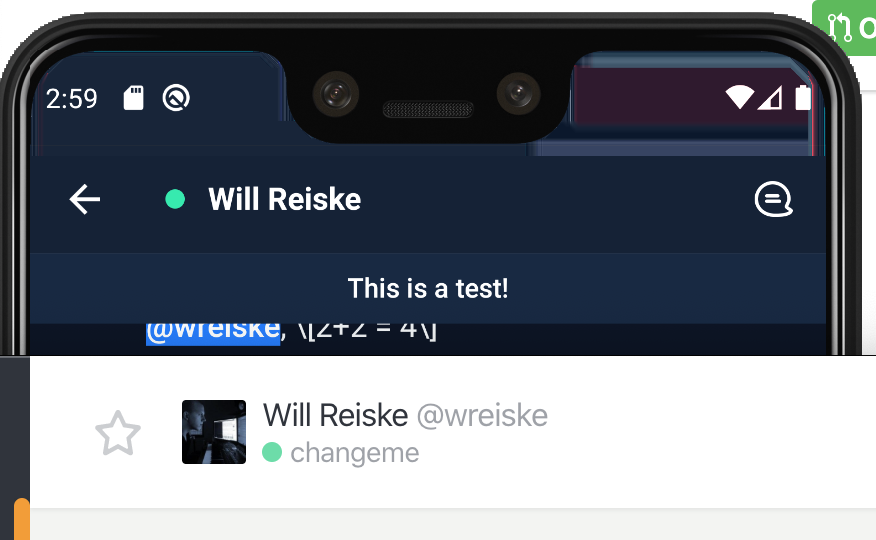
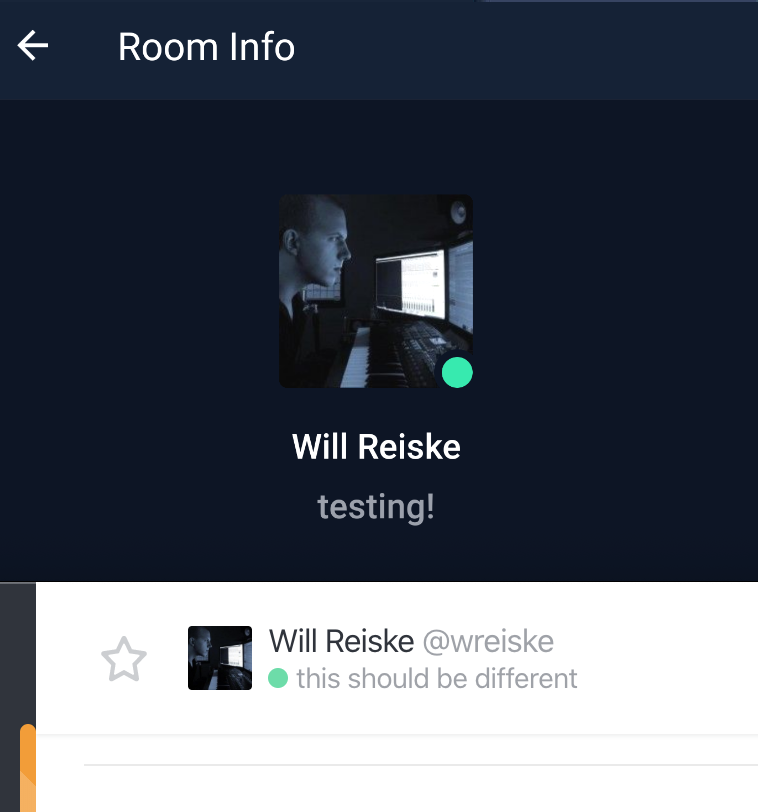
|
Ok I will look into the bug, and also make the changes that you suggested. |
@wreiske I have fixed the above bug, and also added the code to hide the status text bar when there is no status. Now I am working on the last bug where the room status was not getting updated. Also I tried pushing my commits, but for that I had to pull the changes first. But when I pulled, the code was still having duplicates, and fixed color. I am not sure why this happened. So shall I remove them and then push the commits? |
|
It may be best to fork my repo, edit the custom status ui branch, and then make a pull request back. If you fork my repo on the branch this PR is, it shouldn't have any duplicates. That way you run another PR to my fork, I'll review and test, and then merge it and this PR will update. |
|
Actually I tried to do that but since I already have a forked this repo, so I am not able to fork your repo. |

4 participants


@RocketChat/ReactNative
This is a work in progress. Any help is greatly appreciated!
Here are some sample images so far: