test(web-shell): add mermaid, split-view + sidebar visual scenarios - #6964
Conversation



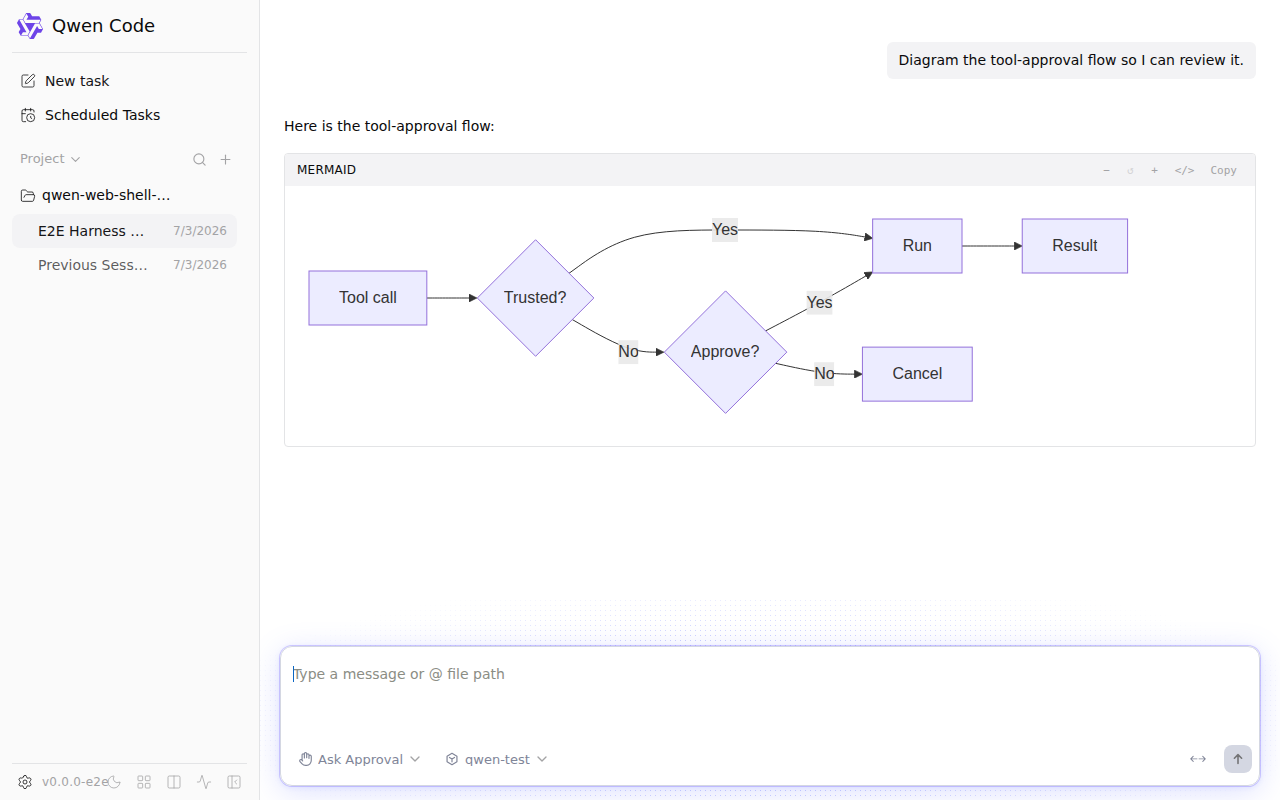
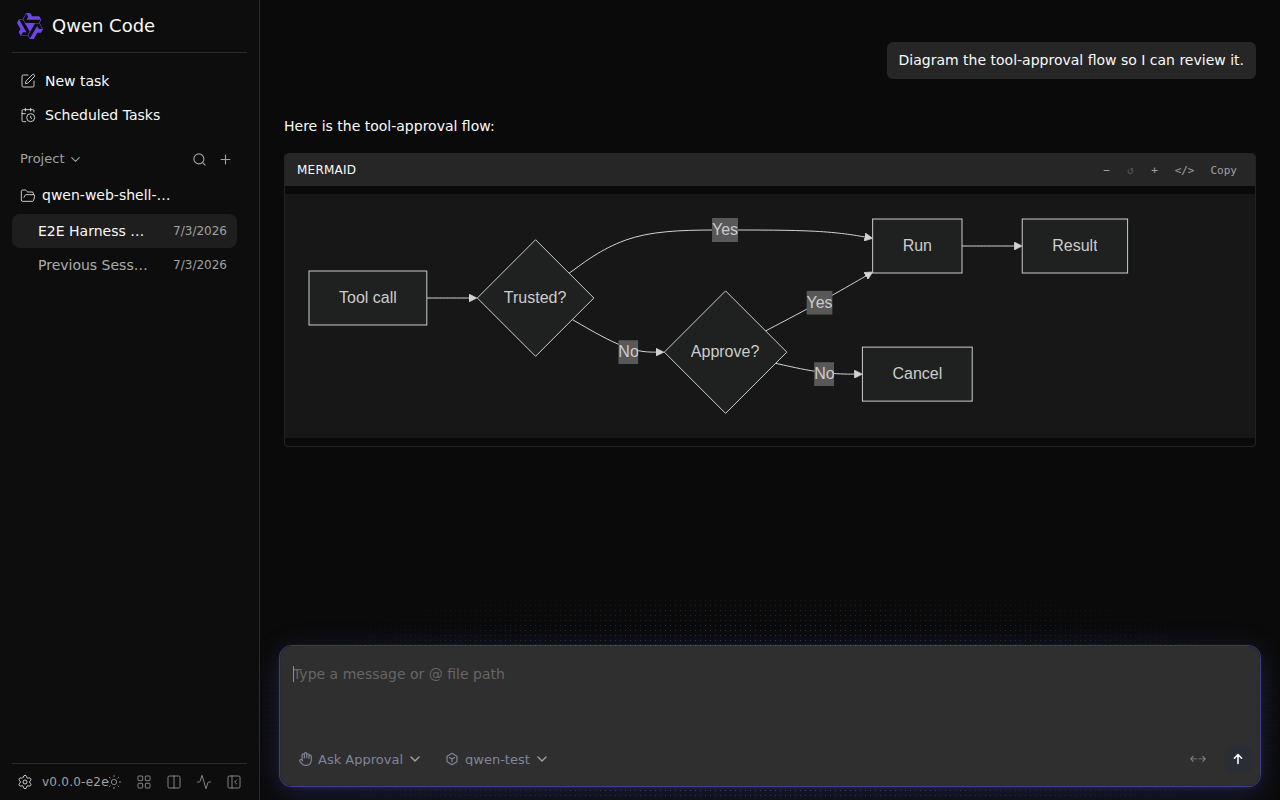
Add a `mermaid diagram` scenario to the visuals suite so the preview
covers the Mermaid rendering surface — an assistant message with a
mermaid fenced flowchart. It renders the real MermaidBlock (async
mermaid import, injected <svg>) in light and dark, waiting on the
rendered SVG so the capture is never the "rendering…" placeholder.

This is the surface the diagram zoom/pan work (#6881) enriches, so once
the before/after preview lands it gives that PR a real before/after
target instead of an unrelated canned screenshot.

|
Thanks for the PR! Template looks good ✓ — all required sections present, including bilingual 中文说明. Problem: Observed gap, not theoretical. The web-shell visuals suite had only five original canned views, so the mermaid rendering (#6881), split-pane maximize (#6951), and sidebar attention pills (#6956) had no visual regression coverage. This is a real testing blind spot. Direction: Aligned — test infrastructure for recently shipped UI features. No CHANGELOG entry needed (this is test tooling, not user-facing behavior). Size: 1 file changed, 176 additions, 0 deletions. All test code ( Approach: Focused and minimal — three scenarios added to the existing spec file, reusing all existing harness helpers. No scope creep, no drive-by changes. The split-view test nicely covers the full lifecycle (tiled → maximize → restore) in one scenario. Moving on to code review. 🔍 中文说明感谢贡献! 模板完整 ✓ 问题: 已观测到的覆盖缺口——视觉套件此前只有五个场景,mermaid 渲染、分屏最大化、侧栏注意力徽章均无视觉回归覆盖。 方向: 对齐——为近期上线的 UI 功能补充测试基础设施。 规模: 1 个文件,176 行新增,0 行删除。全部为测试代码( 方案: 聚焦且最小化——在现有 spec 文件中添加三个场景,复用全部现有 harness 工具函数。无范围蔓延。 进入代码审查 🔍 — Qwen Code · qwen3.7-max Reviewed at |
|
Code review — clean. One file, 176 lines of test code that follows the existing spec patterns exactly. No concerns. A few things worth noting:
CI evidence (2b): The Unit tests (ubuntu): all passing (14m47s). Coverage report posted by bot. No blockers, no suggestions. This is ready. 中文说明代码审查——通过。 一个文件,176 行测试代码,完全遵循现有 spec 模式。无问题。 几个值得注意的点:
CI 证据: 无阻塞,无建议。可以合入。 — Qwen Code · qwen3.7-max Reviewed at |
|
Confidence: 5/5 Three well-structured visual test scenarios that fill a real coverage gap in the web-shell visuals suite. The code follows existing patterns exactly, reuses all the right helpers, and every capture uses deterministic settle signals rather than arbitrary waits. The author already addressed two cosmetic improvements (pane-neutral copy, mermaid node labels) that make the screenshots read better. CI confirms: 19/19 visual tests pass with zero retries, all PNGs captured. Unit tests green across all platforms. Verdict: LGTM — approving. ✅ 中文说明置信度:5/5 三个结构良好的视觉测试场景,填补了 web-shell 视觉套件的真实覆盖缺口。代码完全遵循现有模式,复用了所有正确的 helper,每次截图都使用确定性 settle 信号。作者已处理了两个改进(pane 无关文案、mermaid 节点标签),使截图更易读。 CI 确认:19/19 视觉测试通过,零重试。全平台单元测试绿色。 结论:LGTM——批准。 ✅ — Qwen Code · qwen3.7-max Reviewed at |

 qwen-code-ci-bot
left a comment
qwen-code-ci-bot
left a comment
qwen-code-ci-bot
left a comment
There was a problem hiding this comment.
LGTM, looks ready to ship. ✅
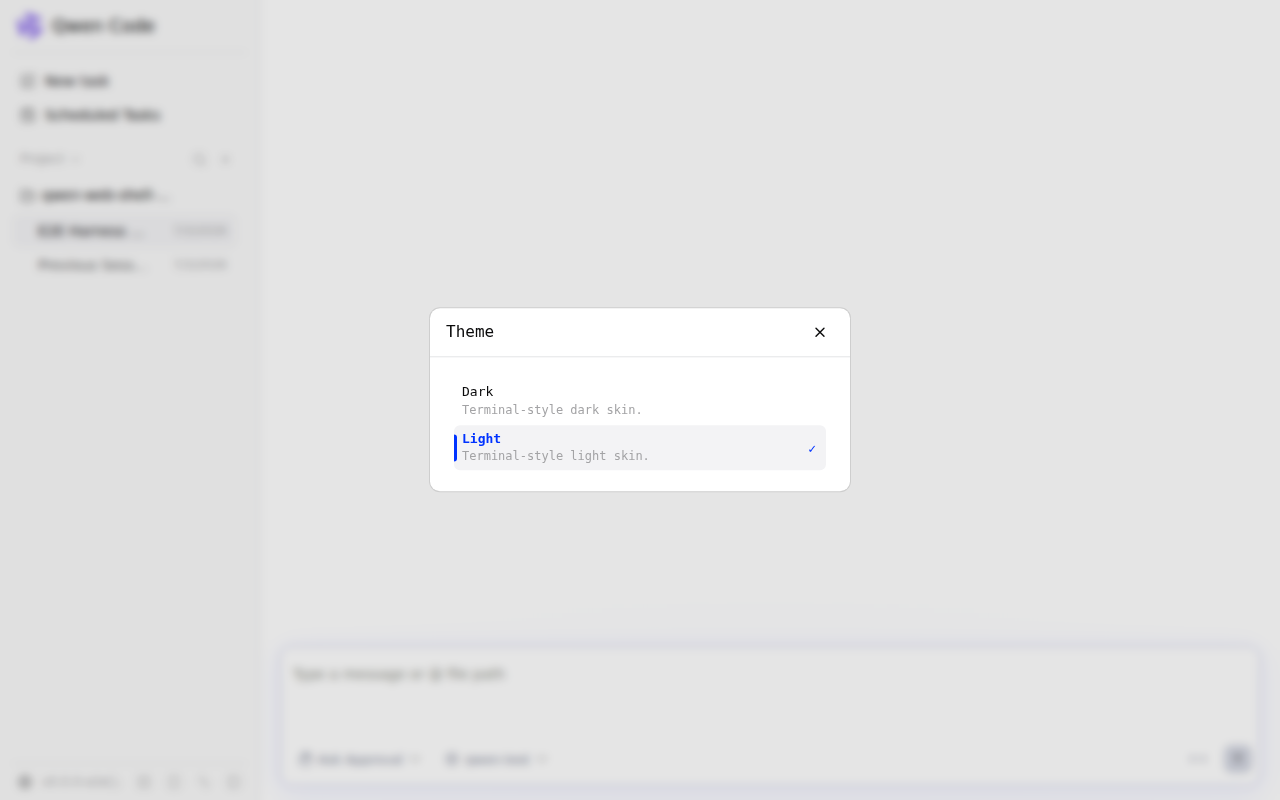
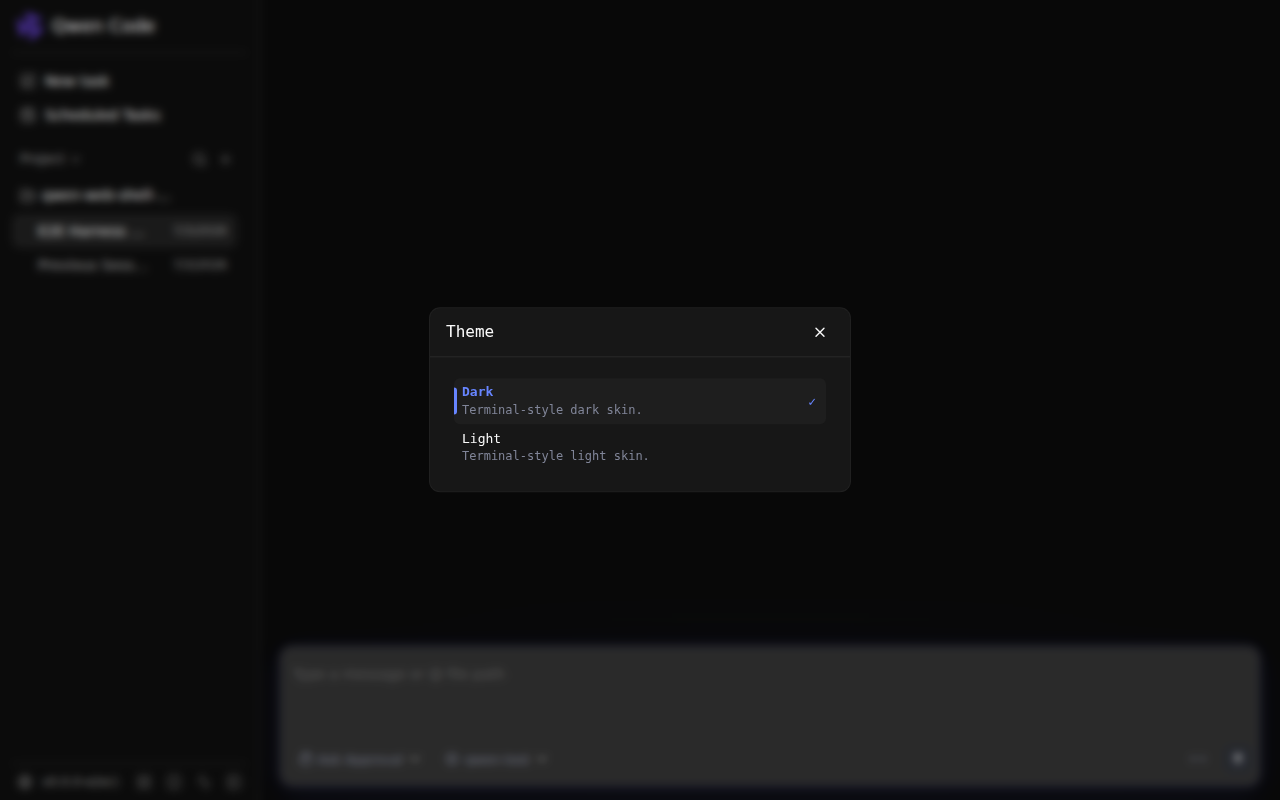
🖼️ web-shell visual previewAuto-rendered from this PR head Screenshots · light / dark
Full-resolution recordings (.webm) are attached to the workflow run. — Qwen Code · web-shell visuals |
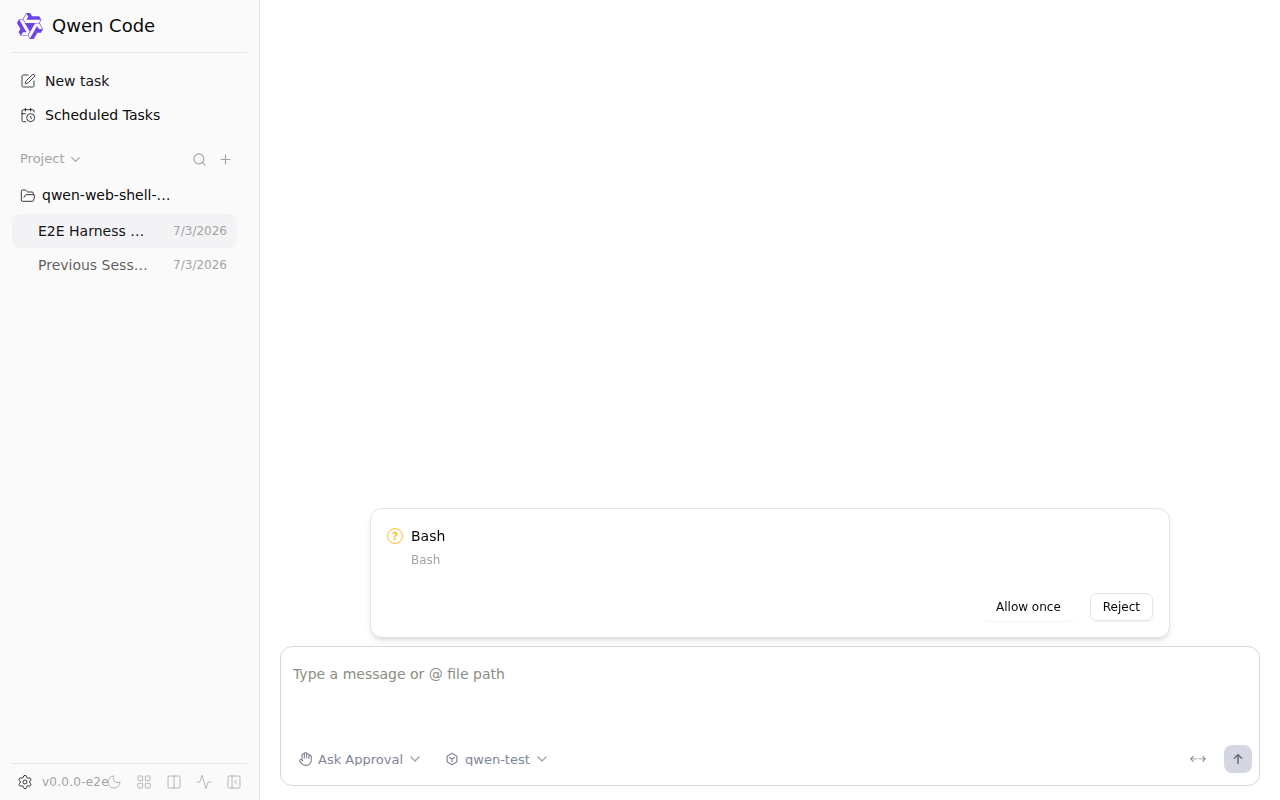
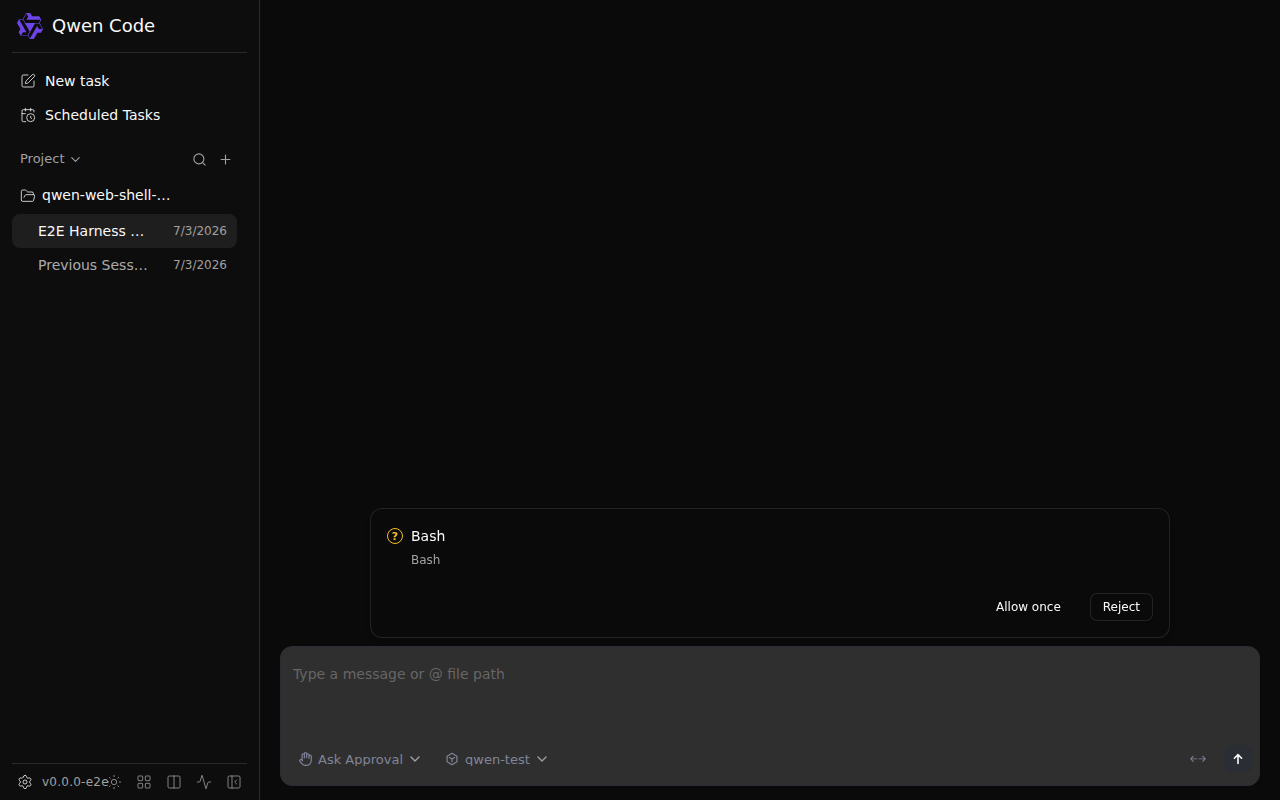
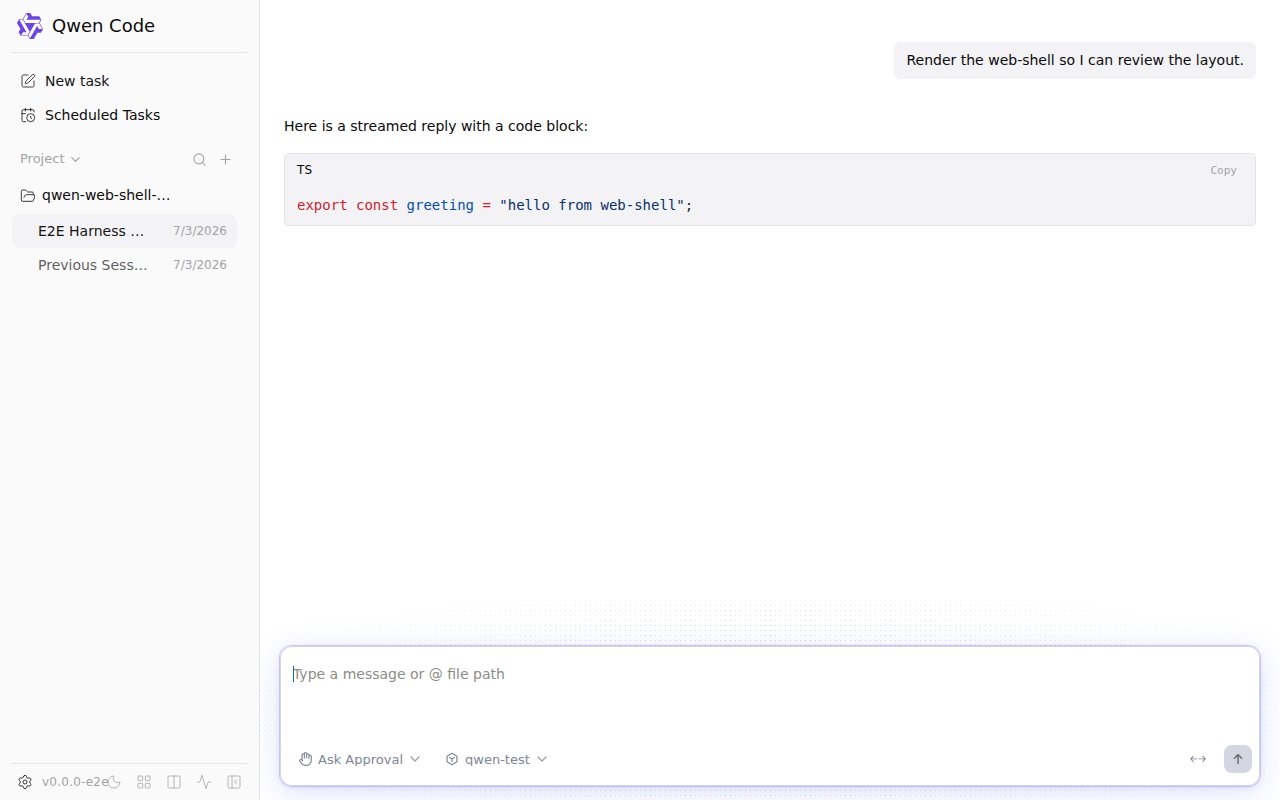
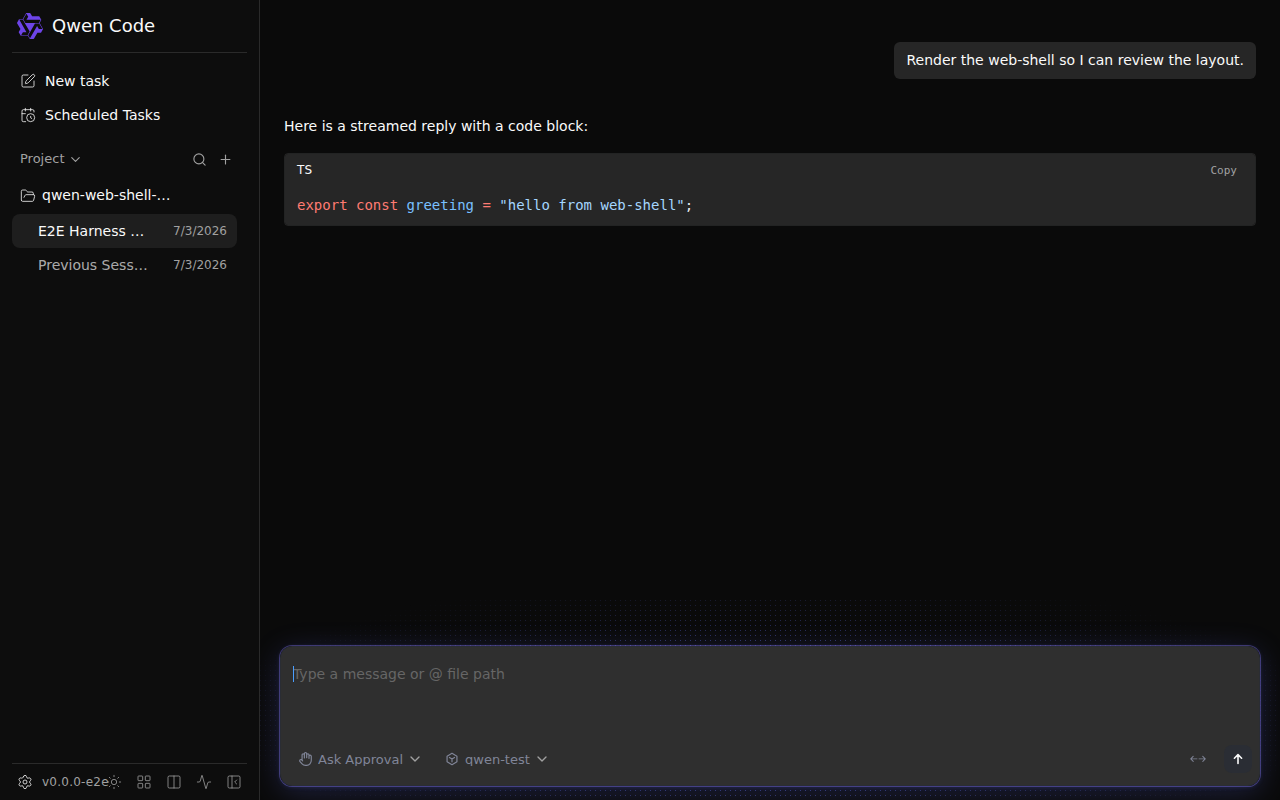
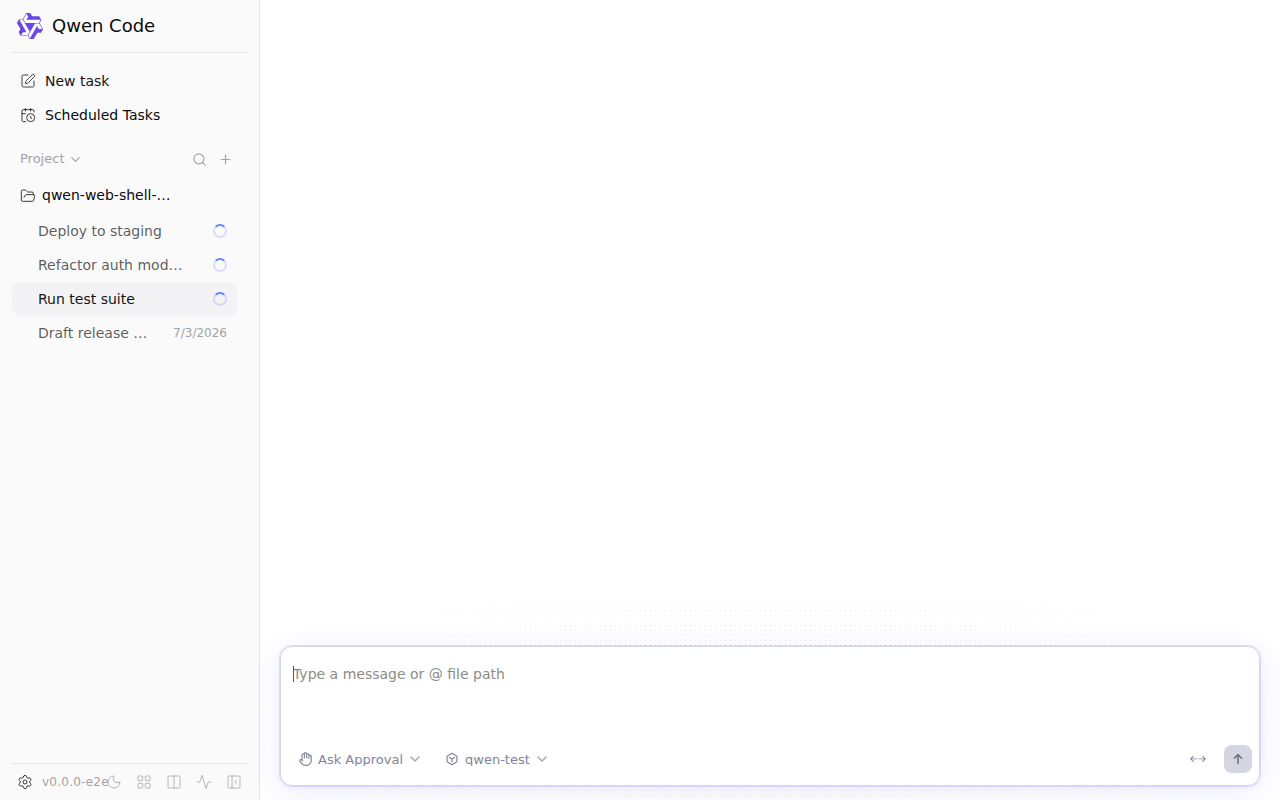
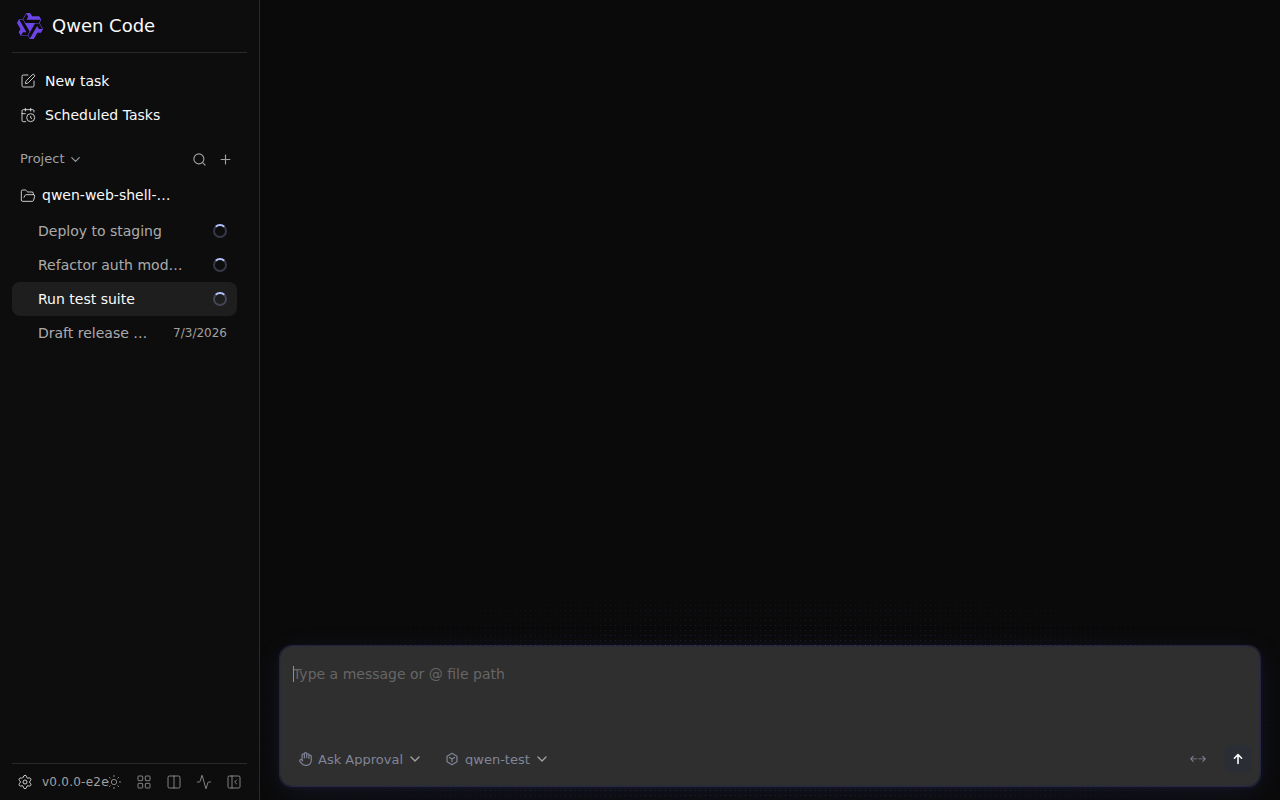
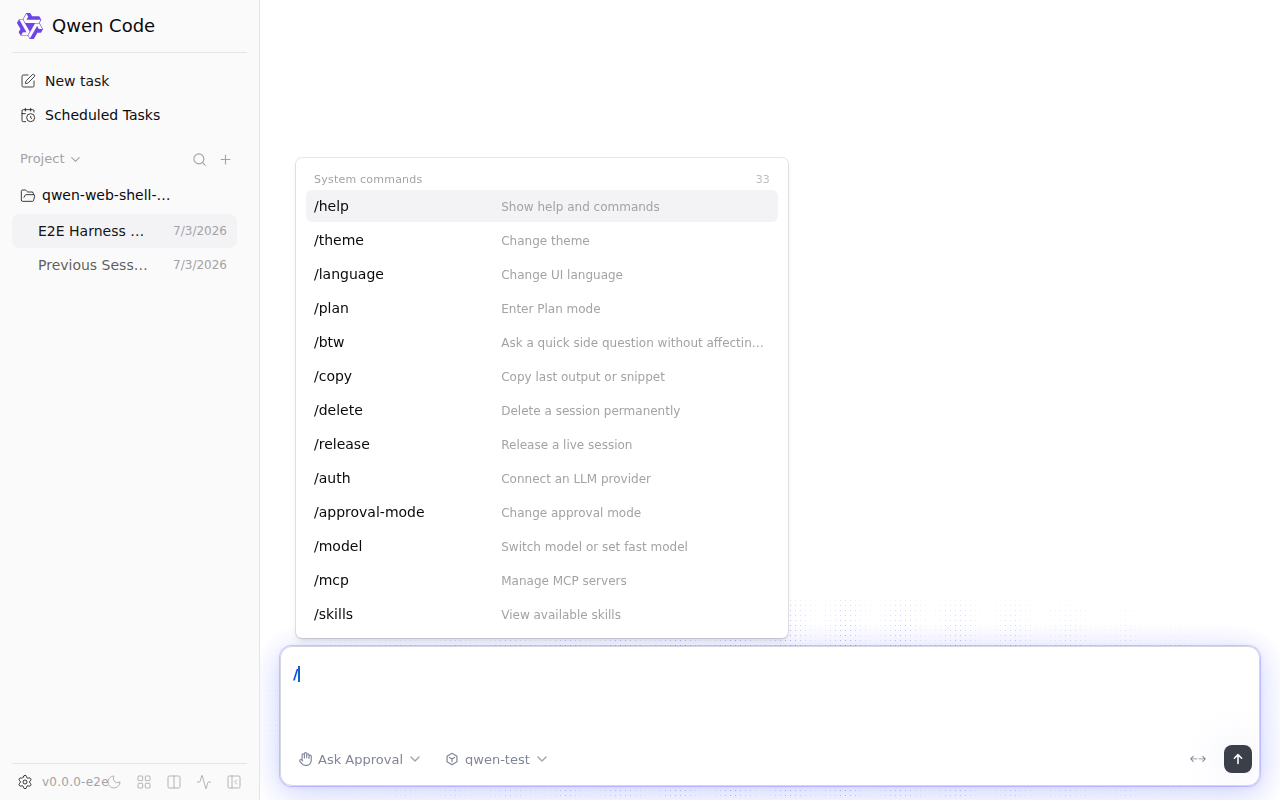
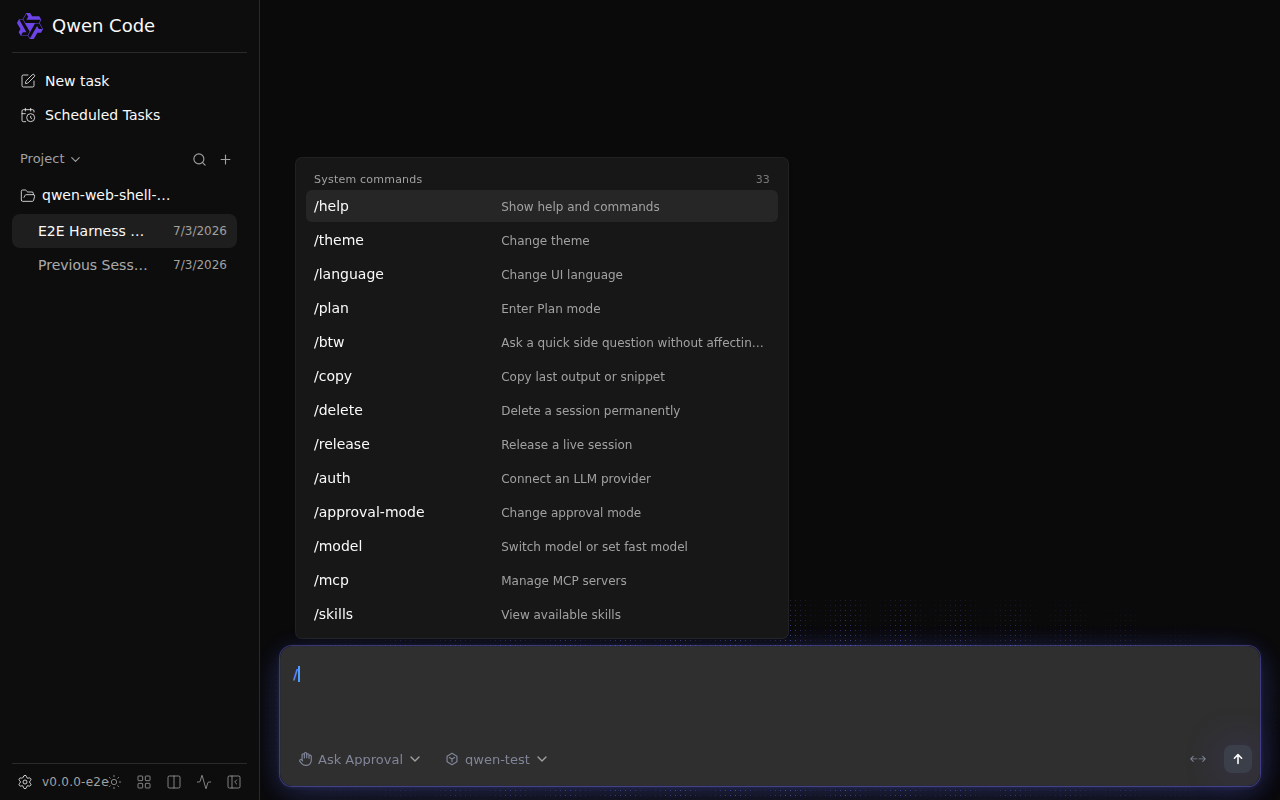
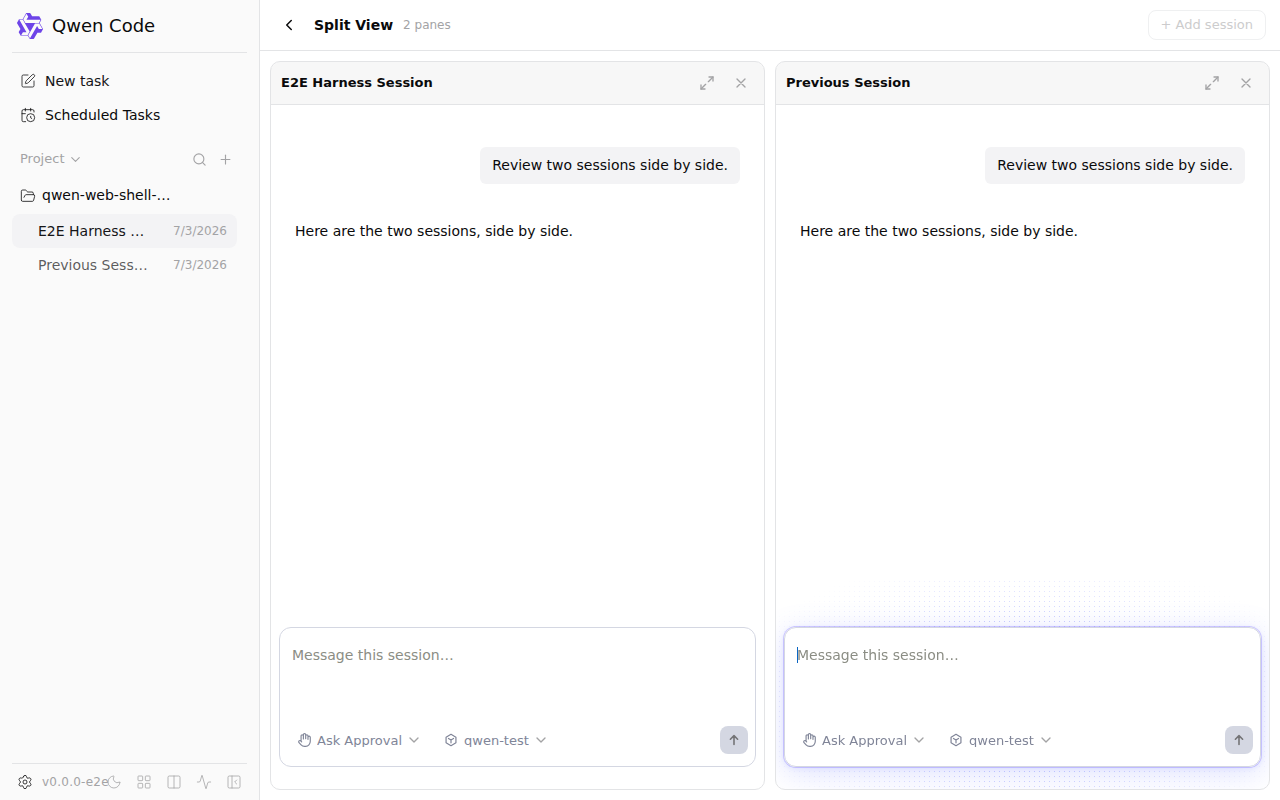
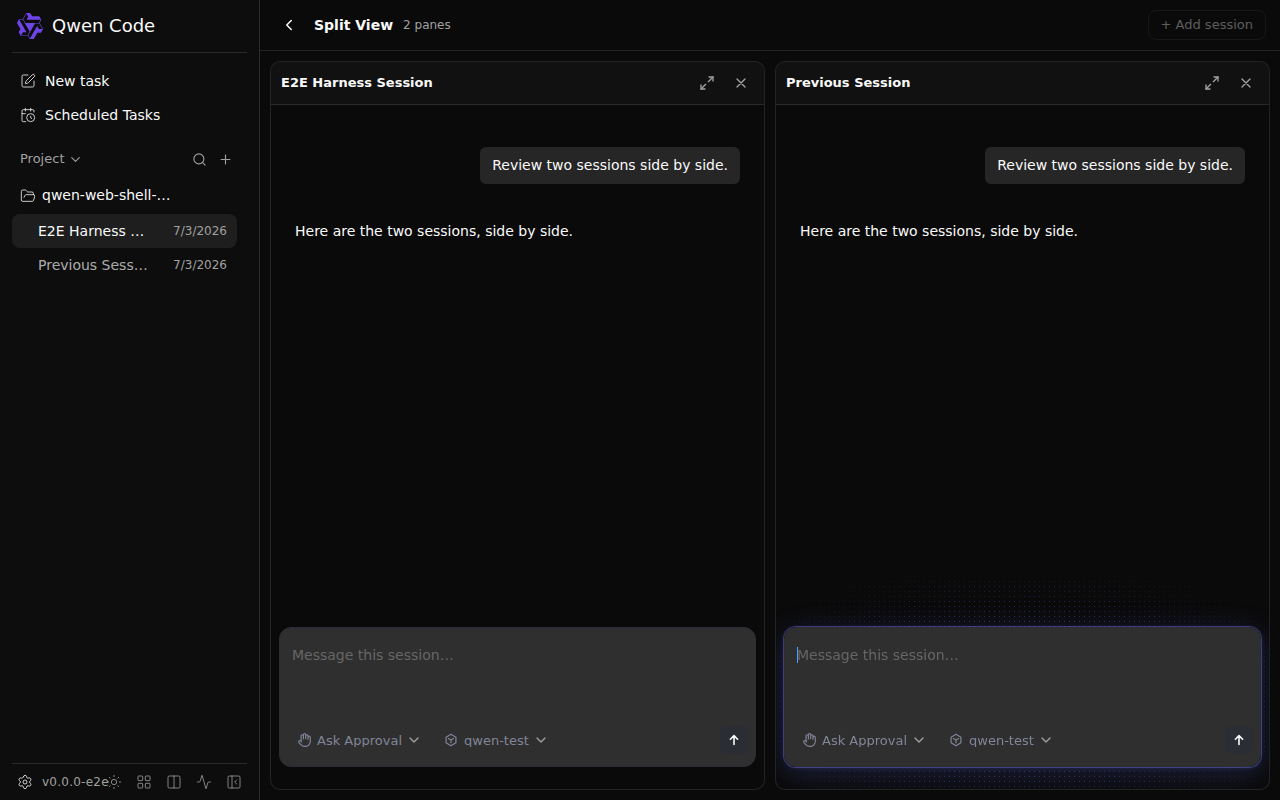
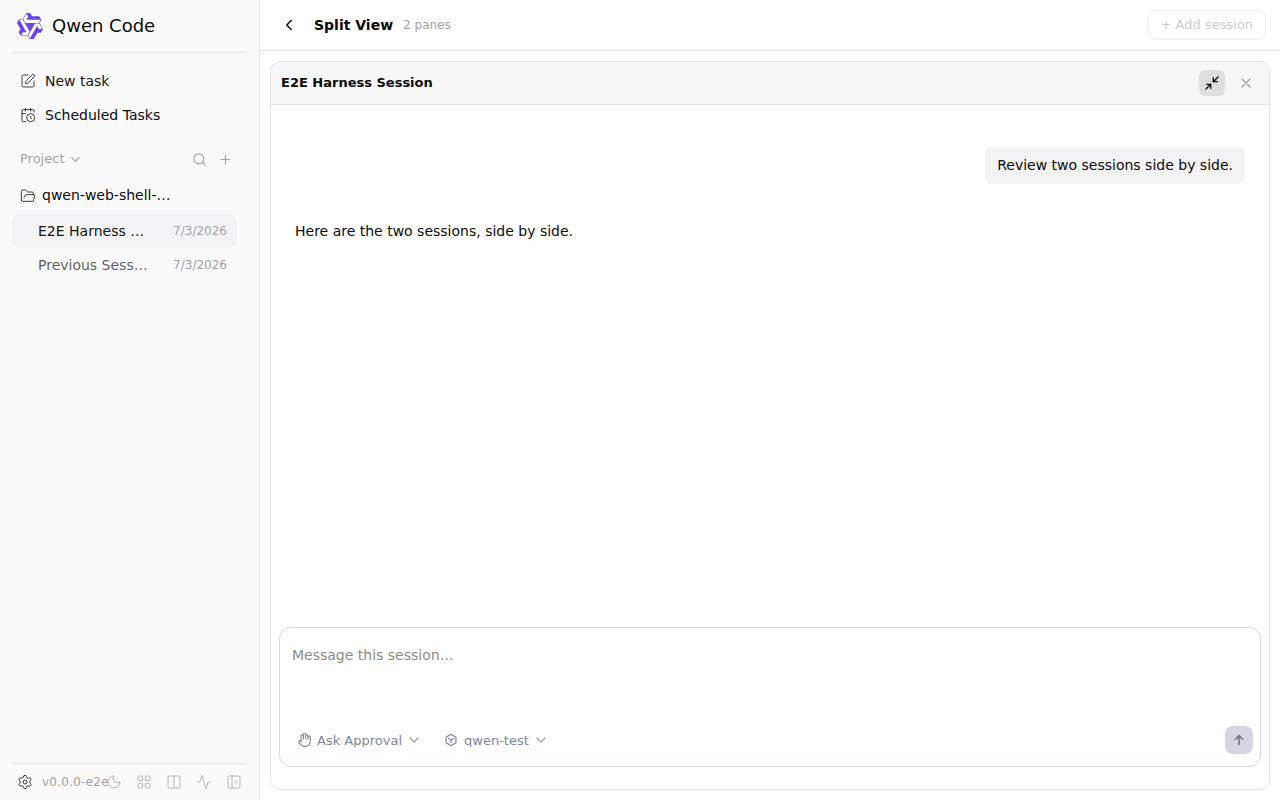
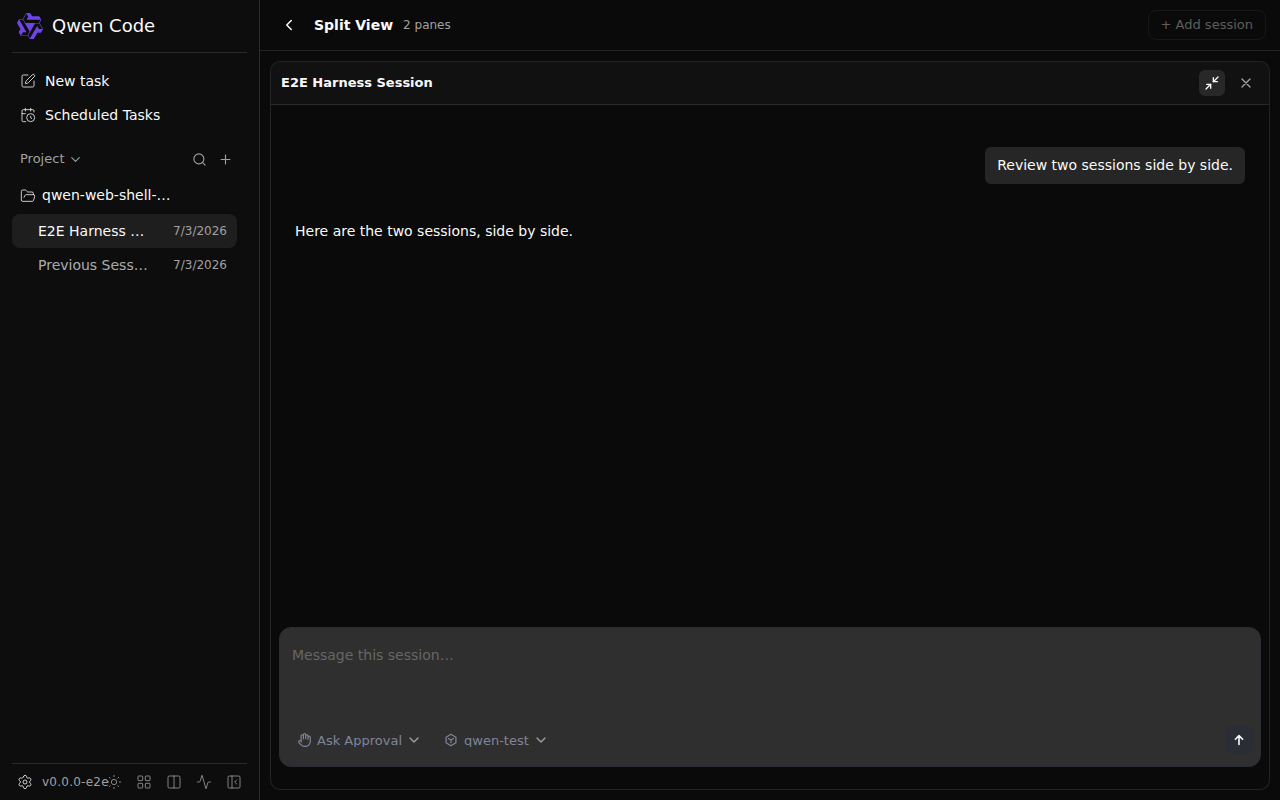

Code Coverage Summary
CLI Package - Full Text ReportCore Package - Full Text ReportFor detailed HTML reports, please see the 'coverage-reports-22.x-ubuntu-latest' artifact from the main CI run. |
qwen-code-ci-bot
left a comment
qwen-code-ci-bot
left a comment
There was a problem hiding this comment.
LGTM, looks ready to ship. ✅
Downgraded from Approve: CI failing (route).
— qwen3.7-max via Qwen Code /review
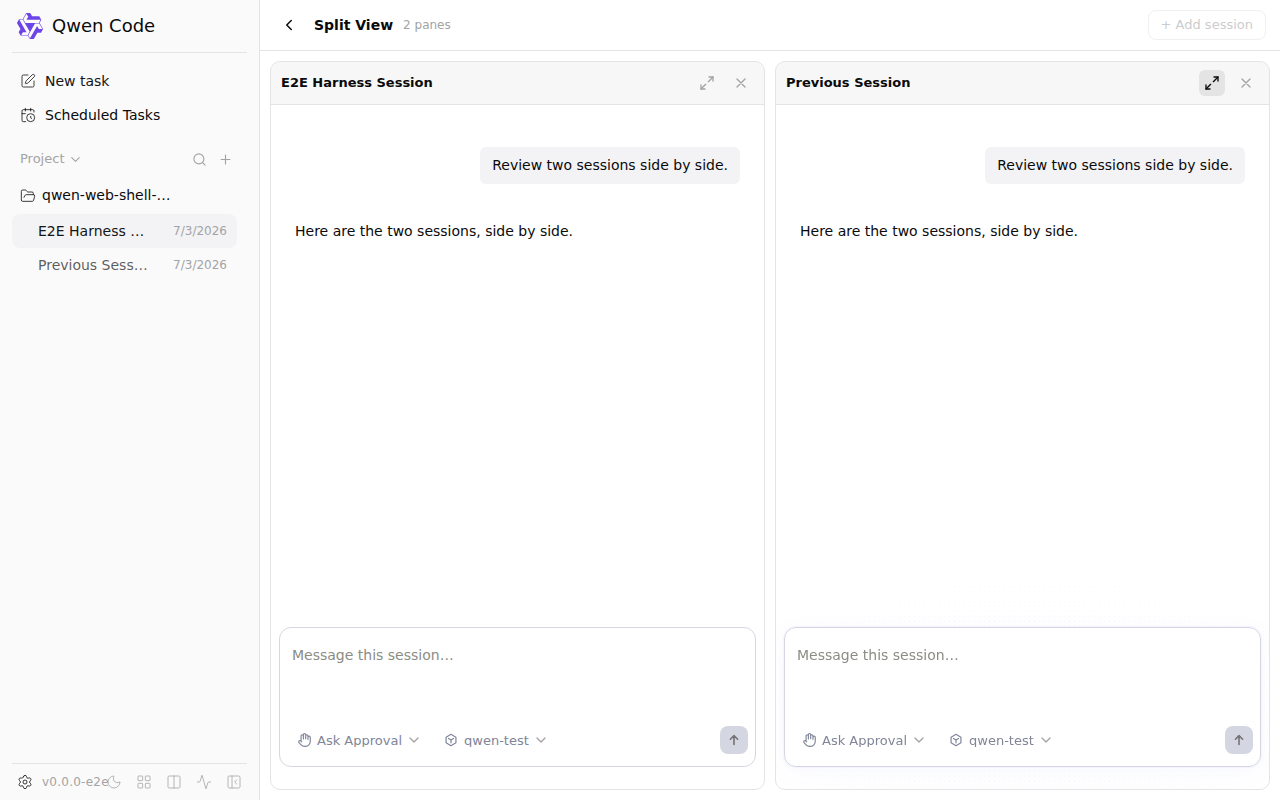
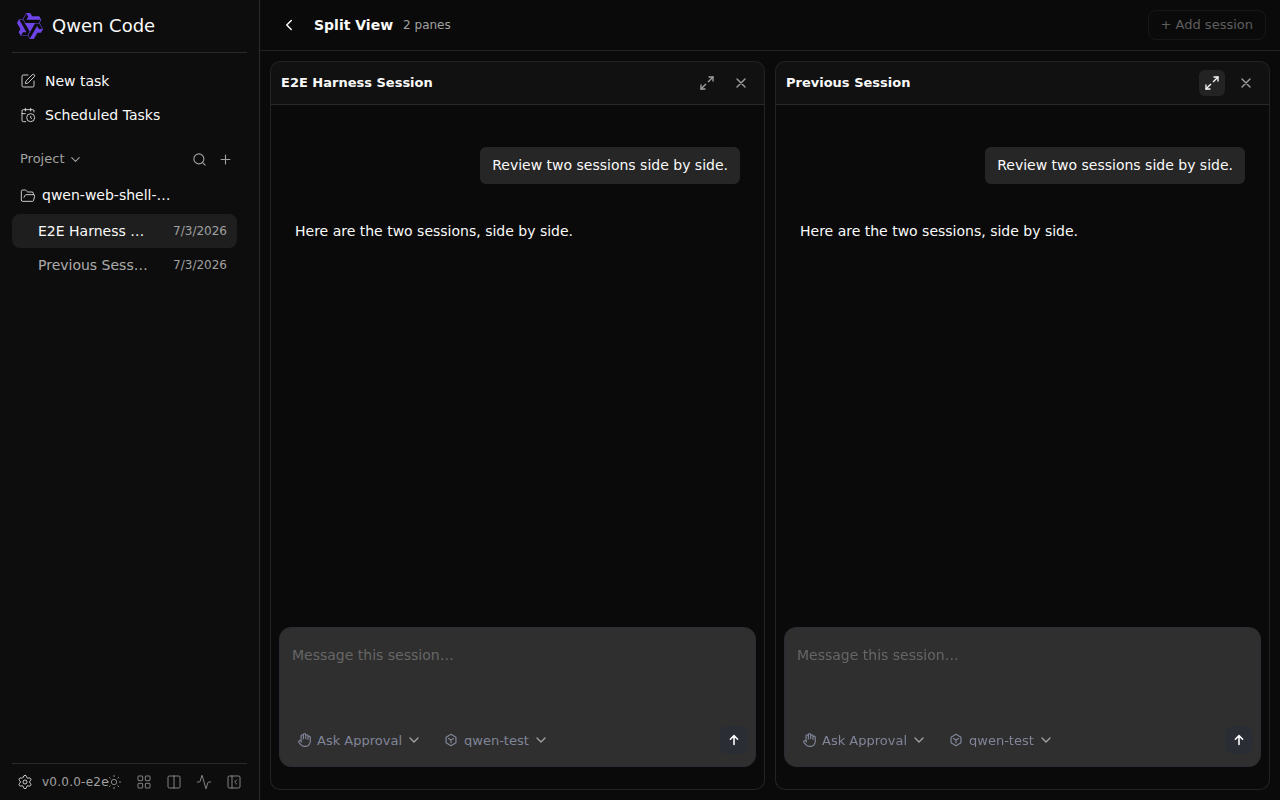
Add a `split view` scenario: enter the two-pane split via the `?split=a,b`
deep link, then maximize one pane (#6951). Captures the tiled state (both
panes, with the maximize controls) and the maximized state (one pane
filling, restore control) in light and dark, driving the real SplitView
against the mock daemon serving two sessions.
 wenshao
changed the title
wenshao
changed the title

Add a `sidebar attention` scenario: four sessions in distinct states —
waiting-on-permission, waiting-on-user-question, running, idle — so the
sidebar renders #6956's "Waiting for approval" / "User input needed"
attention pills. Renders in light and dark; asserts on session names
(present with or without the pills) so the frame is the same shape on
main and the PR, letting the before/after preview surface the pills.
wenshao
changed the title
qwen-code-ci-bot
left a comment
qwen-code-ci-bot
left a comment
There was a problem hiding this comment.
Reviewed. Suggestions are inline. Not reviewed: chunk 1 — no agent reported covering these; nobody read them.
— qwen3.7-max via Qwen Code /review

Review — verified at head
|
…ario list

Addresses a review suggestion: the split view test hardcoded the
'previous-session' id, which only worked because it is in
createWebShellDaemonScenario's default sessions list. Derive the second
pane's session from the scenario's own list instead (and throw a clear
error if absent), so a future rename/removal of that default surfaces as
a self-explaining failure rather than a confusing SSE connection timeout.
Address review nits on the visual scenarios:
- Split scenario: the mock replays the same events into both panes, so
  "Here is the first pane of the split." read wrong in the second pane.
  Use pane-neutral copy ("Here are the two sessions, side by side.").
- Mermaid scenario: the flowchart's rightmost node clipped at the code-block
  edge at the 1280px capture viewport. Shorten the node labels (same nodes and
  flow) so the whole diagram fits with margin.

Re-ran both scenarios (light + dark) locally: 4/4 pass, and confirmed in the
captures that the diagram no longer clips and the neutral copy reads correctly
in both panes.
|
Addressed the split-view suggestion in |
|
Both cosmetic nice-to-haves addressed in
Re-ran both scenarios locally in light + dark after the rebase — 4/4 pass — and inspected the PNGs to confirm both fixes. 中文说明两个 cosmetic nice-to-have 已在
rebase 后在深浅色下重跑了这两个场景——4/4 通过——并逐张检查了 PNG 确认修复生效。 |
qwen-code-ci-bot
left a comment
qwen-code-ci-bot
left a comment
There was a problem hiding this comment.
Reviewed. Suggestions are inline. Not reviewed: chunk 1 — no agent reported covering these; nobody read them.
— qwen3.7-max via Qwen Code /review
…ssions

Address review nits on the visual scenarios:
- Split view: after maximize, click "Restore pane" and capture the restored
  tiled layout, asserting the maximize control returns on both panes — so a
  regression in the restore path is caught, not just the tiled and maximized
  states.
- Sidebar attention: assert all four session names render (not just the two
  waiting ones). The running session is also the loaded one, so its name also
  shows in the main view — scope the running/idle checks to the sidebar
  landmark so the match stays unambiguous.

 doudouOUC
left a comment
doudouOUC
left a comment
doudouOUC
left a comment
There was a problem hiding this comment.
Reviewed. Not reviewed: chunk 1 — no agent reported covering these; nobody read them.
— qwen3.7-max via Qwen Code /review
doudouOUC
left a comment
doudouOUC
left a comment
There was a problem hiding this comment.
Summary
PR #6964 — Adds 3 visual test scenarios (mermaid diagram, split view + maximize, sidebar attention) to the web-shell e2e suite. Pure test addition, 0 source lines.
Review Results
- 5 agents + 2 reverse audit rounds thoroughly reviewed the diff
- 0 Critical, 0 Suggestion — clean PR following established test patterns
- 2 Nice to have (terminal only): sidebar asserts 2/4 names; no mermaid placeholder assertion
- All 9 cross-file symbols traced and verified (
completeReplay, selectors, button names, types) - TypeScript type check passed; Playwright couldn't run due to pre-existing env issue
- All 3 existing inline comments are stale (on older commits, already addressed or deferred)
- No open Criticals to re-check
Note on Posted Verdict
The review was posted as COMMENT rather than APPROVE due to a compose-review coverage receipt false positive (Step 3A agents don't emit chunk receipts). The code was thoroughly reviewed by all agents.
Cache
Skipped — the posted review body contains a "Not reviewed" clause (false positive from Step 3A coverage mechanism), so caching this SHA would propagate that claim to future runs.
Review complete: pr-6964 — COMMENT posted (0 Critical, 0 Suggestion inline)
qwen-code-ci-bot
left a comment
qwen-code-ci-bot
left a comment
There was a problem hiding this comment.
Reviewed. Not reviewed: chunk 1 — no agent reported covering these; nobody read them.
— qwen3.7-max via Qwen Code /review
|
@qwen-code /triage |
qwen-code-ci-bot
left a comment
qwen-code-ci-bot
left a comment
There was a problem hiding this comment.
LGTM, looks ready to ship. ✅

 ytahdn
left a comment
ytahdn
left a comment
ytahdn
left a comment
There was a problem hiding this comment.
LGTM — three well-structured visual scenarios (mermaid diagram, split view with maximize/restore cycle, sidebar attention states). Good defensive patterns: the split test derives secondSessionId from the scenario list rather than hardcoding, and the sidebar test scopes to the complementary landmark to avoid false matches on the running session name. All selectors verified against source (split-view testid, mermaid-* SVG id, i18n button labels). CI web-shell visuals capture passed.
— qwen3.7-max via Qwen Code /review
doudouOUC
left a comment
doudouOUC
left a comment
There was a problem hiding this comment.
Review — APPROVE ✅
Independently re-verified at head fe3c44e. Pure test addition (single spec file, +176/-0): three canned visual scenarios closing the coverage gap for mermaid (#6881), split-pane maximize (#6951), and sidebar attention pills (#6956). Follows the existing spec patterns exactly, reuses all the right helpers, and every capture waits on a deterministic settle signal.
Cross-file symbols verified against the real implementation
- mermaid —
[data-web-shell-message-list] svg[id^="mermaid-"]: the landmark exists onMessageList, andMermaidBlockinjects<svg id="mermaid-N">viadangerouslySetInnerHTMLafter its ~150ms timer. Waiting on the SVG captures the rendered diagram, never the "rendering…" placeholder. - split —
data-testid="split-view"exists onSplitView;Maximize pane/Restore paneare the exactsplitView.maximizePane/splitView.restorePanearia-labels; the control only mounts with 2+ panes, so.first()correctly disambiguates the two tiled buttons;?split=a,bis parsed by the app on load. Deriving the second session fromscenario.sessions(instead of a hardcoded id) is the robust choice. - sidebar — the sole
<aside>resolvesgetByRole('complementary'); the attention logic maps all four seeded states correctly (waiting-approval / user-question / running / idle). ScopingRun test suite+Draft release notesto the sidebar landmark avoids the main-view duplicate of the loaded session.
Two "suspicious" spots that check out
- The split test calls
completeReplaytwice in sequence, and that helper ends with a globalgetByText('Loading...')assertion — but a replaying pane rendersLoadingTranscriptSkeletonwith the sr-onlyeditor.sessionLoadingcopy ("Session is still loading…"), which does not contain the substring "Loading...". So the first call never races the still-loading second pane. Not flaky. - Both panes receive the same events (the mock's load/resume serves
compactedReplay: scenario.eventsregardless of session id). The pane-neutral copy is exactly right for that, and the full-reloadpage.gotois safe because the init-script SSE interception andpage.routeboth survive navigation.
Non-blocking notes
- Minor / determinism — the idle session's relative timestamp (
formatRelativeTime) is the only non-deterministic pixel: within 7 days of the fixed stamp it drifts ("N days ago"), after 7 days it settles to an absolute locale date. Harmless here since before/after render in the same run (the drift cancels) and it matches the existing default-scenario sidebar behavior. Could pin withpage.clockif absolute reproducibility ever matters. - Nit — the PR description still says "six PNGs"; with the restore capture added and light/dark, it's now ten (five capture names × two themes). Description text only.
All three earlier inline suggestions (session-id derivation, restore capture, all-four-name assertions) are addressed in the final commits. No Critical, no blocking Suggestion.
4 participants


What this PR does
Adds three scenarios to the web-shell visuals suite, covering surfaces it had no coverage for:
mermaid diagram— an assistant message with a mermaid fenced flowchart, rendering the realMermaidBlock(asyncmermaid, injected<svg>).split view— enters the two-pane split via?split=a,b, then maximizes one pane, capturing the tiled state (both panes + maximize controls) and the maximized state (one pane filling, restore control).sidebar attention— four sessions in distinct states (waiting-on-permission, waiting-on-user-question, running, idle), so the sidebar renders the "Waiting for approval" / "User input needed" attention pills.Each renders in light and dark.
Why it's needed
The suite only had the five original canned views, so the surfaces enriched by #6881 (mermaid zoom), #6951 (split-pane maximize), and #6956 (sidebar attention pills) never appeared in any preview. These scenarios give those surfaces a stable render, so once #6963 (before/after, show-only-changed) is active they become real before/after targets — a PR touching any of them shows exactly that view, diffed against
main.Reviewer Test Plan
How to verify
WEB_SHELL_VISUALS_OUTPUT_DIR=<dir> PLAYWRIGHT_PORT=<port> npx playwright test --config playwright.visuals.config.ts -g "mermaid diagram|split view|sidebar attention" --project=chromiumrenders the six PNGs (mermaid-diagram-*,split-view-*,split-view-maximized-*,sidebar-attention-*).<svg id="mermaid-N">; split settles both panes' replays then clicks Maximize pane → waits Restore pane; sidebar asserts session names) so every capture is deterministic, never a loading placeholder.mainand the feature PRs (session names, the split layout), so they render fine either way — the new pill / zoom control / maximize is the PR's diff that ci(web-shell): before/after visual previews, showing only changed views #6963 surfaces.Evidence (Before & After)
Rendered locally in light and dark. The sidebar shot is run through #6963's compositor against
main— the exact before/after the bot will auto-post (green/blue pills appear only on the right):sidebar attention — before/after composite (auto-generated by #6963's compositor):
Tested on
Environment (optional)
Local Playwright/Chromium render of the web-shell visuals suite (vite dev server). The sidebar before/after was produced by overlaying #6956's real component changes for the "after" arm (the feature isn't on
mainyet), then diffing withweb-shell-visuals-compose.mjs(#6963).Risk & Scope
isWaitingForPermission/isWaitingForUserQuestionflags (already onmain's type). Content is intentionally minimal — the point is each surface's state, not rich transcripts.Linked Issues
Depends on #6963. Gives #6881, #6951, and #6956 a before/after surface. No closing keyword.
中文说明
这个 PR 做了什么
给 web-shell 视觉套件加三个场景,覆盖此前没覆盖的界面:
mermaid diagram—— 带 mermaid 代码块的助手消息,渲染真实MermaidBlock(异步mermaid、注入<svg>)。split view—— 通过?split=a,b进双窗格分屏,再最大化一个窗格,捕获平铺态(两窗格 + 最大化控件)和最大化态(单窗格占满、还原控件)。sidebar attention—— 四个不同状态的 session(等审批、等用户输入、运行中、空闲),让侧栏渲染出"Waiting for approval" / "User input needed"注意力徽章。每个都渲染明暗两套。
为什么需要
套件此前只有最初五个罐头视图,所以 #6881(mermaid 缩放)、#6951(分屏最大化)、#6956(侧栏徽章)增强的界面在任何预览里都看不到。这三个场景给它们稳定渲染,等 #6963(before/after、只显示变化)生效后,它们就成了真正的 before/after 目标 —— 碰其中任何一个的 PR 会精确显示对应视图与
main的 diff。Reviewer Test Plan
如何验证
WEB_SHELL_VISUALS_OUTPUT_DIR=<dir> PLAYWRIGHT_PORT=<port> npx playwright test --config playwright.visuals.config.ts -g "mermaid diagram|split view|sidebar attention" --project=chromium渲染六张 PNG。<svg id="mermaid-N">;split settle 两窗格 replay 再点 Maximize pane → 等 Restore pane;sidebar 断言 session 名),所以每张截图都确定,绝非加载占位符。main和功能 PR 都存在的状态(session 名、分屏布局),两边都能正常渲染 —— 新徽章/缩放控件/最大化态是 PR 的 diff,由 ci(web-shell): before/after visual previews, showing only changed views #6963 呈现。证据(Before & After)
本地明暗两套渲染。侧栏那张用 #6963 的 compositor 对着
main跑出来 —— 就是 bot 将自动发的 before/after(绿/蓝徽章只在右侧出现):见上方英文表格三张 render + 侧栏 before/after 拼接图。测试平台
运行环境(可选)
本地 Playwright/Chromium 渲染视觉套件(vite dev)。侧栏 before/after 的"after"臂是叠加 #6956 真实组件改动渲染的(功能还没进 main),再用
web-shell-visuals-compose.mjs(#6963)做 diff。风险与范围
isWaitingForPermission/isWaitingForUserQuestion标志(main 的类型上已有)。内容刻意做简 —— 重点是每个界面的状态,不是 transcript。关联 Issue
依赖 #6963。给 #6881、#6951、#6956 提供 before/after 展示面。无关闭关键字。