LG-6159: add and place images in personal key step#6221
Conversation


I think this will end up being the better direction anyways, since eventually I'd like to remove the custom Modal styles in favor of the design system equivalent styles. |
|
Looks like there's a few lint issues to resolve here, but otherwise looking good at a glance. I'll take a closer look later today. |
changelog: Upcoming Featuers, Identity Verification, add images to personal key step screen

| <div className="pin-top pin-x"> | ||
| <div className="display-flex flex-column flex-align-center"> | ||
| <img | ||
| className="top-neg-3" | ||
| alt="" | ||
| height="60" | ||
| width="60" | ||
| src={getAssetPath('p-key.svg')} | ||
| /> | ||
| </div> | ||
| </div> |

There was a problem hiding this comment.
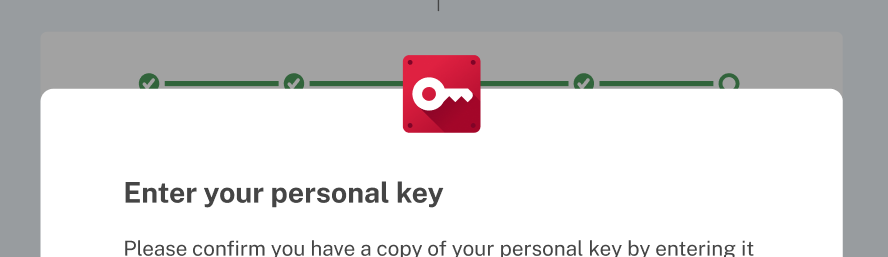
When I tested this, it looks like the icon is within the content, when I'd expect it should be half-outside.
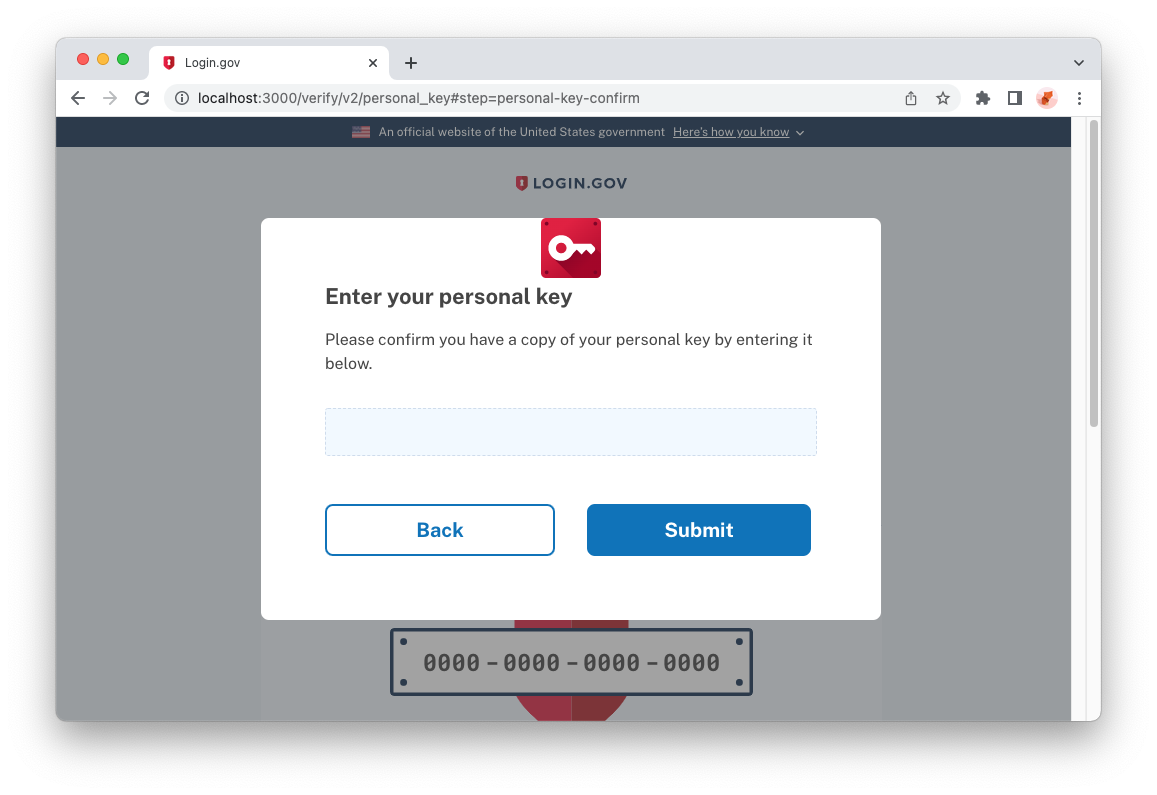
One option could be to add a position-relative class to the image, so that the top-neg-3 takes effect. Alternatively, we might be able to do a bit of flattening and class consolidation by adding everything to the top-level div:
| <div className="pin-top pin-x"> | |
| <div className="display-flex flex-column flex-align-center"> | |
| <img | |
| className="top-neg-3" | |
| alt="" | |
| height="60" | |
| width="60" | |
| src={getAssetPath('p-key.svg')} | |
| /> | |
| </div> | |
| </div> | |
| <div className="pin-top pin-x top-neg-3 display-flex flex-column flex-align-center"> | |
| <img alt="" height="60" width="60" src={getAssetPath('p-key.svg')} /> | |
| </div> |
There was a problem hiding this comment.
For some reason I thought position absolute didn't work with flex but it seems I was wrong! Flattening it def makes more sense then, no reason for an extra div.

2 participants


LG-6159: Add and place images in Personal Key step
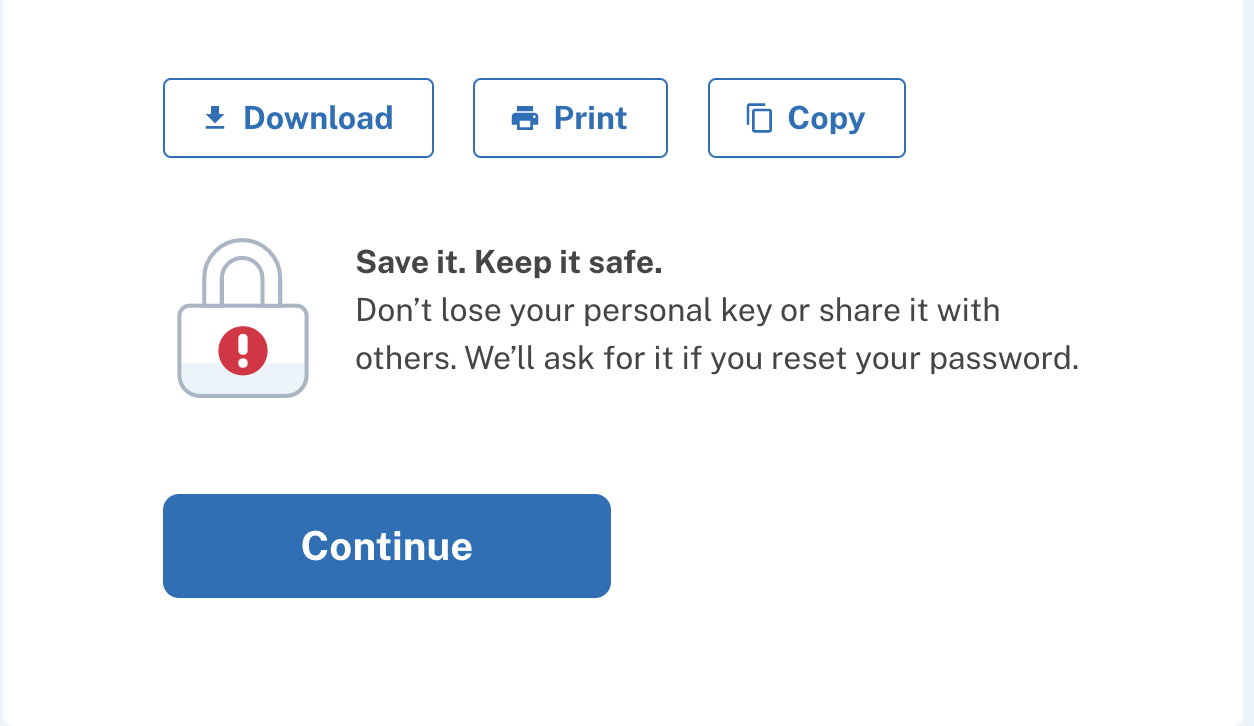
Why: Image assets need to be incorporated into personal key step in order for that step to have the same look/feel as the original
Testing Instructions
idv_api_enabled: "true"inlocal config/application.ymlNote: One thing that differs from the original implementation, the image at the top of the modal was a background image included in the SCSS. Because we have to use getAssetPath to fetch the correct URL, the new implementation is accomplished by adding the image in the HTML
Screenshots